
Looks Way Sharper Now
I needed to upscale a Sora-generated ad to 4K for YouTube. VidMage made it super simple, just upload and click. The quality boost was huge, and the final video looked much more professional.
VidMage makes your Sora 2 videos sharper, smoother, and clearer. Just upload your clip and hit start. It's the best way to fix blurry AI videos and get that clean, professional look.
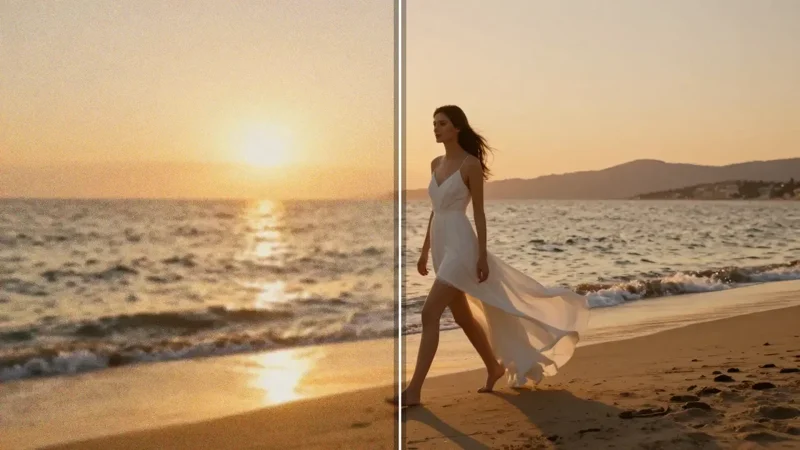
VidMage makes Sora videos look better in all kinds of moments. Whether you're sharing online, editing clips, or presenting to others, this tool helps your videos shine with better quality.
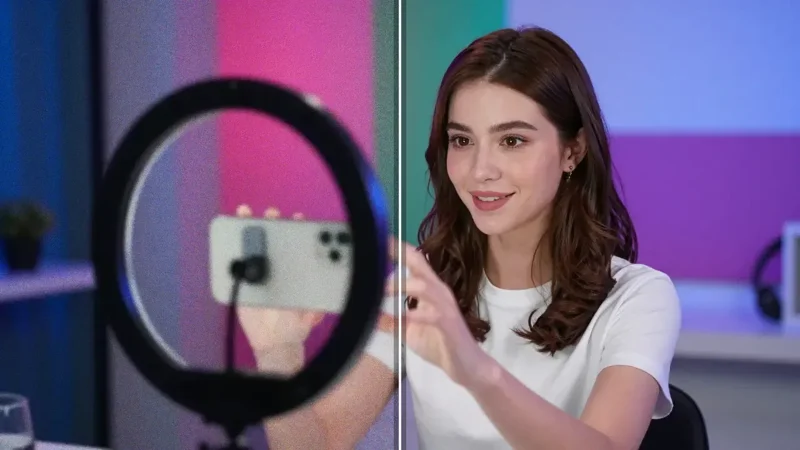
Make your Sora videos pop on TikTok, YouTube, or Instagram. VidMage helps you enhance sharpness and clarity so your AI clips look more professional and get more likes, views, and shares.
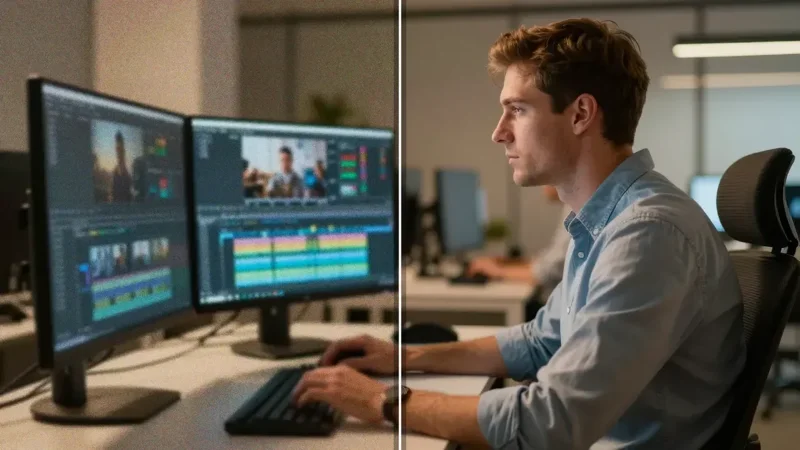
Don't let low-quality clips slow down your editing. Use VidMage to clean up Sora footage before adding it to your project. Your timeline will look sharper, cleaner, and more polished.
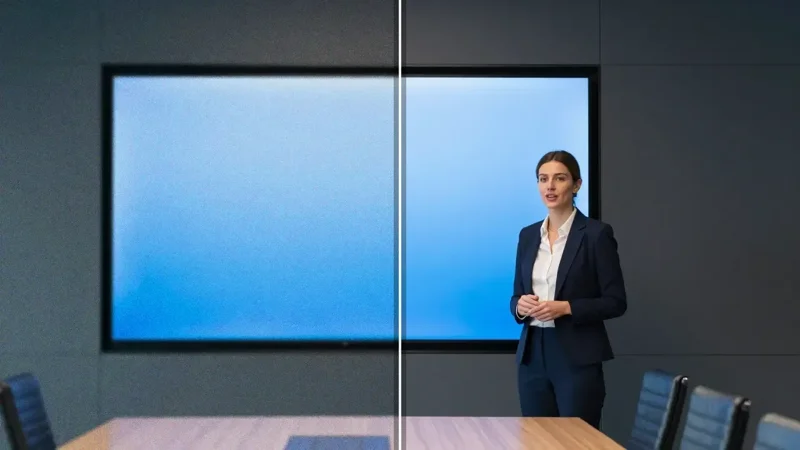
Need to show your Sora 2 video in a pitch or meeting? Use VidMage to upscale and enhance it. Your client will see clearer details, smoother motion, and a more polished, professional result.
It only takes a few steps to make your Sora video look clearer, smoother, and more professional. No editing skills needed.
Pick the Sora video you want to improve. You can upload MP4, MOV, or M4V files. Make sure it's under the size limit. Drag and drop or click to choose from your computer.
Select 2x for a quick upgrade or 4x for the highest quality. VidMage supports up to 8K resolution. Pick what works best for your project or screen size.
Hit the "Start Enhancing" button. VidMage will process your video in the cloud. Most clips take just a few minutes. You can watch the progress while you wait.
Once it's ready, download your enhanced video. Use it for social posts, editing projects, or client work. It's your original video—just way better.
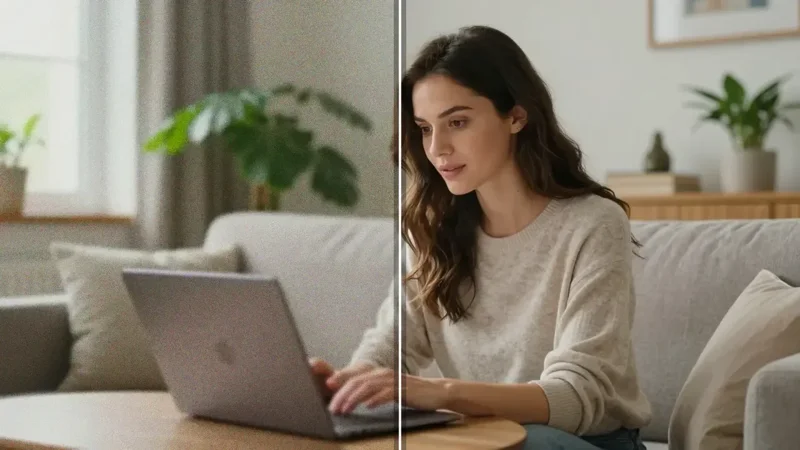
VidMage helps you fix the most common problems in Sora videos. From low resolution to fuzzy motion, each feature is built to make your video cleaner, sharper, and easier to share.
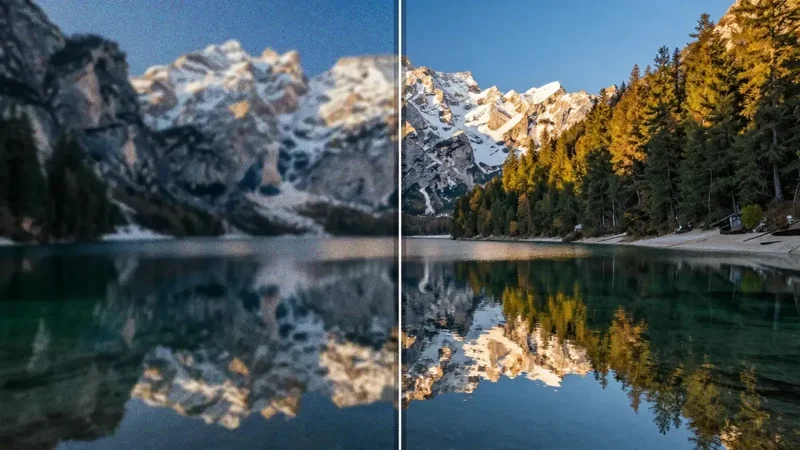
Sora videos often look soft or pixelated, especially on big screens. VidMage lets you upscale them up to 8K with smart AI. Whether you need 2x or 4x resolution, just choose and click. Perfect for improving detail in full-screen demos, YouTube uploads, or HD video edits. No manual settings, no extra tools—VidMage does all the work for you.
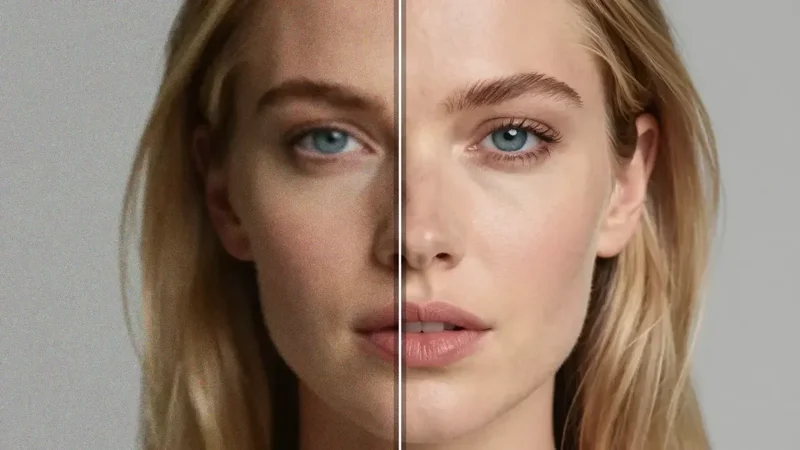
Some Sora clips look cool but lack crisp edges or clear details. VidMage enhances sharpness without messing up the original look. Faces stay natural. Motion stays smooth. You get more focus, better outlines, and cleaner scenes. Great for AI-generated stories, close-up shots, or character-driven scenes where clarity matters.
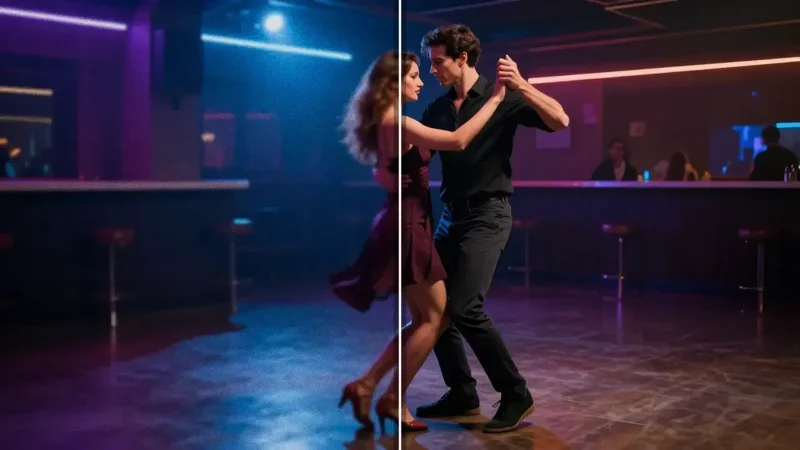
AI videos often come with flickering spots, color dots, or strange textures. VidMage removes these automatically. It smooths out noise while keeping real details. This means fewer distractions and more focus on what matters. Whether your scene is dark, detailed, or moving fast, your final video will look much cleaner.
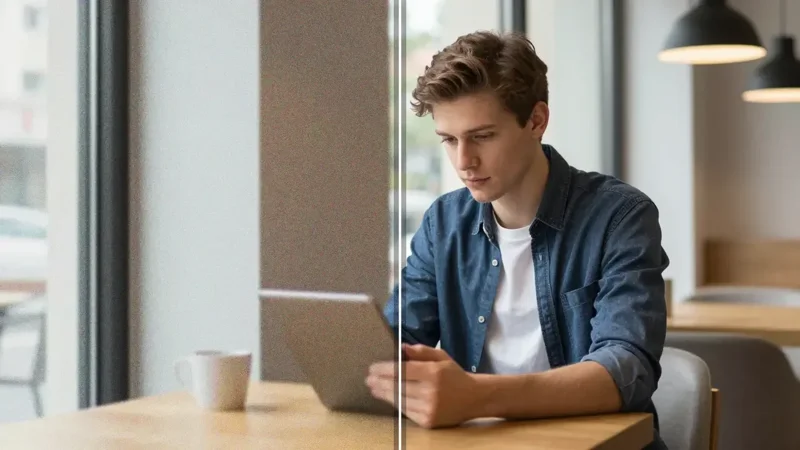
You don't need to install anything or learn complex editing tools. Just upload your Sora 2 video to VidMage and hit enhance. It runs fully in your browser. It's fast, secure, and simple to use. Whether you're on a Mac, PC, or even tablet, you can enhance anywhere, anytime. Great for quick turnarounds and remote teams.
I needed to upscale a Sora-generated ad to 4K for YouTube. VidMage made it super simple, just upload and click. The quality boost was huge, and the final video looked much more professional.
My Sora clip had weird flickers and grain, especially in dark scenes. VidMage cleaned it up in minutes. The motion is smoother now and feels way more polished. Definitely my go-to enhancer for AI videos.
I used VidMage to enhance a 720p Sora 2 video I made for a client. The edges looked soft before, but after enhancing, it's clean and crisp—even on a big screen. Loved how fast and easy it was!
Upscale and enhance video quality with AI - remove blur, noise, and restore details.
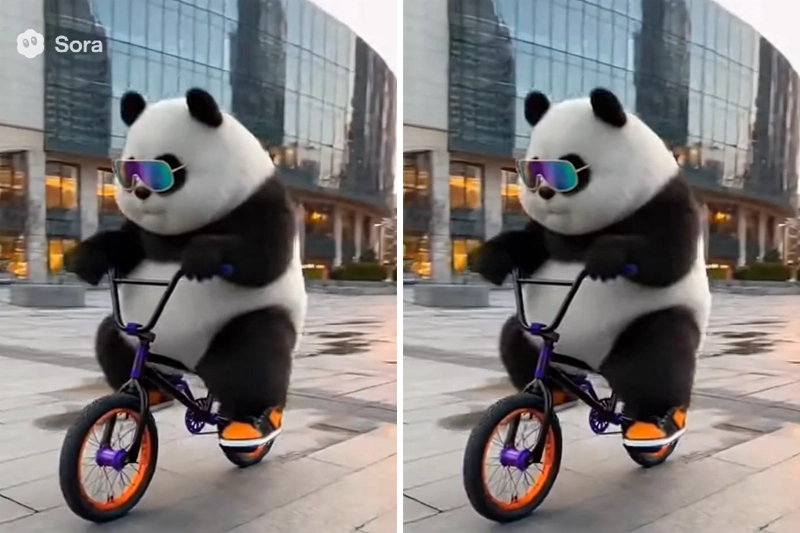
Automatically remove watermarks from videos with AI - no manual selection needed.
Generate stunning AI videos from text prompts and optional reference images.
Unleash your creativity—swap faces easily with VidMage AI. Create fun, seamless, and realistic results. Start for free and bring your ideas to life!