

Reuse photos when footage is missing
A product launch may have approved photos but no opening footage. Image to Video adds camera or subject motion to a still, giving your editor another shot to place beside the filmed demonstration.
See how creators, marketers, stores, and production teams use VidMage to fill a missing shot, explain an idea, or prepare campaign visuals. Choose your role for specific scenarios, tools, and steps.
Find ideas for your work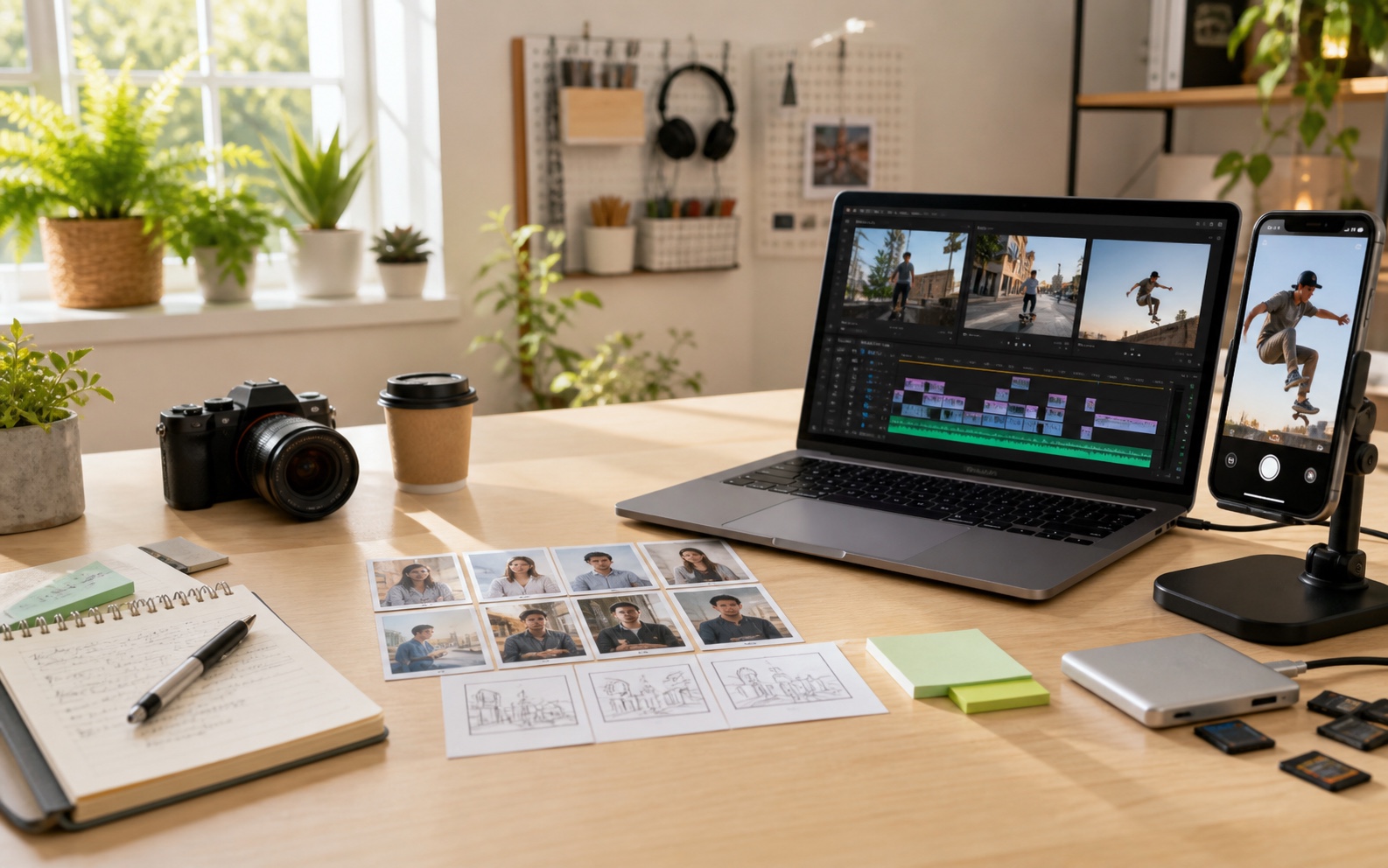
Each guide explains who needs the asset, what to prepare, how VidMage helps, and where the result belongs in your project.
Fill gaps in a short edit: bridge two cuts, animate a location photo, or improve a soft insert.
Explore ideas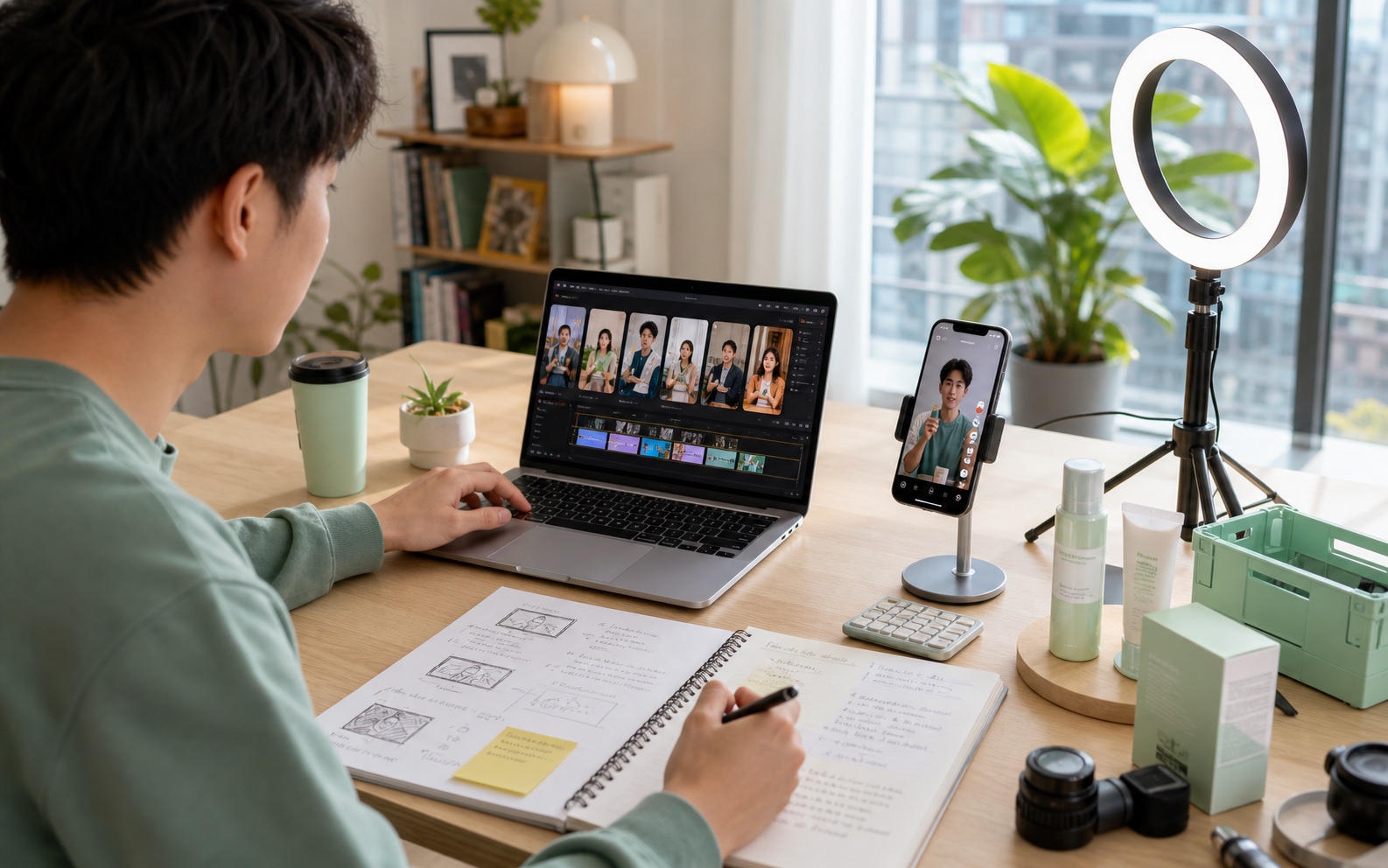
Build posts around comment replies, product routines, style votes, and audience motion requests.
Explore ideas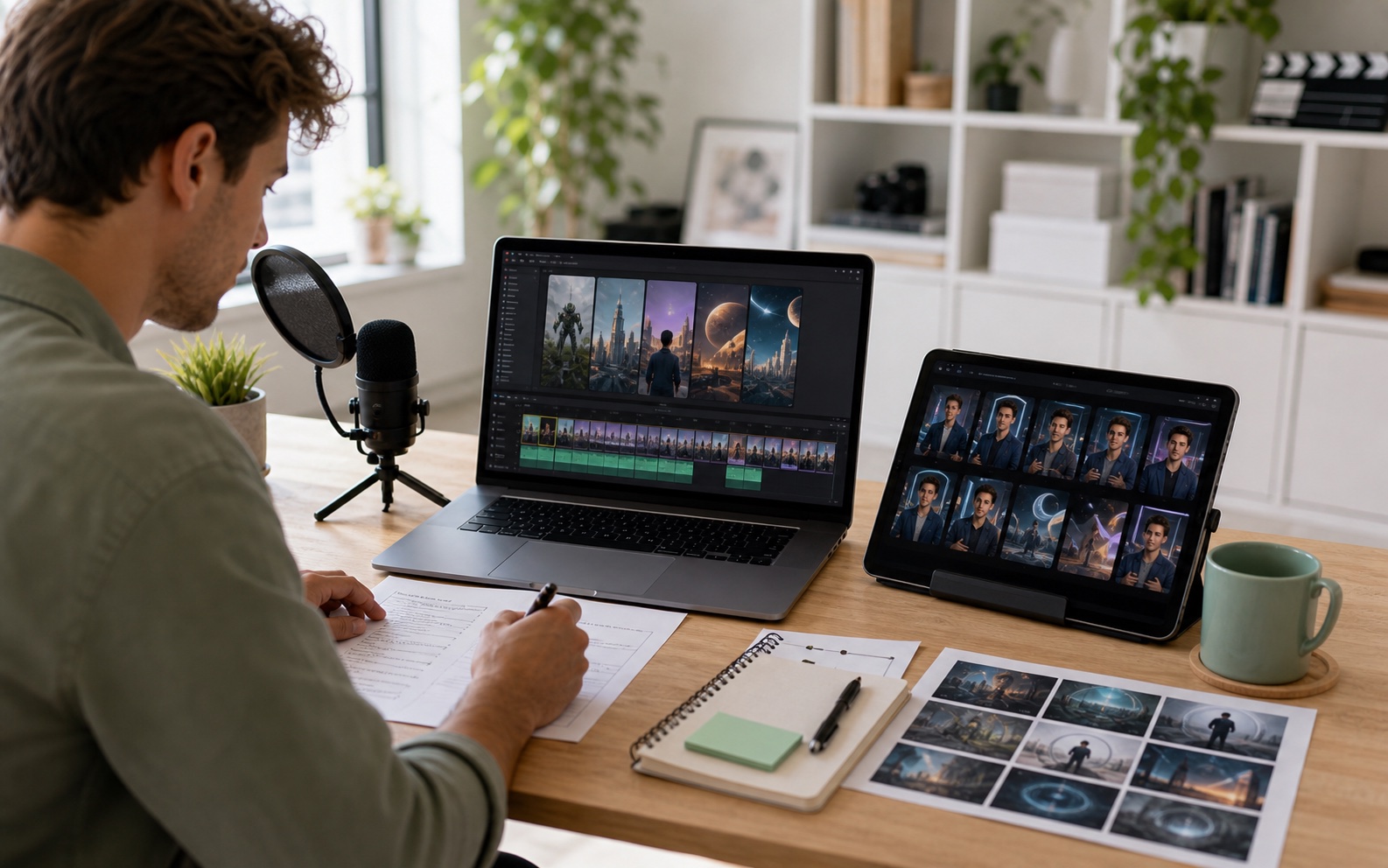
Plan the opening question, explain a comparison, and adapt a longer tutorial into a focused Short.
Explore ideas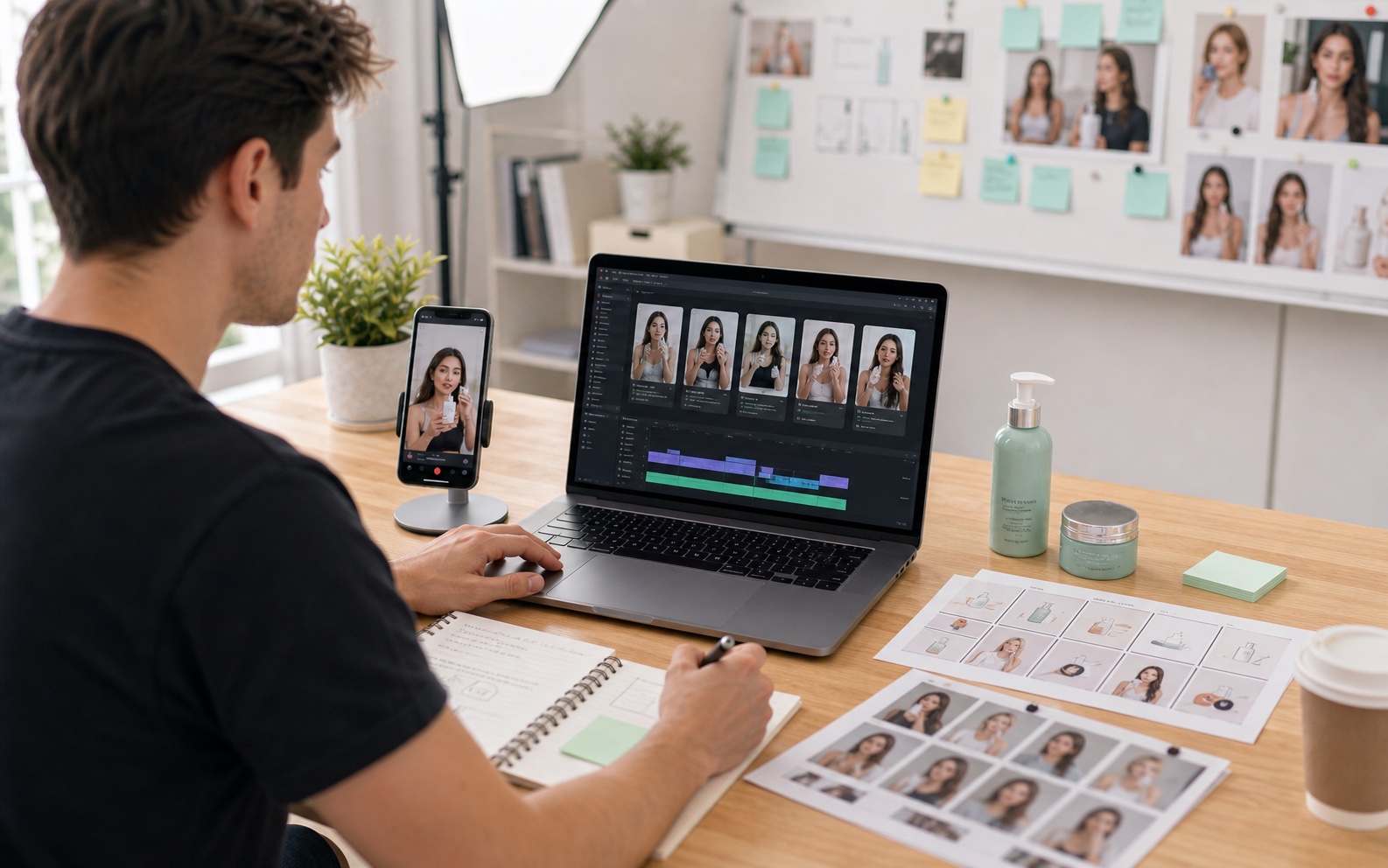
Develop ad openings and supporting shots that fit the creator footage, approved claims, and client review.
Explore ideas
Prepare demo openings, guide chapter art, launch emails, and founder updates from a small asset library.
Explore ideas
Prepare SKU launch clips, collection visuals, layout backgrounds, and cleaned product photos.
Explore ideas
Turn a text premise into a visual joke, time a reaction, or build a two-panel contrast.
Explore ideas
Turn a client brief into reviewable options, handle scoped revisions, and package approved files.
Explore ideas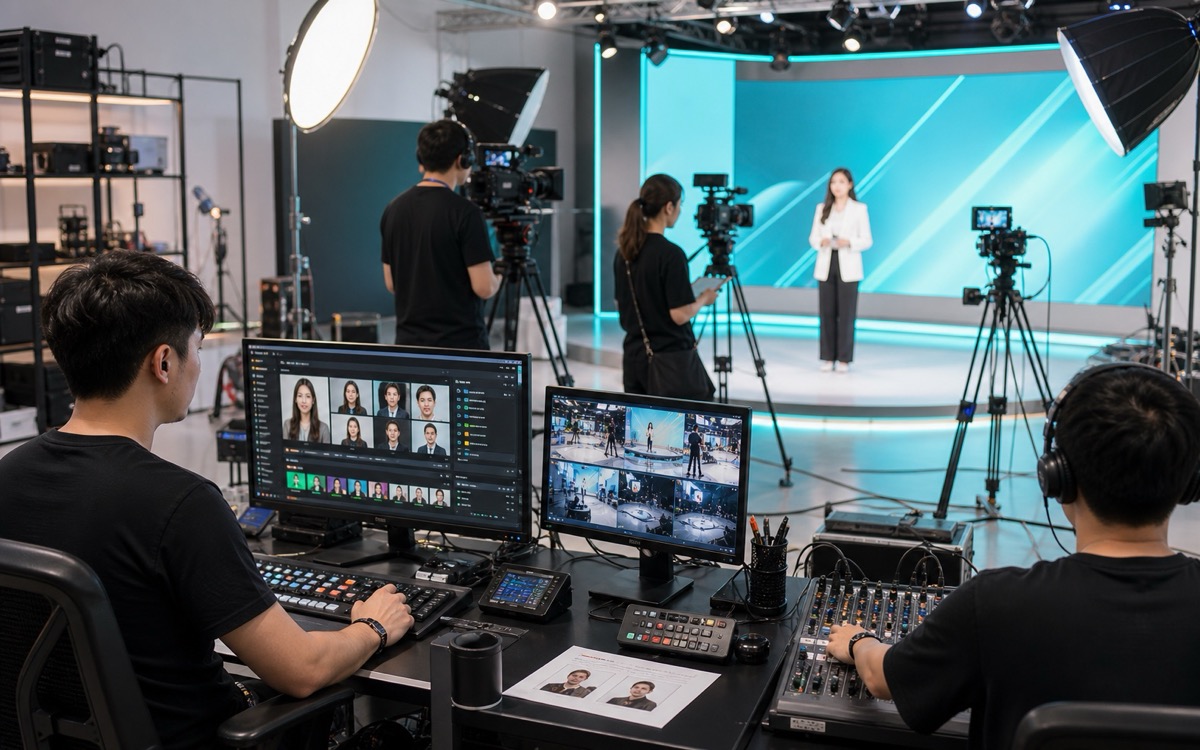
Prepare countdown footage, break screens, segment transitions, and graphics for a scheduled broadcast.
Explore ideas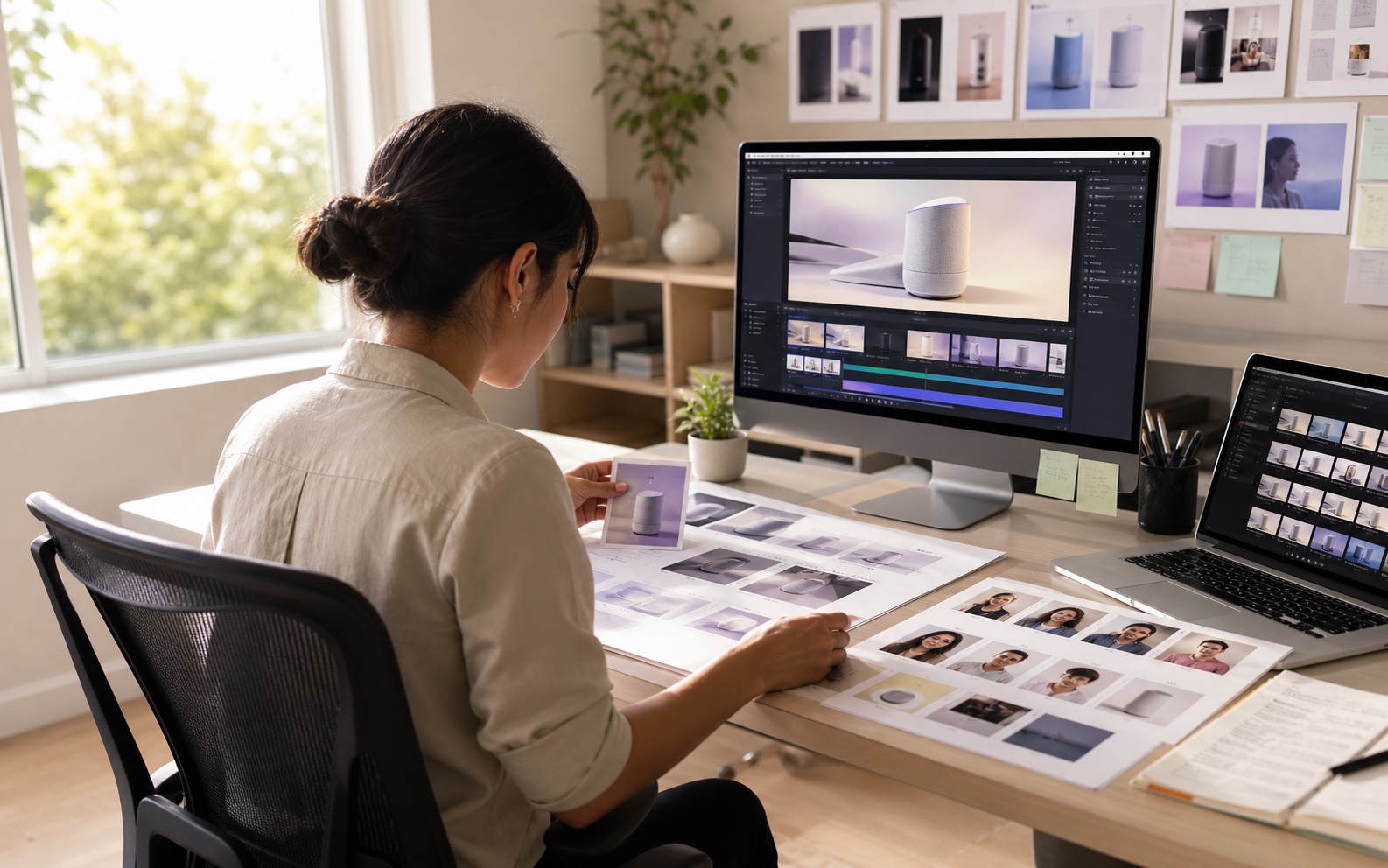
Explain a product problem, frame a launch message, and prepare visuals around verified demos and screens.
Explore ideas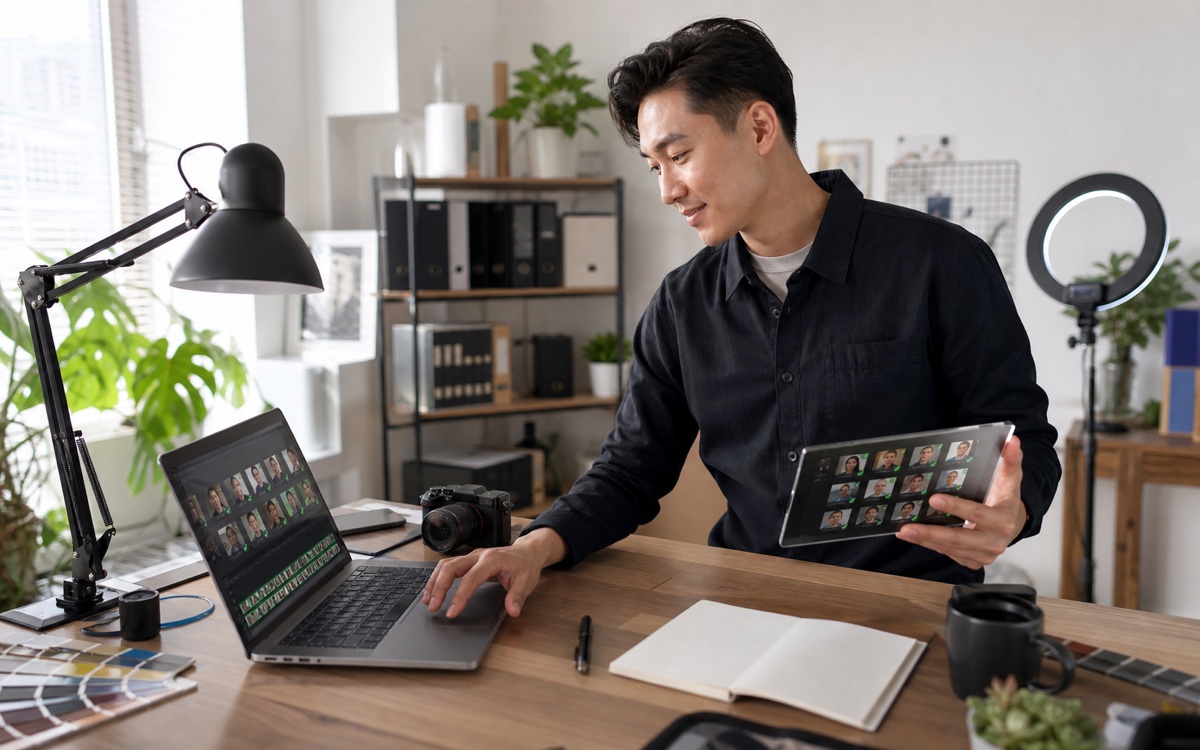
Visualize a treatment, test shot direction, and prepare references for a pitch or production handoff.
Explore ideas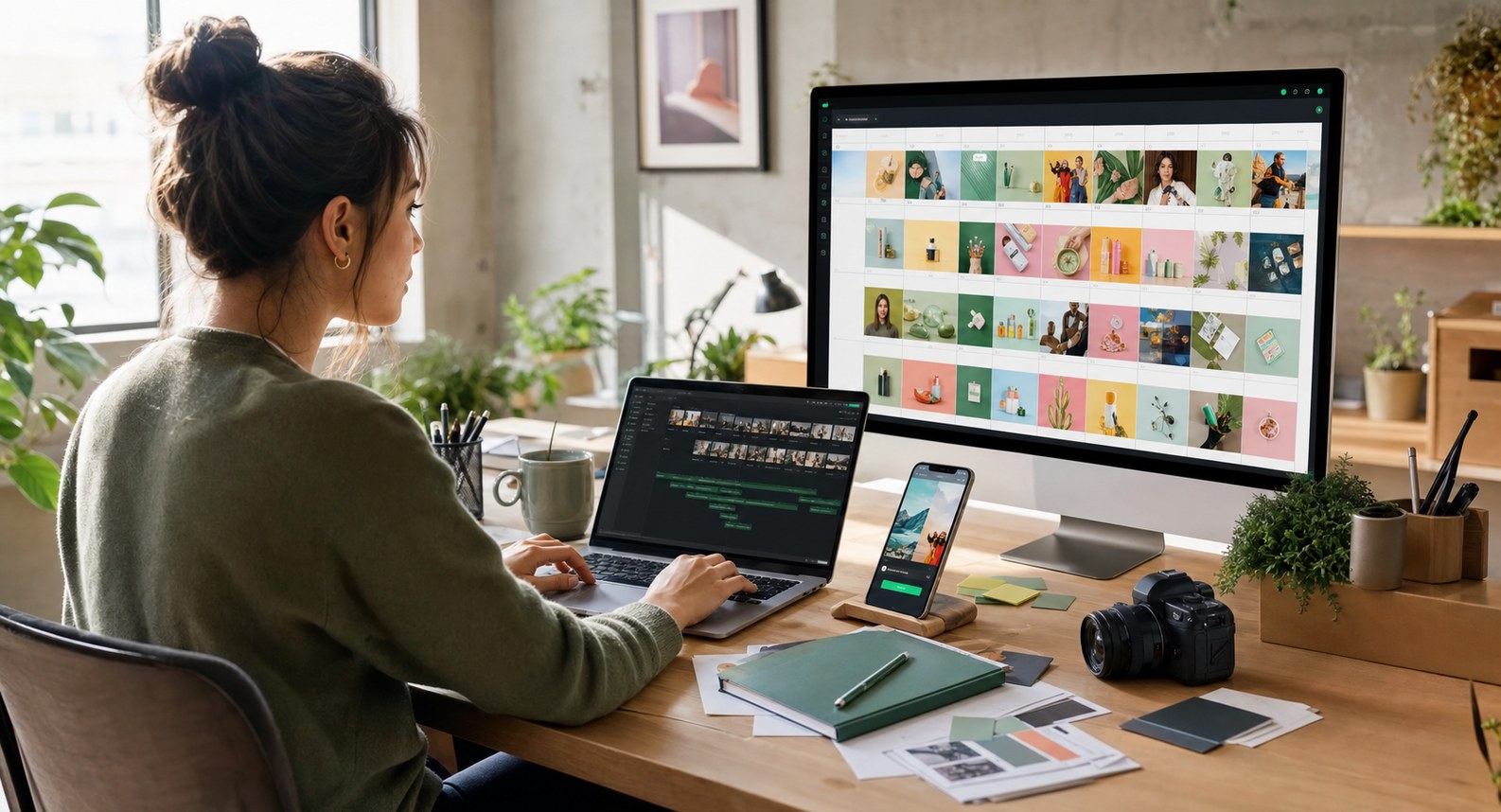
Fill a content calendar with channel-specific assets, campaign variations, and files ready for approval.
Explore ideas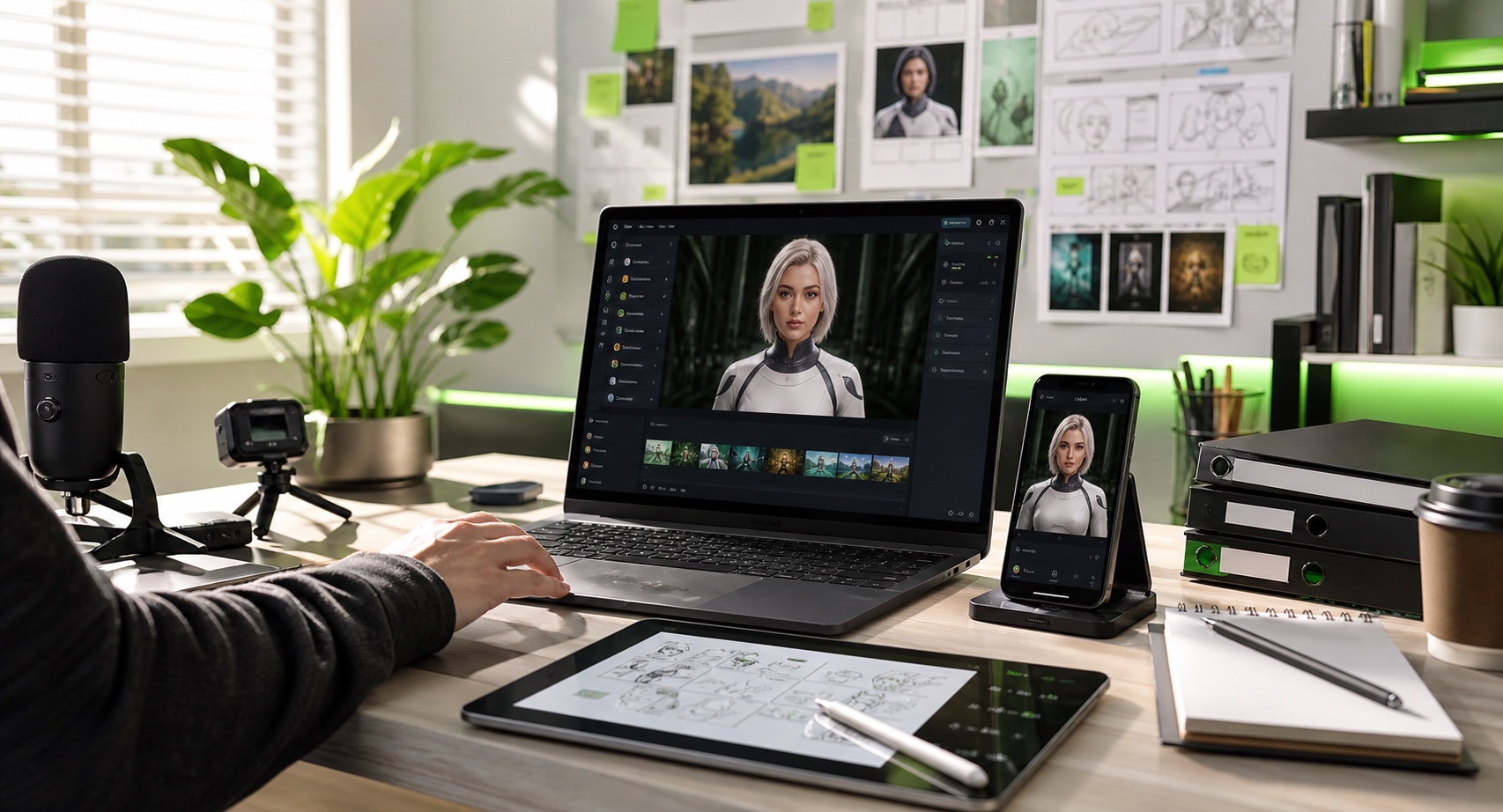
Match visuals to narration timestamps, carry a setting across scenes, and develop recurring visual motifs.
Explore ideas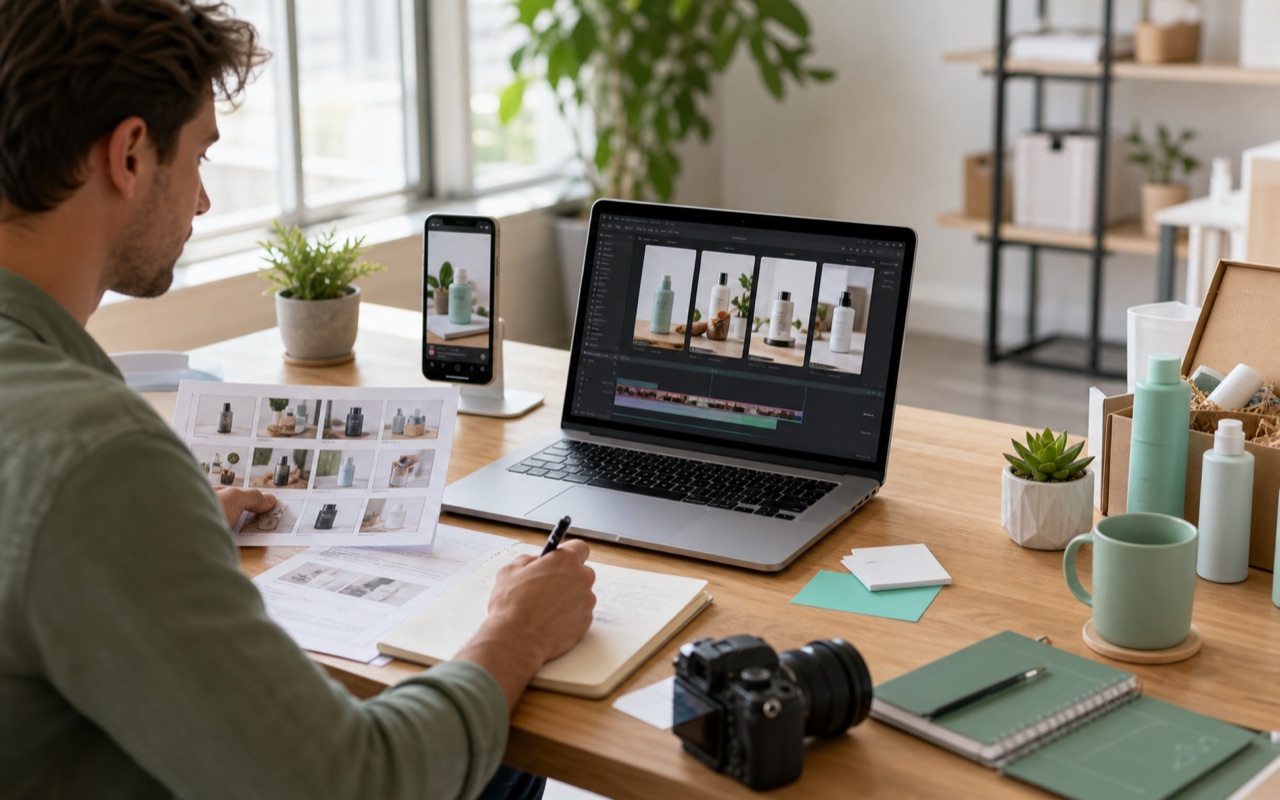
Illustrate buyer questions and comparisons while keeping product evidence and affiliate disclosures visible.
Explore ideas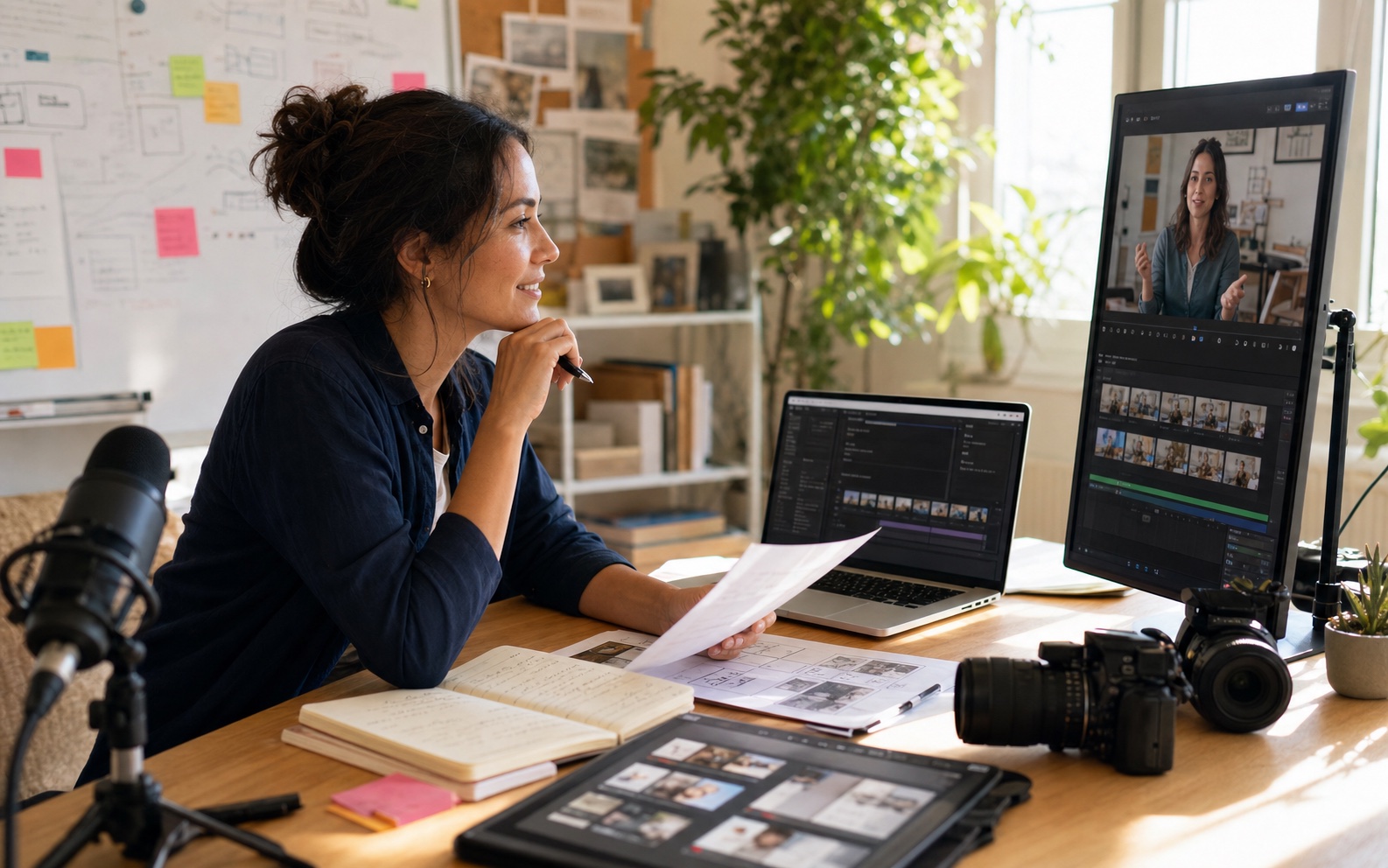
Illustrate a lesson question, compare examples, and prepare teaching visuals around a clear learning objective.
Explore ideasCreate new shots, reuse existing photos, and prepare individual assets for your production workflow.
A product launch may have approved photos but no opening footage. Image to Video adds camera or subject motion to a still, giving your editor another shot to place beside the filmed demonstration.
An educator may need an imagined city; a studio may need a camera-move reference. Describe the scene in Text to Video to create an illustration or test a shot before arranging a shoot.
A launch needs more than a video. Generate cover artwork, post backgrounds, and moodboard images from the same brief. Add approved logos, exact product labels, and final text in your design app.
VidMage brings video and image model options into one directory. Check the inputs, aspect ratios, and duration settings for your task, then compare results using the same subject and action.
For a dance request or character gesture, a reference clip can show the timing more clearly than a long prompt. Motion Control pairs that clip with a photo to guide the movement.
Remove a distracting prop with Object Remover, enlarge an illustration with Image Upscaler, or try Video Enhancer on a soft clip. Review edges, textures, and product details before replacing the original in your edit.
A written idea and a finished photo call for different starting points. Pick the tool that fits yours.
Start with a scene idea. Describe the subject, action, and camera direction to explore a new clip.
Create a VideoStart with a photo or illustration. Describe the movement you want to explore, then review the resulting clip.
Animate an ImageCreate a standalone visual, cover concept, or starting image for a video from a written description.
Create an ImageUse an existing image as a starting point for a new style, scene, or visual direction.
Transform an ImageChoose the page for your current task. UGC Ad Editors covers paid ad assets and client approval. TikTok Creators focuses on audience-led posts. Ecommerce Operators covers product listings and collection launches. The guides name the required source material, tool, and deliverable.
Write down where the clip will appear, what it must show, and which details must stay accurate. Bring an approved photo for Image to Video, or describe the subject, setting, and action for Text to Video. Keep each request focused on one shot.
Yes. AI Image Generator can produce cover artwork, lesson illustrations, campaign backgrounds, and moodboard images. Image to Image starts from an existing picture. Add final headlines, logos, prices, and other exact text in your design app.
The guides use downloaded image and video files. Import a supported file into your video editor, design app, or broadcast software, then set its crop, timing, and placement. The pages do not depend on a direct integration or automatic publishing.
Yes. Keep the selected image or clip in your project files. Adapt the crop, captions, and timing in your editor for each placement. A product introduction can support a launch post, an email, and a follow-up video when the same asset fits the message.
Keep real footage for product performance, customer testimony, software behavior, and instructions where accuracy is essential. VidMage can help with supporting scenes, opening shots, backgrounds, and concepts. Each role guide explains which details to review and where original material is still needed.
Start with a scene prompt, a product photo, or an illustration. Choose a VidMage tool for the specific clip or image you need next.