Generate videos and images with the leading AI models — one workspace, one credit system, every model exposed through the same API and MCP tools.
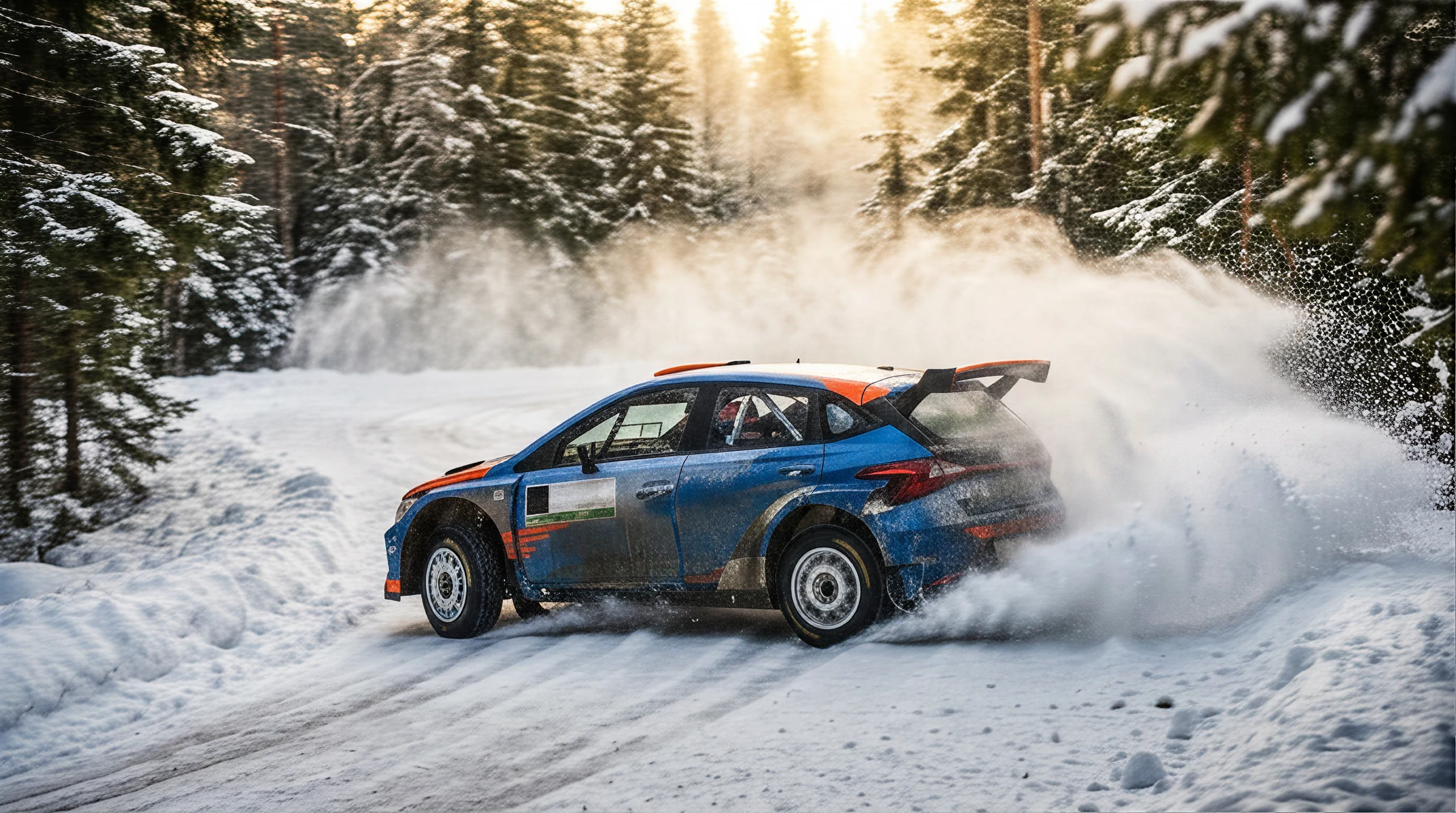
Create Kling AI videos from text, images, and references. Shape motion, camera direction, audio notes, aspect ratio, reference details, and consistency before generating.
Try Now →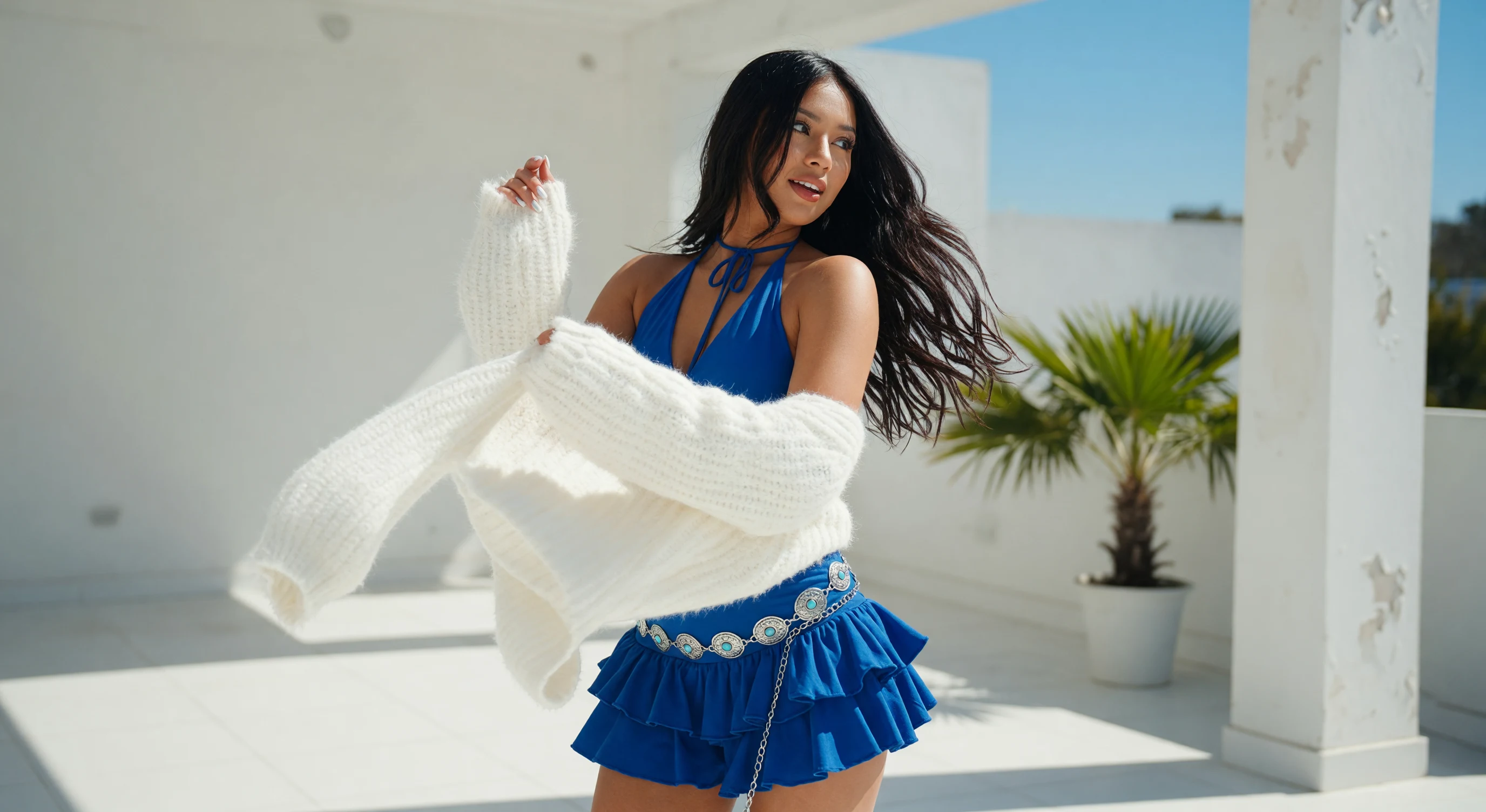
Create PixVerse AI videos from text to video or image to video — for social clips, stylized effects, product demos, and character continuity.
Try Now →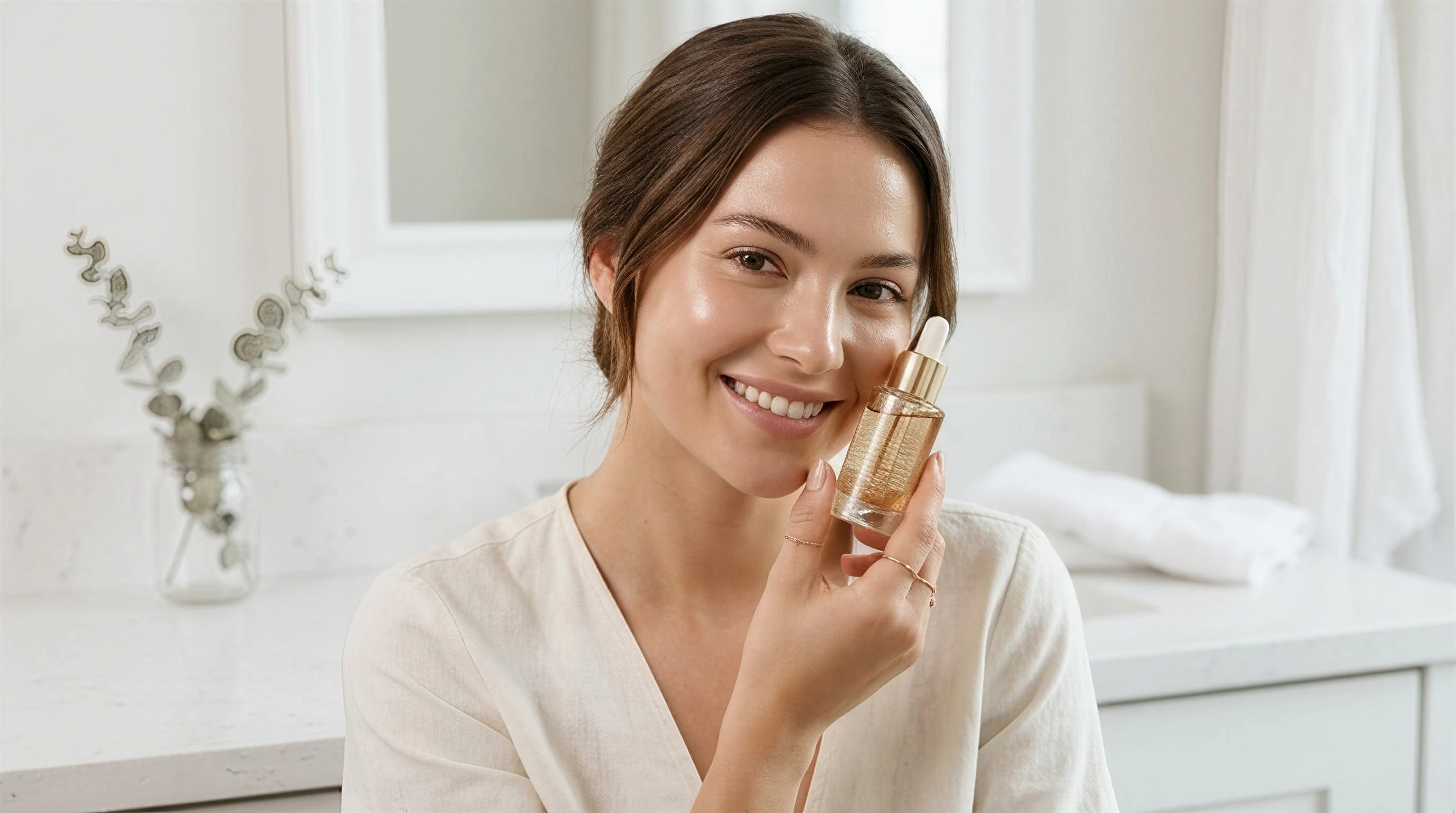
Create Hailuo AI videos from text prompts and reference images with cinematic motion, camera direction, aspect ratio control, and subject consistency.
Try Now →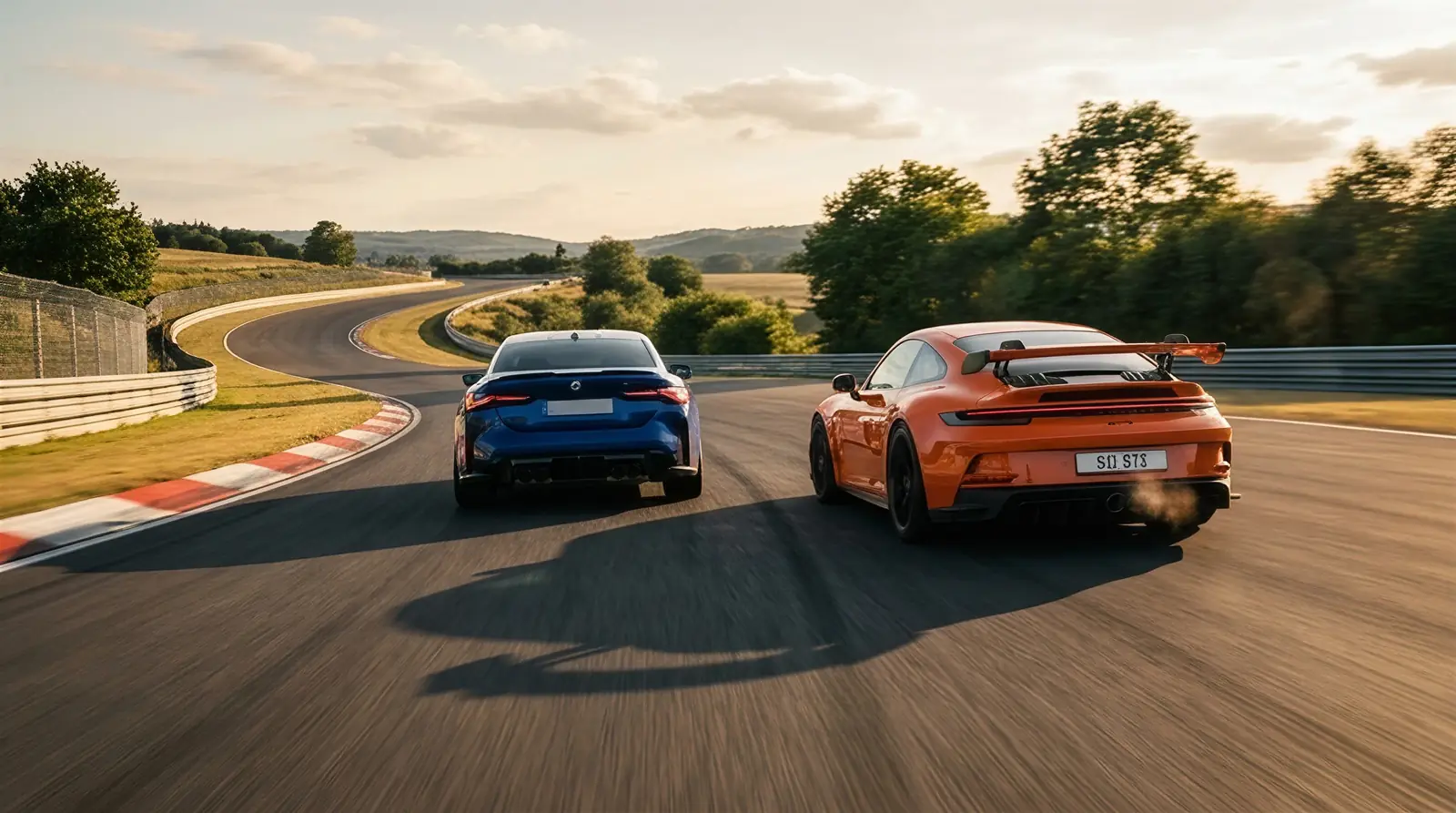
Create Grok Imagine videos from text or photos—built-in music, SFX, and dialogue, plus zoom, pan, time-lapse, aspect ratios, and variations.
Try Now →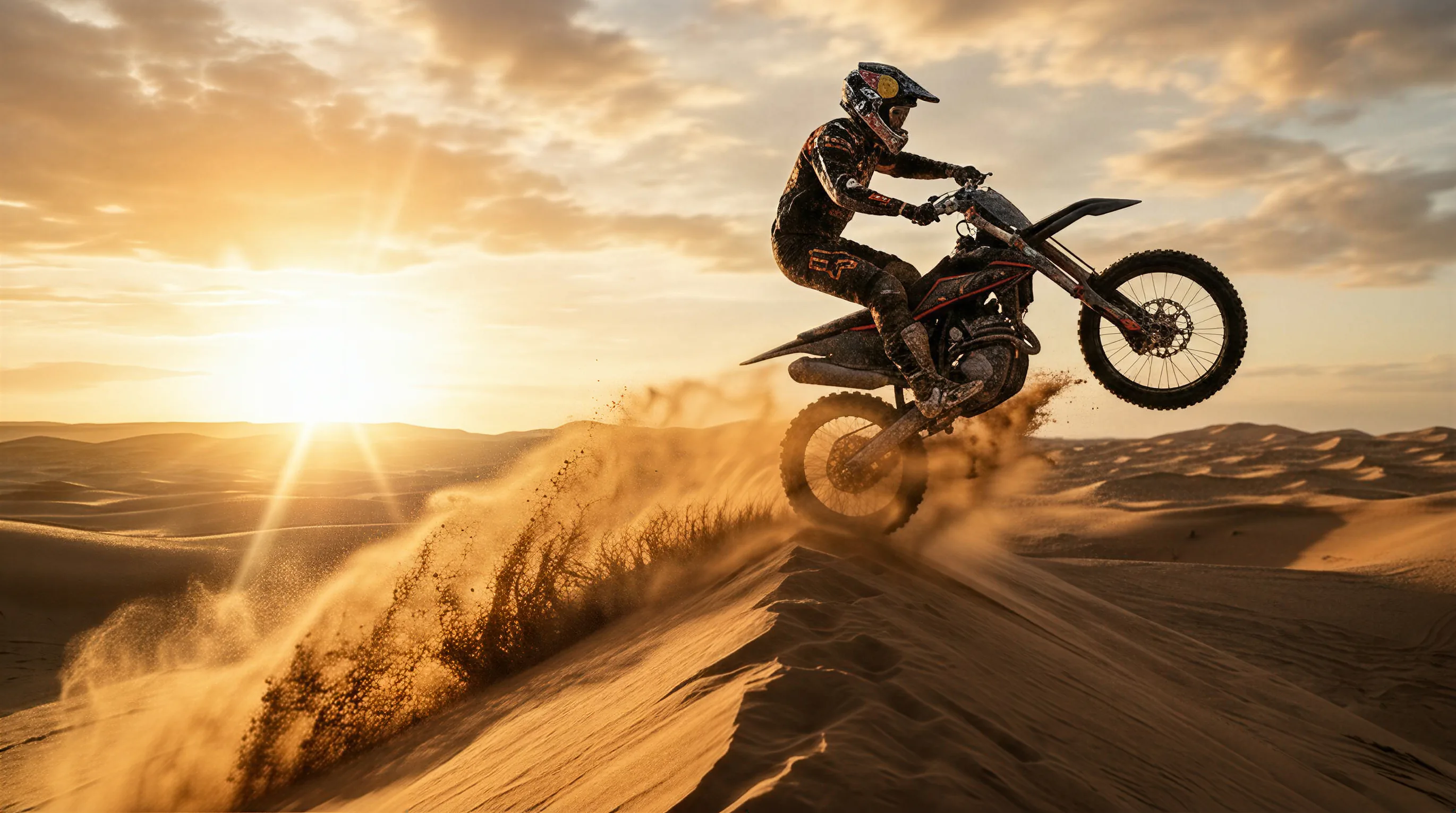
Create Sora 2 videos from text or a reference image — cinematic clips with synced audio, stronger physics, and social-ready aspect ratios.
Try Now →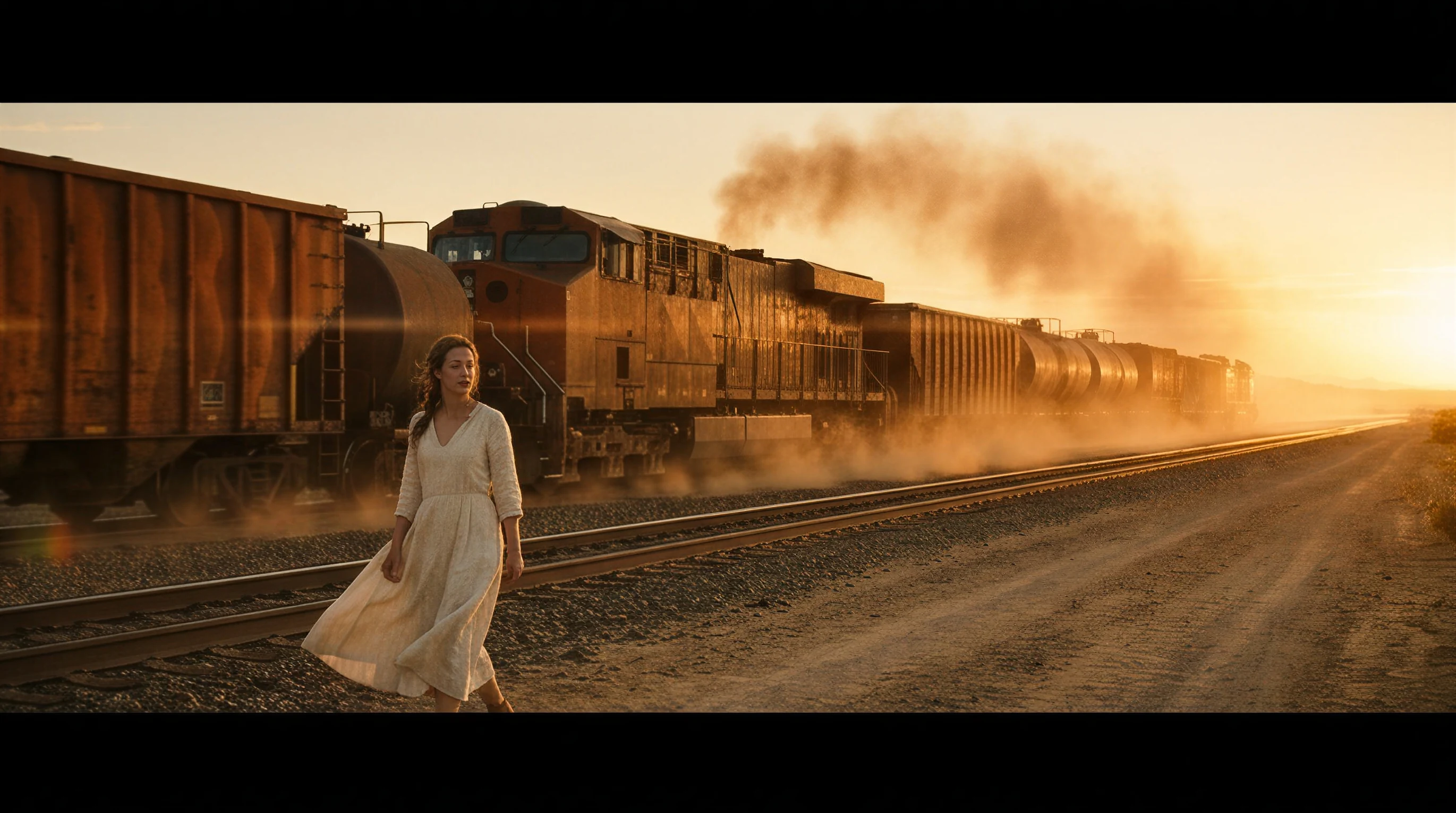
Create WAN AI videos from a text prompt or reference image — for product films, social clips, bilingual signage, open-weight pipelines, and multi-shot storyboards.
Try Now →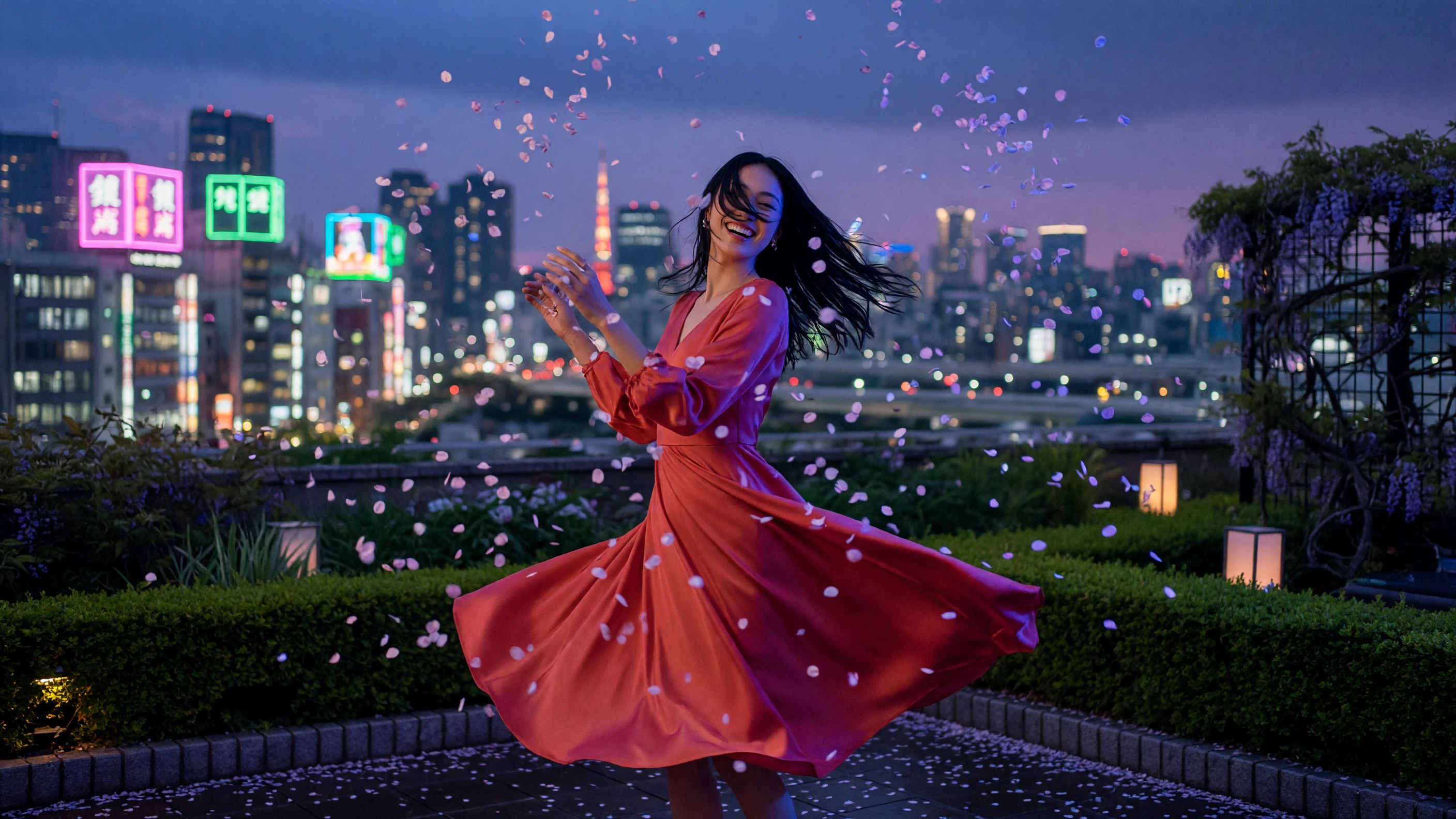
Create Seedance 2.0 videos from text to video or image to video — for synced dialogue, reference-led motion, multi-scene ads, and product films.
Try Now →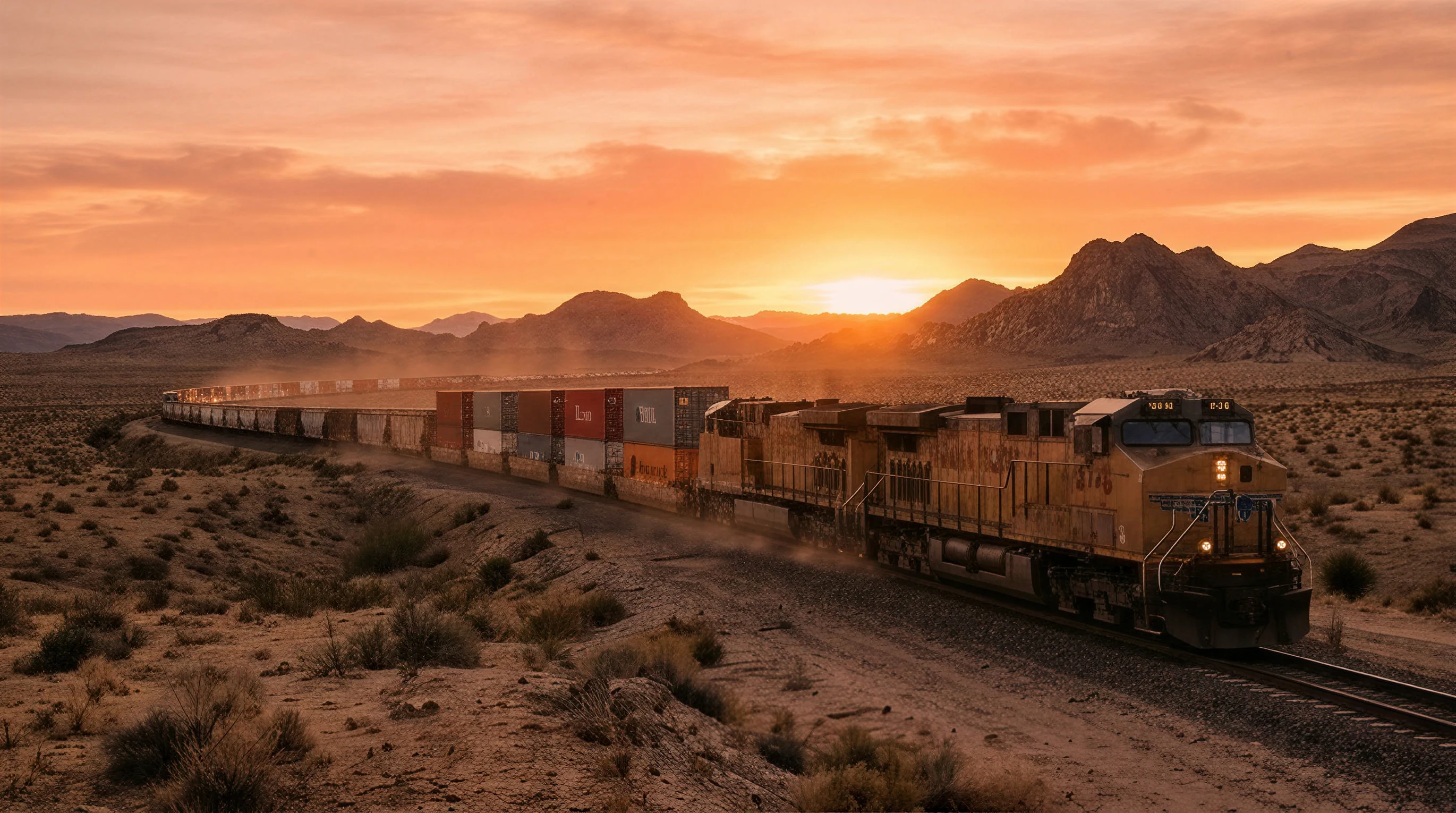
Create Seedance videos from text to video or image to video — for multi-shot stories, stable motion, product films, and portrait animation.
Try Now →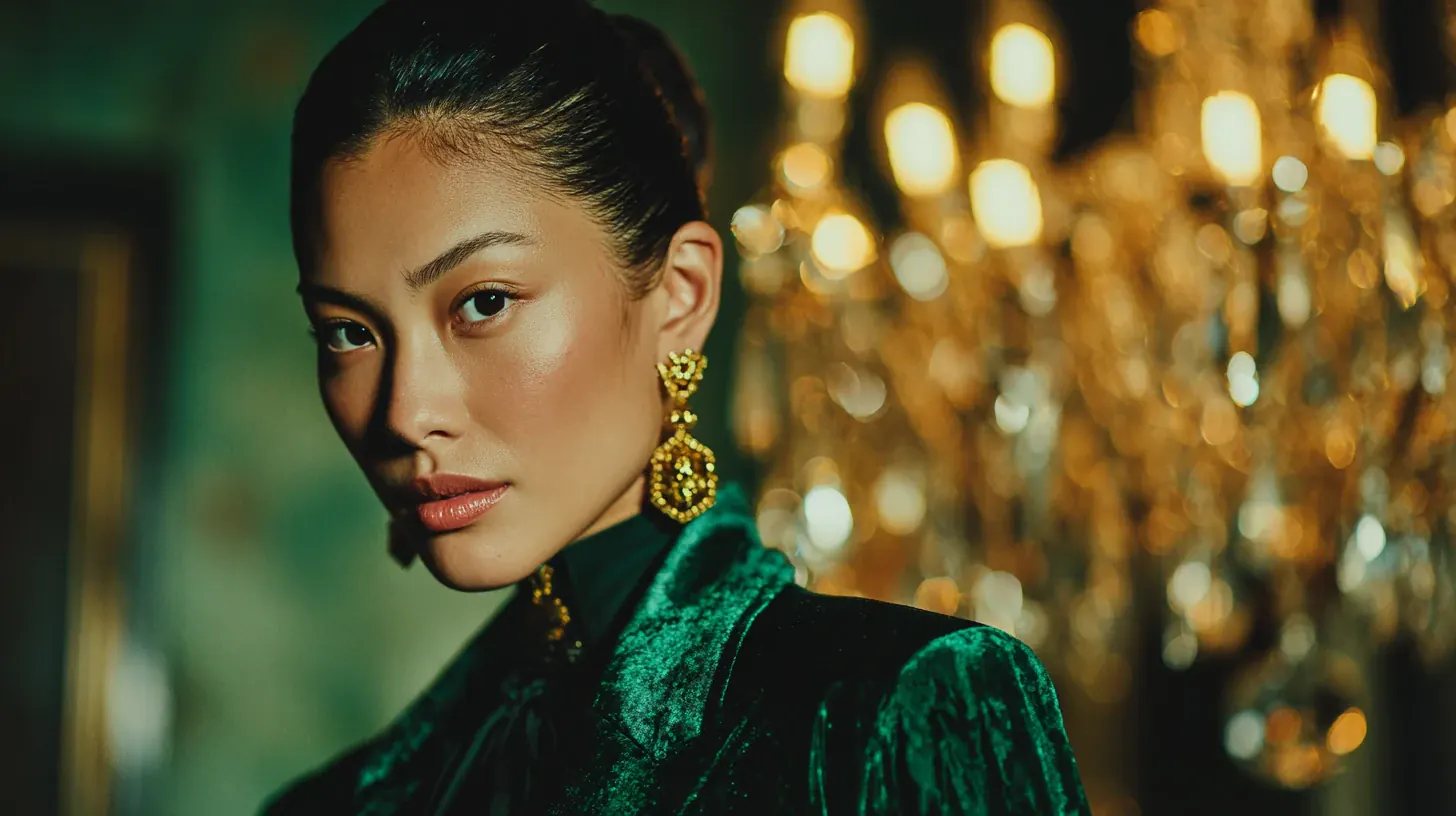
Create Midjourney videos from text to video or image to video — for still-frame animation, automatic and manual motion, extend beats, and social loops.
Try Now →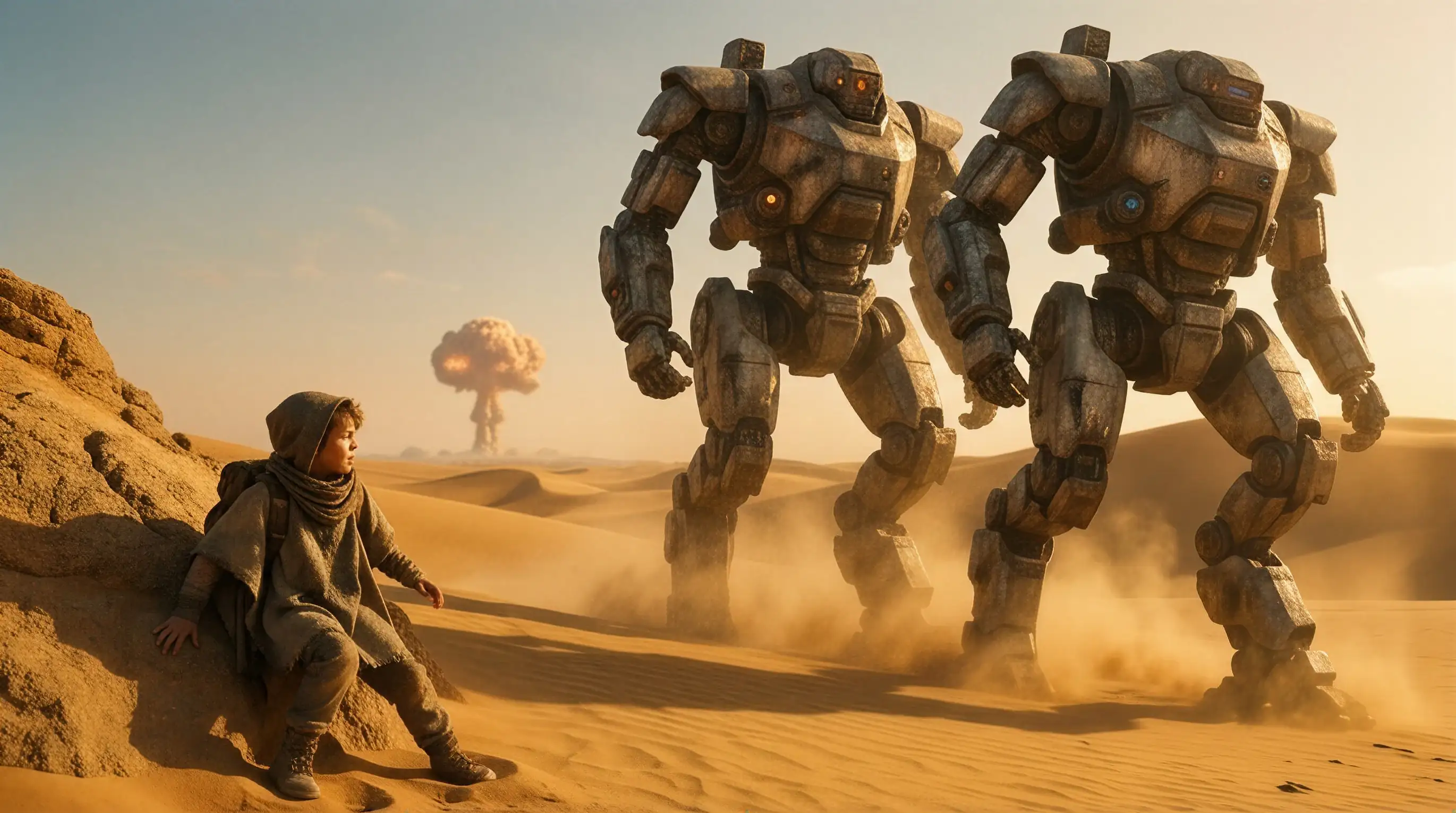
Create Vidu AI videos from text to video or image to video — for anime clips, multi-reference consistency, beat-matched shots, and native audio.
Try Now →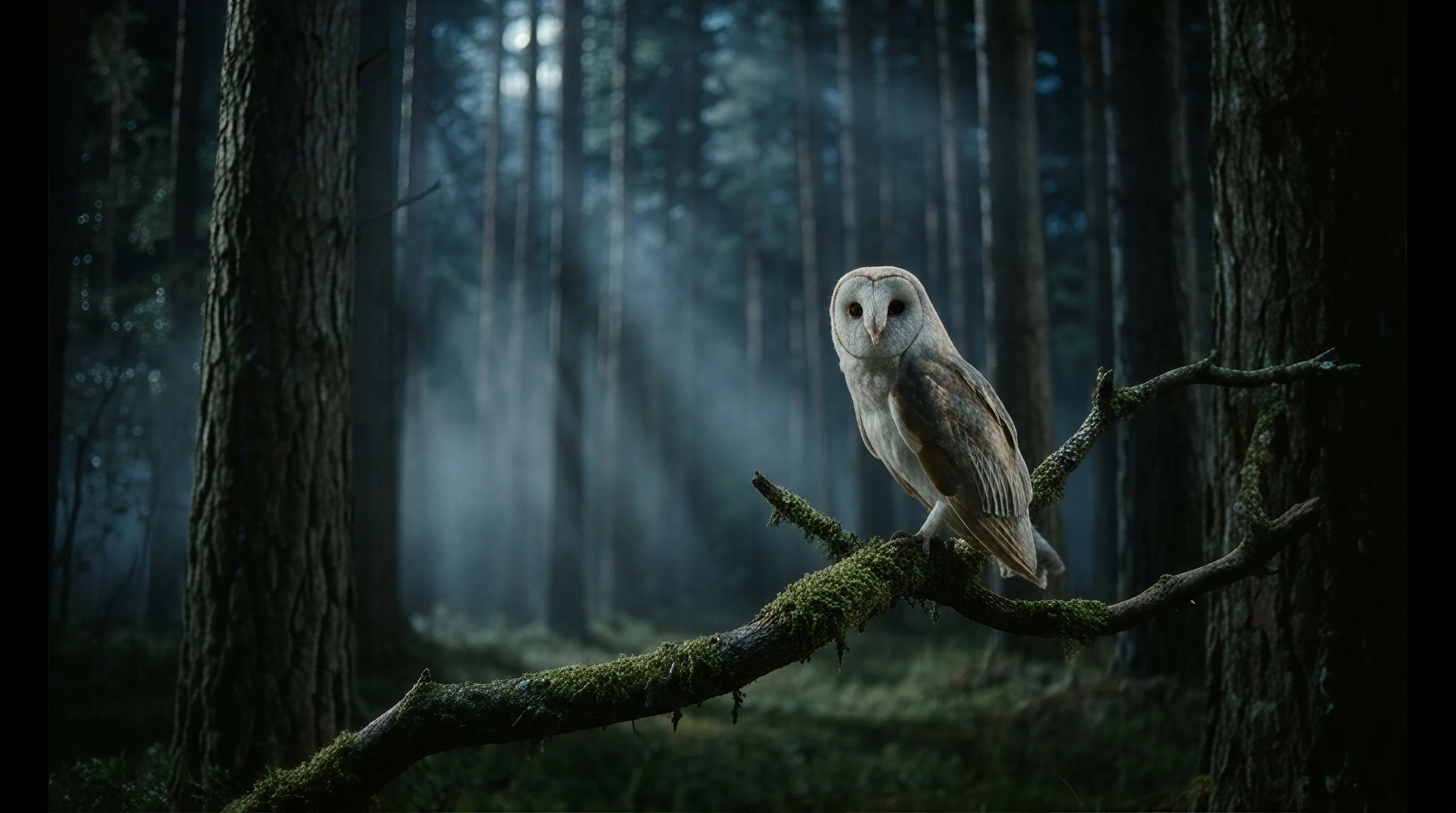
Create Veo 3.1 videos from text to video or image to video — for cinematic ads, ingredient films, native audio, and 4K brand films.
Try Now →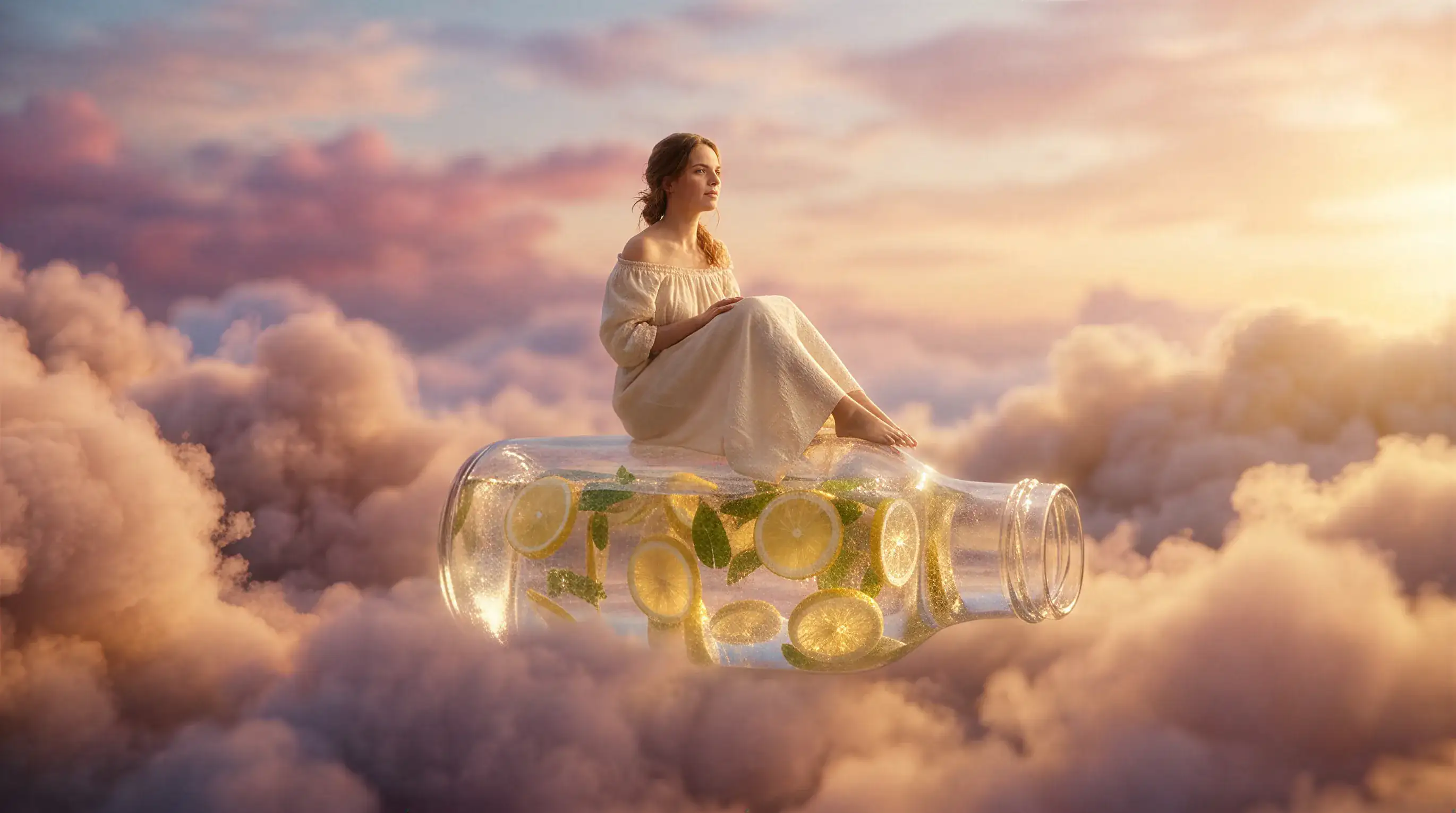
Create Kling 3.0 videos from text to video or image to video — for multi-shot sequences, native audio, motion control, and reference-led consistency.
Try Now →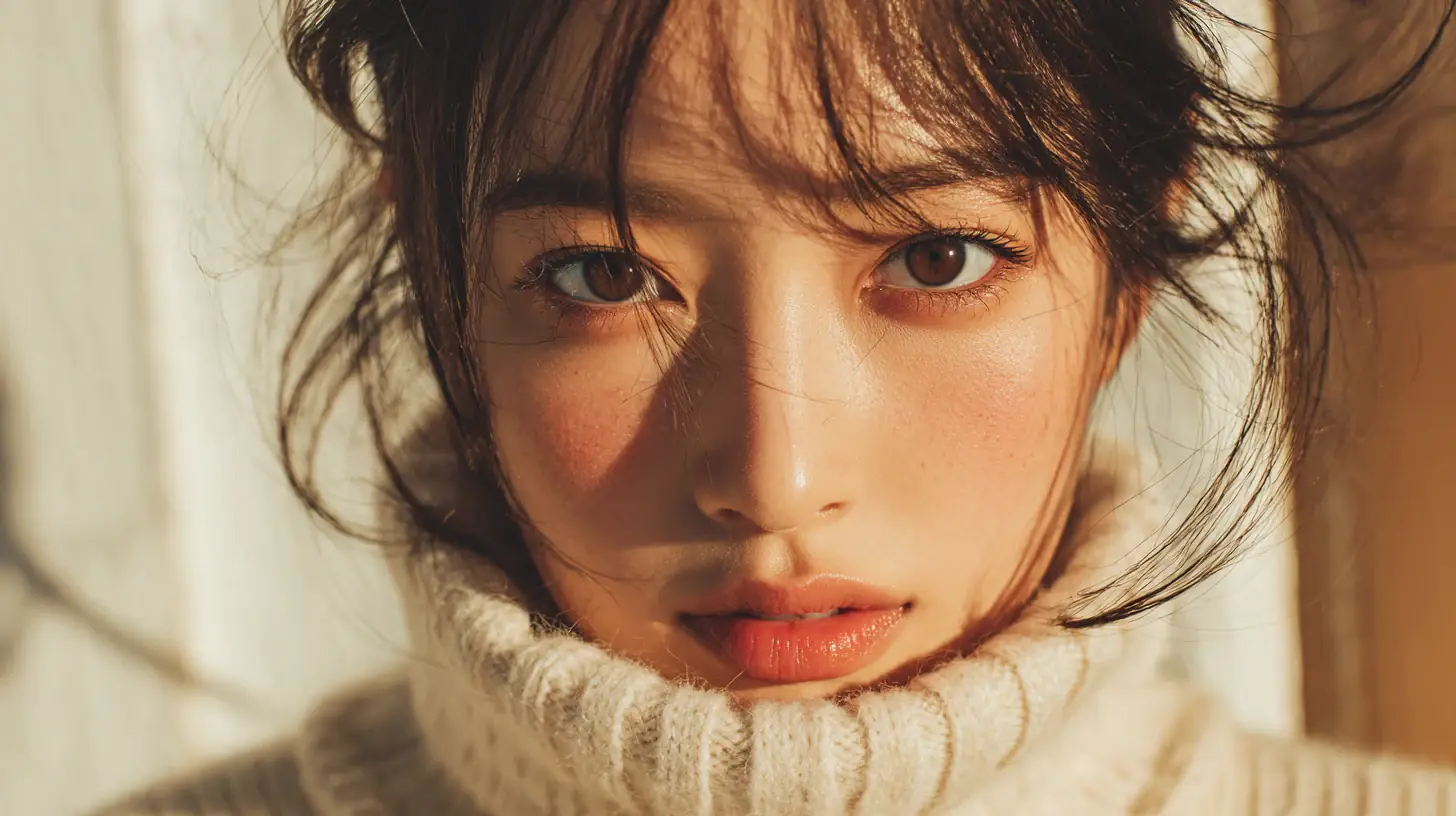
Create SkyReels videos from text to video or image to video — for keyframes, native audio, multi-shot motion, and cinematic studio workflows.
Try Now →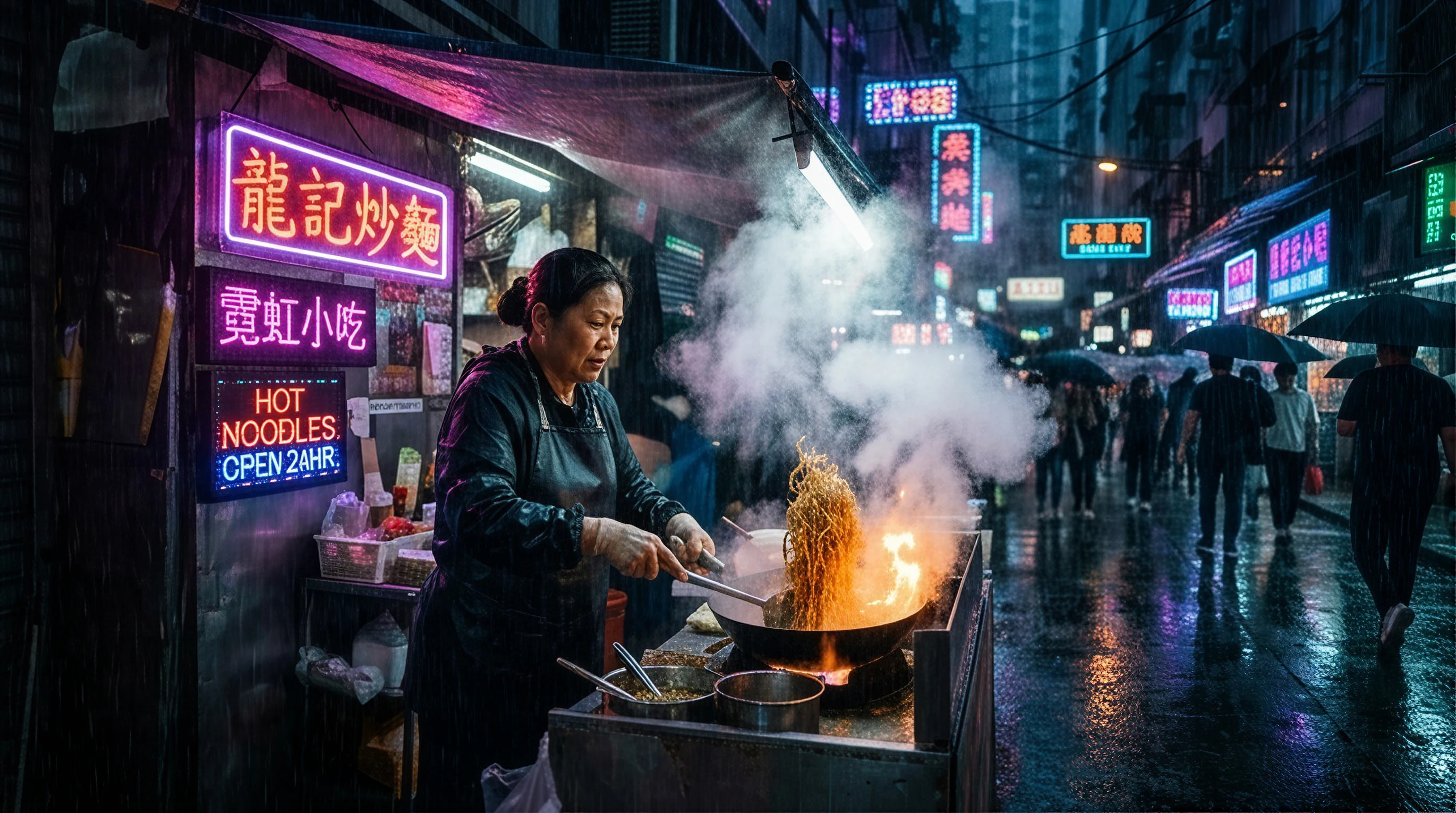
Create HappyHorse videos from text to video or image to video — for joint audio, multilingual lip-sync, multi-shot clips, and reference control.
Try Now →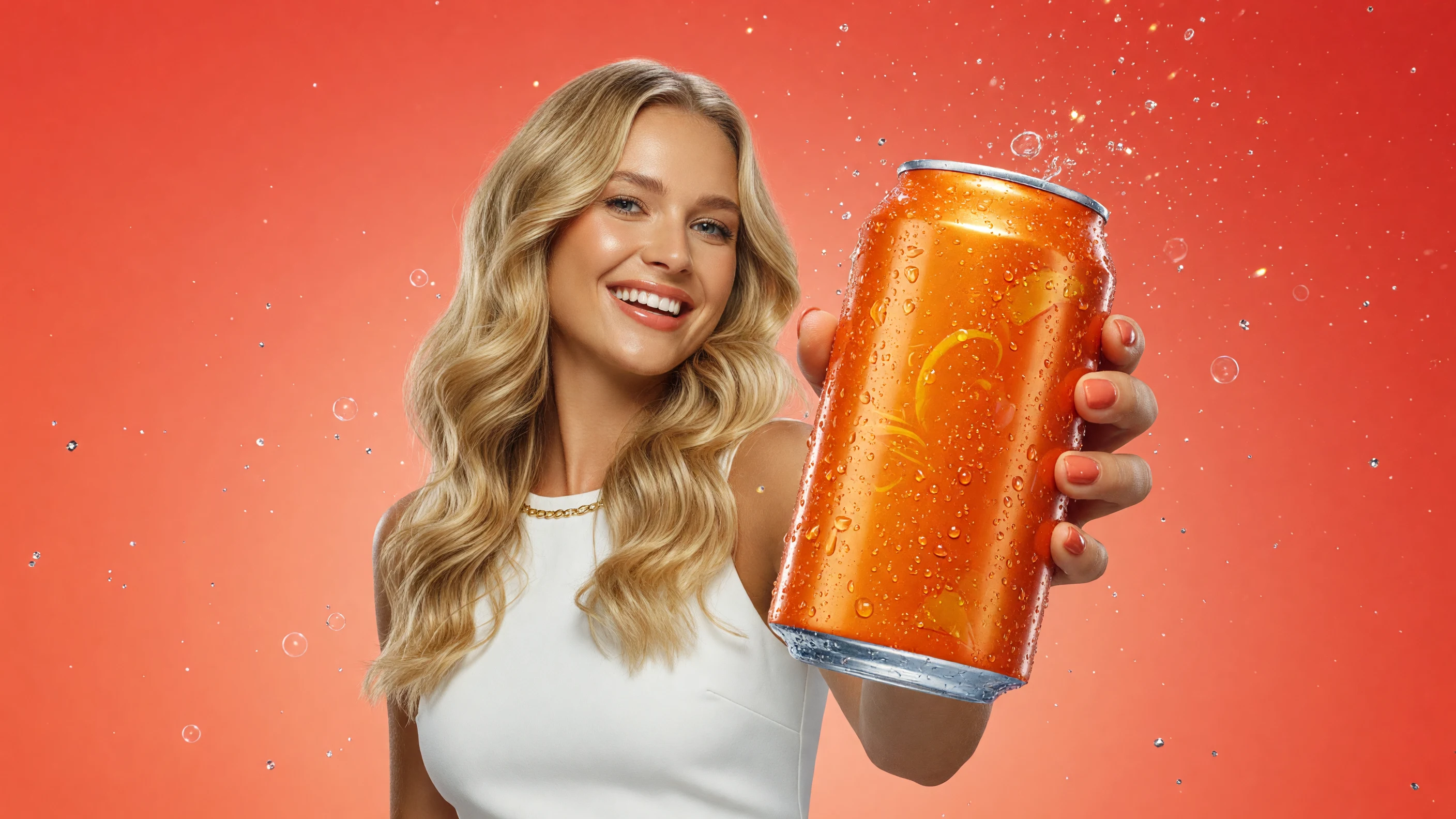
Create Runway videos from text to video or image to video — for Gen-4.5 action, video-to-video relights, storyboard beats, and camera control.
Try Now →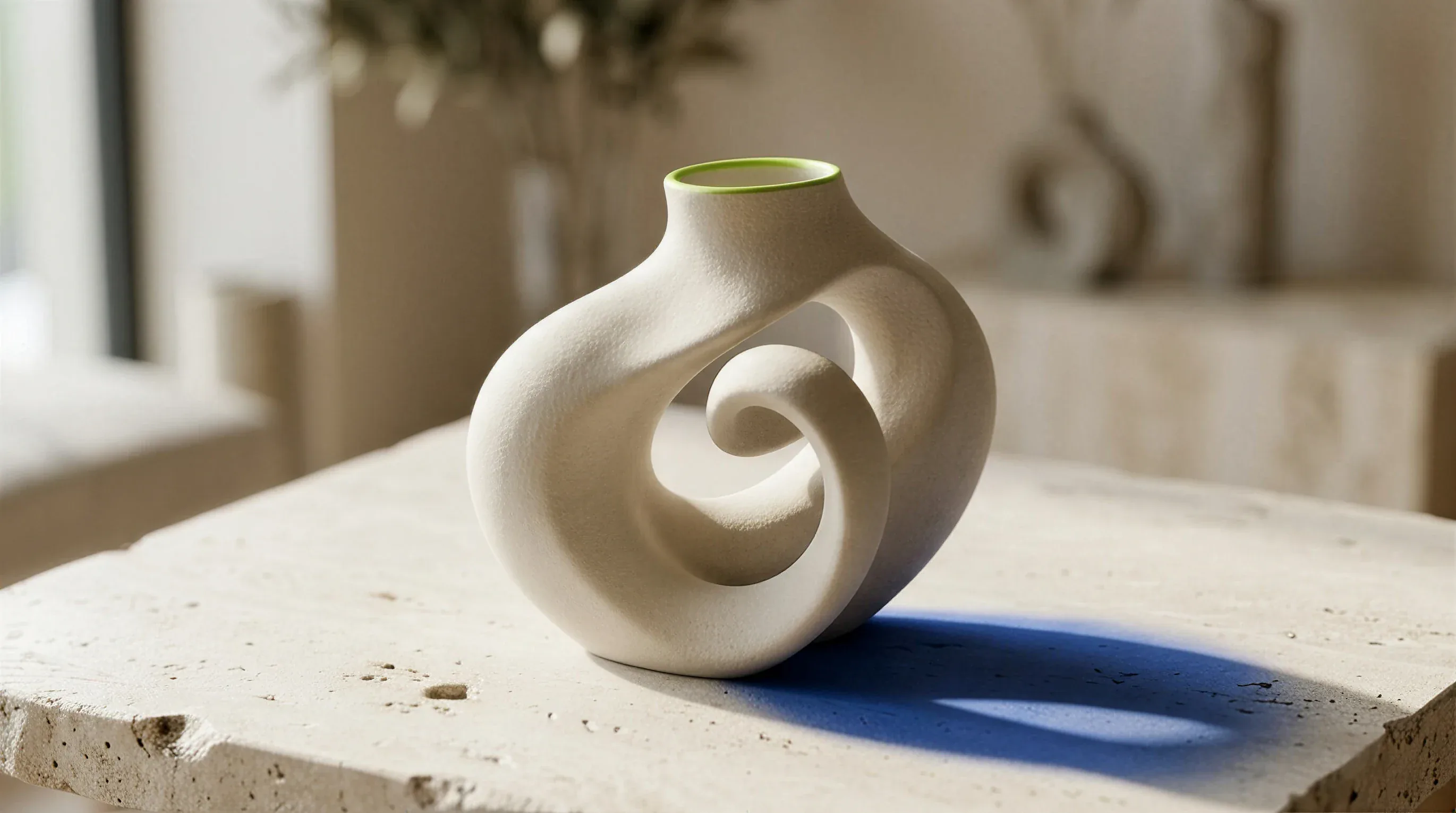
Create Midjourney images from a text prompt or reference photo — for concept art, posters, product shots, portraits, and campaigns.
Try Now →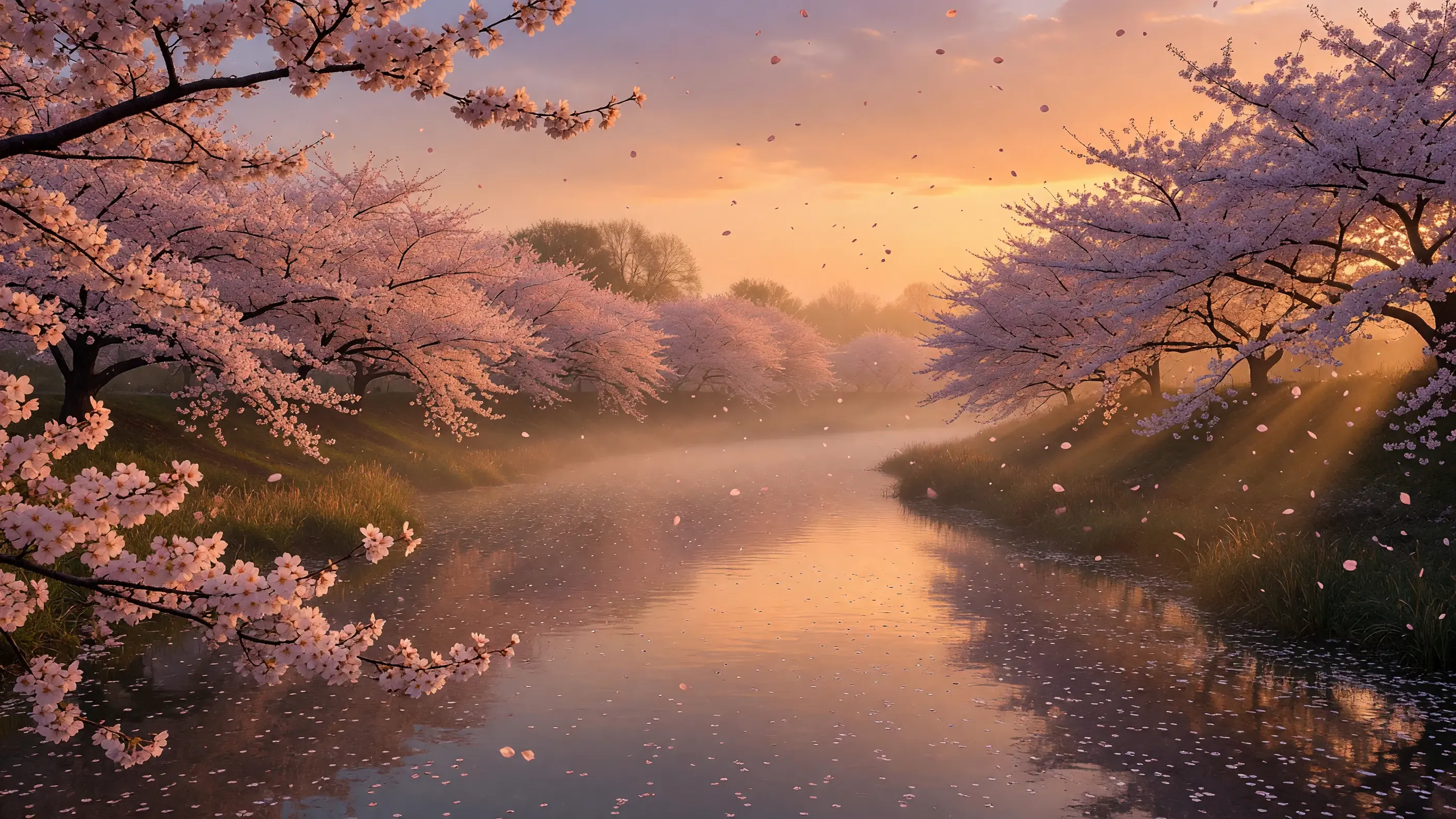
Use Grok Imagine from a text prompt or reference photo — for product visuals, portraits, posters, and campaign frames.
Try Now →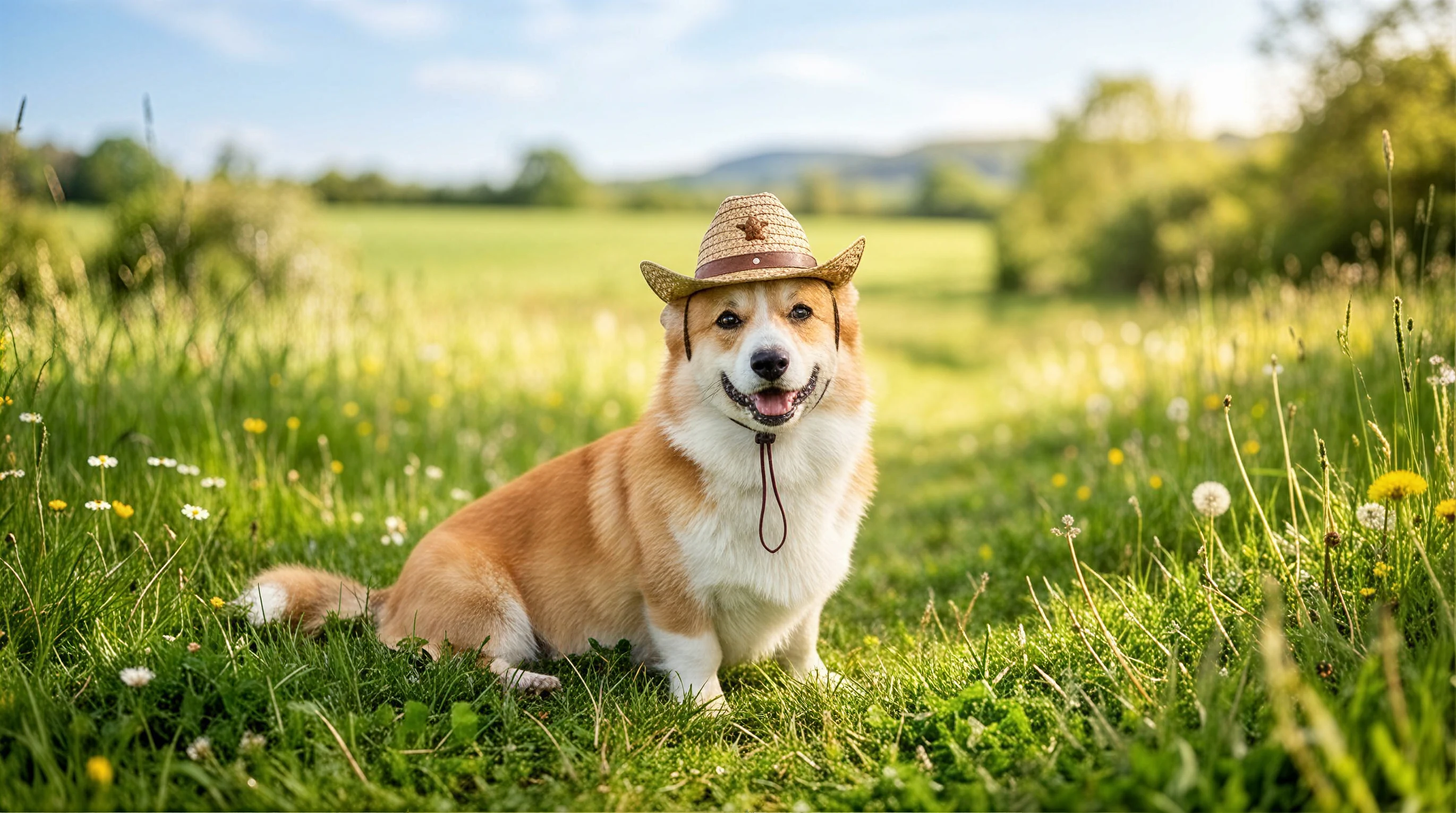
Use Nano Banana AI Image Generator for Text to Image and Image to Image—Google's image model for natural-language photo edits and readable in-frame text.
Try Now →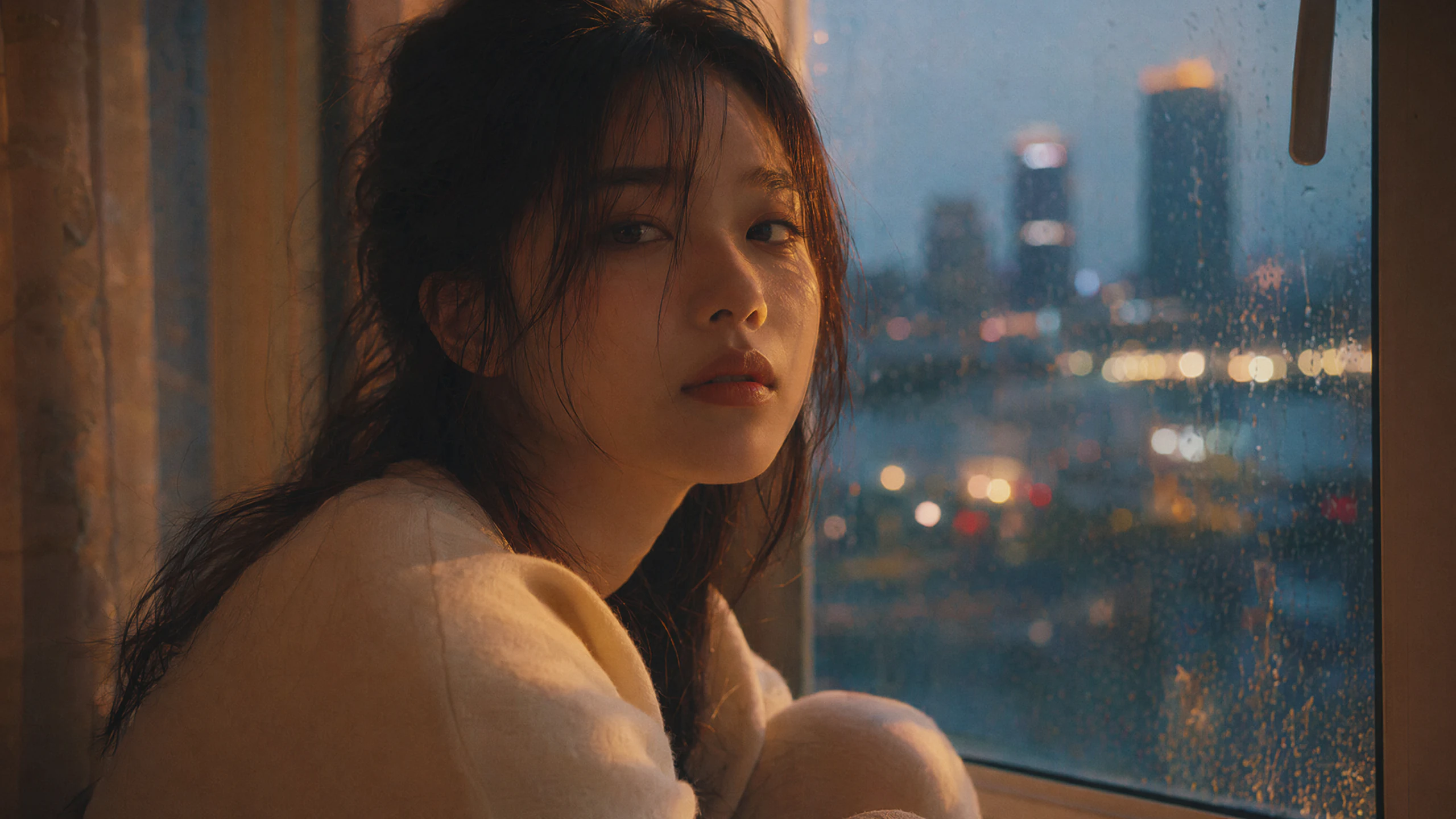
Create GPT Image stills from a text prompt or reference photo — for packaging, signage, editorial campaigns, pixel prototypes, and multilingual layouts.
Try Now →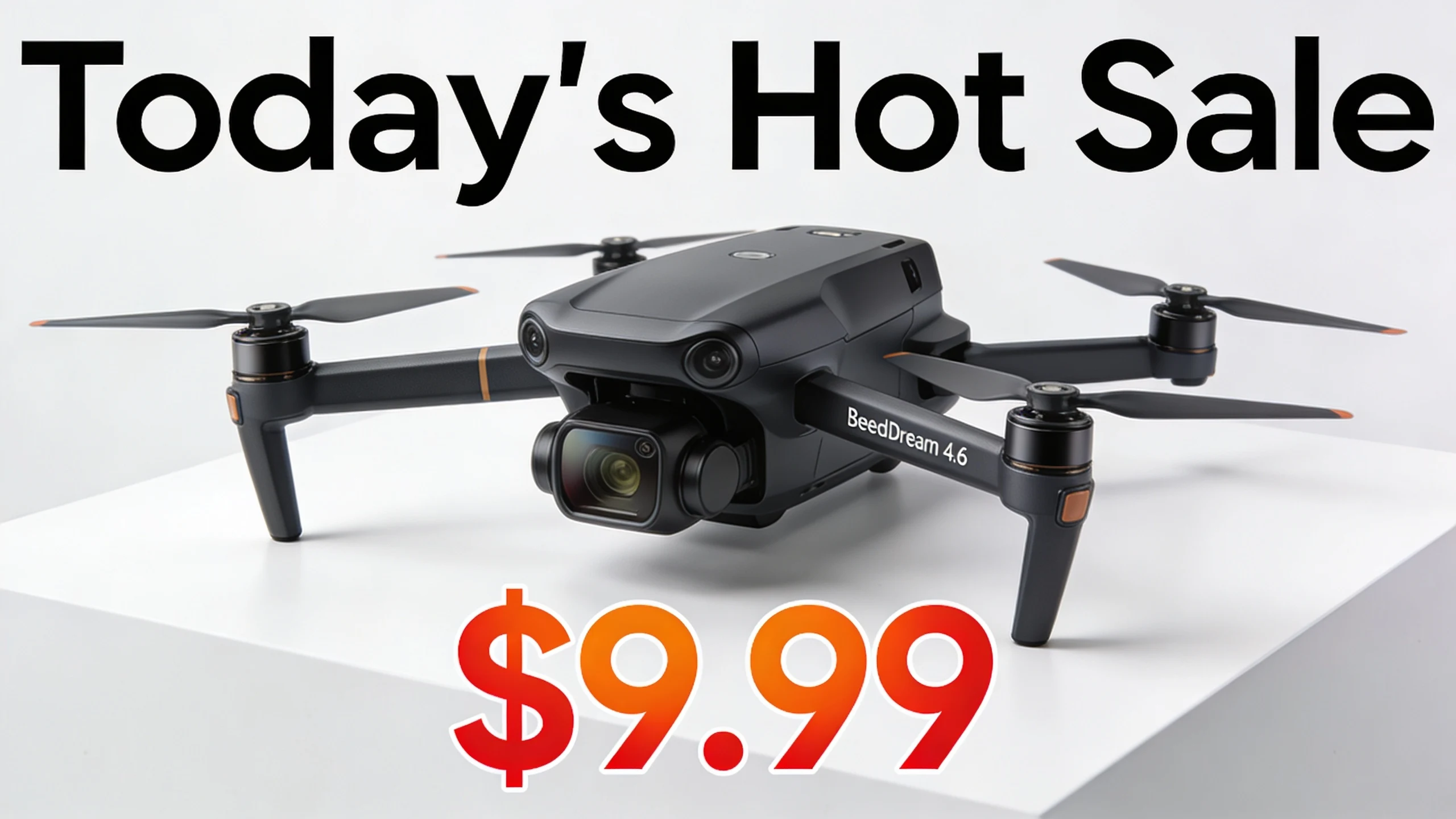
Create Seedream images for Text to Image and Image to Image—multi-reference catalog stills, readable in-frame type, and campaign-ready crops.
Try Now →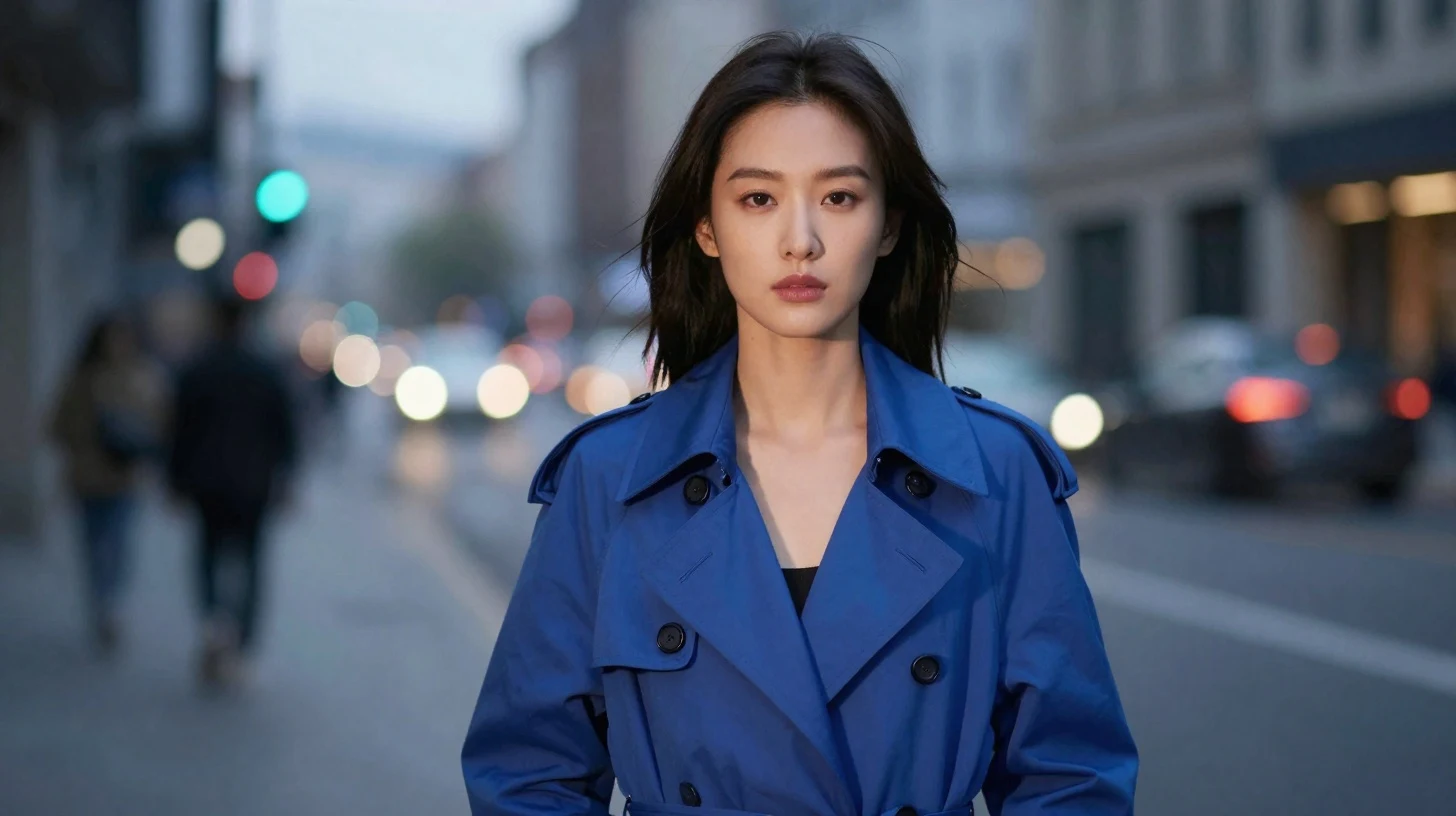
Create Z-Image images for Text to Image and Image to Image—photoreal stills, bilingual posters, instruction edits, and campaign-ready crops.
Try Now →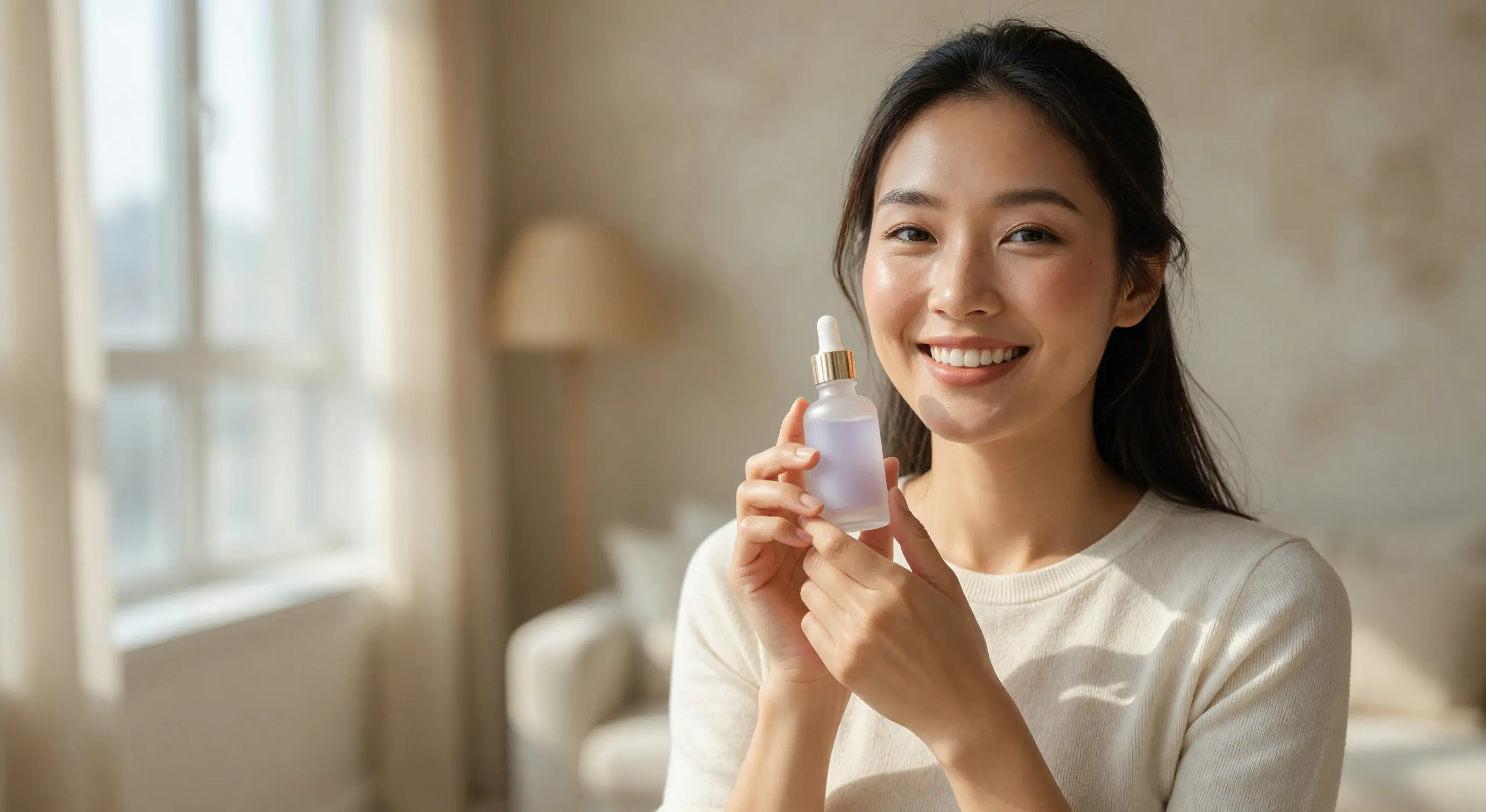
Create with Wan Image from a text prompt or reference photo. Built for catalog heroes, poster type, multi-reference fusion, and thinking-first composition.
Try Now →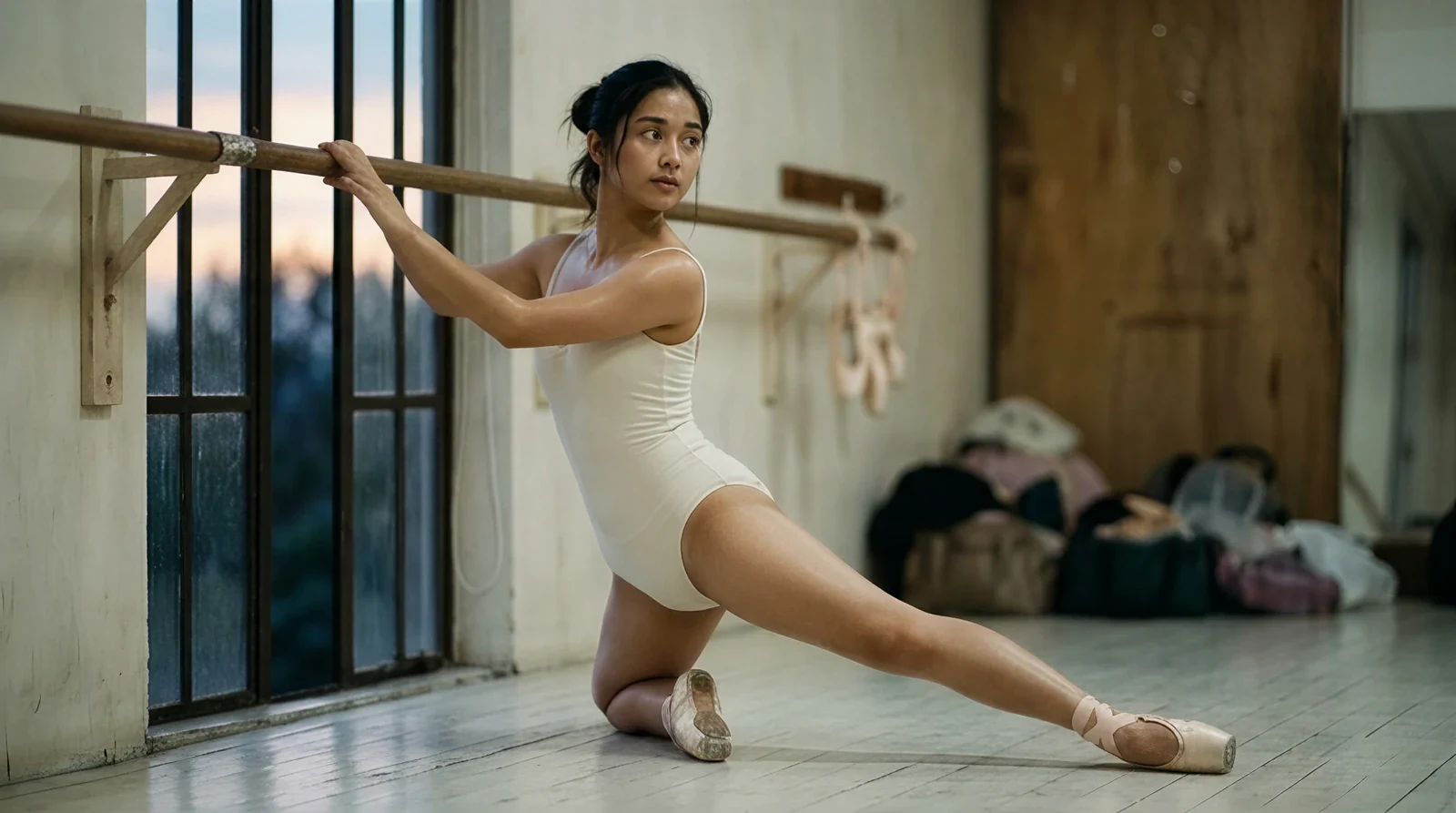
Create images with Qwen Image Generator for Text to Image and Image to Image—bilingual in-frame type, scoped edits, infographic briefs, and self-hosted weights.
Try Now →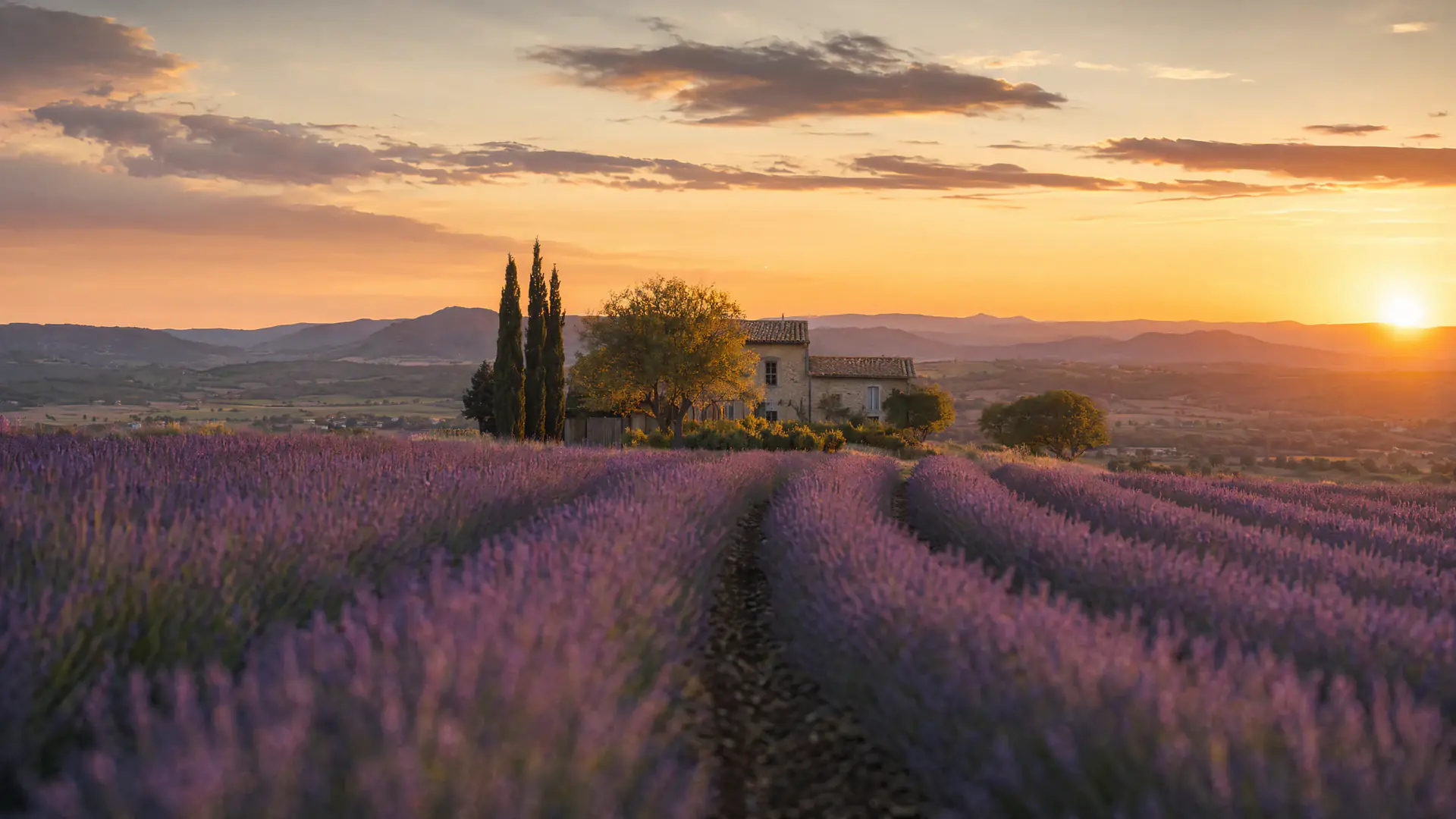
Create GPT Image 2 stills from a text prompt or reference photo — for packaging labels, scoped edits, 3:1–1:3 crops, and Thinking research sets.
Try Now →
