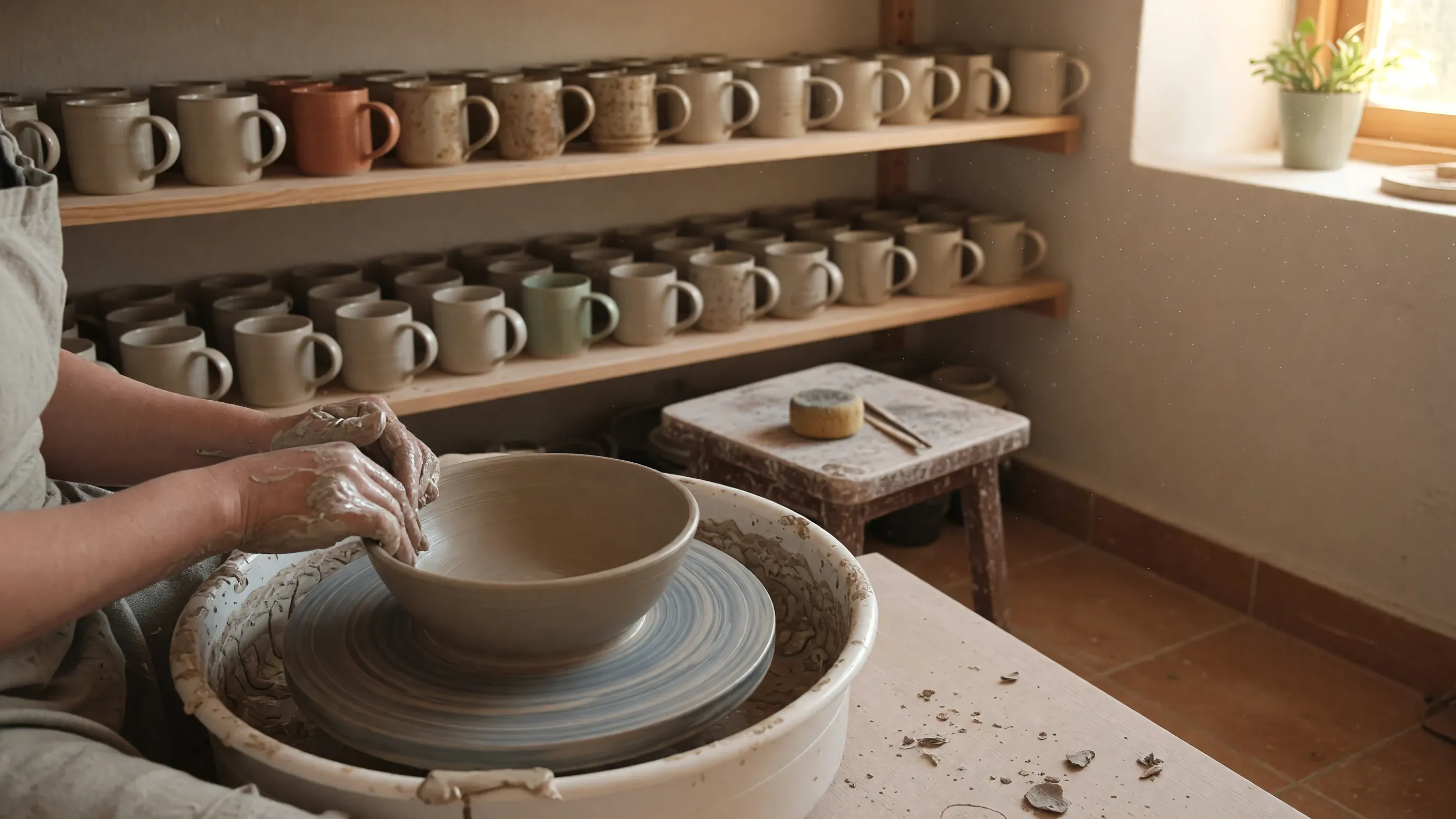
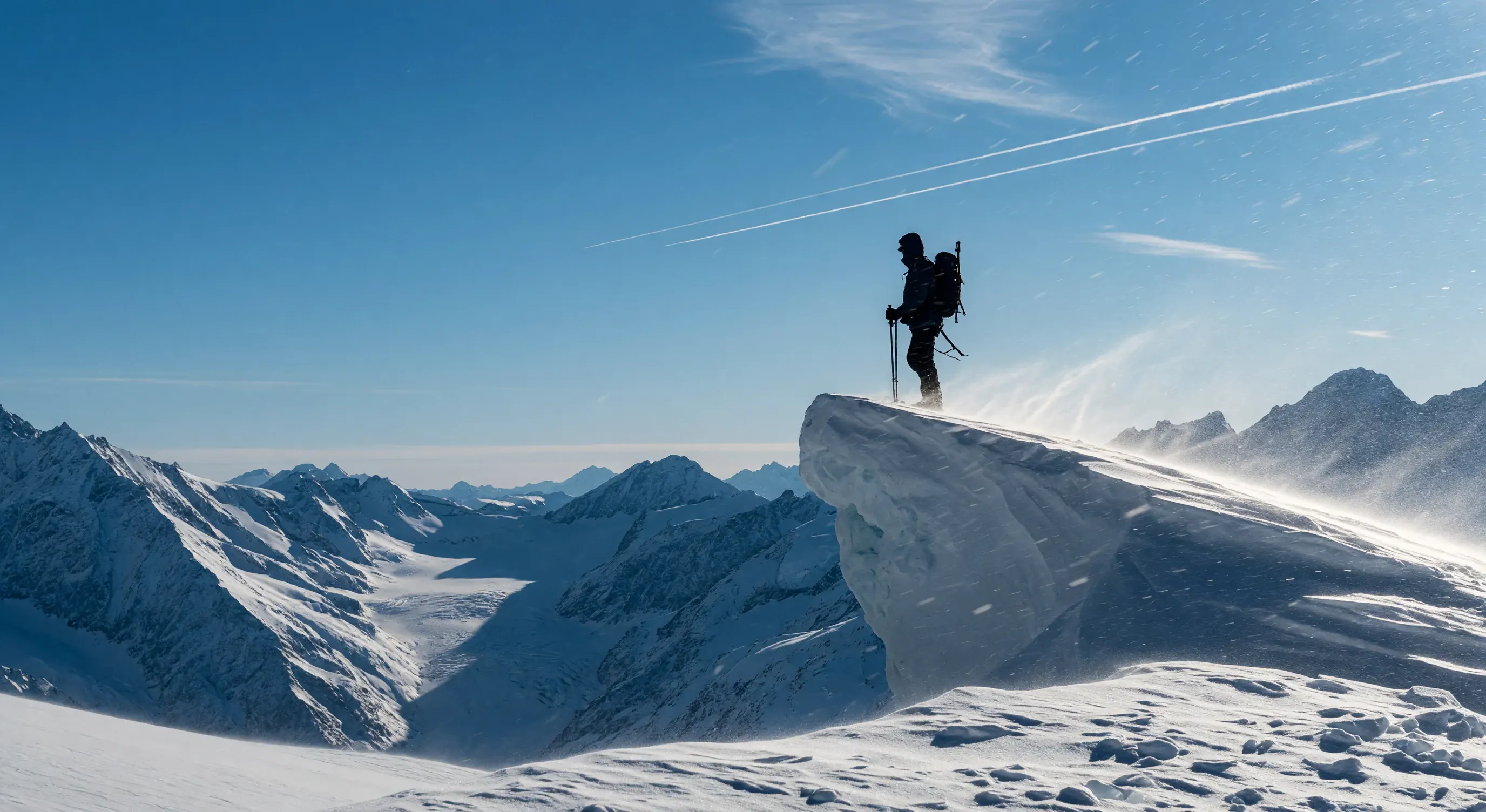
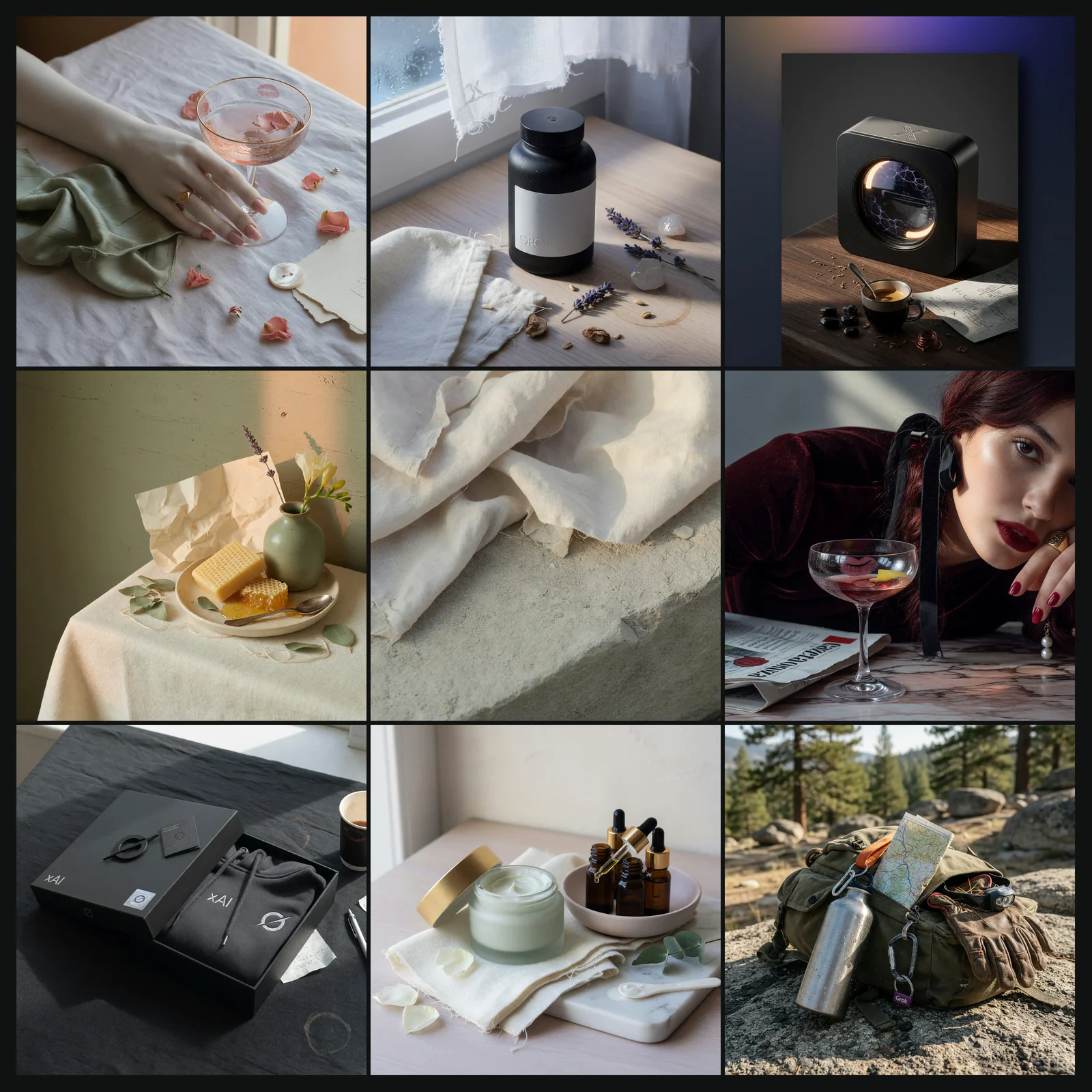
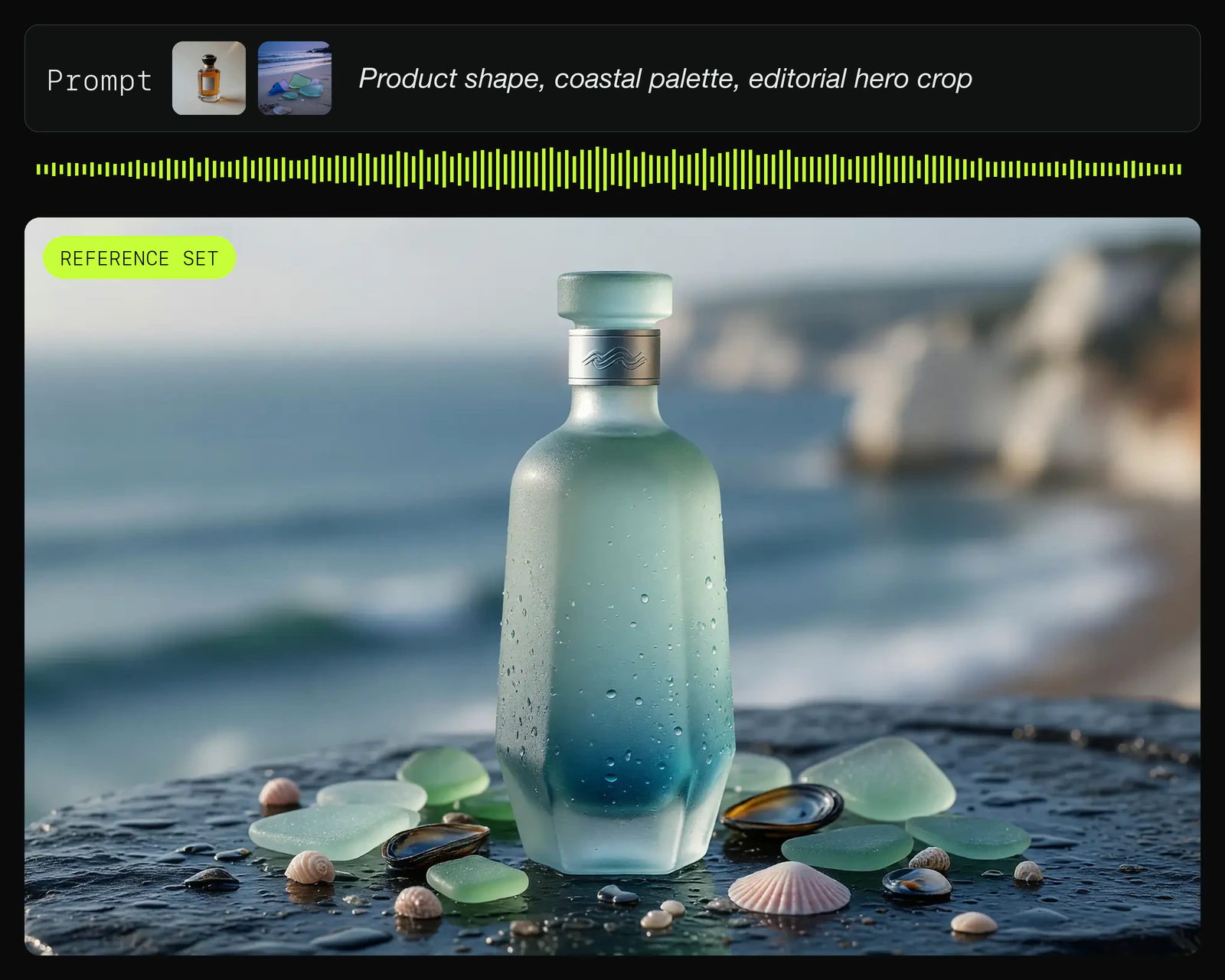
Grok Imagine is xAI's AI image generator for text to image and image to image workflows. It is useful for photoreal product visuals, portraits, posters, and campaign frames where prompt following, readable in-frame text, and reference-led edits matter.
Velg modell
1
Bildeprompt
0/2500
2
Utdatainnstillinger
Forhold
Oppløsning
3
Generer
10 kreditter per generering
Demo
Discover Grok Image Generator
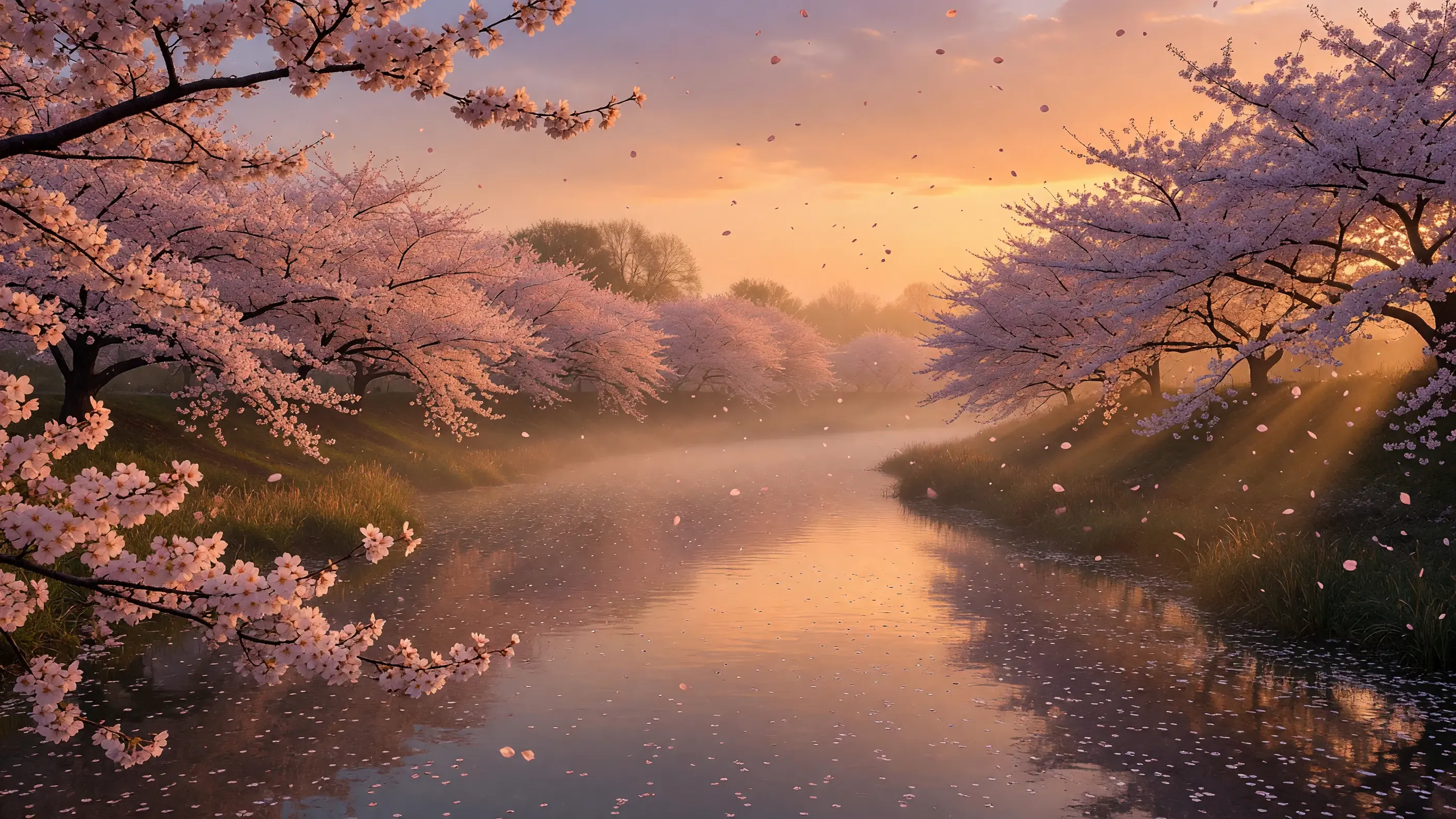
See how a focused Grok Imagine prompt turns a written idea into finished stills, with aspect ratio and style choices pointing toward the same campaign direction.
Grok Image Generator Prompt Examples
Use these finished-image directions as starting points for Grok Imagine briefs. Each example gives the model a subject, scene, crop, lighting, and style target before you compare variations.
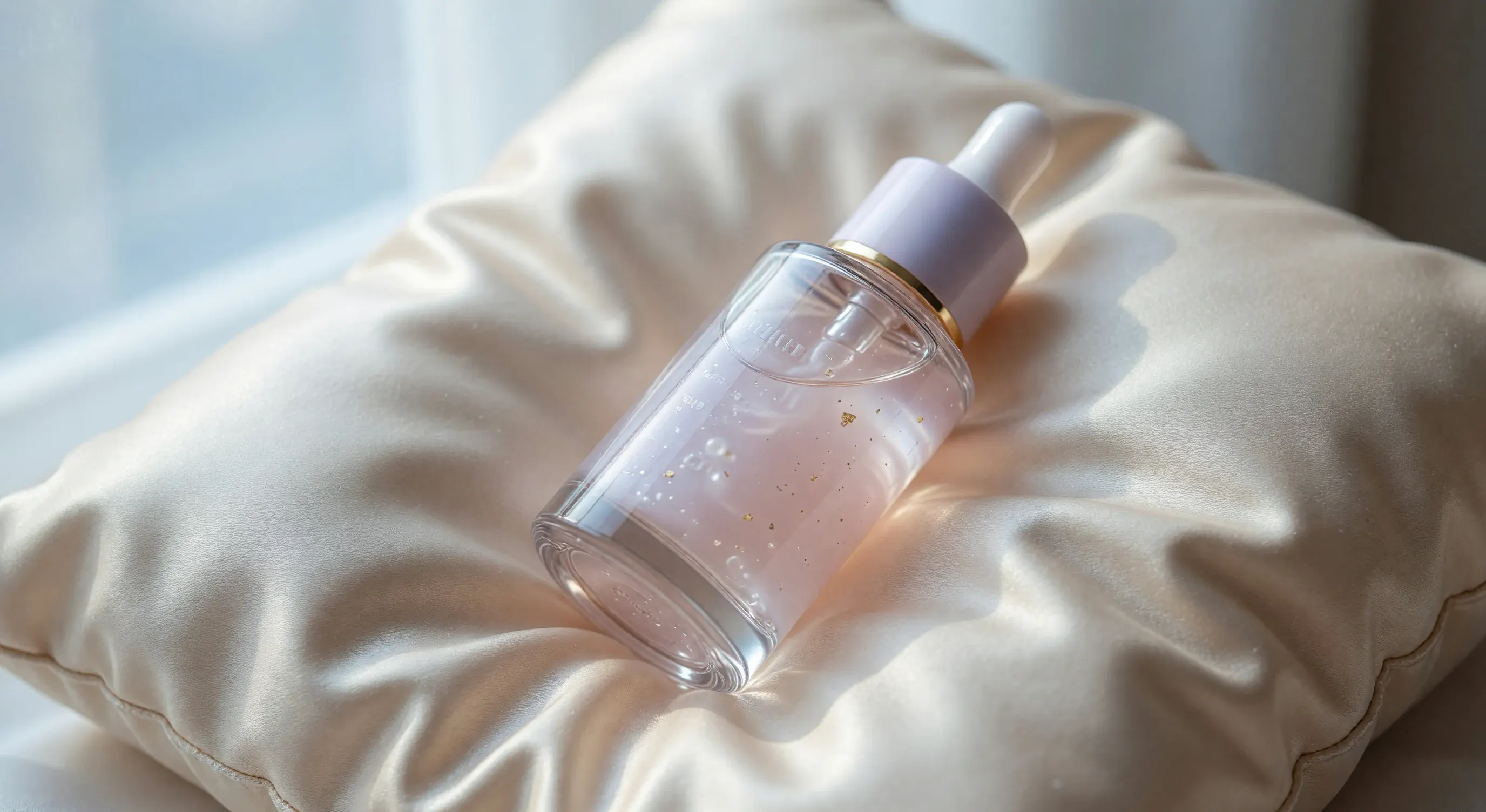
Soft Stone Product Bottle
A focused product brief sets the object, surface, reflections, and wide crop so the result reads like a polished skincare ad instead of a loose still life.
›_ IMAGE EXAMPLE
Premium skincare bottle on pale stone, soft daylight, clean reflections, shallow depth of field, detailed label area, luxury editorial product photography.
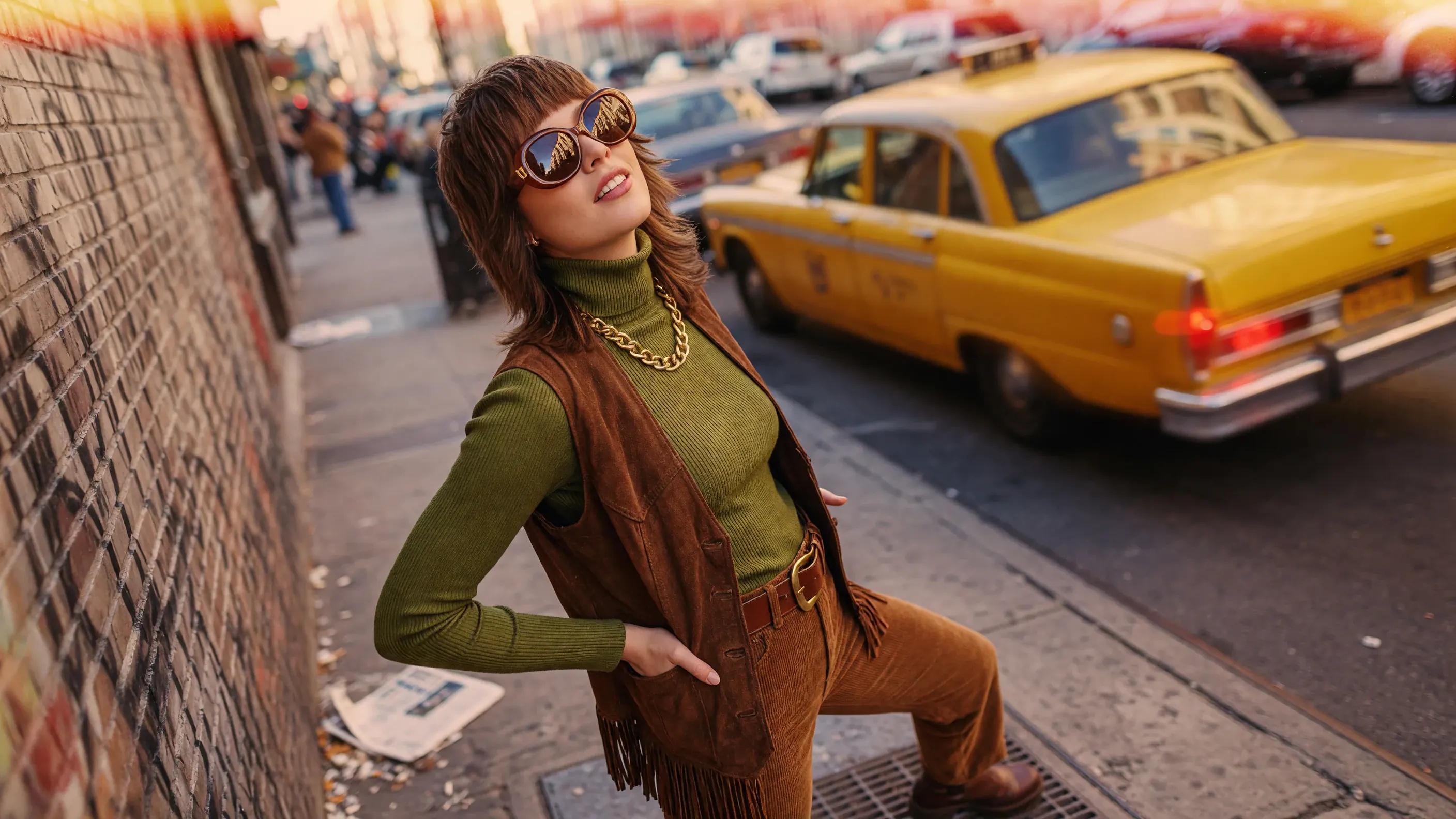
Daylight Streetwear Poster
A streetwear poster brief works best when the pose, glass reflections, city light, and contrast are named together so the frame keeps a clear campaign attitude.
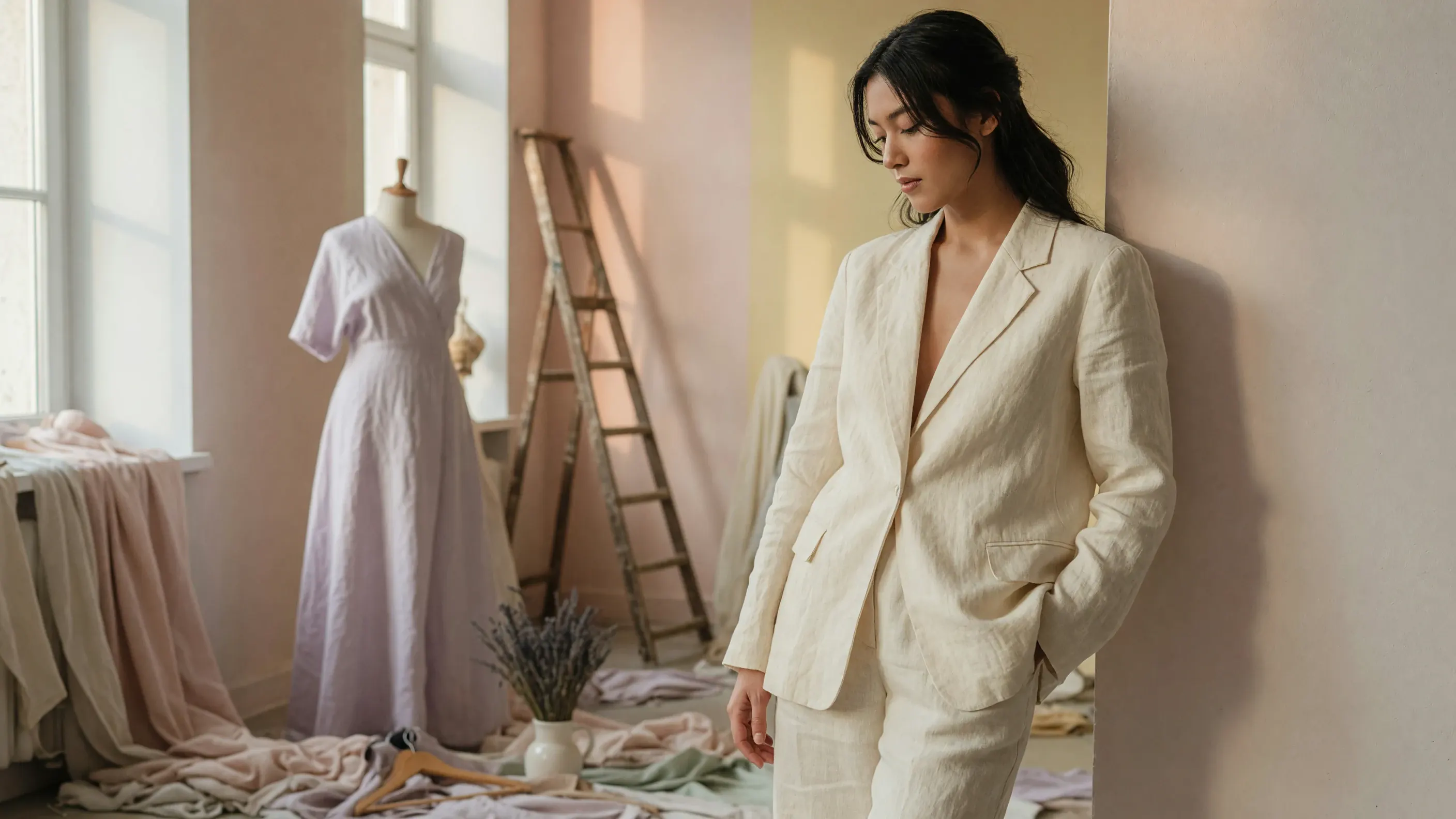
A lookbook prompt should protect the fabric texture, body language, and soft studio light so the image feels ready for a fashion spread or seasonal moodboard.
A beverage macro prompt gives Grok Imagine the material cues that matter most: clear glass, condensation, ice shape, gentle daylight, and a clean commercial layout.
A useful Grok image brief combines the model task with the creative decision behind it: text prompt, reference image, crop, variation set, output style, and the details that need a careful review pass.
Text to Image
Text to Image from Detailed Briefs
Describe subject, setting, lighting, color mood, and composition like an art-direction note—not a tag list. Grok Imagine handles longer briefs, so character, scene, and lighting cues can live in one pass; nuance is the small steering details—light direction, depth of field, surface finish, and negative space.
Use text prompts for product scenes, portraits, posters, campaign frames, and moodboard directions that do not need a starting image.
Spell out nuance early: key vs backlight, shallow vs deep focus, matte vs gloss, warm vs cool grade, so Grok Imagine reads the mood you want.
For character-led frames, keep identity details in the same long brief—hairstyle, costume, expression, and body language—so the model has enough context before you compare variations.
Use image to image when a product photo, moodboard, style frame, character reference, or prior output should guide composition, color, or visual direction. Add a written constraint list so the reference is a guide, not a vague inspiration—especially when face, outfit, pose, or character identity need to carry into the next still.
Useful for character design frames, costume and portrait studies, product heroes, lookbook frames, environment concepts, and campaign references.
Call out fixed details such as character pose, outfit, hairstyle, expression, shape, palette, material, background, label placement, or composition.
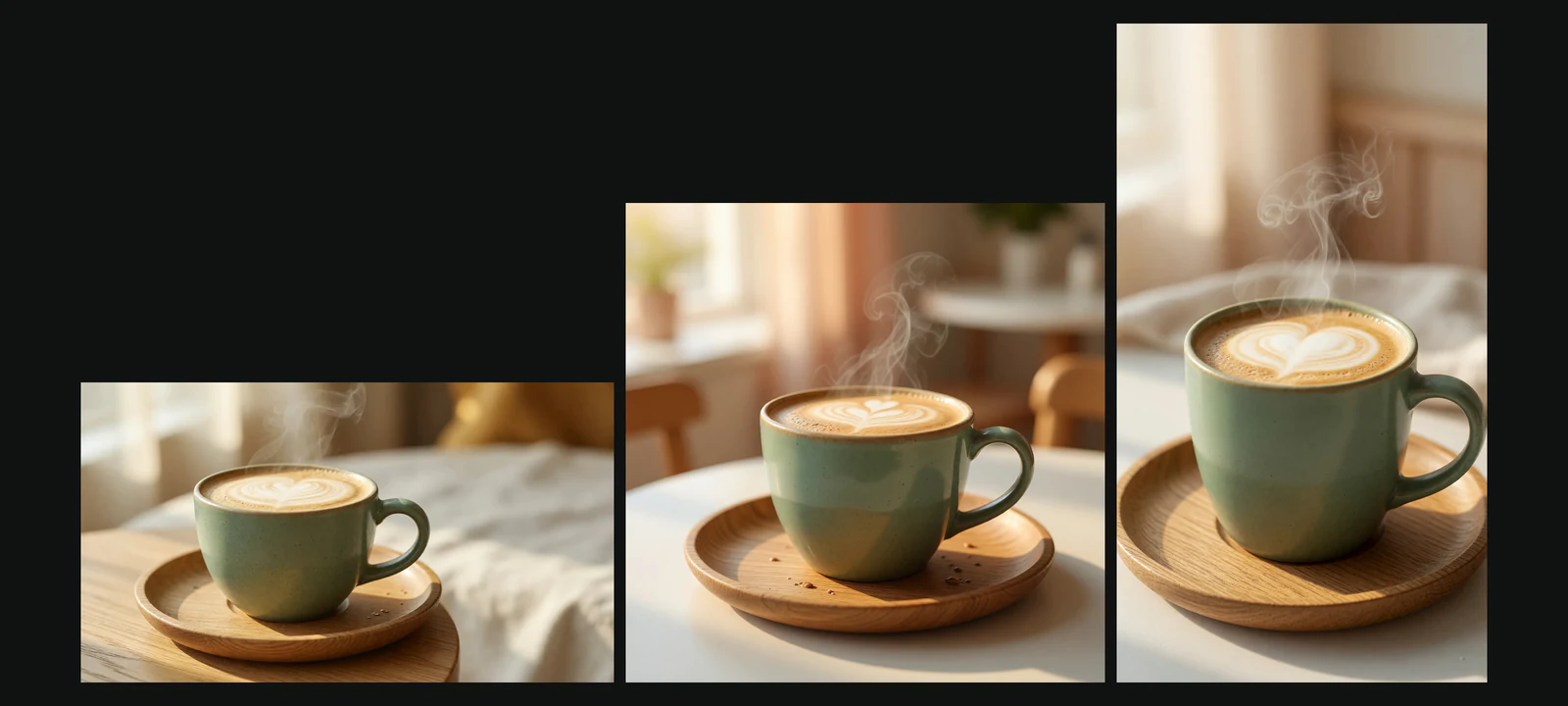
Plan the intended crop before you compare directions: square product tiles, vertical social concepts, wide banners, or portrait editorial frames. A clear crop note keeps the image closer to the channel it needs to serve.
Compare 1:1, portrait, vertical, and wide concepts without losing the core subject and lighting idea.
Keep ratio and framing notes visible when one campaign needs several platform-ready image crops.
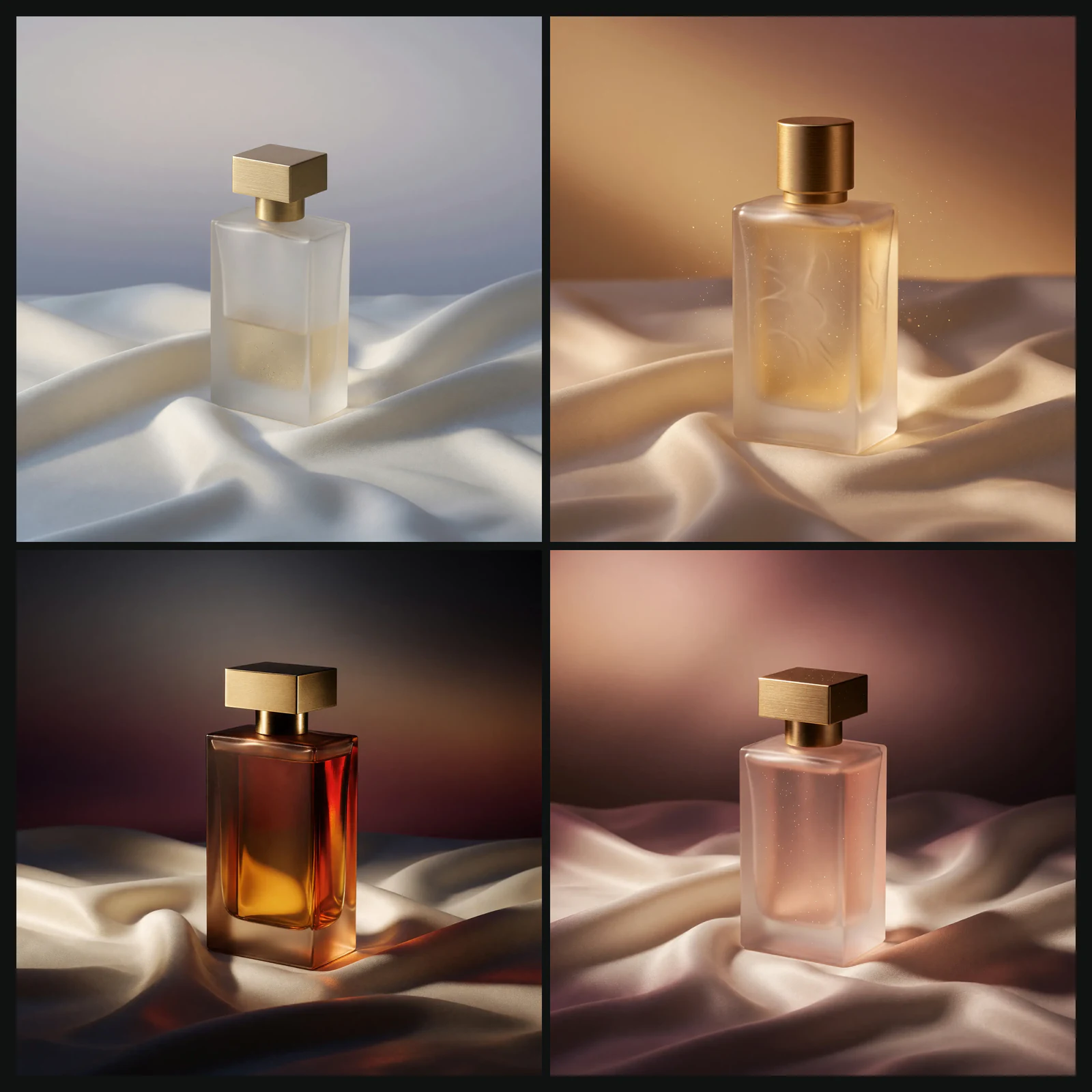
Generate a small batch from one product or character brief, then compare mood and lighting grades on the same hero frame. Keep the SKU, character identity, angle, and composition locked while you test palette, shadow depth, or finish notes.
Pick the strongest campaign still from a 2–4 image set without rewriting the whole prompt.
Compare only one creative variable at a time—lighting grade, color mood, or contrast—before the next export.
Grok Imagine is a strong fit when the project needs photoreal rendering, readable in-frame text, natural portraits, or polished stills with a more specific point of view than generic stock imagery.
Guide product heroes, editorial portraits, and campaign key visuals with specific lighting, surface, and material language.
Explore stylized poster, illustrative, and mood-driven directions when art direction matters more than literal accuracy.
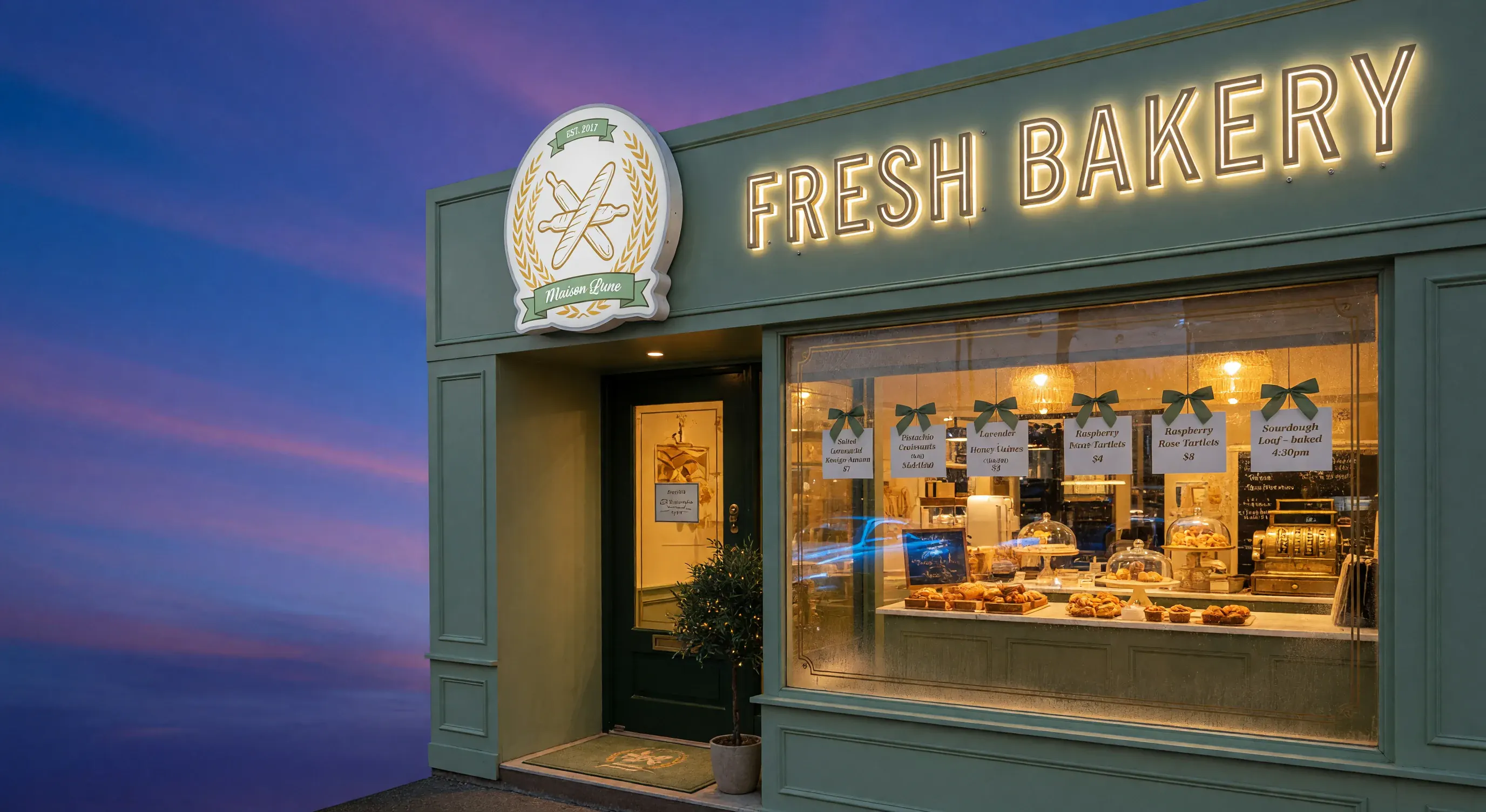
xAI highlighted Grok image generation for precise visual details—including text, logos, and real-world entities. Grok Imagine can keep short headlines, label copy, and logo lockups legible inside photoreal campaign frames, not just the scenery around them.
Build poster concepts, ad mockups, and packaging shots where the in-frame words are part of the deliverable.
Carry label wording, type placement, and logo shape in the prompt when brand review depends on readable details.
Grok Imagine combines speed, flexible styling, and strong prompt following—so one model can cover photoreal stills, readable signage, portrait frames, and quick concept rounds. VidMage keeps text and image inputs, ratio choices, and multi-image sets in one workspace while you pick the direction.
Photorealistic Output
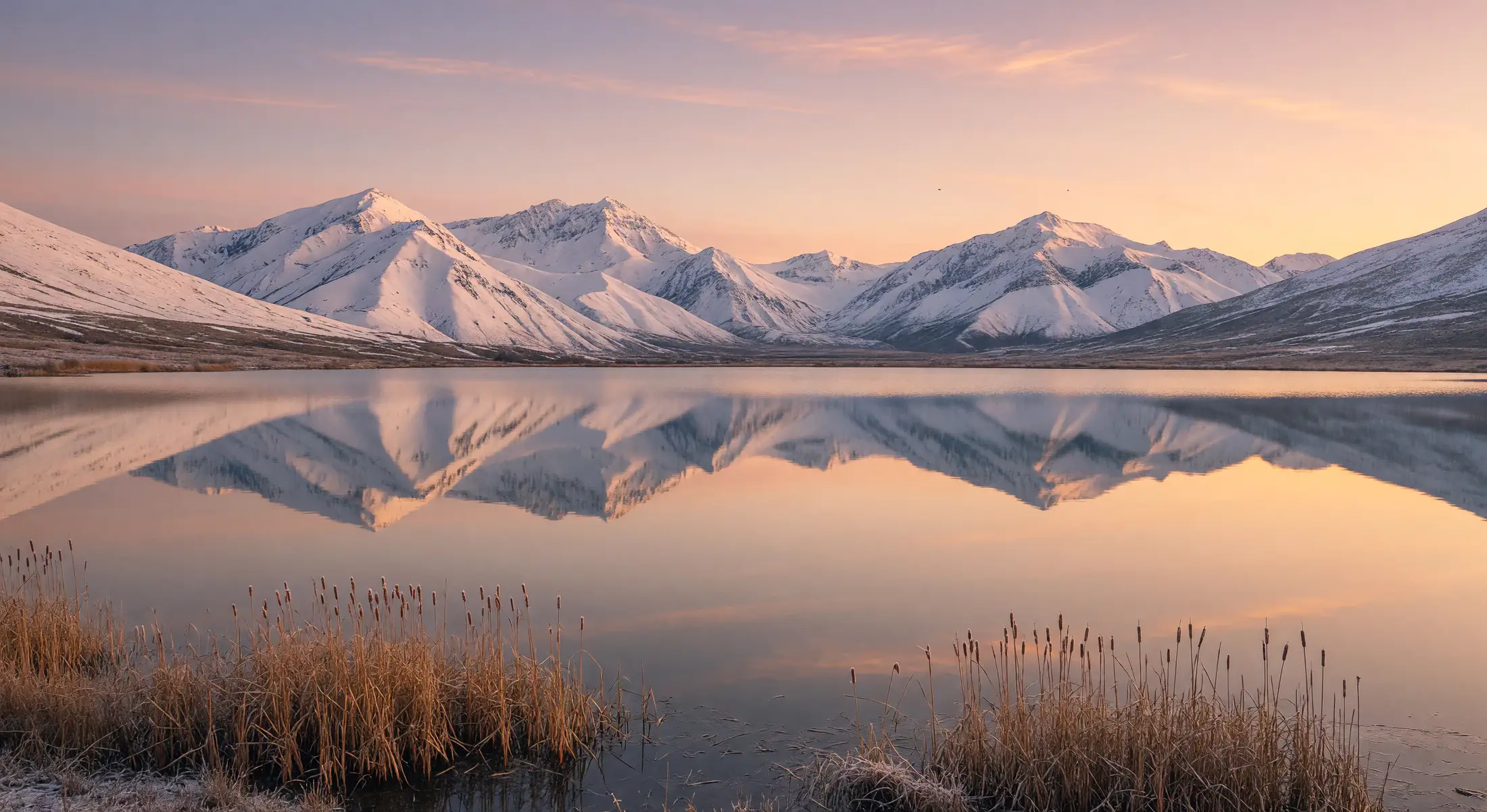
Grok Imagine delivers high-fidelity stills with crisp material detail and professional campaign polish. Imagine Image Quality targets up to 2K output when the brief needs export-ready product, portrait, or key-visual frames.
Fast Multi-Image Iteration
Turn around several image directions from one prompt without restarting the brief. Generate a small batch, compare options side by side, and move the strongest frame into the next review round.
Complex Prompt Support
Grok Imagine reads layered art-direction notes—mood, lighting, composition, camera feel, and embedded text cues—in one pass instead of reducing everything to a short object list.
Versatile Style Range
One generator spans photoreal campaigns, editorial portraits, anime-inspired characters, fantasy scenes, surreal concepts, and abstract poster directions when the prompt names the look.
Lifelike Portraits
Generate human portraits with natural expressions, believable skin texture, and clean facial structure for headshots, lookbooks, character studies, and social campaign frames.
Entities, Text, and Logos
xAI built Grok image generation around precise real-world detail—objects, signage, label copy, and logo lockups—so posters, packaging mockups, and branded scenes stay reviewable.
Version Compare
Grok Image Generator Version Comparison
Compare what each Grok image label actually delivers—status, engine stack, output resolution, image-to-image edits, and text rendering—so you pick the route that matches the brief instead of guessing from the model name.
Feature comparison: grok-imagine-image-quality and grok-imagine-image
Features
Imagine Image Quality
Imagine Image
Status
Default for all new image generation and editing requests.
Active base image label; safe to keep using.
Engine stack
Aurora model with an extra text-rendering pass for cleaner labels and posters.
Aurora model — xAI's standard image build.
Best for
High-fidelity stills, brand-safe edits, and 2K-tier deliverables.
Fast general iteration, prompt drafts, and concept stills.
Yes — multi-image batches, reference-led generation, and prompt-driven edits.
Yes — basic image-to-image with reference images.
Text rendering
Strongest of the two — designed for legible labels, posters, and packaging.
Solid prompt-following Aurora text rendering.
API alias to call
grok-imagine-image-quality (latest) or a dated -quality-YYYYMMDD alias for pinning.
grok-imagine-image (latest) or grok-imagine-image-2026-03-02 for pinning.
How to Use Grok Image Generator in VidMage
Use VidMage to plan your Grok Imagine image. Pick how to start—from text or an image—describe what the picture should look like, add a few notes on style and size, generate a few options, then keep what works and adjust the rest.
STEP 01
Pick the Input Mode
Start with text to image when the idea can be described from scratch. Use image to image when a product photo, moodboard, style frame, or previous output should guide the result.
STEP 02
Write the Finished Frame
Describe the subject, medium, setting, lighting, color mood, composition, style reference, aspect ratio, and details that should stay recognizable.
STEP 03
Generate, Review, and Refine
Preview the image set, compare variations, tighten the prompt, adjust crop or reference notes, download the strongest frame, and refine the next direction.
Who Should Use Grok Image Generator
Grok Imagine fits creators and teams that need photoreal stills, readable in-frame text, reference-led edits, and organized visual exploration for ads, social posts, product concepts, and campaign planning.
E-Commerce & Marketing Teams
Draft product visuals, ad concepts, seasonal campaign images, social posts, and landing-page art before final design polish.
Designers & Creative Directors
Explore art direction, moodboards, key visuals, poster styles, and concept frames when texture, lighting, color, and taste carry the idea.
Social Media Creators
Turn quick ideas into portrait, square, and vertical image concepts for Instagram, Pinterest, thumbnails, and hook testing.
Agencies & Content Studios
Compare alternate hero frames, campaign routes, pitch-board visuals, and platform-specific image directions before production starts.
Architects & Interior Designers
Shape visualization concepts, room moods, material studies, and client-presentation images from text plus reference descriptions.
Authors & Concept Artists
Explore cover art, character studies, environments, color systems, and moodboards, then use the strongest direction as a production reference.