
Upload two parent photos and VidMage AI predicts what your future baby could look like, from newborn to teen, in seconds.
Gender
Age
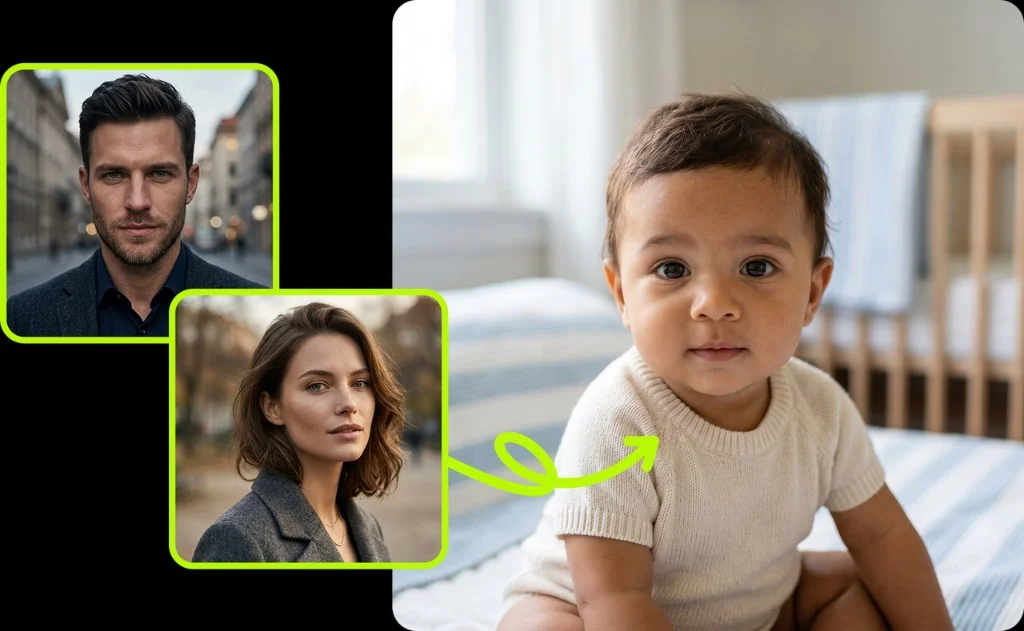
It takes four simple steps. Upload both parent photos, pick your settings, and get your baby portrait in seconds.
Upload a clear, front-facing photo of the first parent. The AI works best with good lighting and a visible face. PNG, JPG, and JPEG formats are all supported.
Add a photo of the second parent. Use a different image from the first upload. The AI compares both faces to blend features and create a unique result.
Choose the baby's gender (Boy, Girl, or Random) and select an age stage, from Baby (0-1) to Teen (13-18). VidMage gives you five age options to explore.
Click Generate Baby and let the AI do the work. Your baby portrait is ready in seconds. Download it and share it anywhere you like.

Most tools give you one generic baby photo. VidMage gives you a realistic prediction across five age stages, with full privacy.
See your future baby as a newborn, toddler, child, pre-teen, or teen. VidMage is one of the few tools that lets you explore how your child might grow up, not just what they look like at birth.
VidMage's AI analyzes key facial traits from both parent photos, including face shape, skin tone, eye structure, and nose, then blends them into a believable portrait that looks like it could be a real photo.
You do not need to learn a complex interface or spend time adjusting settings. Upload both photos, set your preferences, click Generate, and your baby portrait is ready in seconds.
VidMage does not store your uploaded images after processing. All files are cleared from servers within 2 hours. Your face data is never used for AI training or shared with third parties.
From realistic blending to multiple age predictions, VidMage gives you more ways to explore your future baby's appearance.
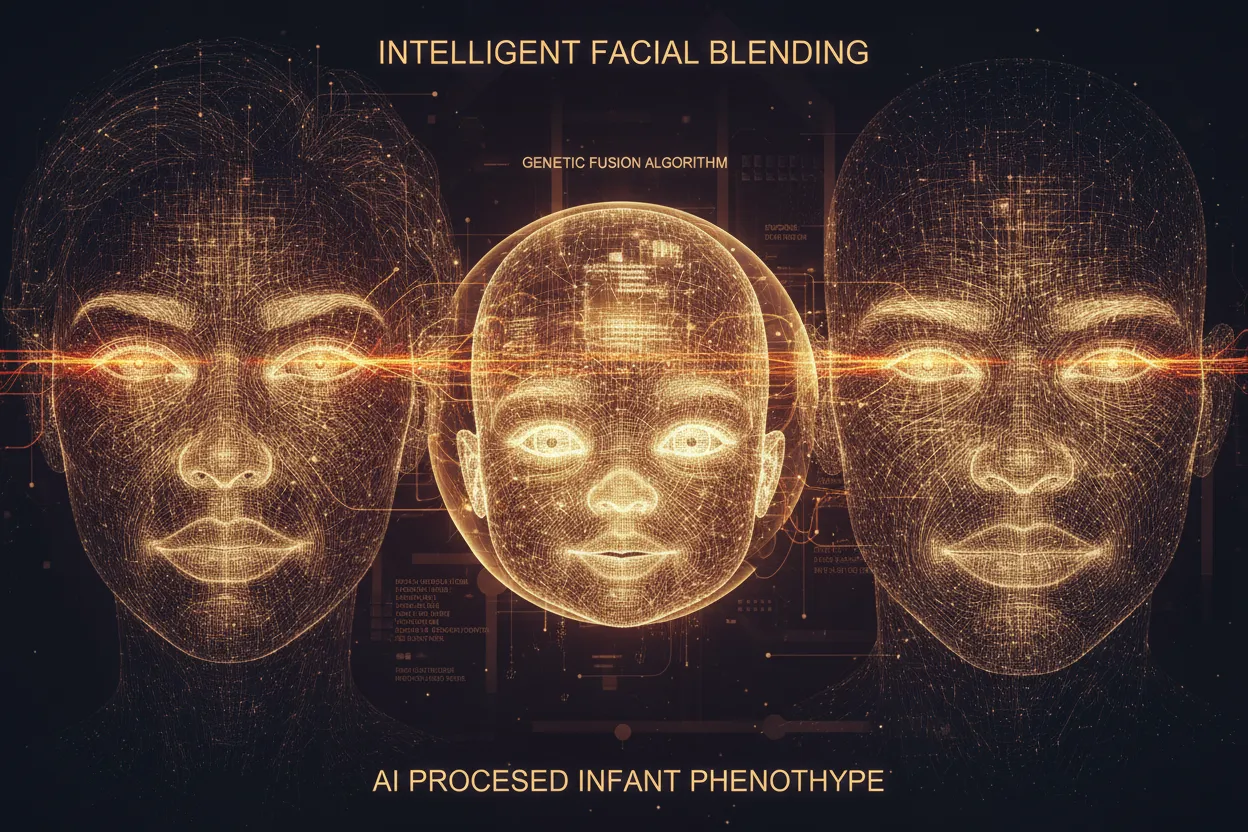
Upload one photo of each parent, and VidMage's AI identifies the dominant facial features from both, then constructs a blended baby portrait. The model looks at face shape, eye structure, nose profile, skin tone, and other traits to generate a result that feels personal, not generic. This works well for couples who are curious, expecting parents who want to visualize their child, or anyone who wants a fun, realistic look at what a genetic blend might produce. You do not need professional photos. Clear, front-facing shots work best.
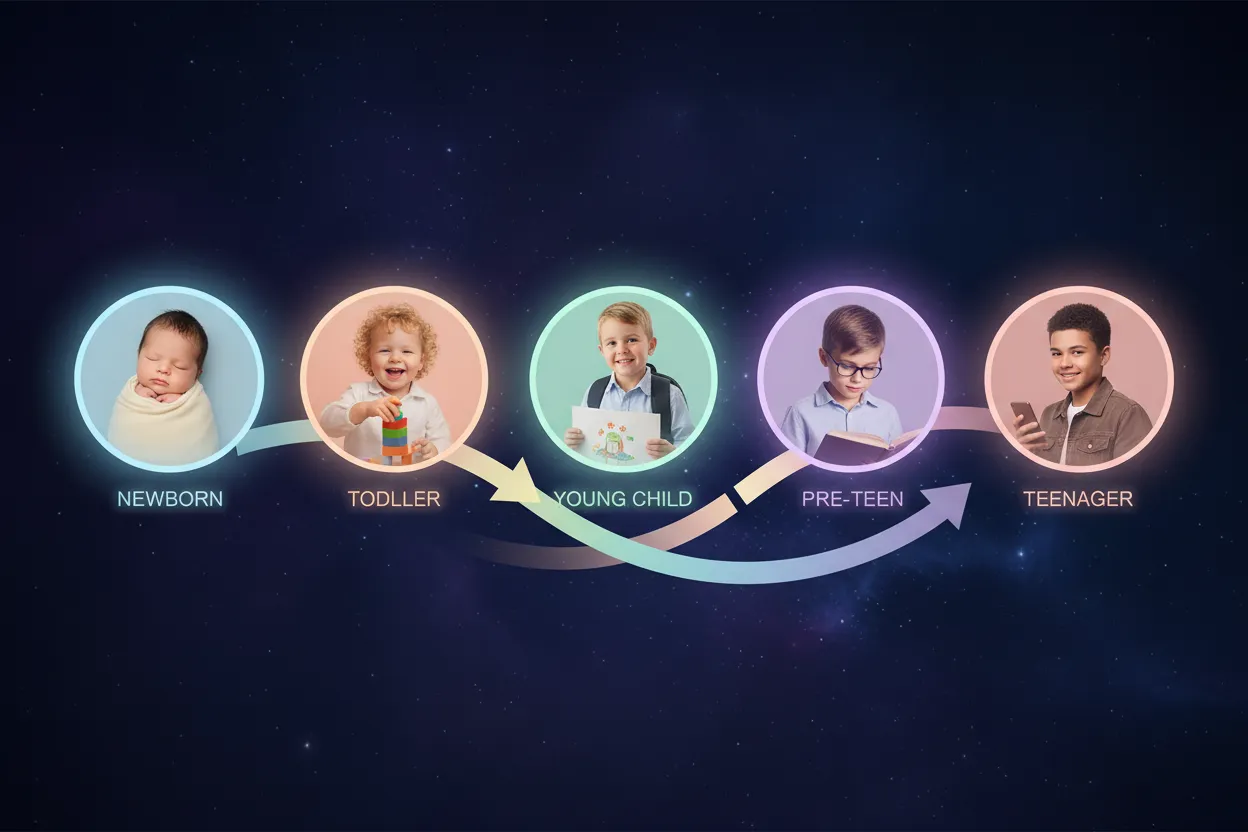
Most AI baby generators only show you a newborn. VidMage lets you select from five age stages: Baby (0-1), Toddler (1-3), Child (4-9), Pre-Teen (10-12), and Teen (13-18). This gives you a fuller picture of how your child might grow and develop over the years. You can run the generator multiple times with different age settings to build a visual timeline. It is especially useful for couples who want to see more than just a baby face, or content creators who want to tell a visual story across age stages.

Before generating, you can specify whether you want to see a boy, a girl, or let the AI pick randomly. This is useful for couples planning a gender reveal, or for anyone who wants to compare what their future son versus daughter might look like. The gender setting influences how the AI shapes and refines the facial structure and features in the output. Run it multiple times with different settings to explore the possibilities.

VidMage's AI is built to produce baby portraits that look like actual photographs, not digital illustrations or obvious composites. The model blends parent features in a way that maintains natural proportions and realistic skin tones, which makes the results feel believable even under close inspection. Mixed-race parents will find that the AI works to represent both parents' features rather than defaulting to one ethnicity. The output is clean and ready to share directly, without needing any editing.

Once your baby portrait is generated, you can download it and share it anywhere. The format works well for Instagram, TikTok, Facebook, or a gender reveal announcement. Couples are using AI baby photos to post engagement milestones, baby shower content, and viral "future family" videos. The output size and quality are optimized for social media sharing, so the image looks sharp whether you post it as a static photo or include it in a short-form video.
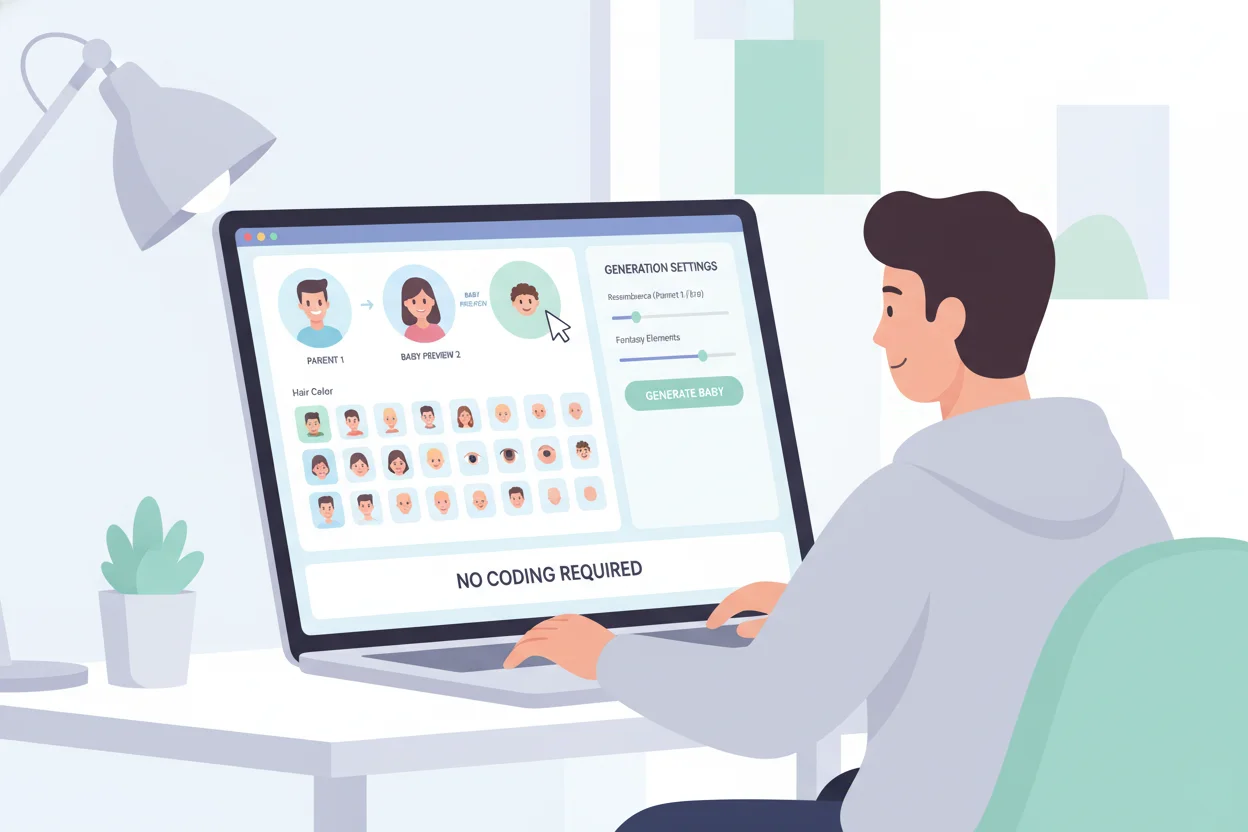
You do not need any design experience or technical skills to use VidMage's AI baby generator. The interface walks you through four clear steps: upload both parent photos, set your preferences, and click generate. The whole process takes under a minute. It is built for anyone who wants a quick, satisfying result without having to figure out complex settings or tools. If you can upload a photo, you can use this.
Here is how VidMage compares to popular baby generator tools on the features that matter most.
| Feature | VidMage | Fotor | Vidnoz | WonderSnap | OurBabyAI |
|---|---|---|---|---|---|
| Multiple Age Stages (Baby to Teen) | ✓ 5 stages | ✗ | Limited | ✗ | Limited |
| Gender Selection | ✓ Boy/Girl/Random | ✓ | ✓ | ✓ | ✓ |
| Realistic Face Blending | ✓ | ✓ | ✓ | ✓ | ✓ |
| Privacy (No Data Stored) | ✓ Deleted in 2h | Partial | Partial | ✓ | Unclear |
| No Mandatory Sign-Up to Try | ✓ | ✗ | ✗ | ✓ | ✗ |
| Download Without Watermark | ✓ Subscribers | Paid | Paid | Free (limited) | Paid |
Everything you need to know before generating your first baby portrait.
VidMage does not store your face data. Your parent photos are processed and deleted automatically.
All uploaded parent photos are automatically removed from VidMage's servers within 2 hours of processing.
Your images are never used to train AI models. VidMage does not use your uploads for any other purpose.
Your parent photos and the generated baby portrait are not shared with or sold to any third party, ever.
You can explore VidMage's tools without creating an account. No personal data is collected just for trying the tool.
Upload two parent photos and let VidMage AI show you a realistic portrait of your future child, from newborn to teen.