Upload your photo and preview 40+ hairstyles instantly. Choose from presets for men and women, or describe your own cut. No salon required.
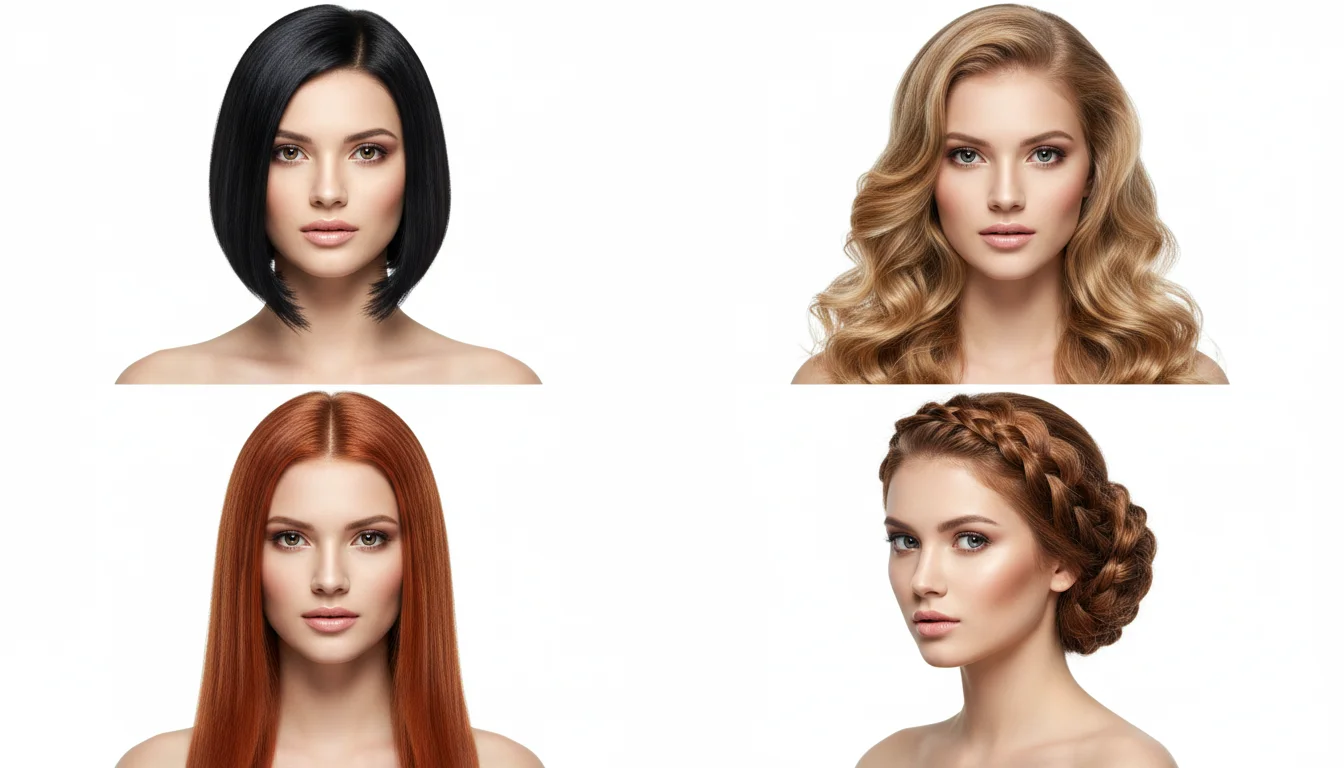
Three simple steps, zero commitment. See your new look on your actual photo before your next salon appointment.
Upload a clear, front-facing selfie. The AI detects your face, hairline, and features automatically. A well-lit photo with a plain background gives you the most accurate result.
Pick from 40+ preset styles for women and men, including bobs, bangs, pixie cuts, buzz cuts, fades, braids, and more. Or type a description to generate any custom hairstyle you have in mind, like "shoulder-length wavy bob with side bangs."
Click "Change Hairstyle" and the AI renders the result in seconds. Download the image to share with your stylist as a reference photo, or save it to compare a few different options.
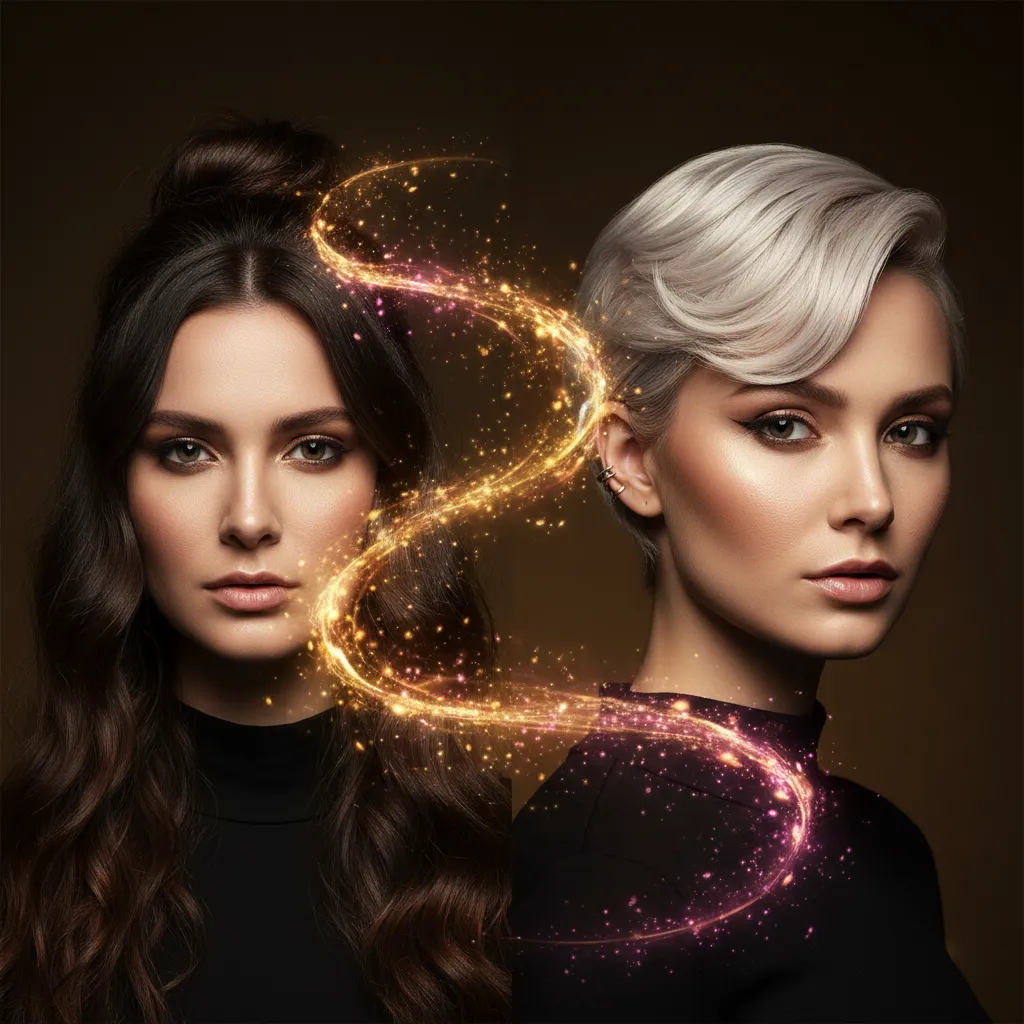
From preset styles to fully custom cuts, here is what makes VidMage the right choice for your next hairstyle change.
Choose from a curated library of popular cuts and colors for both men and women. If you have a specific idea, just type it out. The AI generates it on your photo without you needing to find a matching template.
VidMage's hairstyle AI preserves your facial structure, skin tone, and hairline while rendering the new hair. The result looks like you with a different style, not like a stock photo model wearing a wig.
Processing takes seconds. Try one style, then try five more. Each result loads fast enough that you can explore a wide range of options without waiting, and without leaving the page.
Your uploaded photo is automatically deleted after processing. VidMage does not permanently store your images or share them with third parties. What you upload stays private.
Try any hairstyle on your actual photo, risk-free and in seconds, with tools for every style preference.
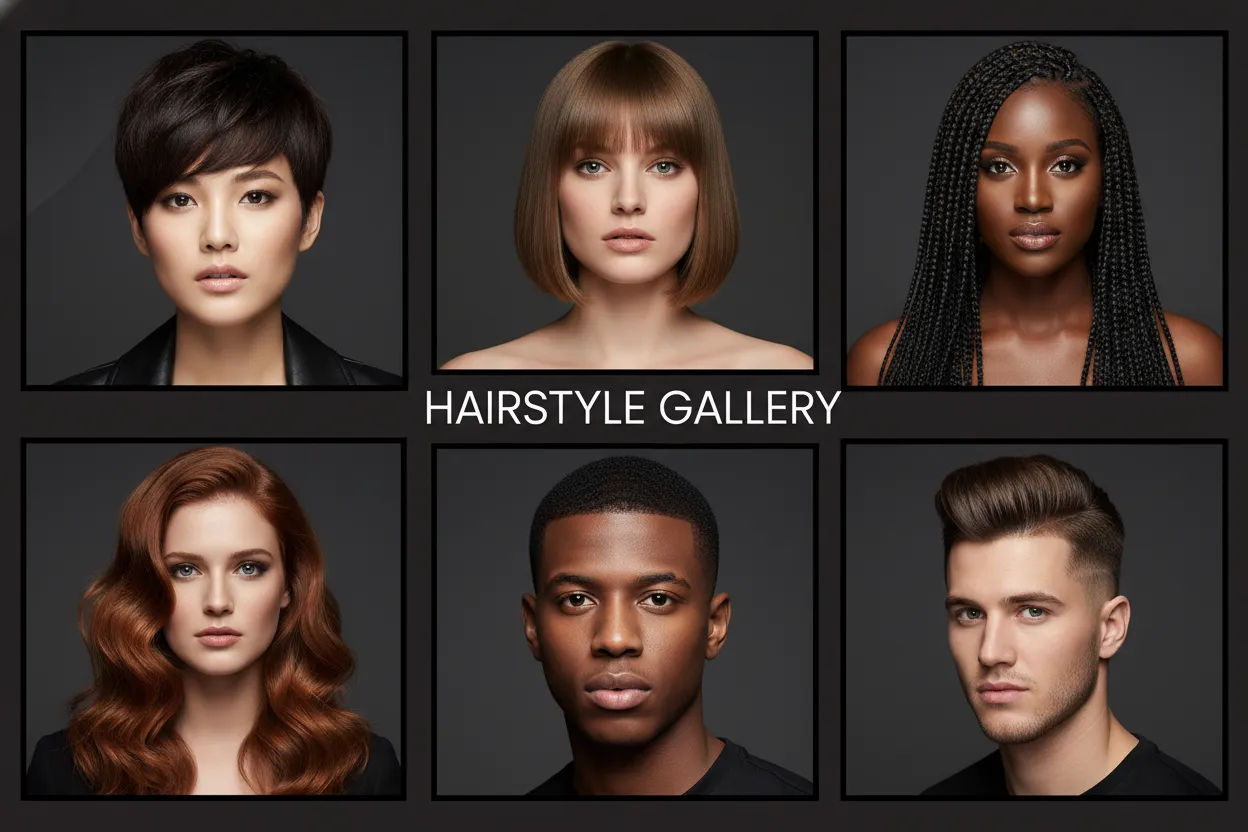
Browse a curated library of popular hairstyles for both men and women. Women's presets include pixie cuts, curtain bangs, layered styles, bobs, braids, buns, and long waves. Men's presets cover buzz cuts, crew cuts, fades, undercuts, pompadours, quiffs, and side parts. Select any style with one click and see it applied to your photo instantly. If you want to explore a wide range of options without typing anything, the preset library is the fastest way to find a style you like. You can flip between multiple presets in a row to do a quick side-by-side comparison.
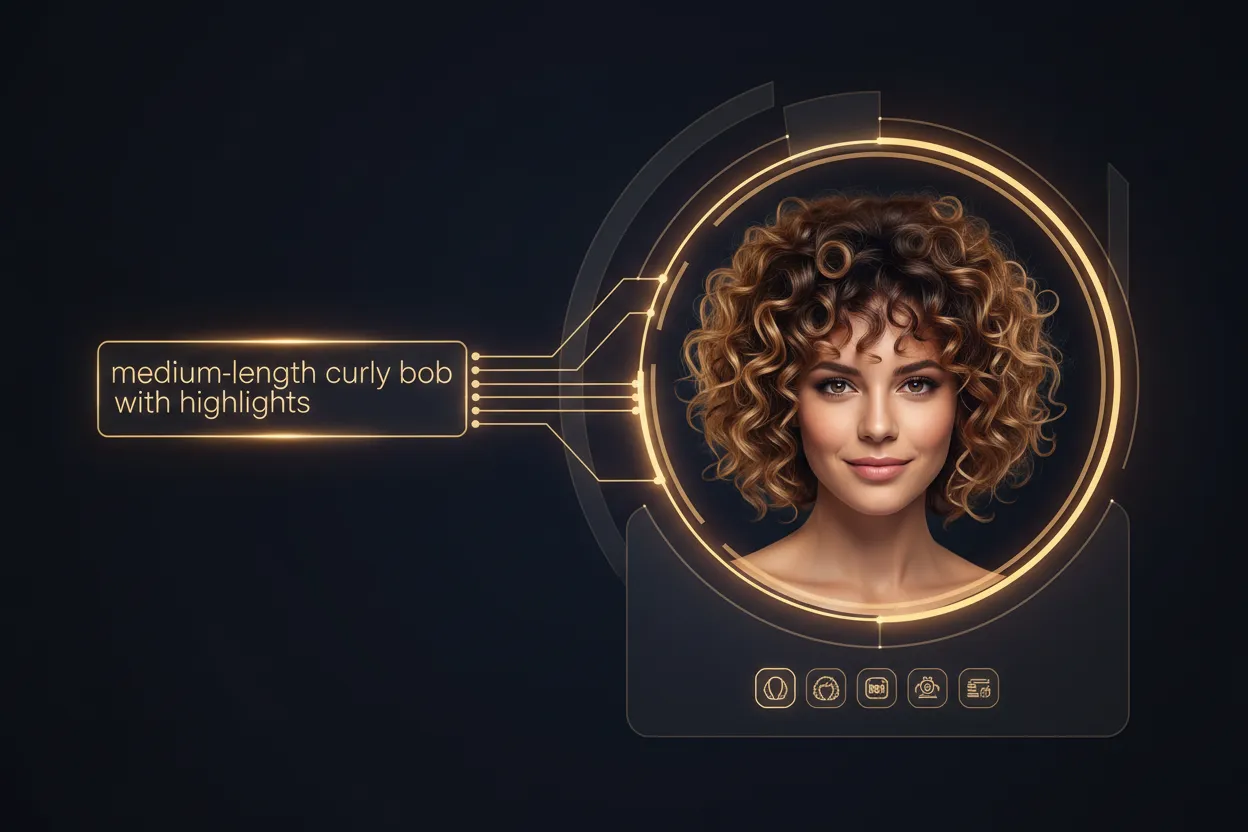
Not every hairstyle has a name, and not every idea fits a preset. With the custom text mode, type exactly what you are imagining, such as "medium-length curly bob with face-framing layers and highlights," and the AI generates it on your photo. This works for mixing specific lengths, textures, and colors that you cannot find in a standard preset list. It is particularly useful if you want a precise reference image to bring to your hairstylist, since you can describe the exact look and get a visual before the appointment.
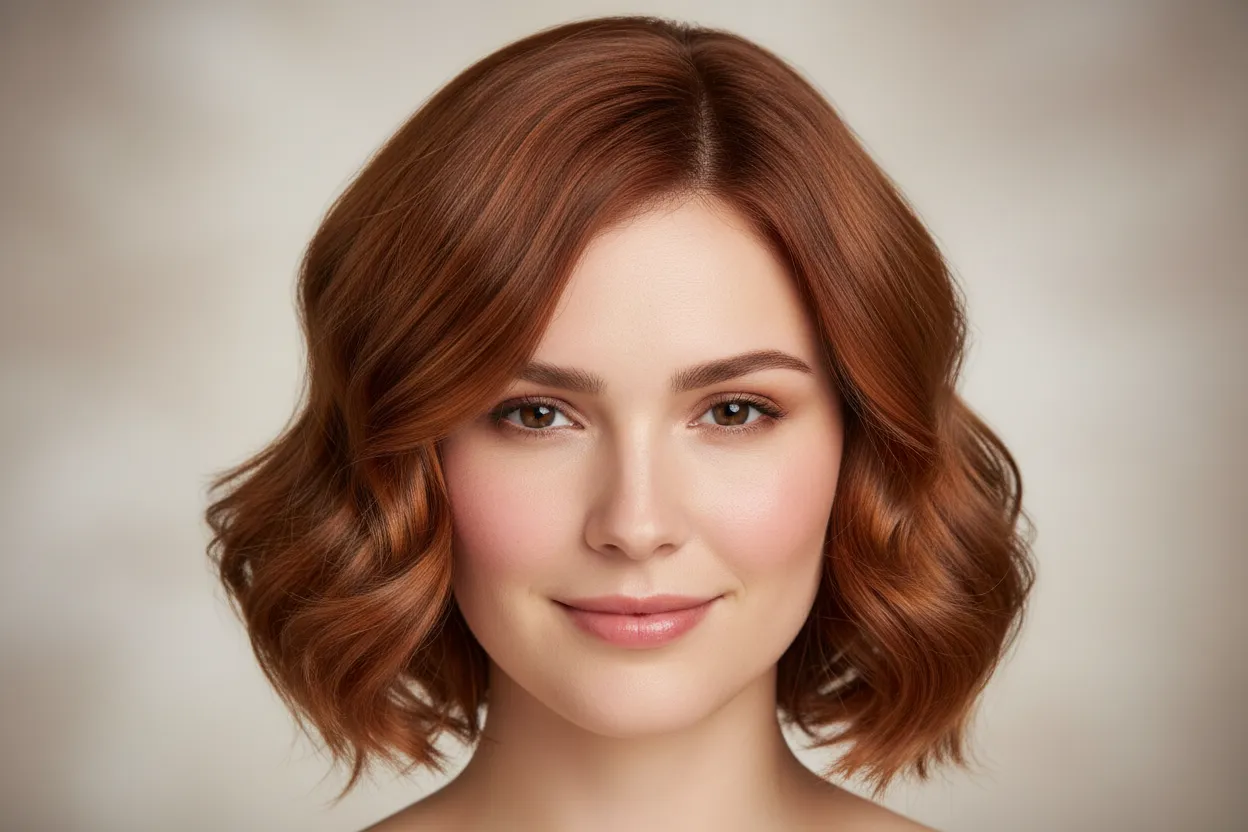
Many hairstyle try-on tools paste a generic wig onto your photo. VidMage's AI uses your actual facial structure, hairline, and skin tone to generate the result. The new hair blends with your face, and the lighting adjusts to match your original photo. This means the result looks like you with a different hairstyle, not like a costume overlay. The difference matters if you are trying to make a real decision, rather than just seeing a rough idea. The more accurate the preview, the more confident you can feel going into a salon.
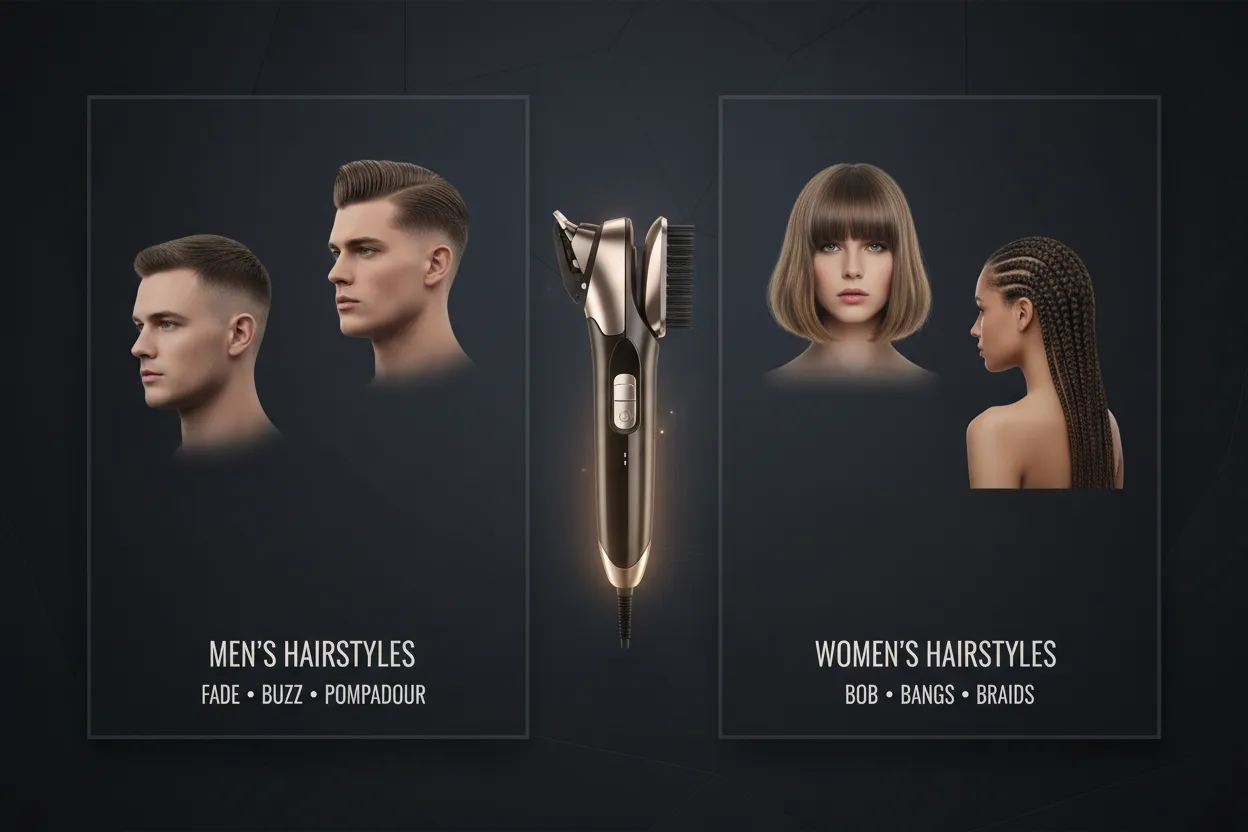
Switch between a dedicated men's and women's preset panel in one tool. Men can test barbershop staples like fades, undercuts, and buzz cuts, styles that are often missing or poorly represented in female-focused apps. Women can explore salon looks from short pixie cuts to long braids. No separate apps, no switching tools. The same upload workflow handles both, so you can test men's and women's styles on the same photo if you want to compare.
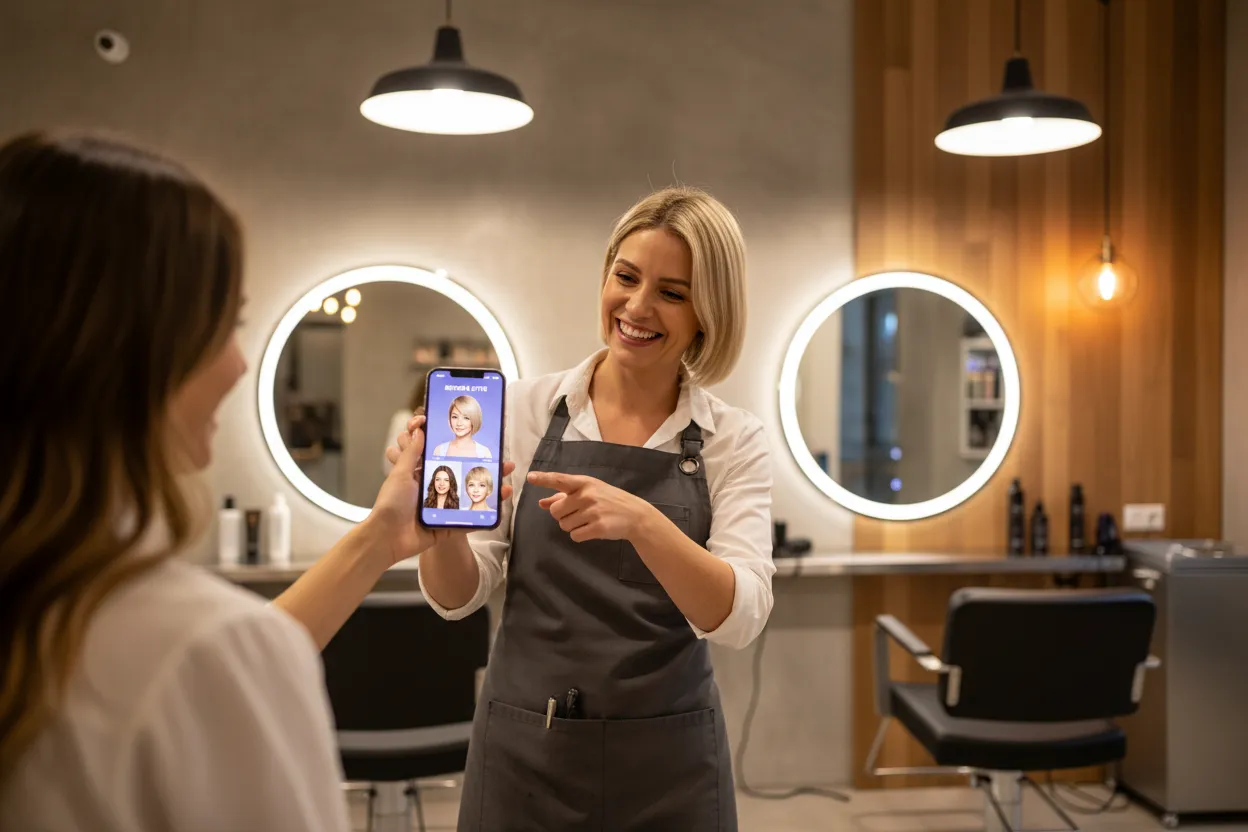
Once the AI generates your new look, download the image directly or share it. Use it as a reference photo for your next salon appointment, so your stylist knows exactly what you are aiming for. Send it to a friend for a second opinion. Post it as a before/after transformation on social media. The image is ready to use immediately after it is generated, with no additional editing required.
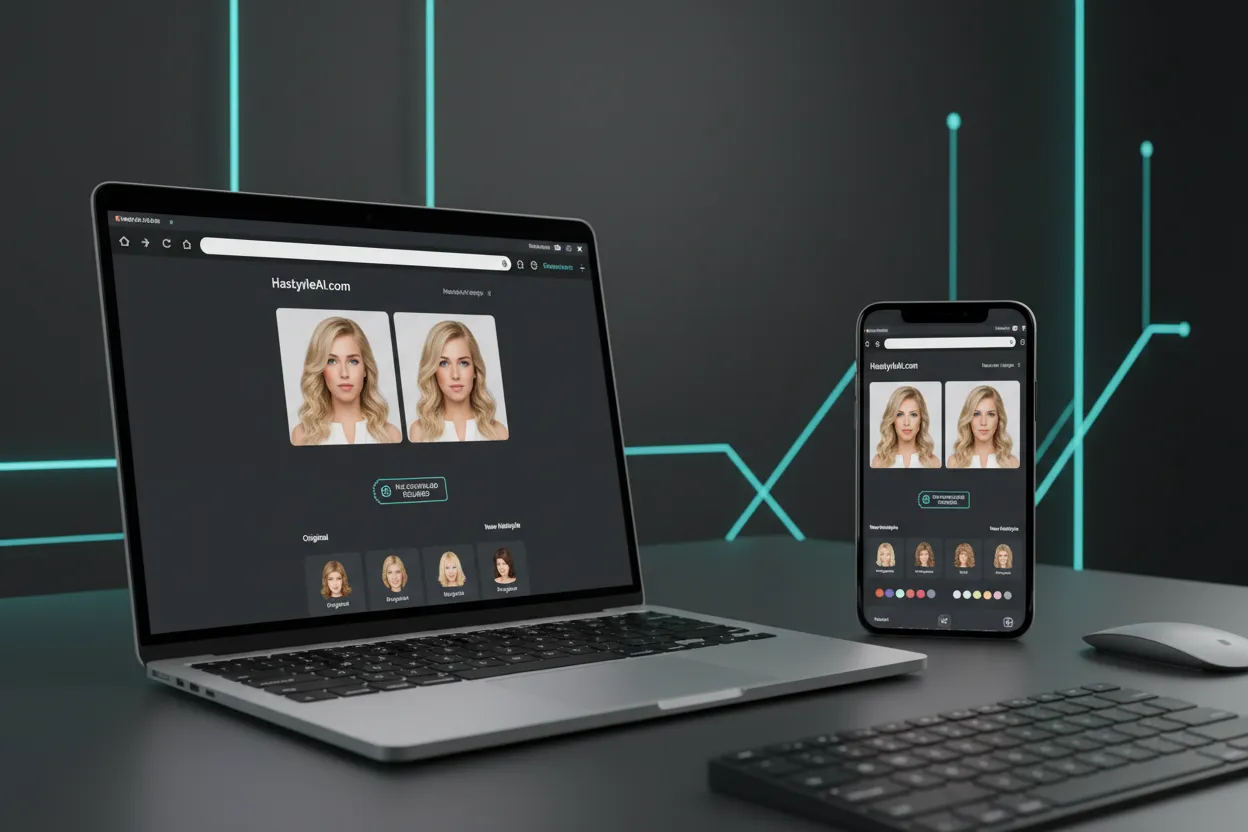
The AI Hairstyle Changer runs entirely in your browser. There is no app to install, no extension to add, and no software to update. Upload your photo, choose a style, and see results in seconds. It works on desktop and mobile, so you can try it wherever you are. If you already have a VidMage account, you can access the tool directly from your dashboard alongside the rest of the platform's AI tools.
Here is a straightforward look at how VidMage compares to the most popular AI hairstyle tools available today.
| Feature | VidMage | YouCam | Krea AI | Fotor | AIEase |
|---|---|---|---|---|---|
| Preset styles (men + women) | 40+ both | 140+ women-focused | Text-only | Variable | 80+ |
| Custom text prompt | Yes | No | Yes | Partial | Yes |
| No download required | Yes | Yes | Yes | Yes | Yes |
| Men's specific presets | Yes | Limited | Text-only | Yes | Limited |
| Photo deleted after use | Yes | Not stated | Not stated | Not stated | Yes |
| Part of full AI creative suite | Yes | No | No | No | No |
Got questions about the AI Hairstyle Changer? Here are the answers.
We handle your photos with care. Here is what happens to your data after you upload.
Your uploaded photo is automatically deleted after processing is complete. We do not keep copies on our servers.
We never share your photos with advertisers, partners, or AI training datasets. Your image is used only to generate your hairstyle result.
All file uploads are transmitted over an encrypted connection. Your photo does not travel in plain text.
VidMage does not use your uploaded photos or generated results to train AI models or improve models for third parties.
Upload your photo and preview 40+ styles in seconds. Find your next look before your next salon visit.