
Remove watermarks, logos, and text stamps from photos with AI. Get clean, natural results with no blur and no quality loss in seconds.


Upload your image, let AI detect and erase the watermark, then download your clean photo in seconds.
Click the upload button and select your photo. VidMage supports PNG, JPG, JPEG, and WEBP formats. Your image loads instantly, ready for processing.
VidMage's AI scans your image and automatically identifies watermarks, logos, and text overlays. No manual brushing or selection needed for most standard marks.
Click the Remove Watermark button. The AI analyzes surrounding pixels and reconstructs the background to fill the area cleanly, with no blur and no visible trace.
Preview the result using the before/after slider, then download your watermark-free image at full resolution. No quality downgrade on the way out.
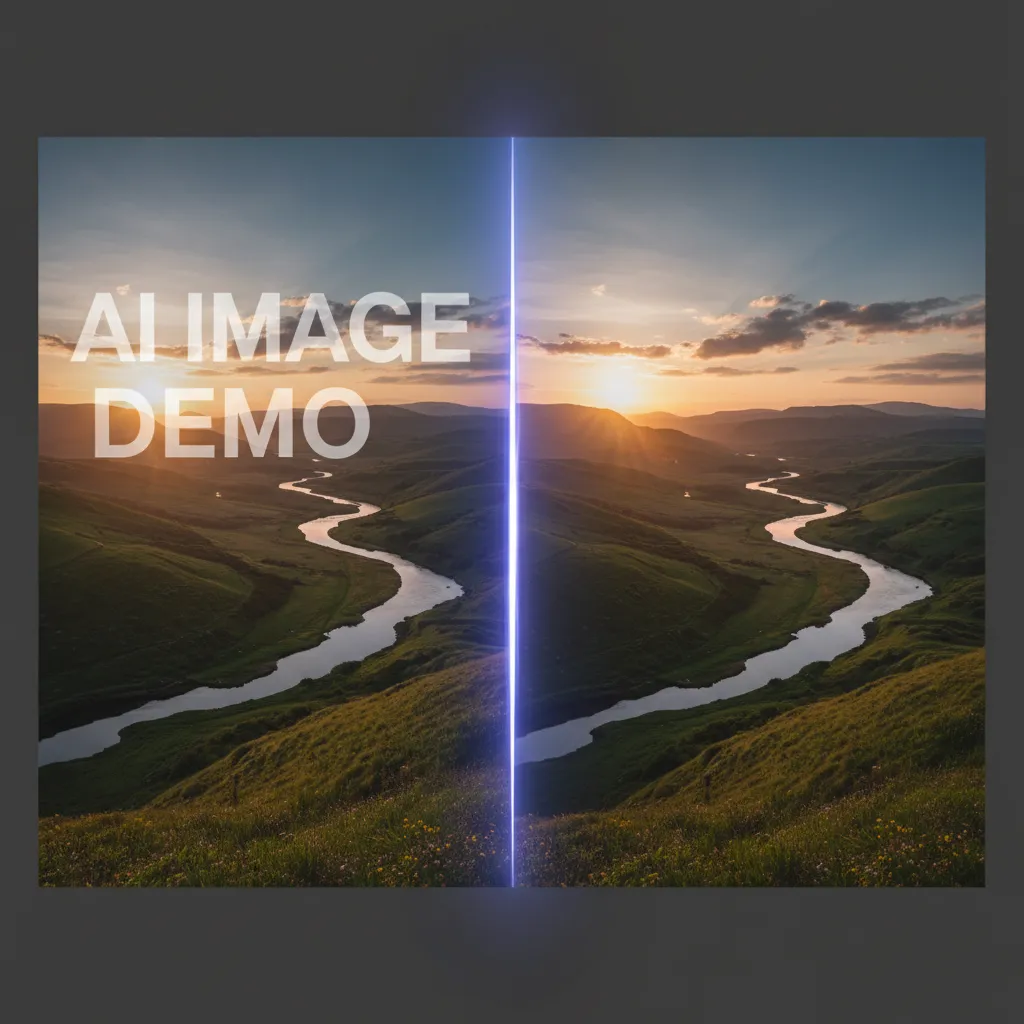
Not all watermark removers are equal. Here's what sets VidMage apart.
Most tools smear pixels over the watermark area. VidMage uses AI inpainting to analyze surrounding texture and rebuild the background, so results look natural and seamless.
You get your image back at its original resolution. No quality downgrade, no forced compression, and no pixelation around the removed area.
VidMage does not store your uploaded photos or use them for AI training. All files are cleared automatically after processing. Your images stay yours.
After cleaning your image, upscale it, swap faces, animate it, or generate video, all in the same platform. No switching tools or re-uploading files.
Remove watermarks, logos, and stamps from any photo, with results that look like they were never there.
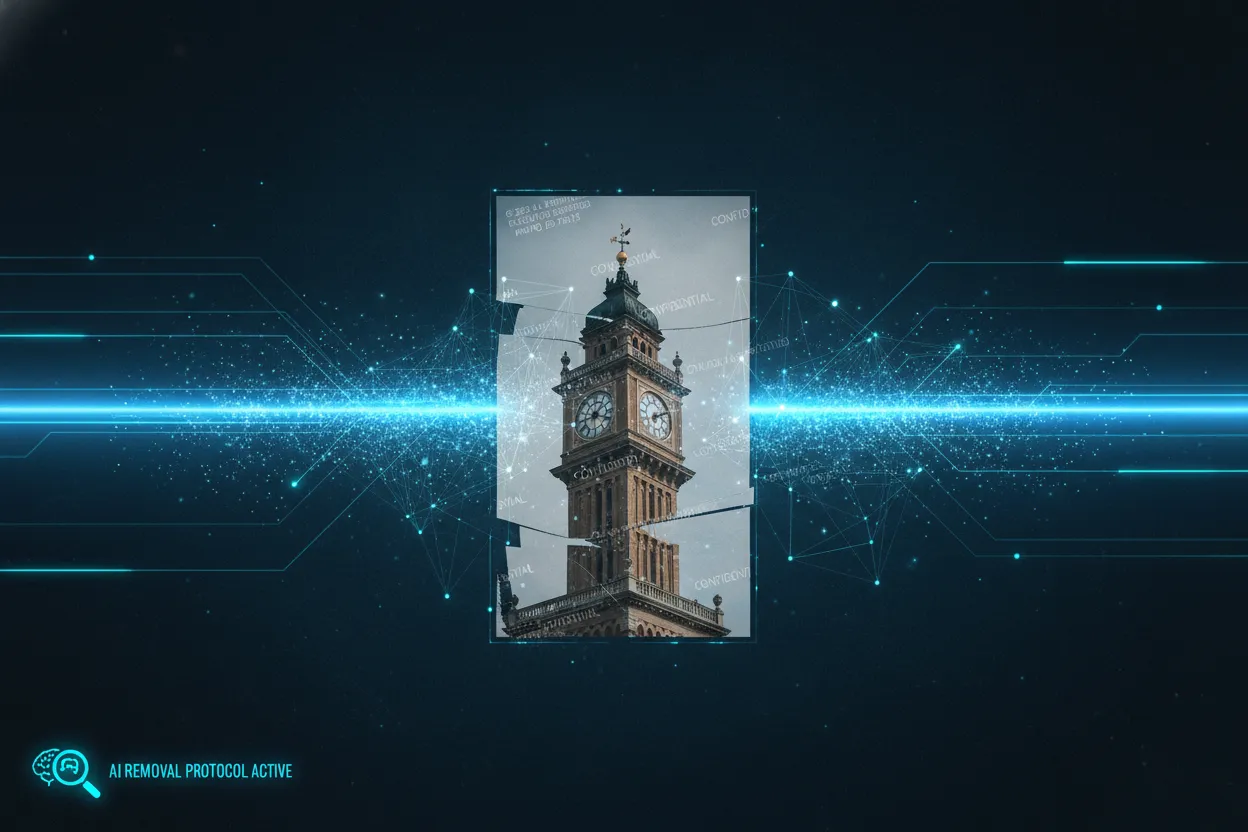
Whether you need to remove a text watermark, a brand logo, a corner stamp, or a site name overlaid on a photo, VidMage handles it in one click. The AI detects the mark automatically and removes it without leaving a blurred patch. Works on both high-contrast marks and lighter, semi-transparent overlays. Ideal for bloggers, social media managers, and marketers who regularly work with watermarked source images they have rights to use.
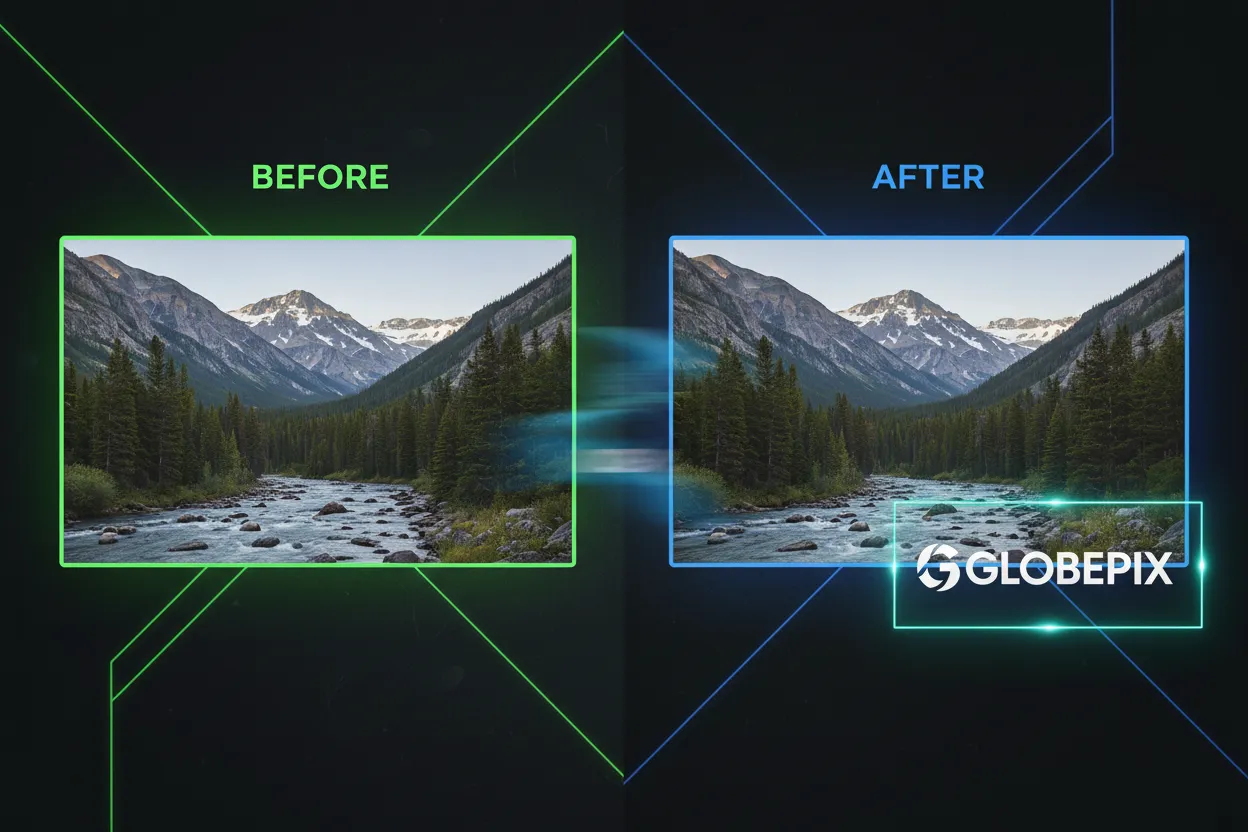
Removing a watermark is only half the job. The harder part is making the space underneath look natural. VidMage uses AI-powered inpainting to reconstruct the background pixels based on the surrounding area. Whether the watermark sits over a plain wall, a textured fabric, or a complex scene, the AI fills the gap with detail that matches the rest of the image. The result is clean and seamless, not patchy or blurry.
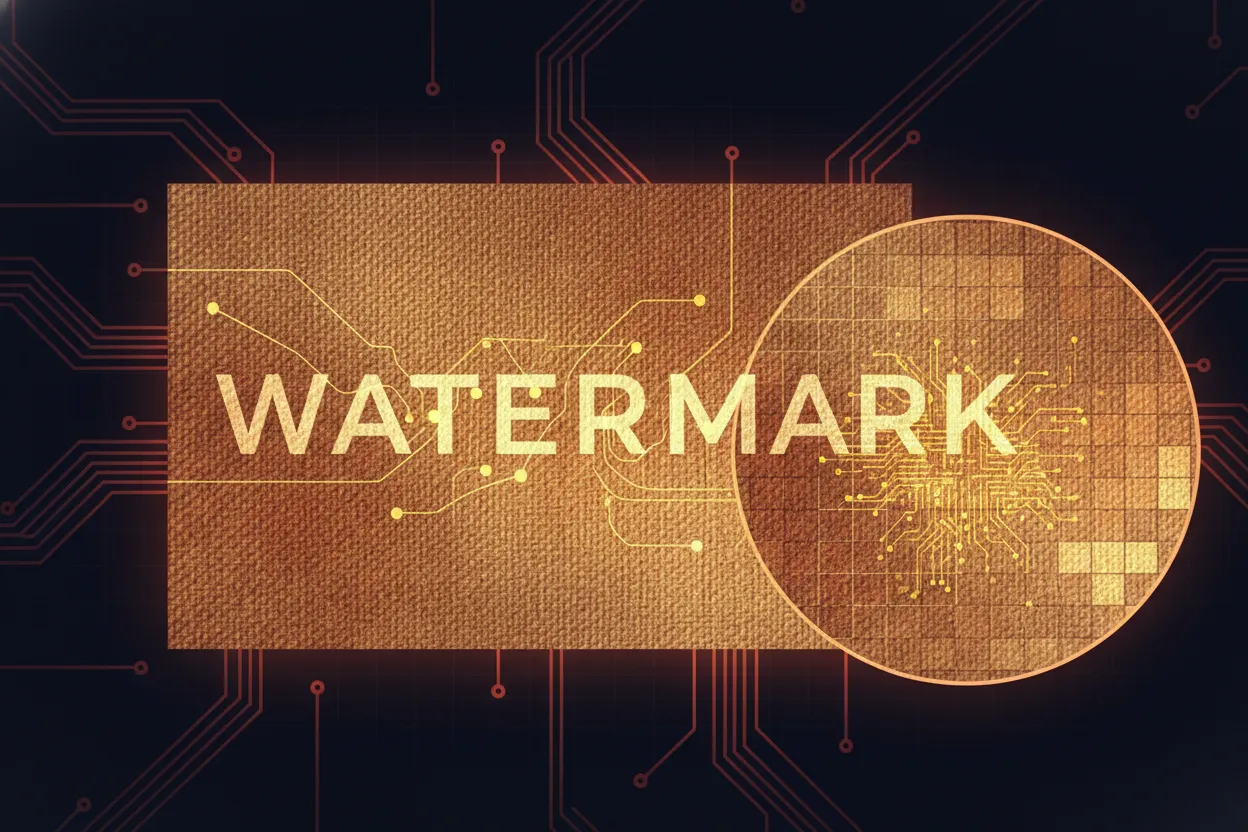
A common complaint with free watermark removers is that the downloaded image looks worse than the original. VidMage delivers full-resolution output with no compression artifacts. The watermark removal process targets only the marked area. The rest of your image remains exactly as you uploaded it, sharp, clear, and true to the original.
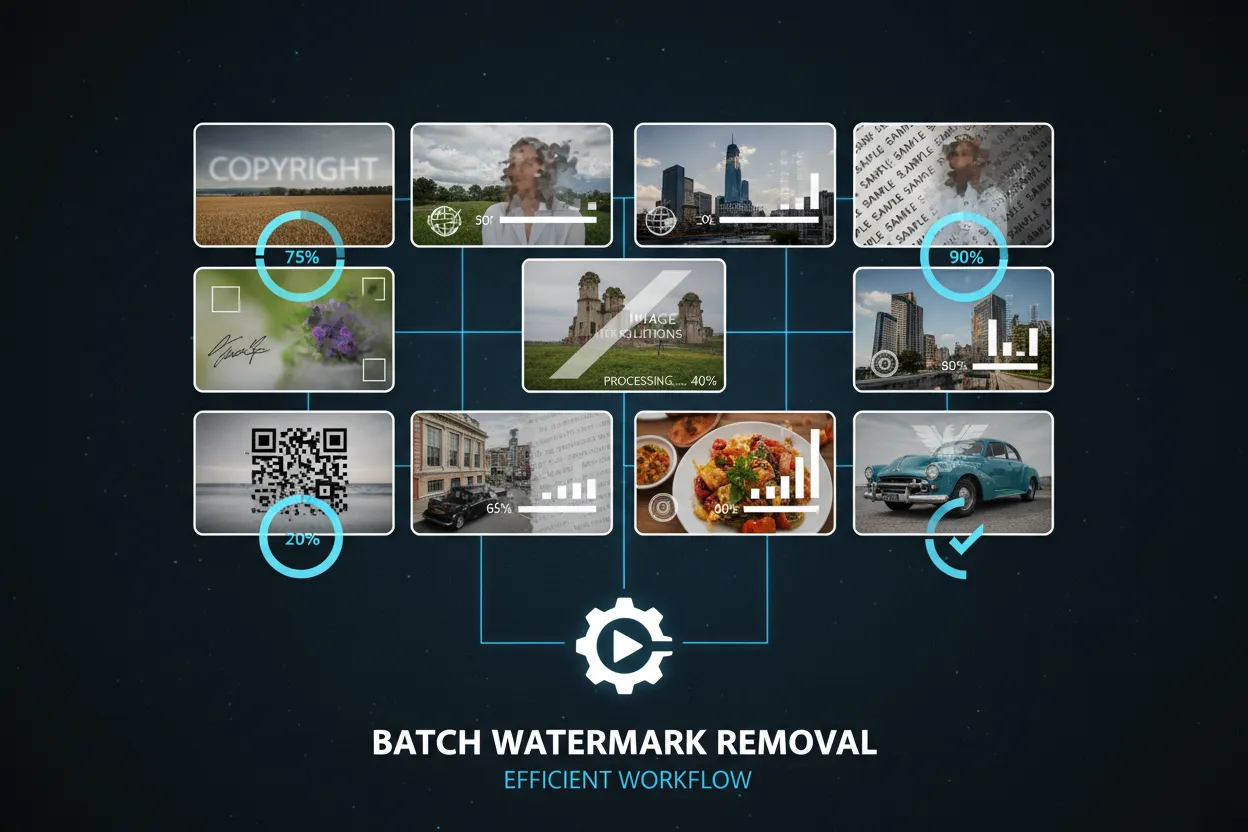
Old cameras and some photo apps burn date stamps or text overlays directly into photos. VidMage can remove these just as effectively as brand watermarks. This is useful for restoring personal photos, cleaning up scanned prints, or preparing images for publication where text overlays are a distraction. Upload the image, let the AI detect the stamp, and download the clean version.

VidMage accepts the most common image formats used in photography, design, and content creation. Whether you're working with web-optimized WEBP files, transparent PNGs, or standard JPEGs from your camera, you can upload directly without format conversion. This makes it easy to fit watermark removal into any existing workflow without extra steps.

After removing a watermark, you might want to upscale the image, use it in a face swap, or turn it into a video. VidMage keeps all these tools in one place. Clean your image first, then pass it to Image Upscaler, AI Video, or any other tool without switching platforms. This makes VidMage useful not just as a watermark remover, but as the starting point for a full creative workflow.
Here's how VidMage compares to popular watermark removal tools on the things users care about most.
| Feature | VidMage | WatermarkRemover.io | Dewatermark.ai | Unwatermark.ai | HitPaw |
|---|---|---|---|---|---|
| AI Auto-Detection | Yes | Yes | Yes | Yes | Yes |
| AI Background Reconstruction | High quality inpainting | Good | Good | Good | Good |
| Full Resolution Output | Yes | Limited on free plan | Limited on free plan | Limited on free plan | Yes (paid) |
| Files Auto-Deleted After Processing | Yes | Not specified | Not specified | Not specified | Local app, N/A |
| No Data Used for AI Training | Yes | Not specified | Not specified | Not specified | N/A |
| Part of Full Creator Suite | Yes | No | No | No | No |
| Video Watermark Removal | Yes | No | No | Yes | Yes |
Everything you need to know about removing watermarks from images with VidMage.
VidMage is built around a simple rule: your files are yours, not ours.
Your uploaded photos are never saved to VidMage's servers after processing is complete. Files are cleared automatically.
VidMage does not use your images, videos, or input data to train any AI model, and does not share them with third parties.
All uploaded data is automatically deleted within 2 hours of upload. Download your results before then to keep your files.
You can test VidMage tools without creating an account. No personal data is needed just to explore the platform.
Upload your photo and let AI handle the rest. Clean, natural results in seconds, with no blur and no quality loss.