Turn any idea into a stunning image in seconds. Type a prompt or upload a photo, pick your style and ratio, and VidMage AI generates professional-quality results instantly.
Whether you're starting from a text prompt or an existing photo, creating images with VidMage takes less than a minute.
Select Text to Image if you want to describe your idea from scratch, or pick Image to Image if you want to transform or combine existing photos. Both modes are available in the same tool above.
For text to image, describe the scene, style, and mood you have in mind. For image to image, upload up to 10 photos and describe how you want the AI to transform or merge them, such as placing a person from one photo into a setting from another.
Choose from 5 aspect ratios and over 15 styles including Realistic, Anime, Cinematic, Oil Painting, Watercolor, Fantasy, Cyberpunk, and more. Hit Generate and your AI image is ready in seconds.
From next-gen model quality to multi-mode flexibility and built-in privacy, here is what makes VidMage different.
VidMage uses the Nano Banana 2 model, one of the newest generation AI image models. It handles complex prompts well and produces sharp, detailed images, whether you want photorealistic output or stylized artwork.
Most tools only offer one mode. VidMage gives you both: generate from a text prompt, or upload up to 10 reference photos and let the AI transform or combine them. You get more creative flexibility without switching platforms.
From Cinematic and Realistic to Anime, Watercolor, Cyberpunk, and Pixel Art, you can pick the visual style that fits your project. Five ratio options cover every format from widescreen to vertical mobile.
VidMage does not store your prompts, uploaded photos, or generated images after processing. Your data is cleared within 2 hours and never used for training. What you create stays yours.
From quick social posts to detailed concept art, here is what makes VidMage a practical choice for creators, marketers, and casual users alike.
Describe any scene, character, or concept in plain words and VidMage turns it into a fully rendered image. The Nano Banana 2 model understands detailed prompts, so you can specify lighting, mood, composition, and style without needing design skills. This is useful for content creators who need quick social media visuals, marketers who want fast ad creative concepts, or anyone who has an idea and wants to see it visually. Generation takes a few seconds per image, and each result is ready to download immediately.
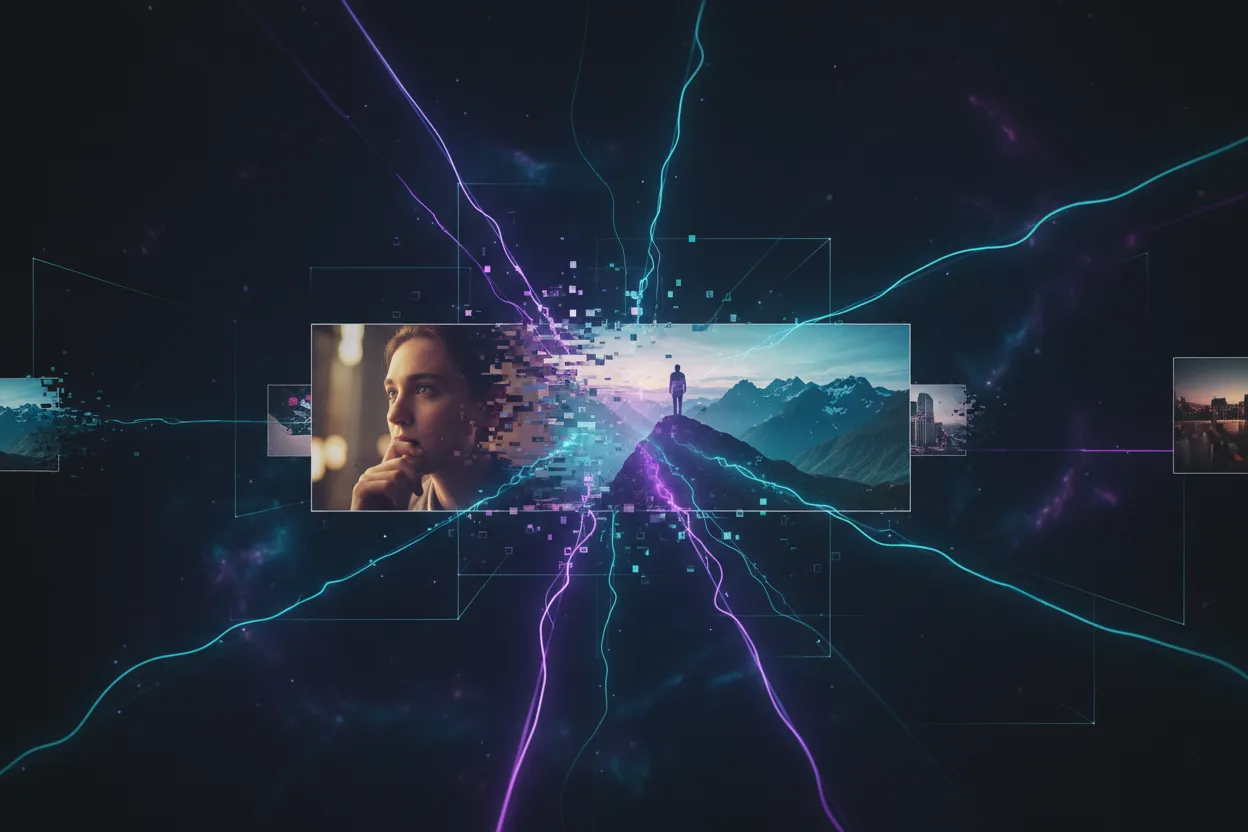
Upload up to 10 existing photos and describe how you want the AI to transform or combine them. You can restyle a photo from realistic to anime, merge elements from multiple images, change backgrounds, or create entirely new compositions based on your references. This is particularly useful for e-commerce sellers who need product scene images, social media creators who want to reimagine existing photos, or anyone who wants to add an artistic style to their own pictures. The AI follows your text description to decide what to keep and what to change.
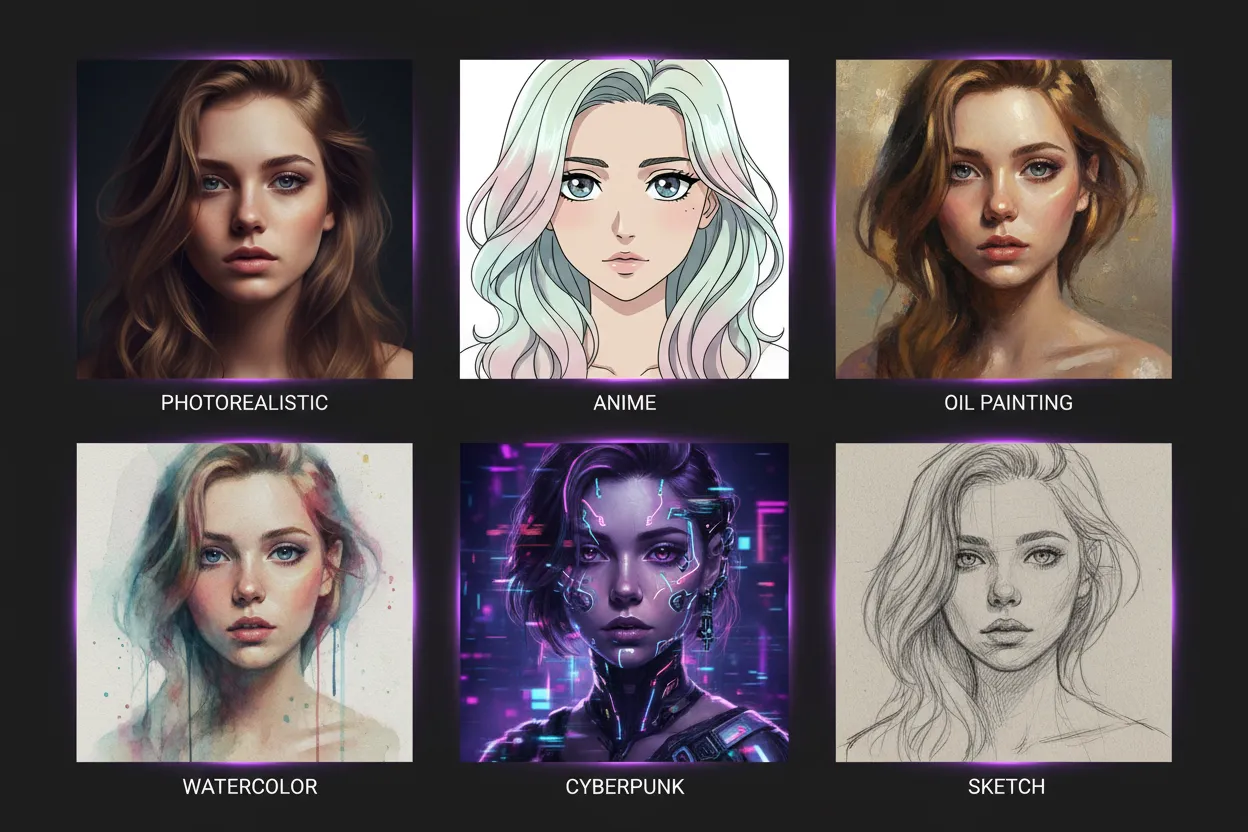
VidMage supports a wide range of visual styles: None (model's natural output), Realistic, Anime, Cinematic, Oil Painting, Watercolor, Digital Art, Fantasy, Vintage, Minimalist, Cyberpunk, Pixel Art, Comic, Sketch, and Pop Art. Each style is applied at the model level, so the result reflects the chosen aesthetic throughout the image, not just as a filter overlay. You can try the same prompt in different styles to find the look that fits your project, without starting over each time.
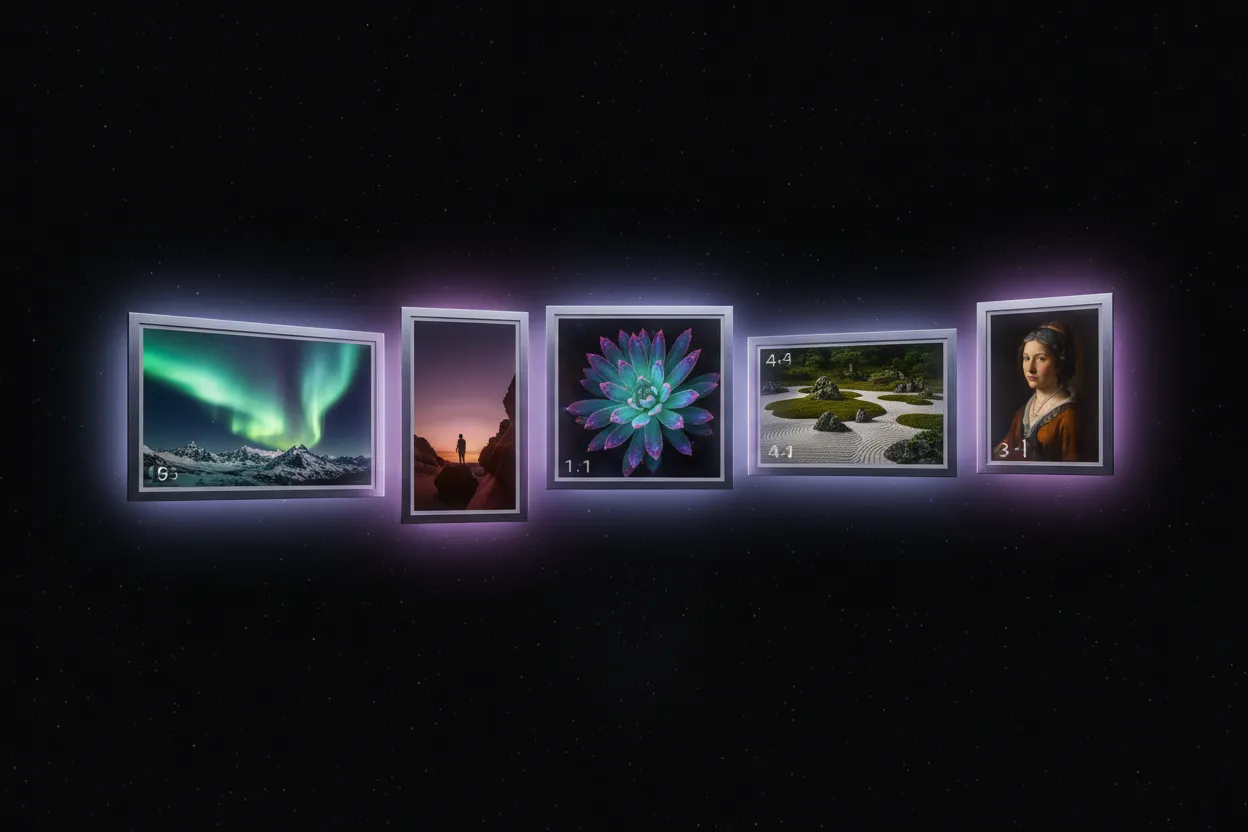
Choose from 16:9 (widescreen, ideal for YouTube thumbnails and presentations), 9:16 (vertical, ideal for Instagram Reels and TikTok), 1:1 (square, great for Instagram posts and profile images), 4:3 (standard, suitable for blog images and general use), and 3:4 (portrait, good for Pinterest and printed materials). Selecting the right ratio before generating saves you time compared to cropping or resizing after the fact. Each output is generated at the specified ratio from the start.
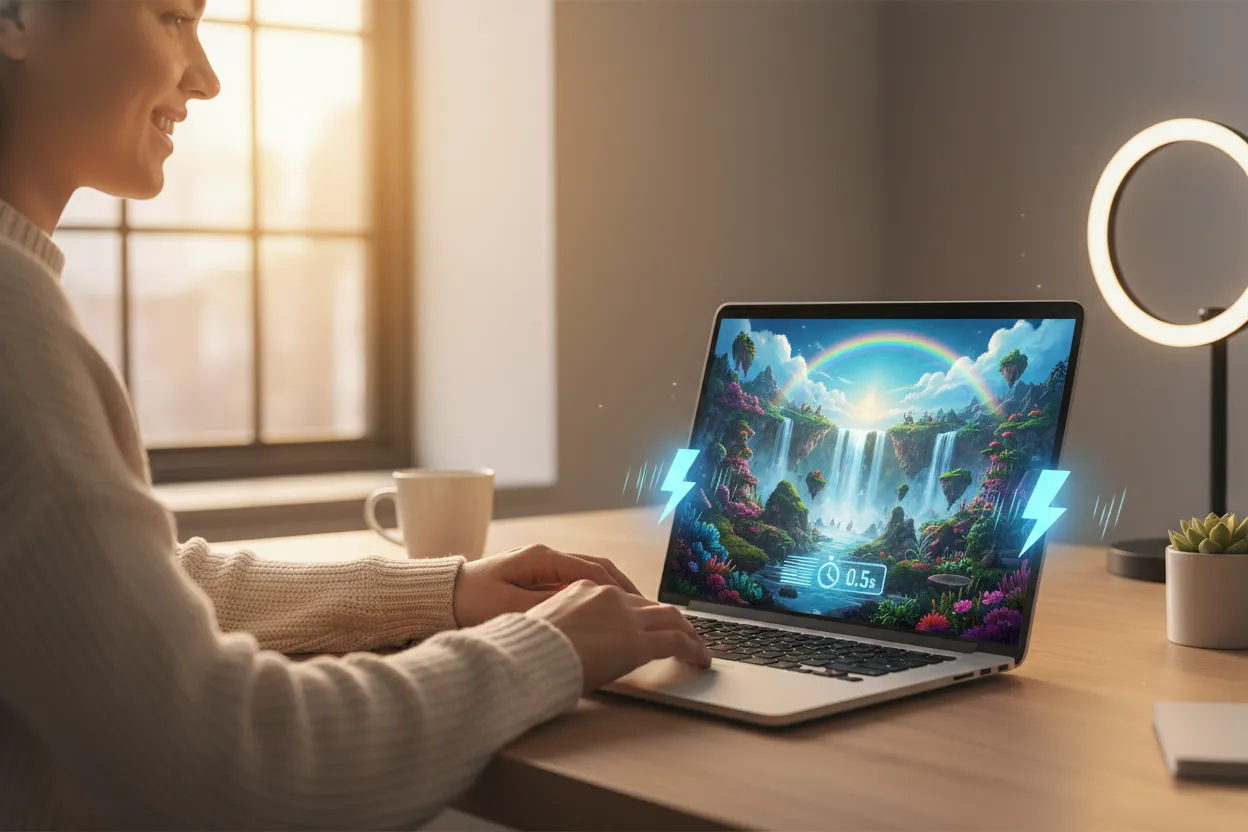
You do not need Photoshop, Illustrator, or any design background to use VidMage AI Image Generator. The interface guides you through three steps: enter a prompt or upload images, select ratio and style, then click Generate. Results typically arrive in seconds. If you are not happy with the output, adjust your prompt or try a different style and regenerate. This makes it practical for small business owners, solo marketers, and creators who work without a dedicated design team.
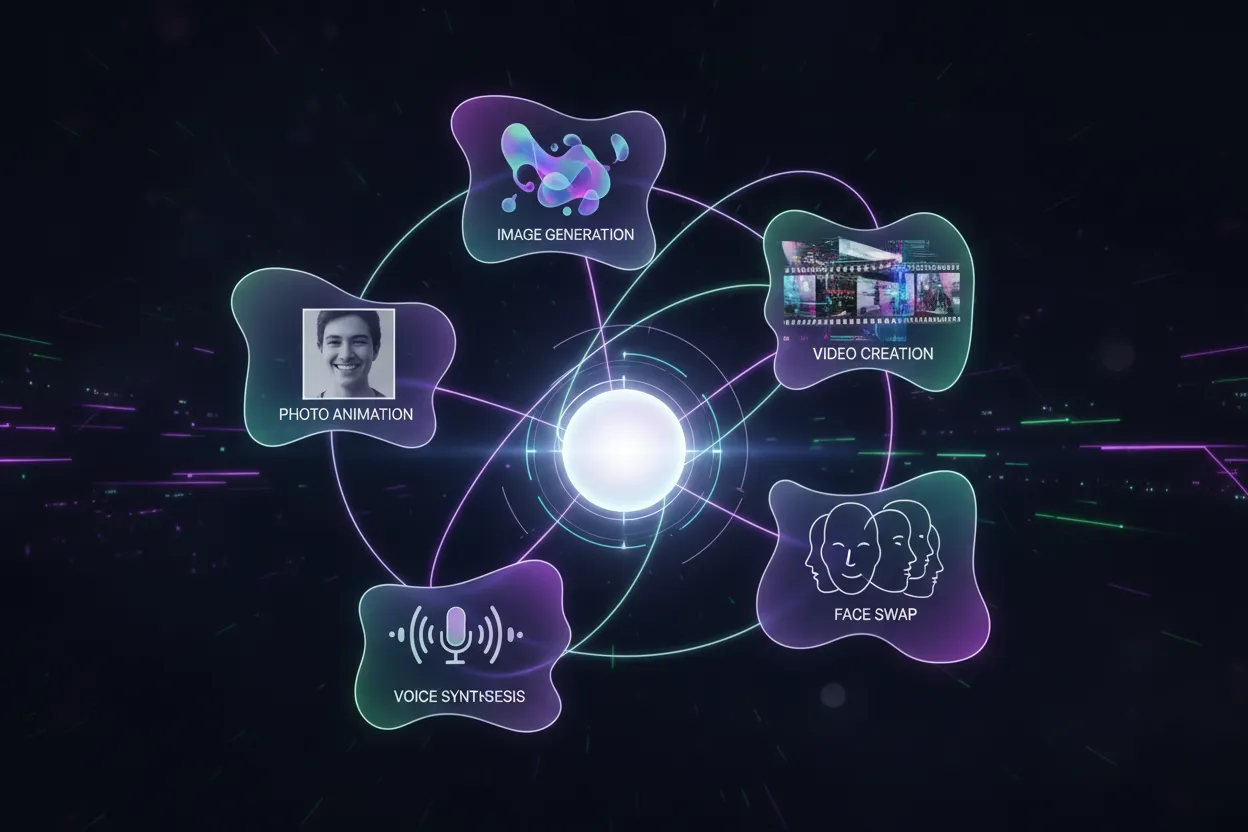
VidMage is not just an image generator. It is part of a broader creative AI platform that includes video face swap, AI video generator, photo animation, lip sync, voice clone, and more. If you are a content creator who regularly works across photos and videos, you can stay in one tool instead of juggling multiple subscriptions. Generated images can feed directly into other VidMage tools, giving you a connected workflow from idea to finished content.
Here is how VidMage compares to other popular AI image generation tools on the features that matter most.
| Feature | VidMage | Midjourney | DALL-E 3 | Adobe Firefly | Leonardo AI |
|---|---|---|---|---|---|
| Text to Image | Yes | Yes | Yes | Yes | Yes |
| Image to Image (multi-photo) | Yes (up to 10 photos) | Limited | No | Limited | No |
| Free Trial (sign-up required) | Yes | No (Discord req.) | Requires ChatGPT Plus | Limited | Yes |
| Styles Available | 15+ | Artistic only | Limited | Limited | Yes |
| Aspect Ratios | 5 ratios | 4 ratios | 4 ratios | 4 ratios | 4 ratios |
| Data Privacy | Cleared in 2 hours | Public by default (basic) | Stored by OpenAI | Stored by Adobe | Stored |
| Other AI Tools Included | Yes (video, audio, face swap) | No | No | Adobe suite only | No |
| Starting Price | 5 credits per image | $10/month minimum | ChatGPT Plus ($20/month) | From ~$10/month | Free + paid tiers |
VidMage takes privacy seriously, so you can create freely without worrying about where your content goes.
Uploaded photos and generated images are cleared within 2 hours of processing. Nothing is kept on VidMage servers after your session.
VidMage never uses your images or prompts to train its AI models. Your creative content is yours and is never repurposed.
Your content is not shared with any outside companies or services. VidMage keeps your data within its own secure environment.
All uploads and downloads use encrypted connections to keep your files safe in transit from your device to VidMage's servers.
Type a prompt, upload your photos, pick a style, and see what VidMage creates in seconds. No design skills needed, no commitment required.