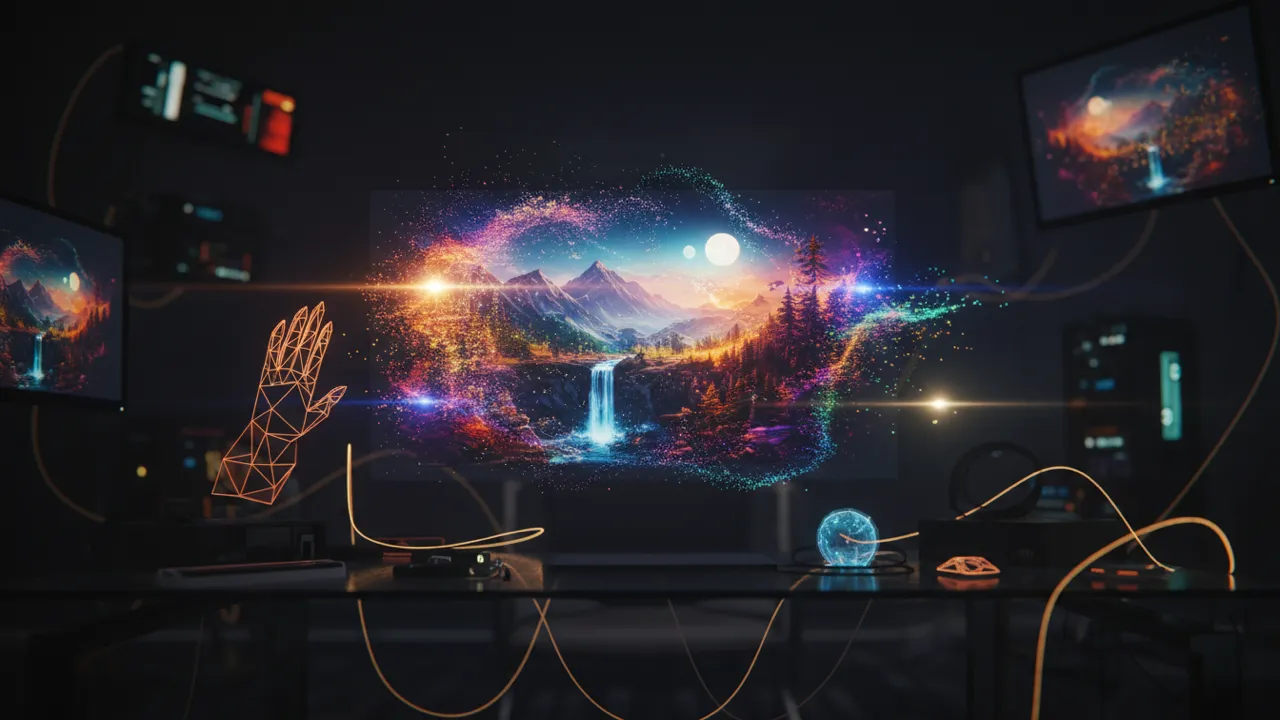
Upload up to 10 photos, describe how to transform or combine them, and VidMage AI generates a new image based on your reference and your prompt.
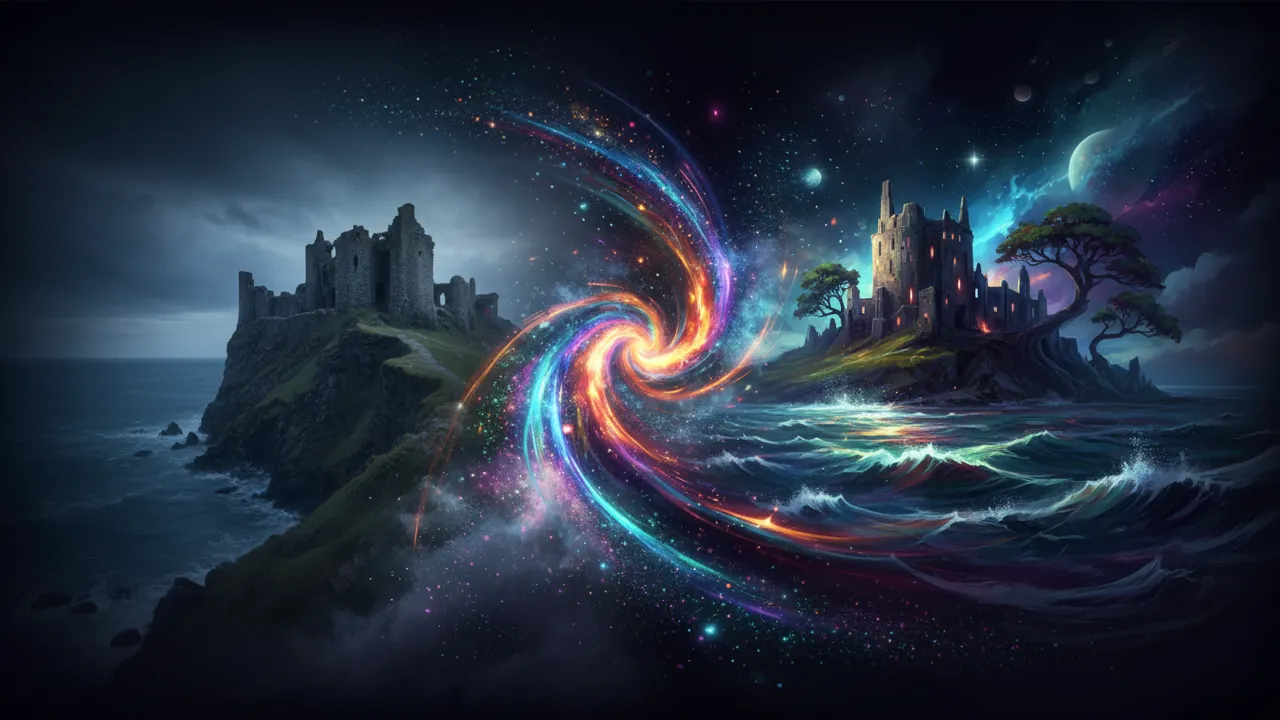
Transforming your photos with AI takes just four steps and less than a minute from start to finish.
Click the Upload Images button and select up to 10 photos from your device. You can use PNG, JPG, JPEG, or WEBP files. There is no need to resize or edit them first.
Write a clear prompt telling the AI what to do with your images. You can ask it to change the style, merge elements from different photos, swap backgrounds, or recreate a scene in a specific look. The more specific your description, the closer the result will be to what you have in mind.
Pick from five aspect ratios, including 16:9 for widescreen, 1:1 for square, and 9:16 for vertical. Then select an art style from over 15 options such as Realistic, Anime, Cinematic, Oil Painting, and Watercolor. You can also leave style as None to let the AI decide based on your prompt.
Click Generate and the AI will process your images using Nano Banana 2. Your new image appears in the preview panel on the right. Download it when you are ready.
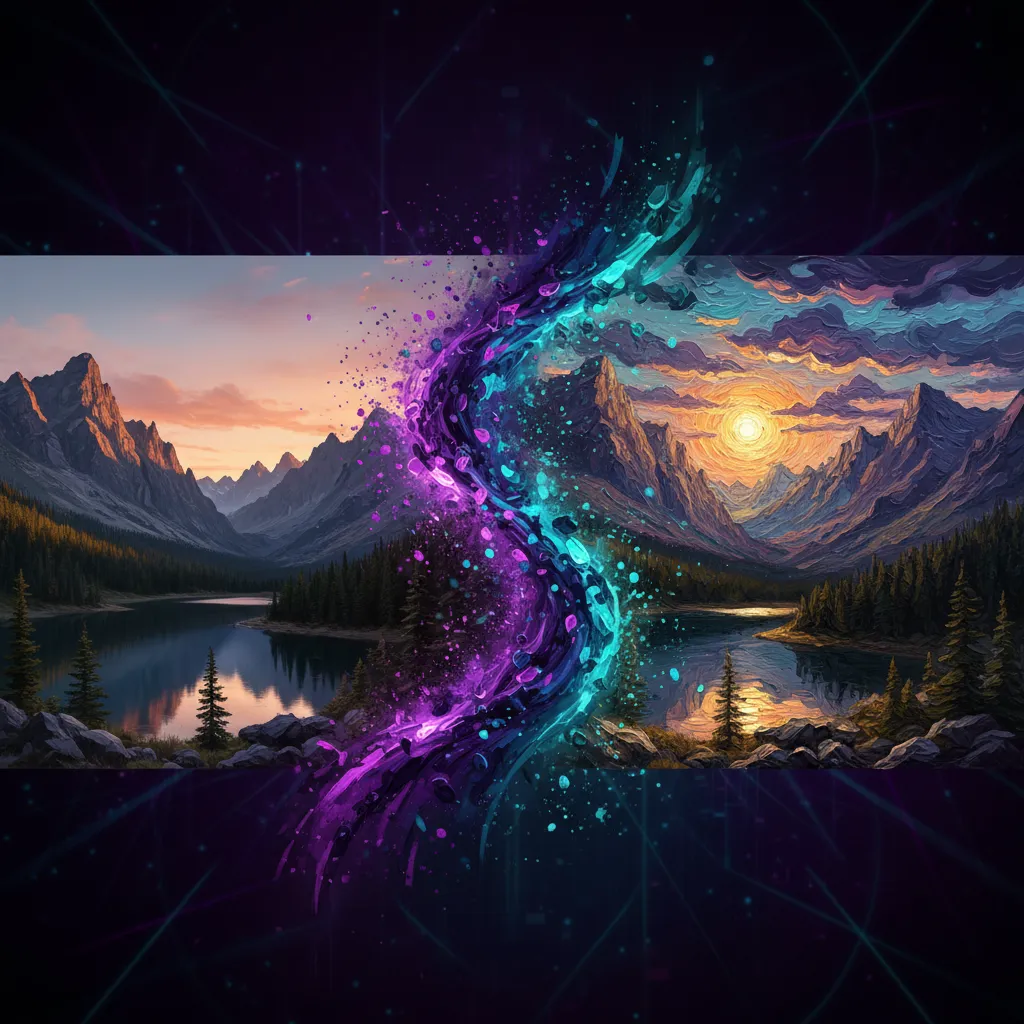
From multi-image fusion to next-gen model quality and built-in privacy, here is what makes VidMage different from other image to image tools.
Most image to image tools only accept one photo at a time. VidMage lets you upload up to 10 images and describe how to combine or transform them together, giving you creative control that goes far beyond a basic style filter.
VidMage uses Nano Banana 2, a next-generation AI model with stronger prompt understanding and sharper visual output. It reads complex, detailed descriptions well and produces cleaner results than older diffusion models, especially when merging or restyling multiple reference images.
You get Realistic, Anime, Cinematic, Oil Painting, Watercolor, Digital Art, Fantasy, Vintage, Minimalist, Cyberpunk, Pixel Art, Comic, Sketch, Pop Art, Surreal, and more. Five aspect ratios cover every format from YouTube thumbnails to Instagram stories.
VidMage does not save your uploaded images or your generated results. Everything is cleared within 2 hours. Your photos are not used to train any AI model and are not shared with third parties.
From style transfers to multi-photo compositions, here is how creators and professionals use VidMage image to image AI.
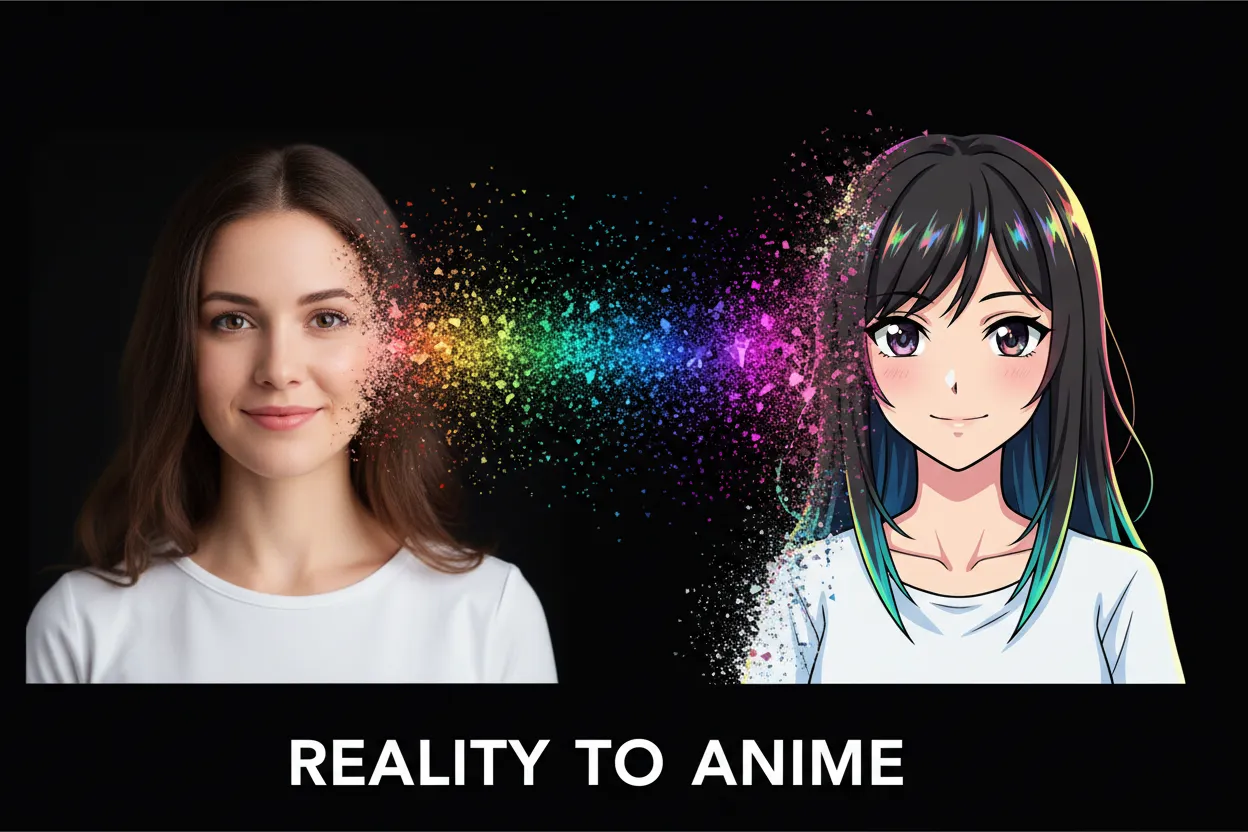
Upload a portrait, product shot, or landscape, describe the style you want, and VidMage reimagines it from scratch using that visual language. You can turn a realistic photo into anime, a street photo into an oil painting, or a product image into a cinematic shot. This is useful for social media creators who want visually distinct content without needing a designer, and for anyone who wants to explore what their photos look like across different artistic styles. The style dropdown gives you over 15 options so you can quickly try multiple looks.
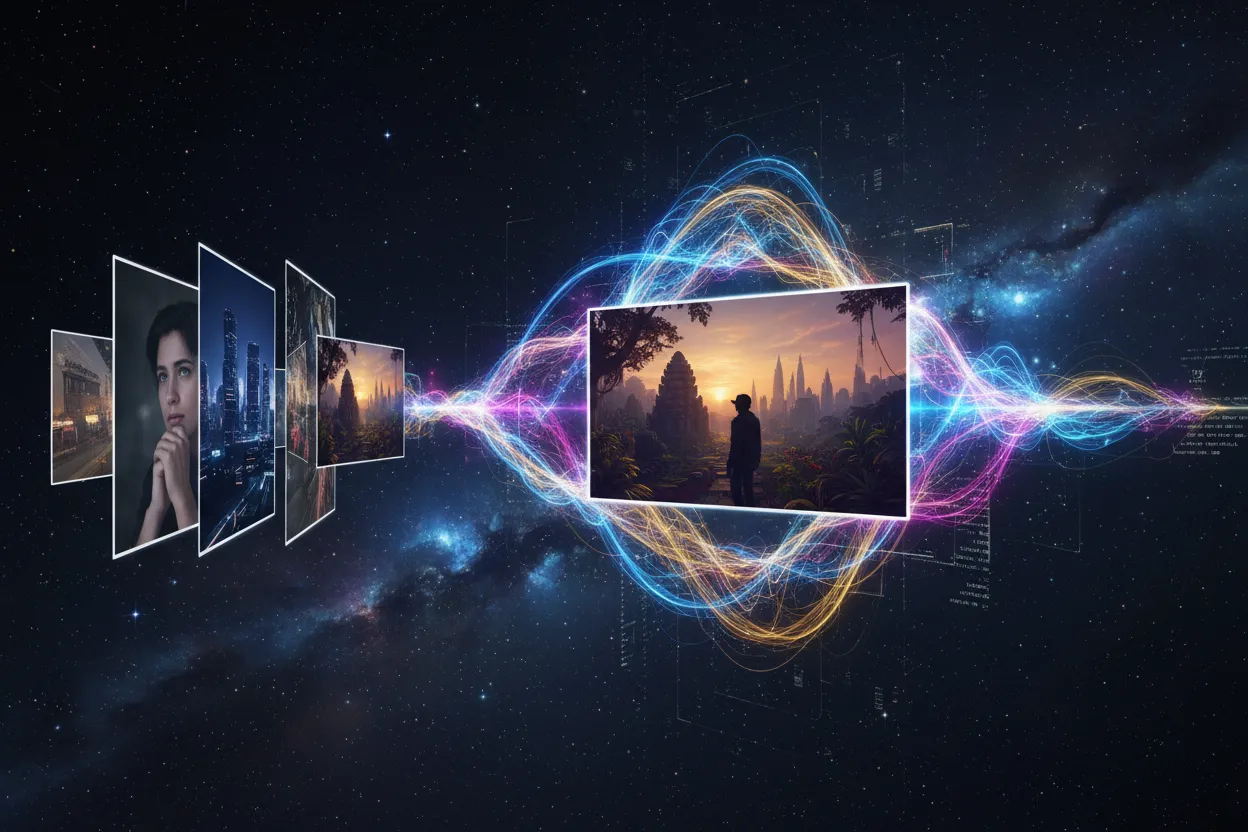
Upload two or more reference images and describe how to combine them. You can place a person from one photo into a scene from another, merge product and background, or blend the aesthetic of multiple references into one new composition. This solves a common problem for e-commerce sellers and content creators who need custom visual composites but do not want to use complex editing tools. The AI reads your text description to decide how to blend the images, so you stay in control of the result.
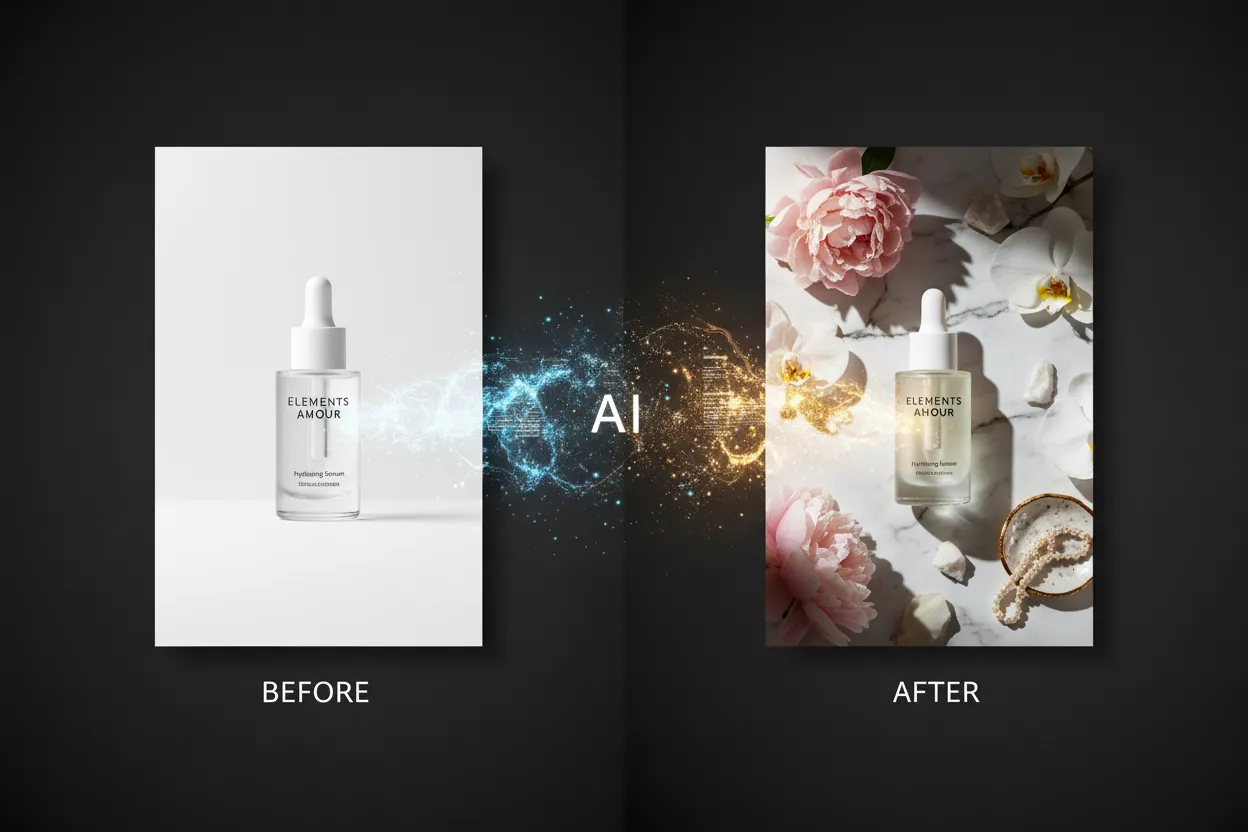
Upload a product photo along with a background reference and describe the scene you want. The AI places your product into a new environment, adjusted to match the lighting and style you described. This is practical for e-commerce sellers who need multiple product lifestyle images for different campaigns, without booking a photographer or renting a studio. Results are ready in seconds and can be used directly in ads or listings.
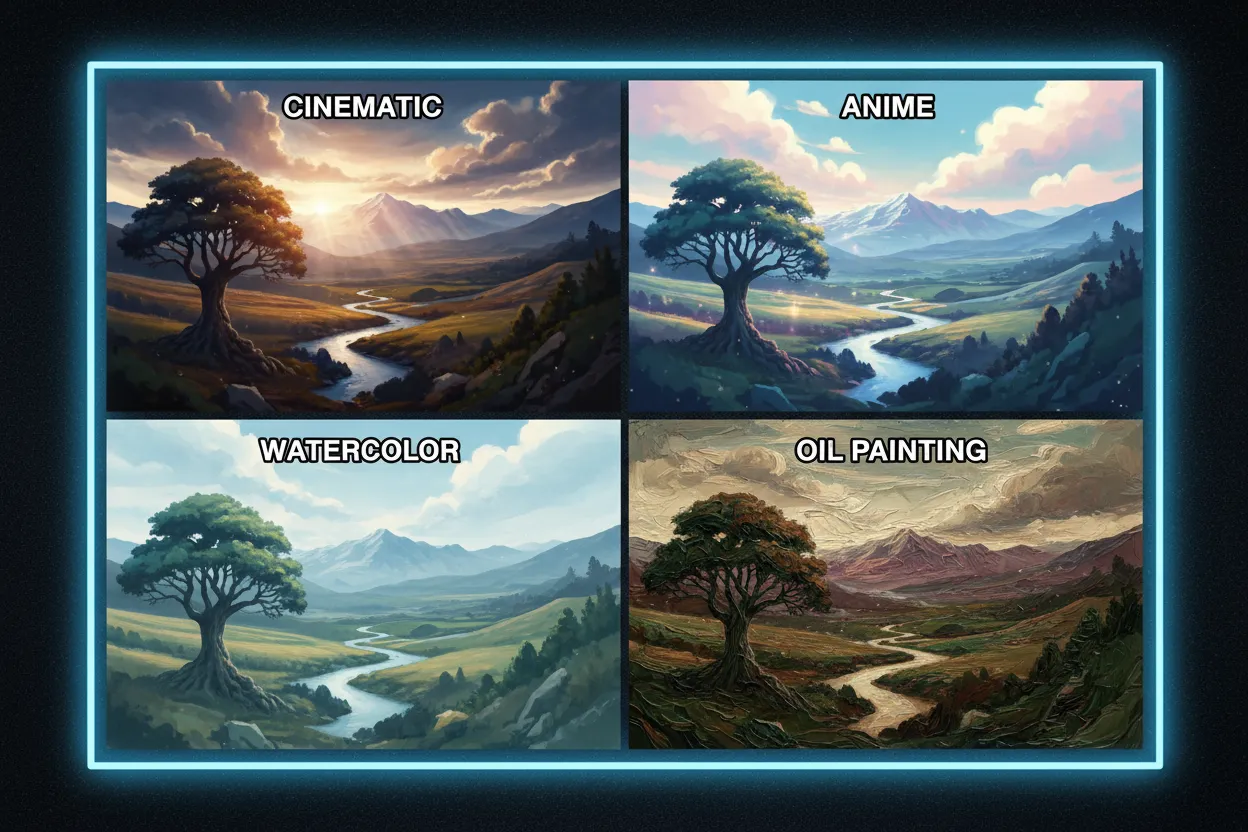
Try the same image across different style options by changing just one setting. Keep your uploaded photos and prompt the same, switch the Style dropdown from Cinematic to Anime to Watercolor, and see how each version looks. Creators use this to compare visual directions quickly before committing to a final look for a campaign, profile, or creative project. Because each generation is fast, you can test several styles in a short session.
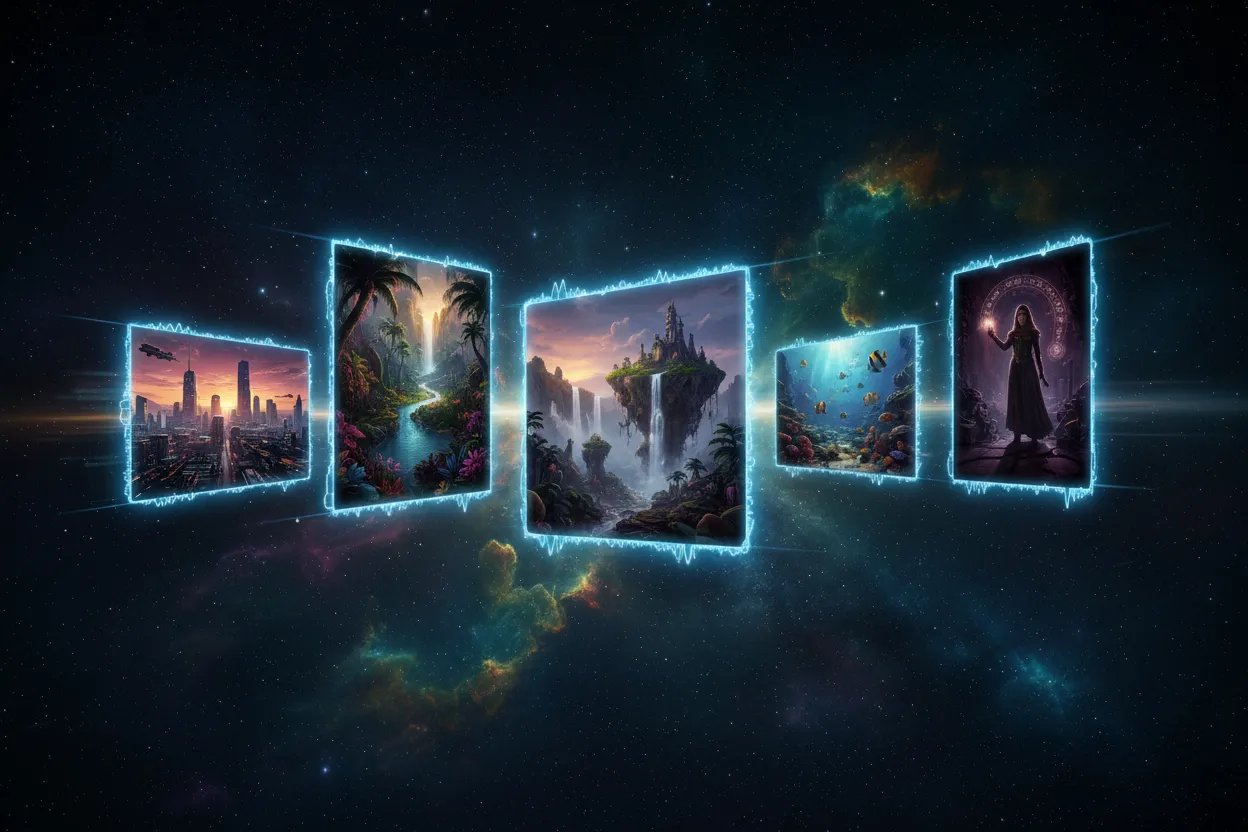
Choose the right ratio before generating so your image fits exactly where you need it. Use 16:9 for YouTube thumbnails and desktop wallpapers, 1:1 for Instagram posts, 9:16 for TikTok covers and Stories, 4:3 for presentations and blog images, and 3:4 for Pinterest and portrait formats. Fitting the ratio to the platform means you get a usable result immediately, without cropping or resizing after download.
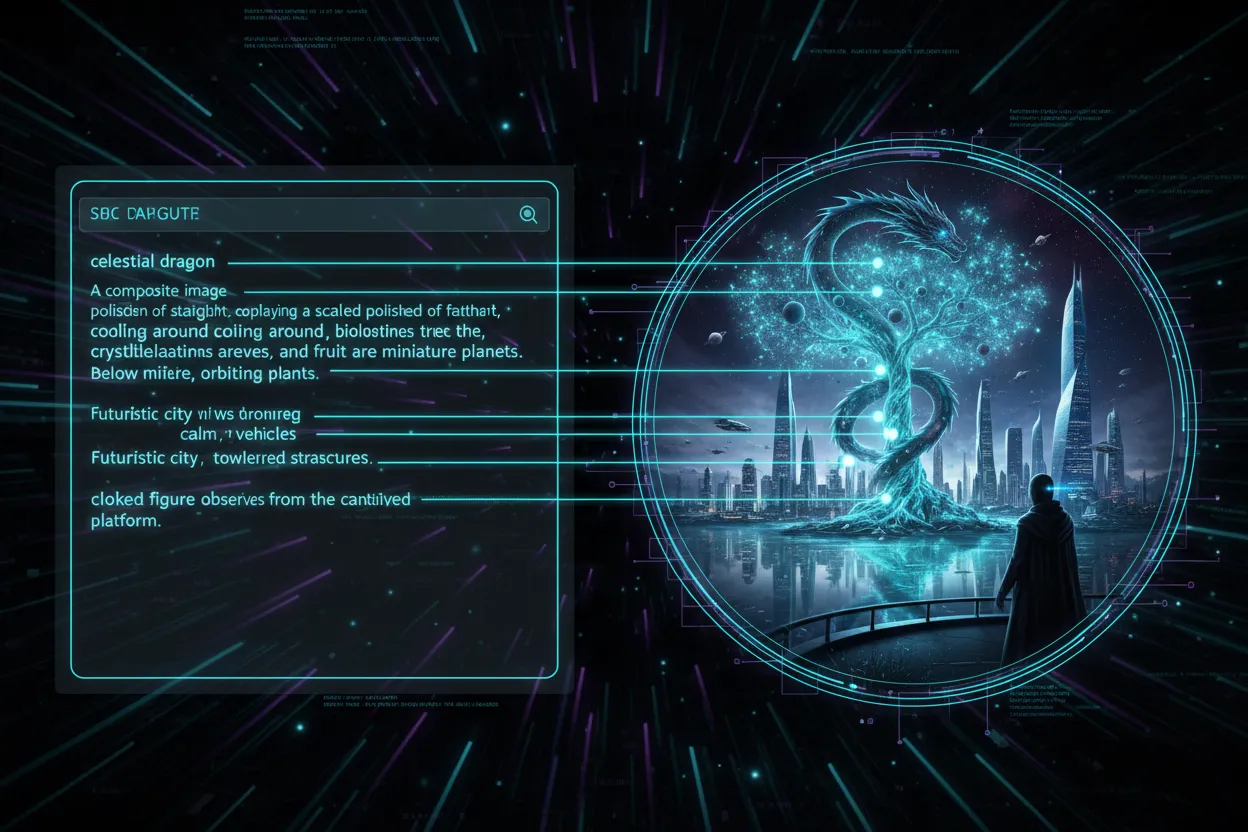
The Nano Banana 2 model handles long, specific prompts well. You can describe lighting, composition, color palette, mood, and character details in one description, and the AI follows your intent closely. For example, you can write "Place the person from image 1 into the scene from image 2, using soft studio lighting and a cinematic color grade" and get a result that reflects those details. This level of prompt responsiveness makes VidMage useful for designers and creators who need accurate output, not just random variations.
Here is how VidMage compares to other popular image to image tools on the features that matter most.
| Feature | VidMage | Midjourney | Adobe Firefly | Canva AI | Stable Diffusion |
|---|---|---|---|---|---|
| Upload multiple reference images (up to 10) | Yes | No (1 at a time) | Limited | Limited | No |
| No sign-up required to try | Yes | No | No | No | Yes (local) |
| Nano Banana 2 model | Yes | No | No | No | No |
| 15+ art styles built in | Yes | Via prompts | Limited presets | Limited presets | Via checkpoints |
| 5 aspect ratios | Yes | Yes | Yes | Yes | Manual |
| Auto-delete uploaded images (2 hours) | Yes | No | No | No | N/A (local) |
| No local setup required | Yes | Yes | Yes | Yes | No |
| Other AI tools included | Yes (video, audio, face swap) | No | Adobe suite only | Canva suite only | No |
VidMage handles your images securely. Here is what happens to your data when you use image to image.
Your uploaded photos and generated images are not saved to any server. All files are cleared automatically within 2 hours of processing.
VidMage does not use your photos, prompts, or generated results to train AI models. Your creative work is yours and is never repurposed.
Your images and prompts are not shared with any outside companies or services. VidMage keeps your data within its own secure environment.
All file transfers between your device and VidMage use encrypted connections. Your data is processed in isolated sessions and is not accessible to other users.
Upload your images, describe what you want, and let VidMage AI handle the rest. Free to try, no account needed.