 Pro Feature
Create stunning AI videos from a text prompt, an image, or an existing clip. Powered by Seedance 2.0 with 4–15 second outputs.
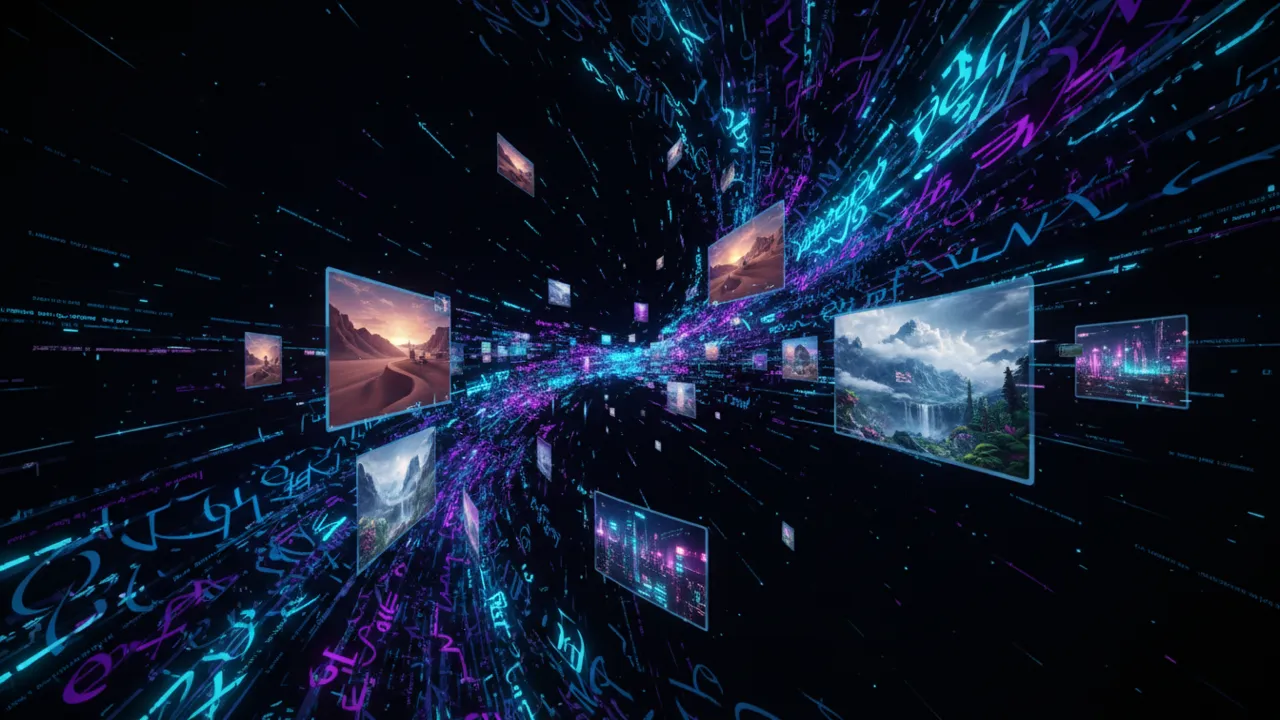
Pick your input, write a prompt, and download your AI video in three simple steps.
Select Text to Video, Image to Video, or Video to Video at the top of the tool. Each mode fits a different starting point, so pick the one that matches what you have, whether that is an idea, a photo, or an existing clip.
Type a detailed description of the video you want to create and select a video duration between 4 and 15 seconds. The tool uses the Seedance 2.0 model to generate your video.
Click Generate and let the AI model process your request. Most videos are ready within a minute. Preview your result, then download it directly to your device in high quality.
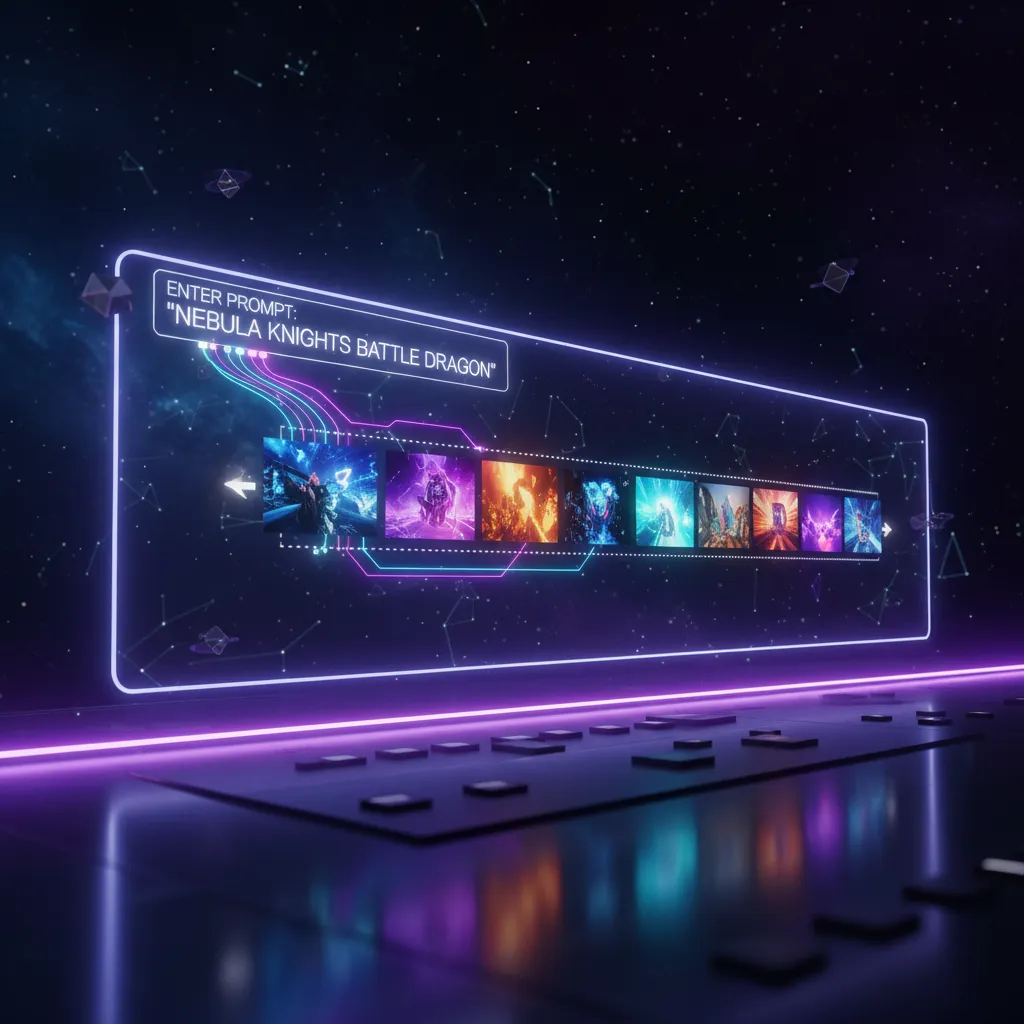
One tool, three input modes, and flexible 4–15 second duration options built for creators who need results fast. Powered by Seedance 2.0.
VidMage uses the Seedance 2.0 model from ByteDance, delivering high-quality results with natural motion, accurate physics, and vivid visual details across all input modes.
Start from text, an image, or a video clip. Text to Video, Image to Video, and Video to Video all live in one place, so you never have to sign up for a different tool just because your input changes.
Generate videos from 4 to 15 seconds depending on what your project needs. Short clips work for social media, while longer ones give room for more storytelling.
VidMage does not store your uploaded images or videos after processing. All files are deleted within 2 hours. We never use your content to train AI models or share it with third parties.
From social clips to cinematic scenes, VidMage gives you the tools to generate exactly what you have in mind.
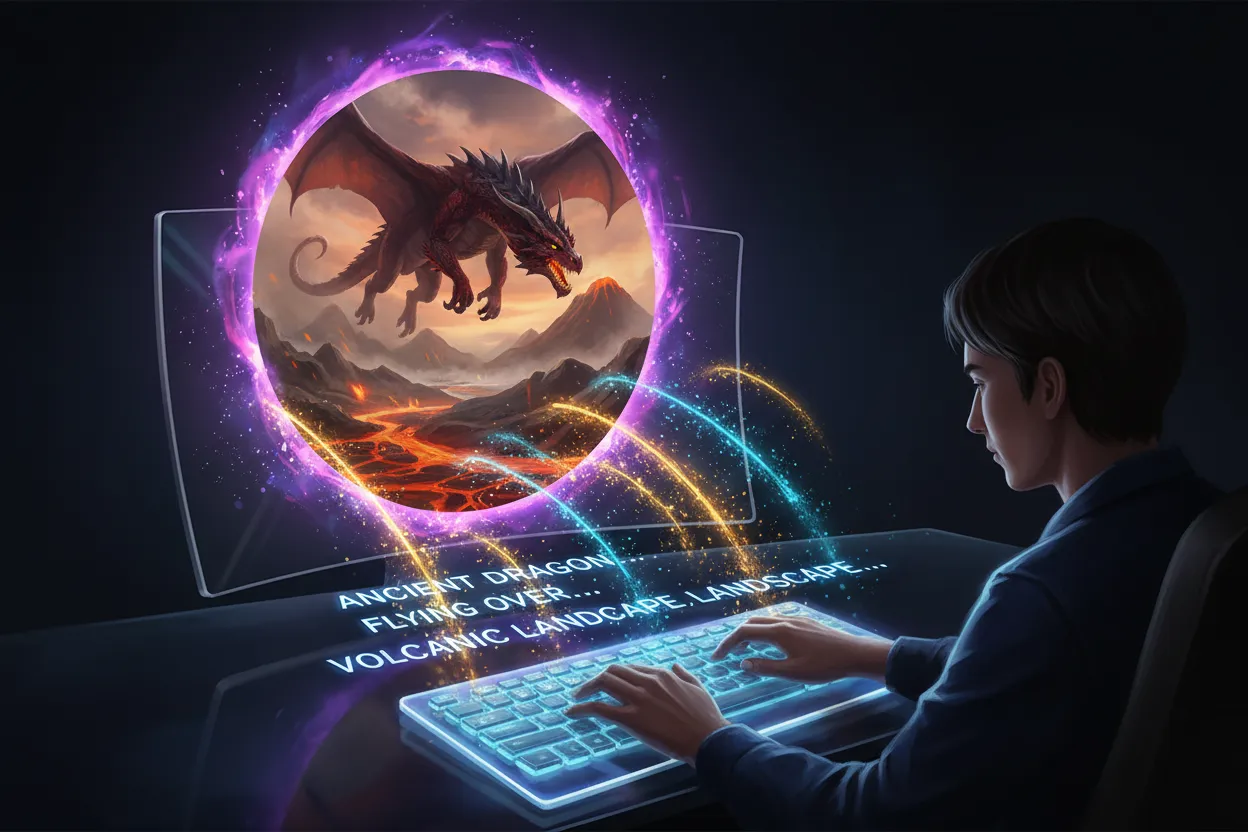
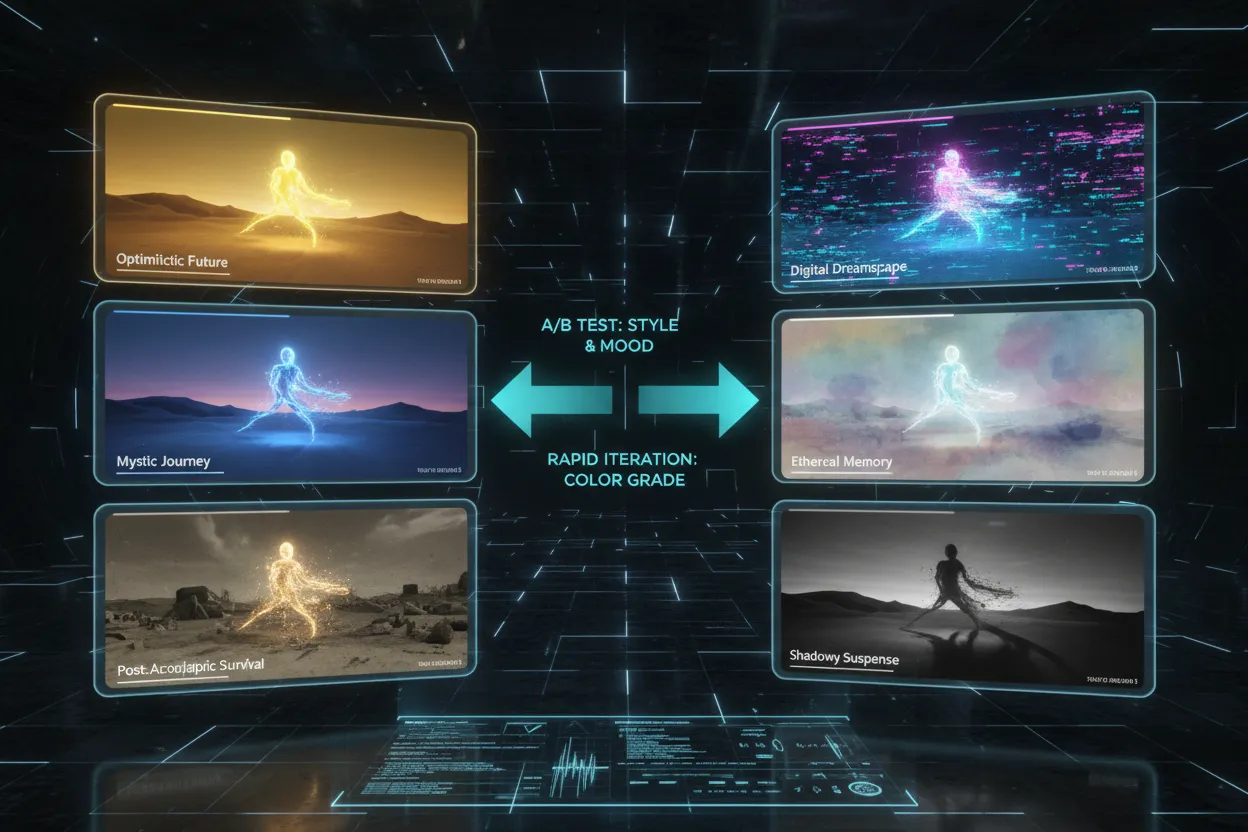
Type any idea and turn it into a video. Describe a scene, a mood, or a story, and the Seedance 2.0 model generates a clip that matches your prompt. This is useful for marketers who need fast ad content, educators who want visual aids, and creators who want to post daily without shooting a single frame. You can refine your prompt to control lighting, style, and motion for the best results.
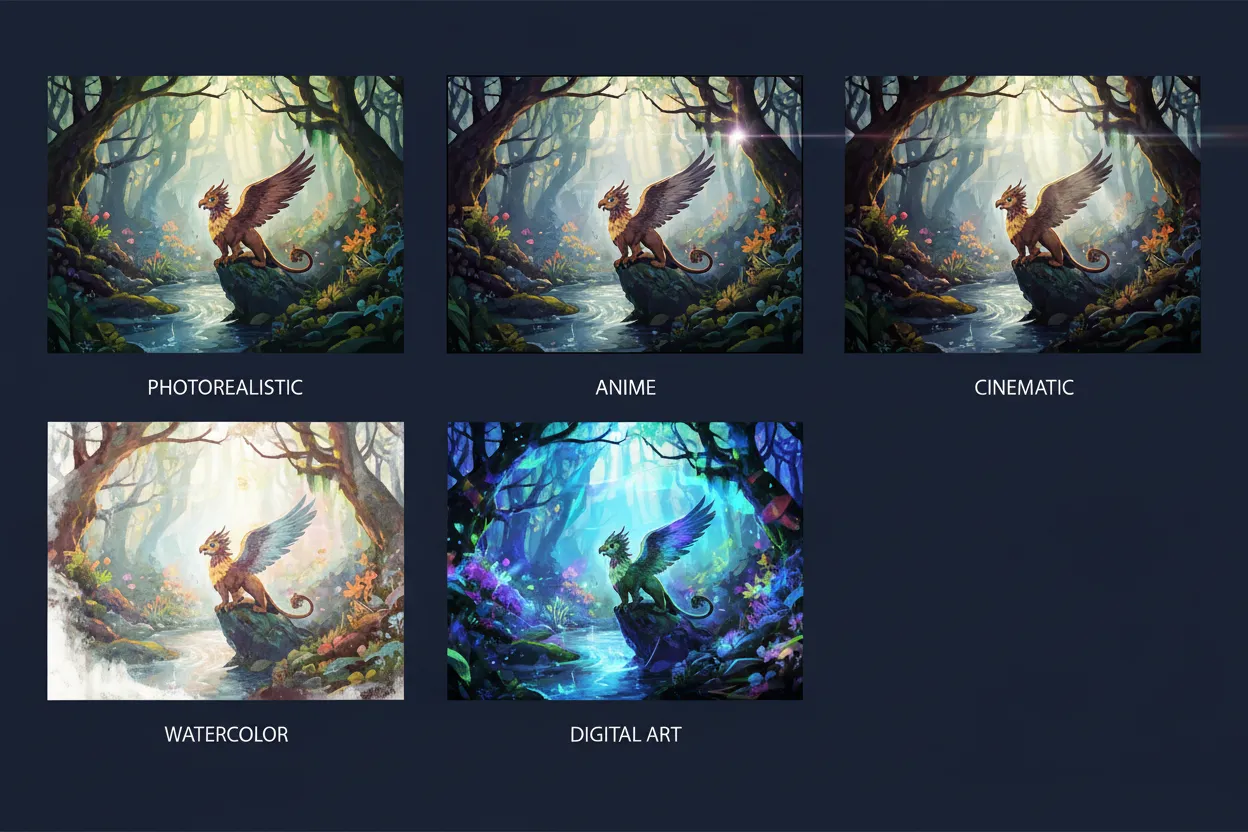
Upload a photo and bring it to life. VidMage animates still images into smooth, natural-looking video clips, whether that is a portrait, a product shot, a landscape, or an illustration. This feature is especially popular with social media creators who want to turn one great photo into an engaging video post, and with designers who want to showcase static visuals in a more dynamic format. You can add a motion prompt to guide how the image moves.
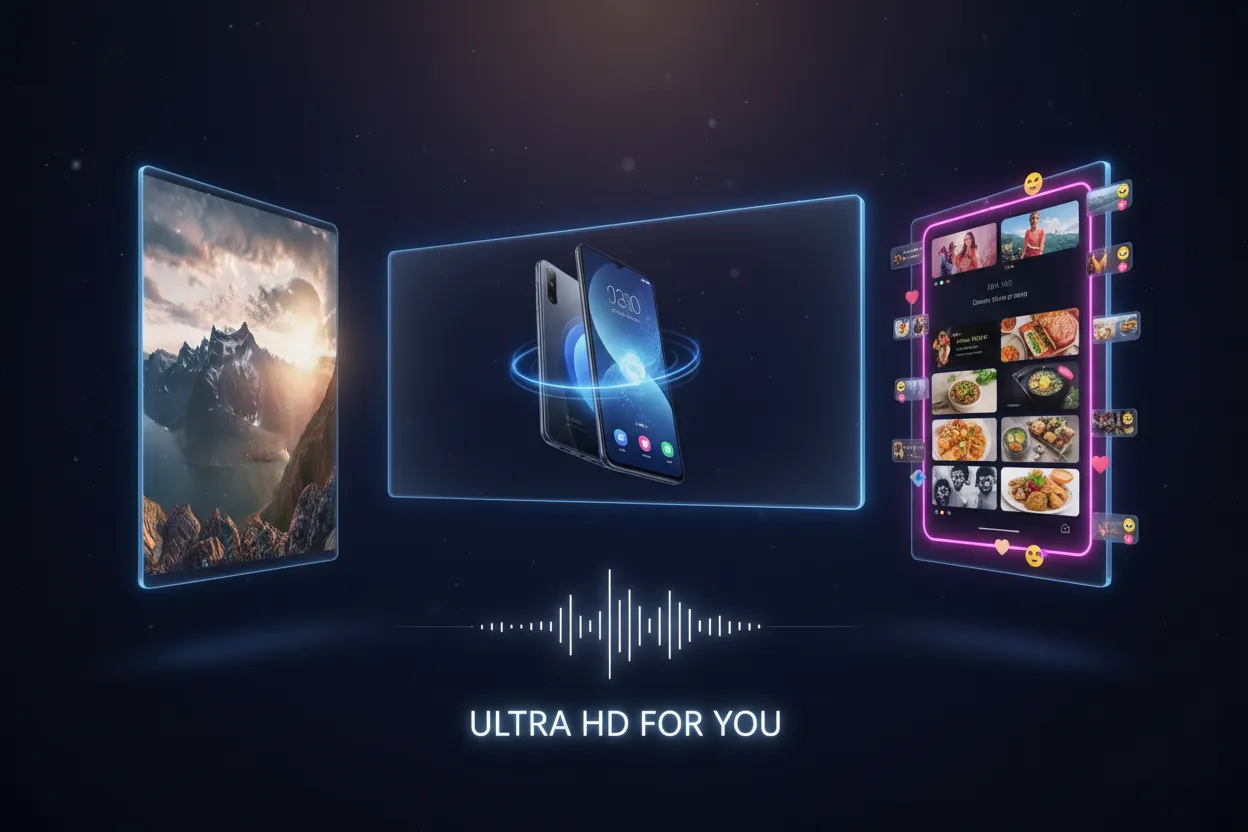
Transform an existing video clip into a completely different style. Upload your footage, describe the new look you want, and the AI rewrites the visual style while keeping the motion and structure. This is a powerful way to repurpose old content, test different aesthetics, or create stylized versions of raw footage without re-shooting anything. It works well for content creators who want to post the same moment in multiple visual styles.
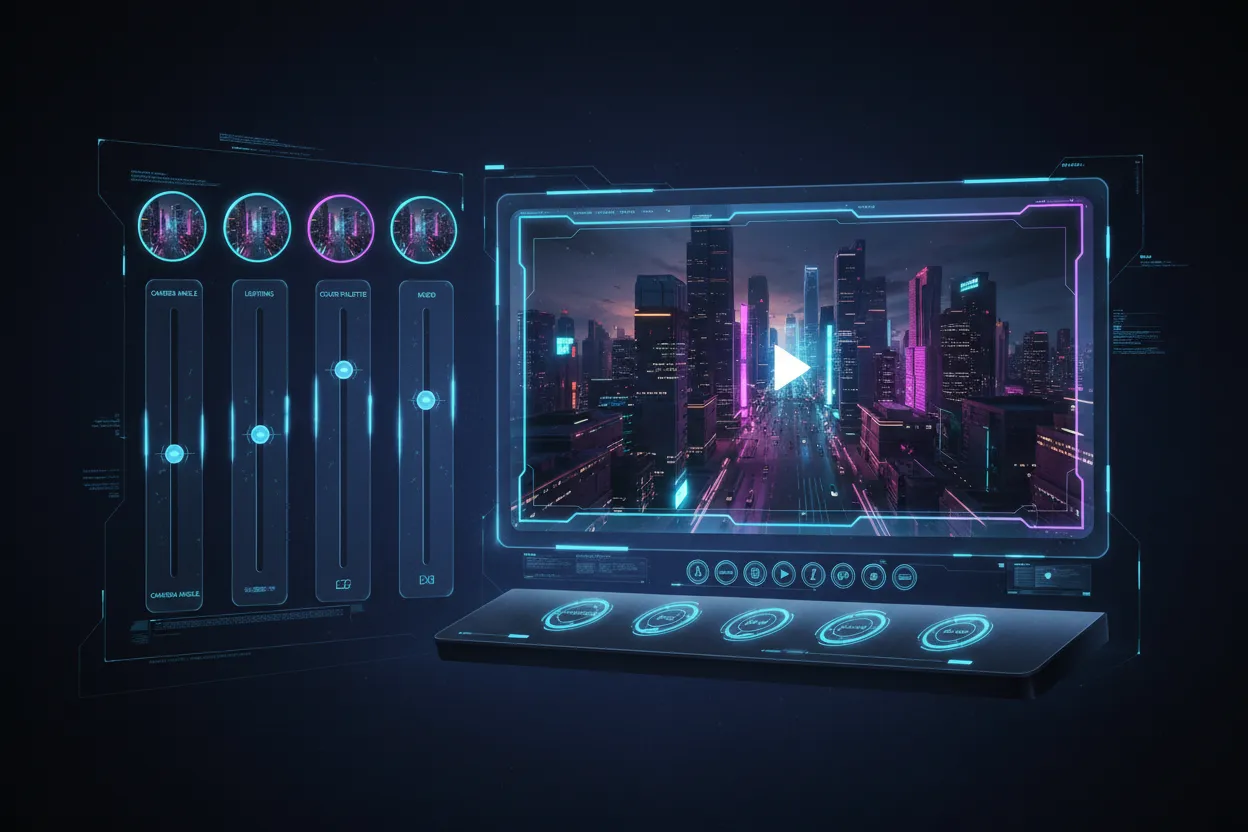
VidMage uses the Seedance 2.0 model from ByteDance, which handles complex multimodal inputs with strong scene control. It delivers high-quality results with natural motion, accurate physics, and vivid visual details. Whether you are working with text prompts, images, or video clips, Seedance 2.0 ensures consistent, professional output every time.
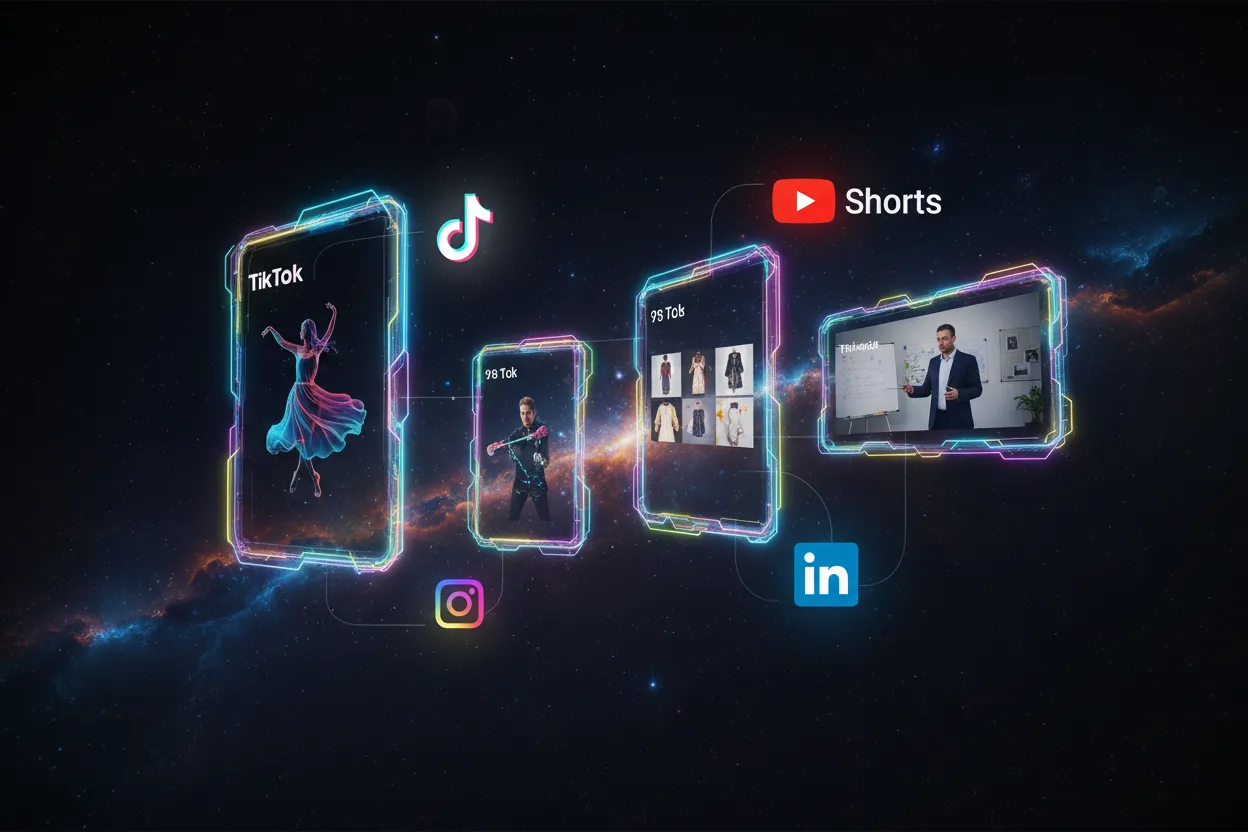
Generate videos from 4 to 15 seconds based on what your project needs. Short clips around 4–5 seconds are ideal for TikTok, Reels, and YouTube Shorts, where fast hooks matter most. Longer outputs up to 15 seconds give more room for product demos, storytelling, or transitions. You can select the exact duration that fits your content.
AI video generation with VidMage typically completes within one to two minutes depending on the duration selected. Results are delivered in high resolution, ready to download and use right away. There are no manual editing steps required unless you want to refine the output further. For creators who need to produce multiple videos in a single session, the fast turnaround makes it practical to test different prompts side by side.
See how VidMage compares to other AI video tools across the features that matter most to creators and marketers.
| Feature | VidMage | Runway ML | Kling AI | Pika Labs | Canva AI |
|---|---|---|---|---|---|
| Text to Video | ✓ | ✓ | ✓ | ✓ | ✓ |
| Image to Video | ✓ | ✓ | ✓ | ✓ | Limited |
| Video to Video | ✓ | ✓ | Limited | ✗ | ✗ |
| AI Model | Seedance 2.0 | Proprietary | Kling | Pika | Proprietary |
| Duration Options | 4–15s | Up to 16s | Up to 10s | Up to 10s | Limited |
| Free Trial | ✓ No sign-up | Limited | Limited | Limited | ✓ |
| Data Privacy | Deleted in 2 hrs | Cloud stored | Cloud stored | Cloud stored | Cloud stored |
Everything you need to know about using the VidMage AI video generator.
We built VidMage with privacy in mind. Your videos and images are yours, not ours.
All uploaded images and video files are deleted from our servers within 2 hours of processing.
VidMage never uses your uploaded content or generated videos to train AI models or improve our systems.
Your files and prompts are never shared with third-party services, advertisers, or AI providers beyond what is needed to generate your video.
All file uploads and downloads are handled over encrypted connections to keep your content secure in transit.
Type your prompt and generate your first AI video in minutes. Powered by Seedance 2.0. Free trial available.