

logo
header-effect

AI Video Enhancer

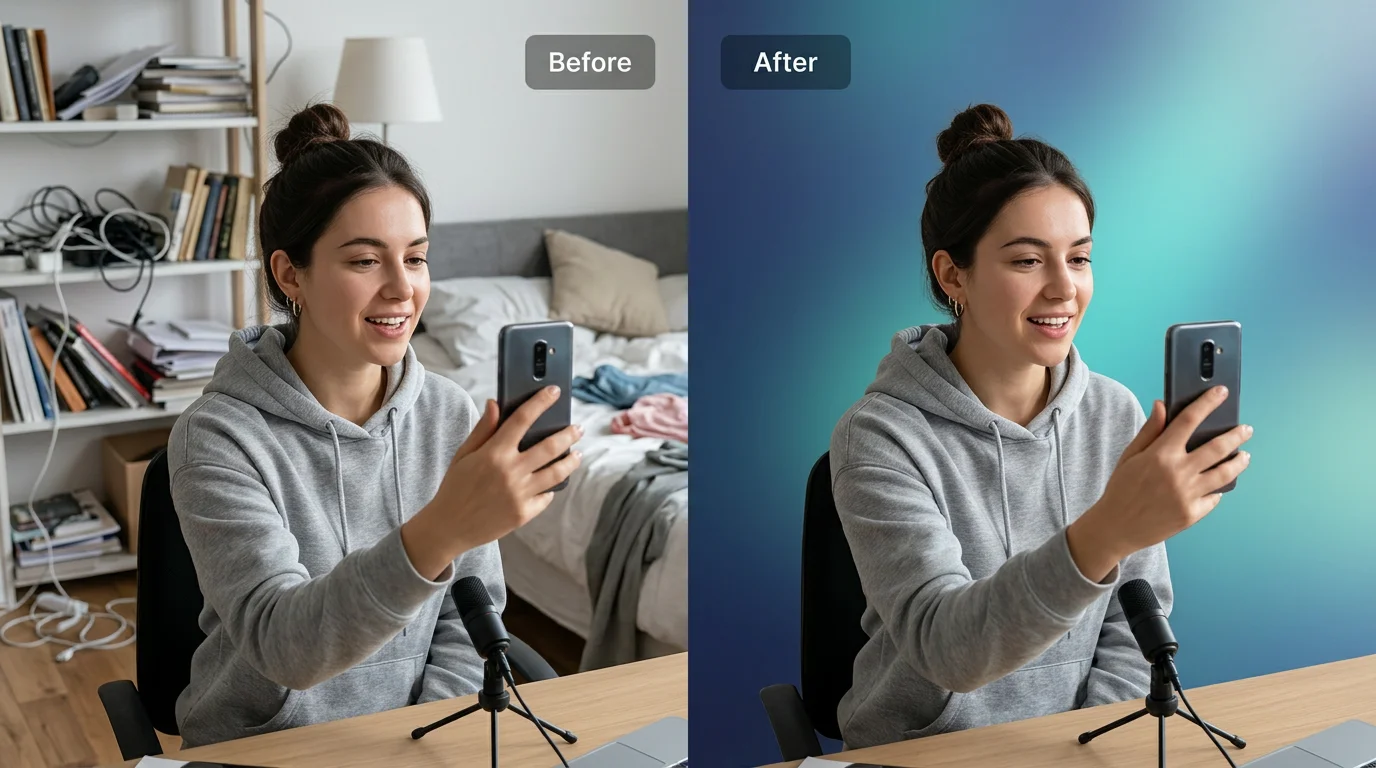
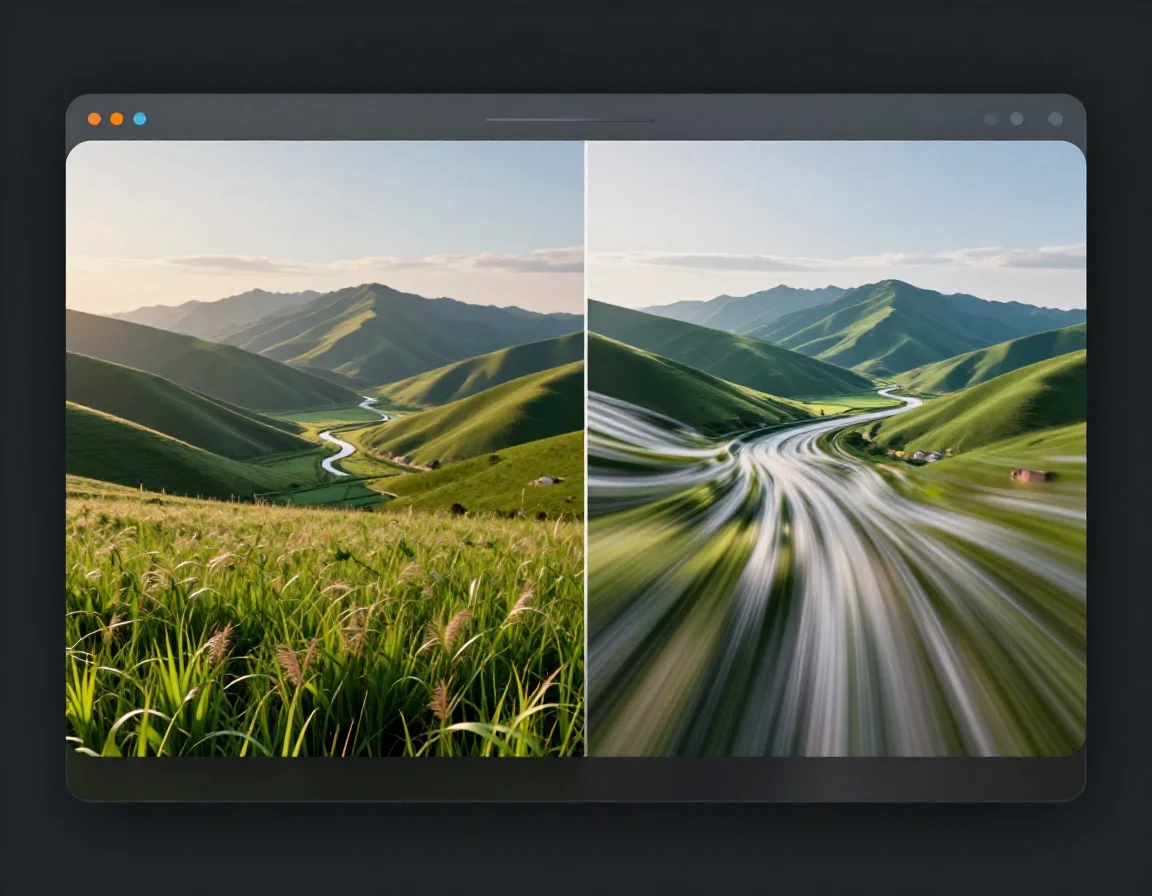
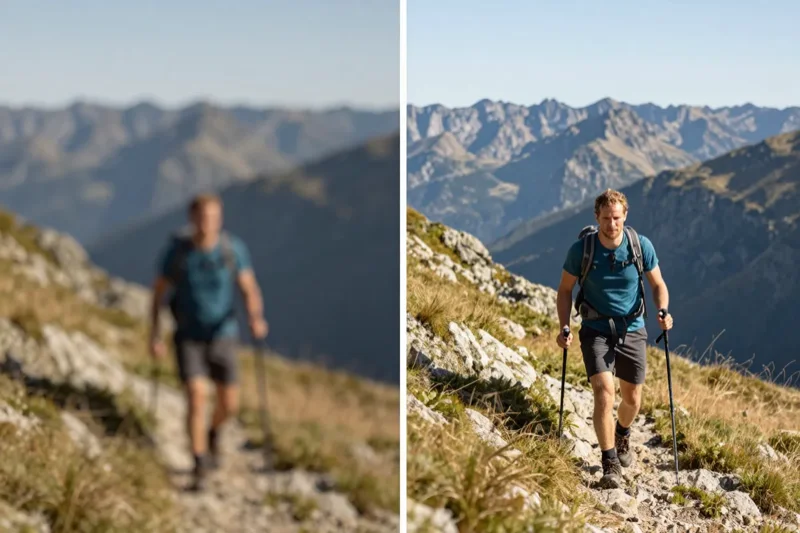
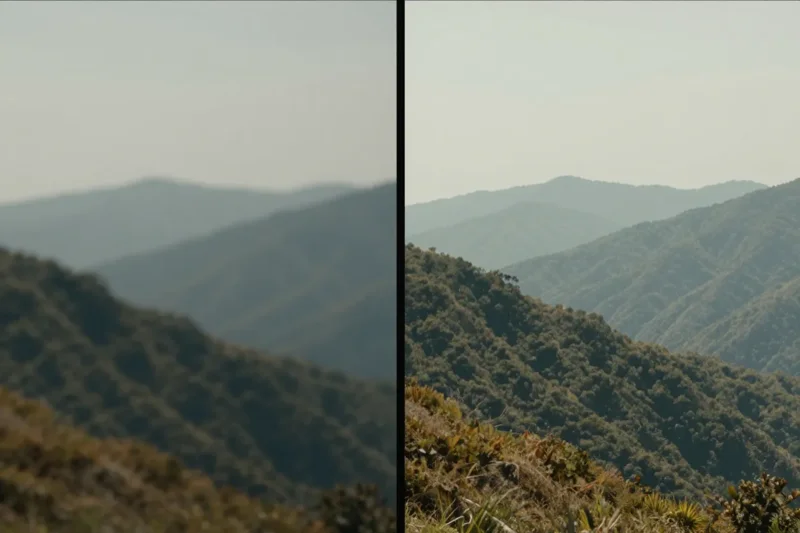
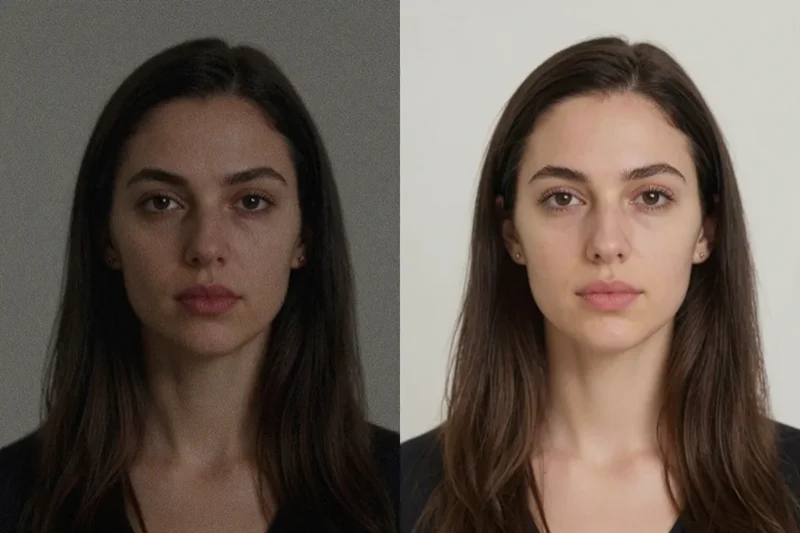
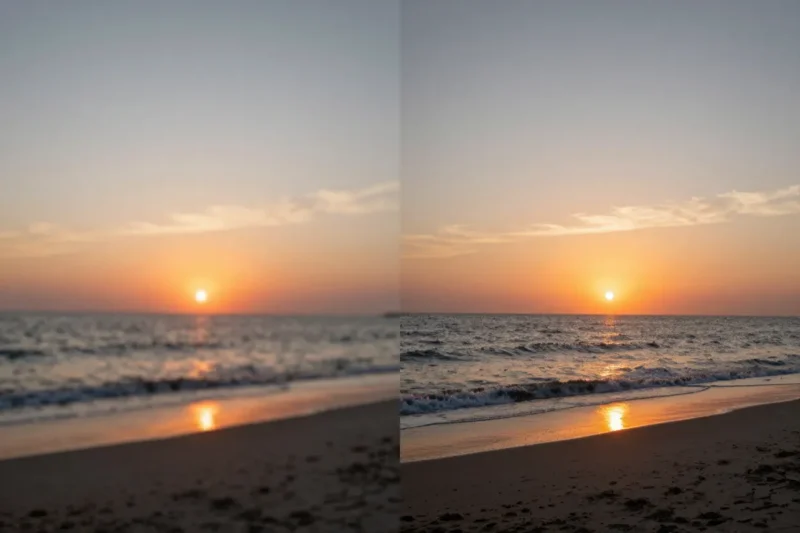
VidMage is the best AI video enhancer for everyday creators. You upload a video, choose a resolution, and click Start Enhancing. VidMage improves clarity, reduces blur, and makes videos look sharper. It works great for social videos, old clips, and low-quality footage.

Number Background1
Select Video to Enhance
Upload Video
MP4/MOV/M4V
Number Background2
Choose Enhancing Level
Maximum enhanced resolution
Free: 2K, Subscribers: 8K
Number Background3
Start Enhancing
--
--
--
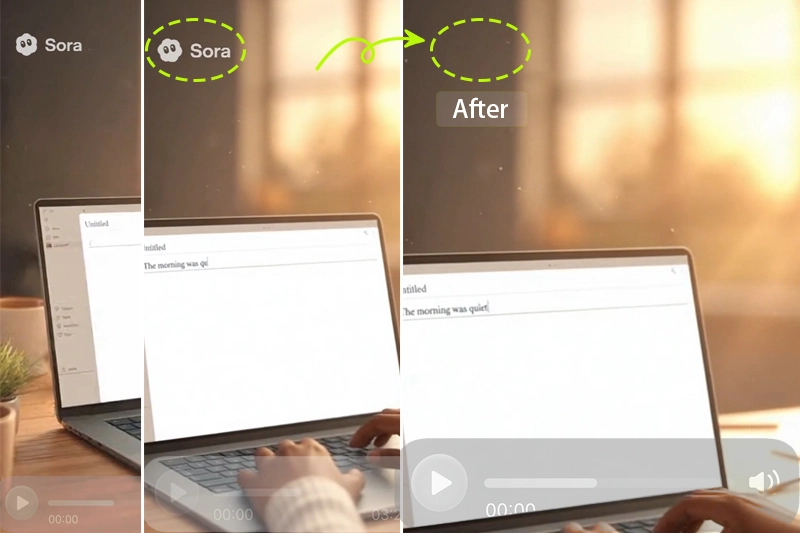
After

Who Uses VidMage Video Quality Enhancer

VidMage helps in different situations. Whether your video is old, dark, or just a bit blurry, our AI knows how to fix it. Here are three common ways people use the VidMage video enhancer.

Fix Blurry Videos

If your video looks soft or fuzzy, VidMage can sharpen the details and bring back clarity. This works well for shaky phone videos, vlogs, and low-quality downloads that you want to clean up.

Make Old Videos Look New

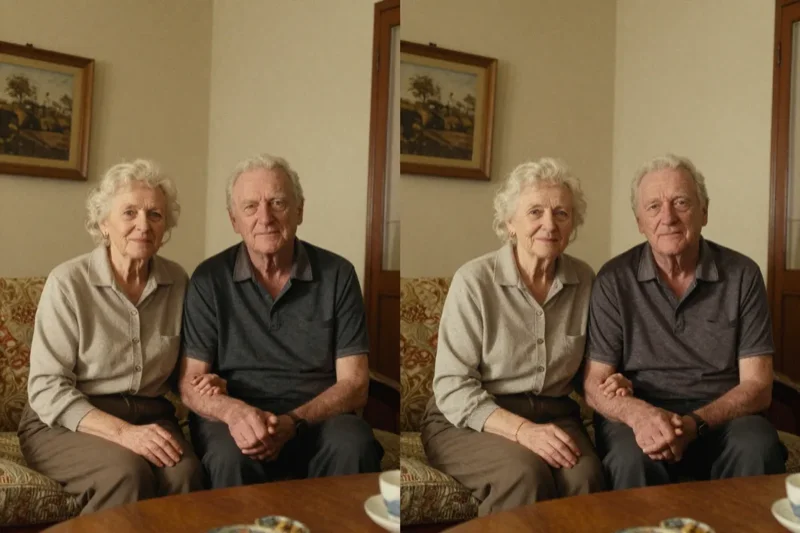
Have old family videos or memories saved in low resolution? VidMage can upscale them to HD or even 4K. It helps restore color, fix blur, and make your memories easier to watch and share.

Improve Social Media Content

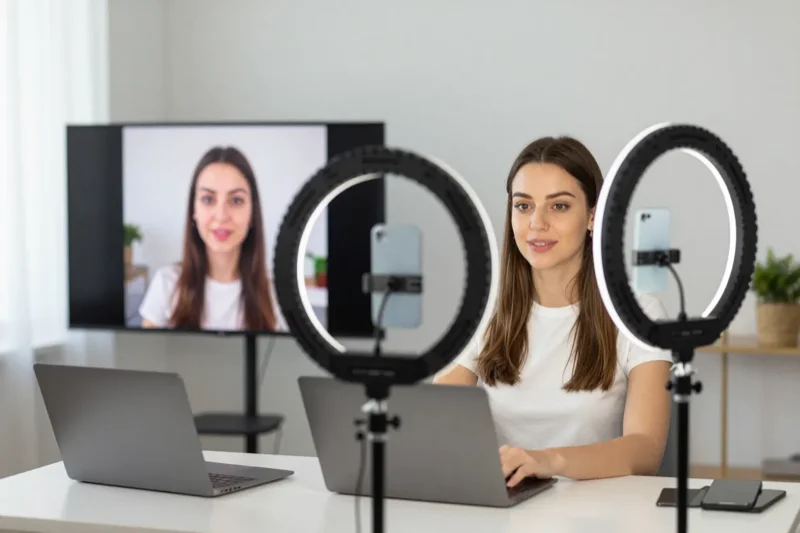
Want your Instagram, TikTok, or YouTube videos to look sharper? Use VidMage to boost resolution and quality before posting. Your content will look more professional and get better results.

How to Enhance a Video with VidMage

It only takes a few steps to make your video look sharper and clearer. No editing skills needed. Just follow these steps.

Step 1: Upload Your Video

Click the upload button and choose a video from your device. VidMage supports MP4, MOV, and M4V files. Make sure your video is under the file size and length limit so it can process fast.

Step 2: Choose the Enhancement Level

Pick 2x for faster results or 4x for the best clarity. If your video is very blurry or low-resolution, 4x works better. VidMage will also show you a preview of the output resolution.

Step 3: Click Start Enhancing

Once your settings are ready, hit the Start Enhancing button. VidMage will begin processing your video. You'll see a progress bar so you know when it's done.

Step 4: Download Your Enhanced Video

After the AI finishes, you can download the enhanced version directly. Your video will be sharper, clearer, and ready to share on any platform you like.

What Makes VidMage Standout?

VidMage uses smart AI to make your videos look better in just a few clicks. Here are the main features that help your videos go from blurry to clear, fast.

Upscale Videos to HD or 4K

Want a higher resolution? VidMage lets you upscale low-quality videos to HD or 4K. This means your 480p or 720p videos can look much sharper and more detailed. It's great for making old videos feel new again or for improving low-res clips before posting them online.

Fix Blur and Sharpen Details

Blurry videos are hard to watch. VidMage uses AI to sharpen soft edges and bring back missing details. It works well on shaky phone footage, out-of-focus clips, or anything that looks fuzzy. After enhancing, your video will look cleaner and easier to see.

Reduce Noise and Grain

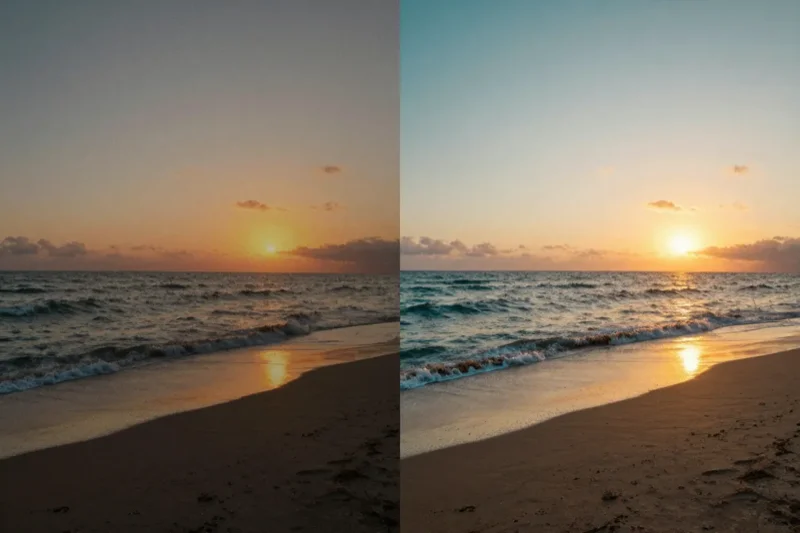
If your video was shot in low light or is full of static, VidMage can clean it up. The AI removes extra noise and smooths out grainy spots without making it look fake. This is perfect for night scenes, concerts, or old footage with lots of visual clutter.

Fast and Easy to Use

You don't need any editing skills to use VidMage. Just upload, choose your setting, and click one button. That's it. Processing only takes a few minutes. It's beginner-friendly, and everything runs online—no downloads or complex tools needed.

What Users Are Saying About Vidmage

Saved my travel videos

I had some old vacation clips from 2015 that looked super blurry. I used VidMage to enhance the video quality, and the results were amazing. It brought out colors I didn't even know were there. The 4K option really made a difference.

- Sarah Collins

Quick and super easy

VidMage was fast and simple. I uploaded a shaky phone video from a birthday party, clicked enhance, and got a much clearer version in just minutes. The AI did all the work, and I didn't need to change any settings.

- Ryan Mitchell

Perfect for old family clips

I tried VidMage on an old family video from the 90s. It was grainy and dark, but the enhancer fixed that. Now the faces are sharper, and the video looks like it was filmed recently. I'm so happy I found this tool.

- Emily Jackson

Frequently Asked Questions

plus icon

What is the best AI video enhancer?

plus icon

How to enhance video quality online?

plus icon

Is there a free AI video enhancer that actually works?

plus icon

Can AI really restore old videos?

plus icon

Does video enhancement improve clarity or just upscale size?

plus icon

Can I enhance a 360p video to 4K?

plus icon

How long does video enhancement take?

plus icon

Will the frame rate change after enhancement?

plus icon

What video formats does VidMage support?

plus icon

What's the max file size and video length?

plus icon

Will the enhanced video have a bigger file size?

plus icon

What's the difference between 2× and 4×?

Try AI Face Swap Now

Unleash your creativity today—swap faces in photos and videos easily with VidMage. Start for free and bring your ideas to life!