 Pro Feature
Transfer motion from any video to your character image with AI. Upload a photo, add a reference video, and get a realistic animated result.
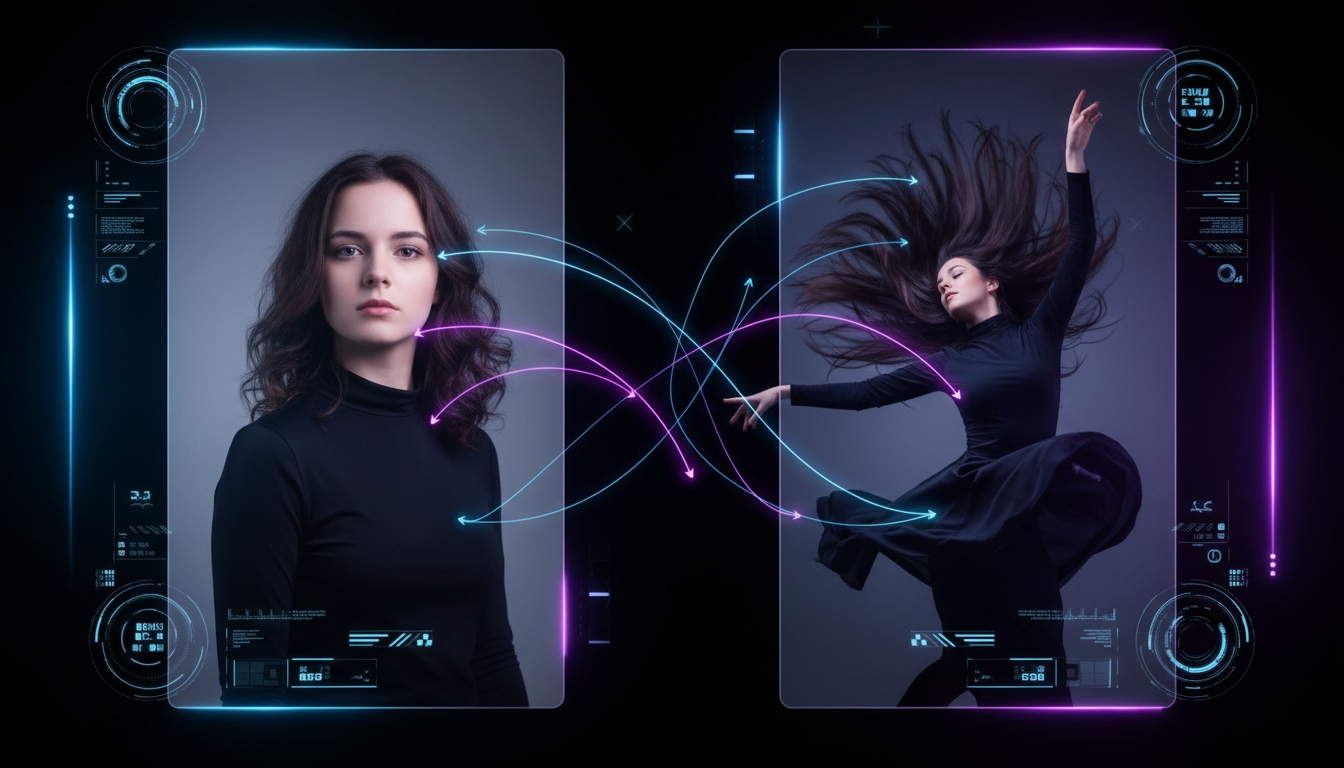
Three simple steps. Upload a character image, upload a motion reference video, and let the AI do the rest.
Choose any photo, illustration, or digital artwork you want to animate. It works with real photos, anime characters, digital avatars, and custom artwork. Clear full-body or half-body images give the best results.
Pick a video with the movement you want to transfer, like a dance clip, a walk cycle, or an athletic move. Short clips between 3 and 15 seconds work best. The AI reads the motion and applies it to your character.
Click Generate. Powered by Kling 3.0, the AI extracts the motion path from your reference video and applies it to your character, preserving body movement, pose timing, and fluid transitions. Download your result in seconds.
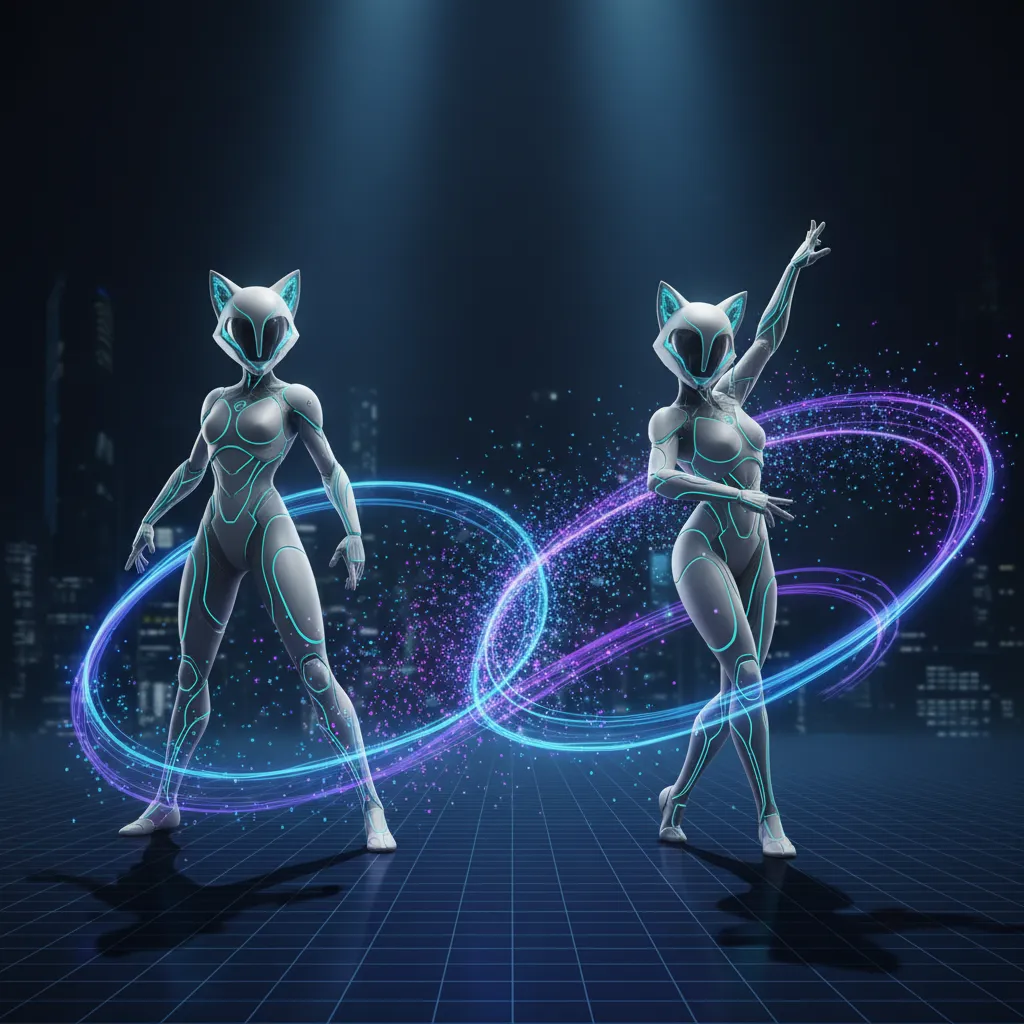
From Kling 3.0 accuracy to full character type support, here is what sets VidMage apart.
VidMage runs on Kling 3.0, the latest and most capable motion control model available. You get improved motion accuracy, smoother frame transitions, and better character consistency, all in one online tool.
Real photos, anime illustrations, digital avatars, cartoon characters, brand mascots. VidMage AI Motion Control handles all character types, so you can animate anything you create or own.
You do not need to know anything about rigging, keyframing, or motion capture. Just upload your image, upload a reference video, and click Generate. The AI handles the rest in minutes.
All uploaded images and videos are automatically cleared within 2 hours of processing. VidMage does not store your data, does not train on your files, and does not share them with third parties.
Animate any character with real human motion. No mocap studio, no animation software, no experience required.
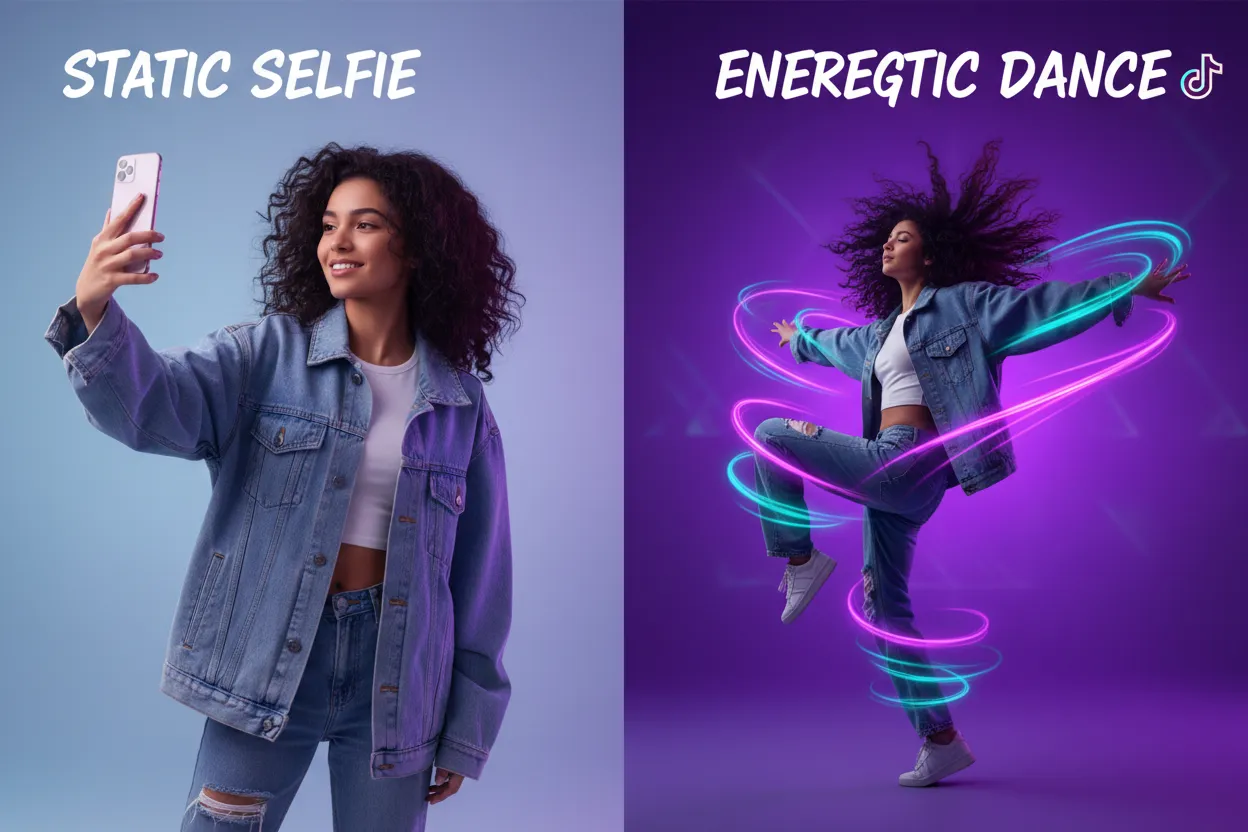
Upload a photo of yourself and a viral dance clip. VidMage transfers the choreography onto your photo, generating a realistic animated video of you doing that dance. Perfect for TikTok, Instagram Reels, and YouTube Shorts. The AI preserves your face and outfit details while applying full-body motion from the reference. No filming, no dancing required on your end.
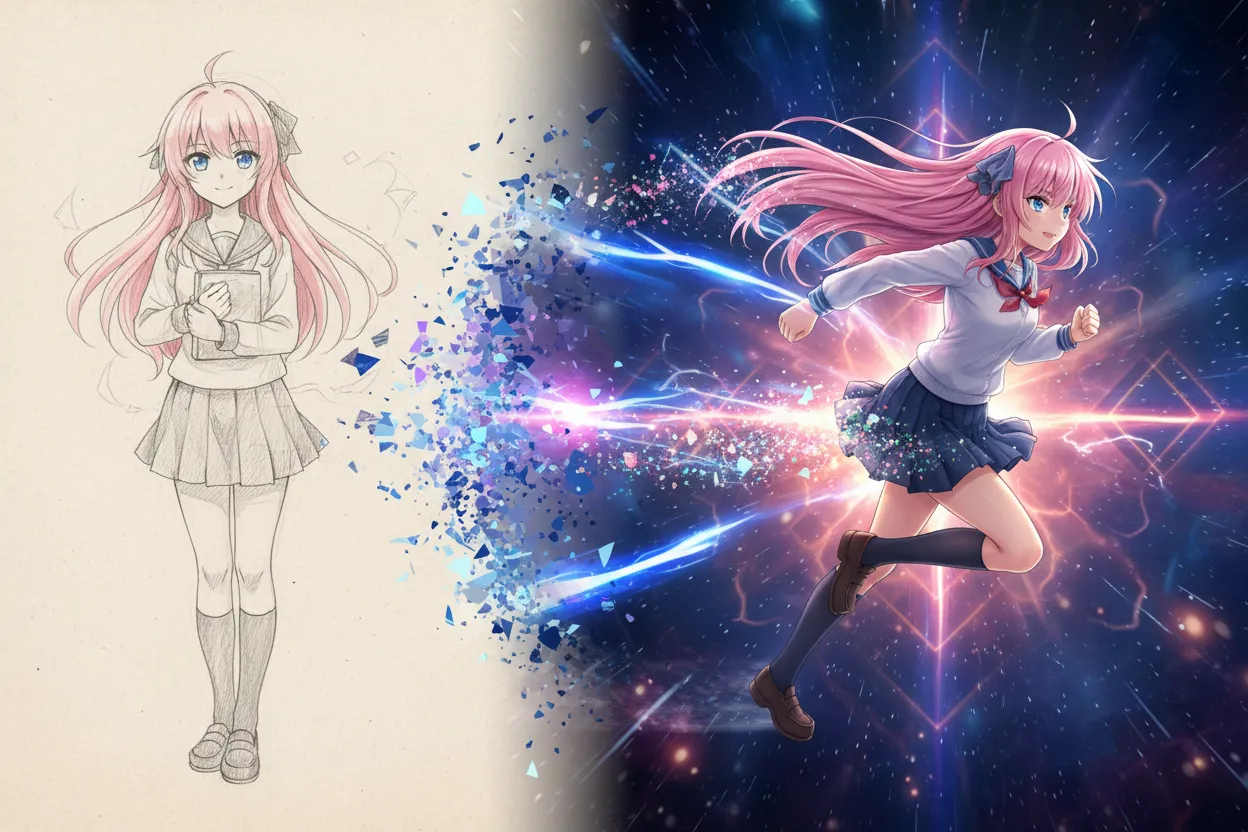
If you create digital art, anime characters, or game avatars, you can now make them move. Upload your character illustration and any reference video, and the AI maps the human motion onto your artwork. Gesture timing, body proportions, and pose flow are all handled automatically. Great for animators, artists, and cosplay creators who want to showcase their work in motion.
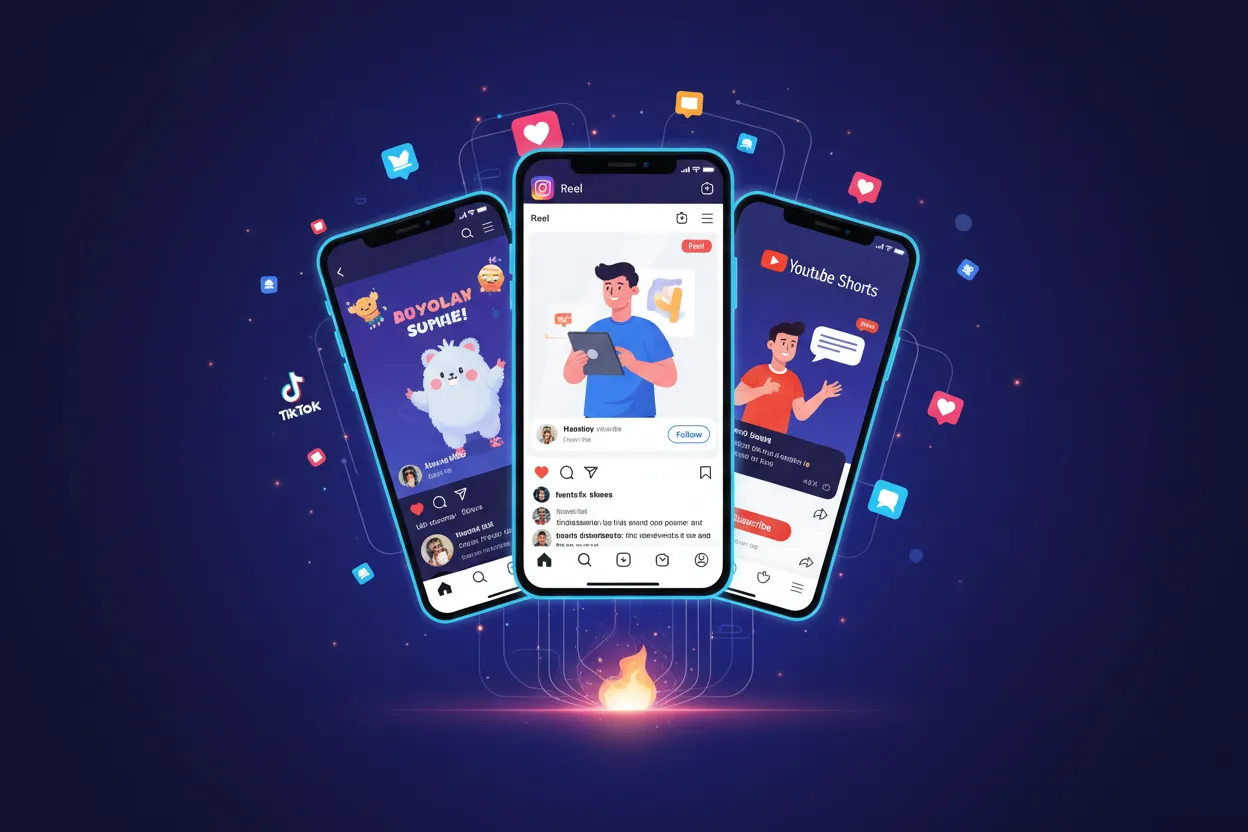
AI motion control is built for content creators. Generate short animated videos sized for TikTok, Instagram, YouTube Shorts, or X. Apply the same reference video to multiple character images to create a consistent content series. Each result is ready to download and post directly. No editing software needed between generation and publish.
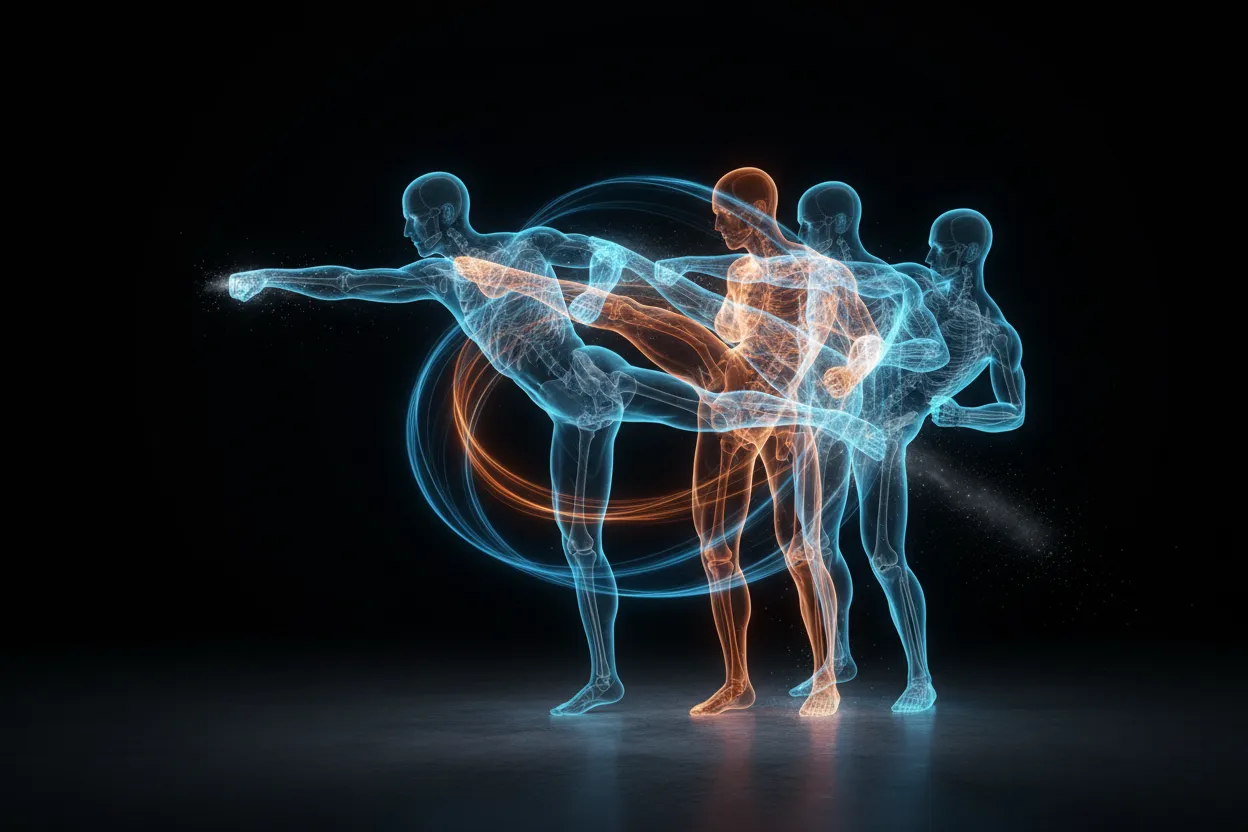
Dance routines, athletic moves, walk cycles, martial arts, gestures, acting performances. The Kling 3.0 model handles complex full-body movements including fast transitions, rotations, jumps, and coordinated sequences. Whether your reference video is 3 seconds or 15 seconds, the AI reads and reproduces the motion path accurately onto your character.
Marketing teams and studios can use AI motion control to animate custom brand characters for ads, social campaigns, and event content. Apply consistent motion references across multiple character variants to produce a full set of animated assets without a production studio. This reduces costs and speeds up content production significantly.
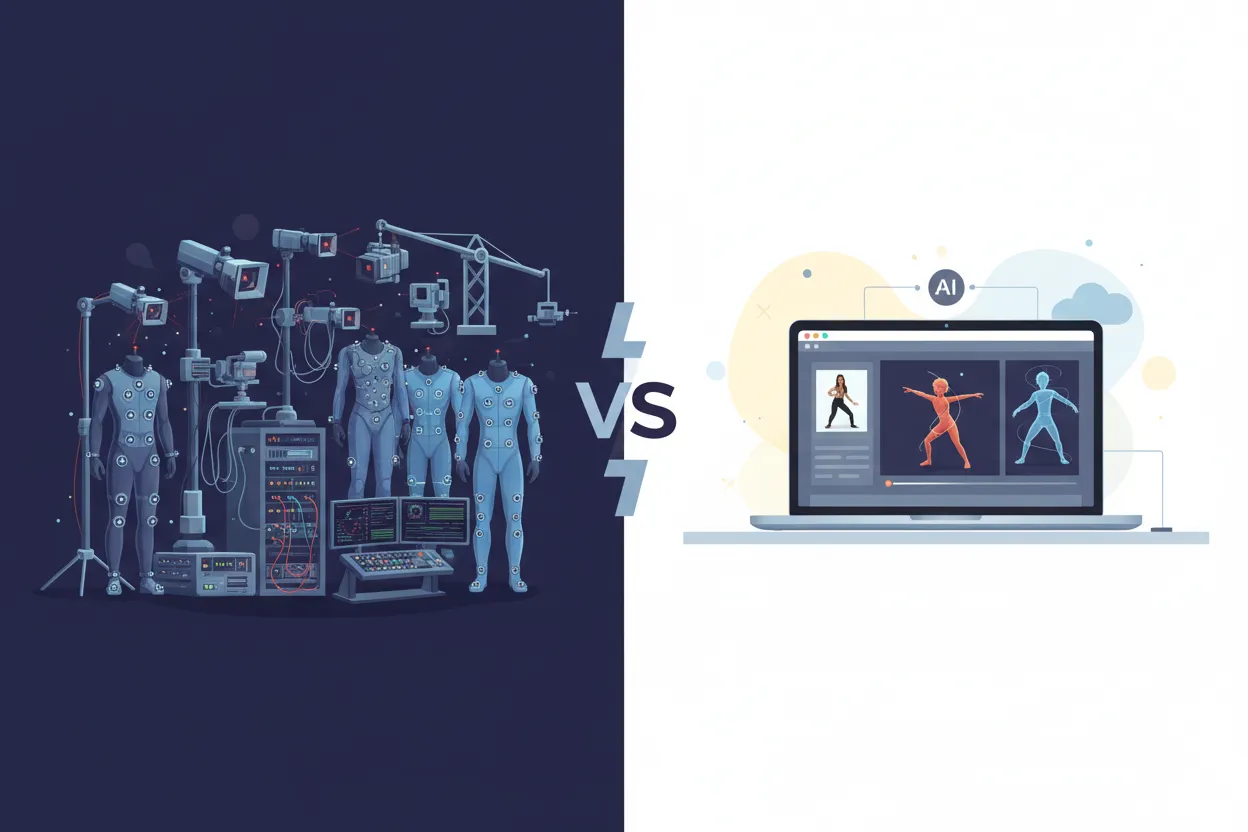
Traditional motion capture setups require sensors, studio space, and specialized software, often costing thousands of dollars. AI motion control gives you professional-quality character animation from a reference video and a photo. The Kling 3.0 model extracts skeletal motion data and applies it to your character with accuracy that would previously require full mocap infrastructure.
See how VidMage compares to other platforms offering AI motion control and character animation.
| Feature | VidMage | Morph Studio | ImagineArt | Media.io | Higgsfield AI |
|---|---|---|---|---|---|
| Powered by Kling 3.0 | Yes | Older model | Via wrapper | Kling 2.6 | No |
| Free trial available | Yes | Signup required | 100 daily credits | 3-day trial | Signup required |
| Works with illustrations and anime | Yes | Partial | Yes | Partial | Partial |
| Files deleted after processing | Yes, within 2 hours | Not specified | Not specified | Not specified | Not specified |
| Credits-based flexible pricing | From $5.83/mo | Credits system | Credits system | Credits system | Credits system |
| Part of full AI video platform | Yes | No | No | Yes | Yes |
Everything you need to know about AI motion control on VidMage.
VidMage is built with privacy first. Your photos and videos stay yours.
All uploaded images and videos are automatically cleared from servers within 2 hours of your session. No long-term storage, no archives.
VidMage never uses your uploaded files or prompts to train AI models. Your content is not shared with third parties or used to improve any AI system.
You can try VidMage tools without creating an account. No email, no personal data needed to get started.
All files are transferred over encrypted connections. Your uploads are protected in transit and not accessible to other users.
Upload a photo, add a motion reference video, and get a realistic animated result in minutes. Powered by Kling 3.0.