

Features
- Photo, video, and GIF face swap
- Template stills plus multi-face and batch
- One-time credit packs on Stripe
- Seedance studio and 100+ tools
VidMage swaps a face onto a photo, a video, or a GIF. Put the new face on the video you already have, then do the same job on a still.
Swap Face Now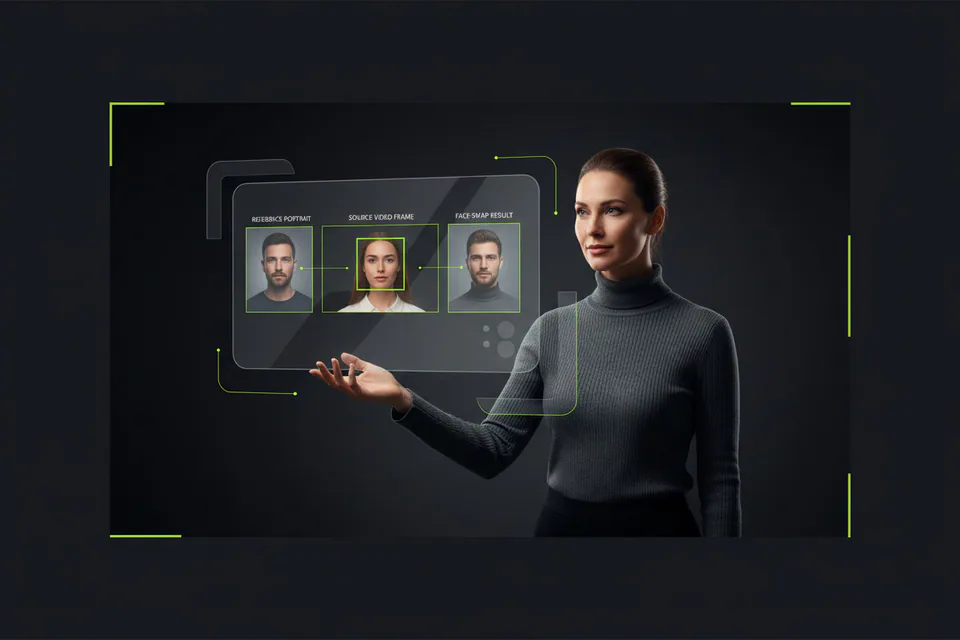

PixNova is a browser AI studio that also ships photo, video, and GIF face swap. The public face-swap desk skips an account, finishes a still in about 3 to 5 seconds, and maps up to 5 faces. Templates cover Christmas, superheroes, models, business, and sports.
While PixNova's face-swap desk leans on photo templates and a short video tab, VidMage puts a face on your photo, your video, and your GIF as one job. Choose VidMage when that new face on your file is the work.
What it does, where it wins, where it falls short.
Official pages, last checked 2026-08-28. No score total.
| Feature | VidMage | PixNova |
|---|---|---|
| Photo, video, GIF face swap | Photo, video, and GIF as the desk | Photo, video, GIF, plus templates and animal |
| Video face-swap length | Free 20s/day. Paid up to 300s | Max 10 seconds |
| Faces per swap | Up to 4 on listed Web tools | Up to 5 faces |
| What credits buy | 1 credit / photo, 1 credit / video sec | Credits for AI video generator |
| Upload size | Free 100MB. Paid 1024MB | 30 MB per file |
| Photo trial path | No-registration trial, unmarked | No sign-up, official watermark-free |
| GIF face swap | 2 GIFs/day on Free, 1 credit / sec paid | GIF desk, max 20 seconds |
| Batch face swap | 5 free / 50 subscriber per batch | 10 images per run |
| Paid video face-swap output | Paid up to 4K | HD face swap. No longer paid video cap |
| Server delete clock | Web uploads deleted within 2 hours | Server images cleared in 1 day |
| Mac local processing | Exclusive Apple Silicon Mac, local | Browser only |
| Live face swap | Exclusive Mac live | Not listed |
Video length, file size, printed swap units, paid 4K.
PixNova video face swap stops at 10 seconds. VidMage Free includes 20 seconds of video a day, and a subscriber clip can reach 300 seconds. Unlike a 10 second video face-swap cap, that room fits the face on a longer take.
PixNova caps each upload at 30 MB. VidMage Free takes 100MB, and a subscriber file can reach 1024MB. That gate fits the still or clip you want the new face on, before you crush the file.

PixNova focuses on one-time packs for the AI video generator, whereas VidMage prints 1 credit per photo and 1 credit per video second. A $14.99 month prints 400 stills or 400 face-swap seconds. Choose VidMage when you can count those swap units before you pay.
PixNova lists HD face swap and keeps paid video face swap on the same short clip. VidMage paid video runs to 300 seconds at 4K and 1024MB. Open the VidMage video desk when the paid face-swap export needs that room.
Last checked 2026-08-28. Official credit math. Recurring printed face-swap credits vs one-time video-gen packs.
PixNova wins the no-account still. VidMage wins the printed face-swap second. Do not convert PixNova packs into face-swap minutes.
New face-swap jobs after the photo desk. Not a reprint of modes, length, or credits.
PixNova maps a face onto the still or clip. VidMage Head Swap replaces the full head on a photo or video when the hairline, not only the face, is the job.
Facial Feature Swap sits on the exclusive Mac path. PixNova stays in the browser and does not list that local control. Open VidMage Mac when one feature is the edit.
VidMage Live Face Swap rides a virtual camera on Apple Silicon. PixNova has no live face-swap desk. Choose VidMage when the next step is a call, not a file.
Pick the face, pick the photo or video, save both, then run the swap.
Choose the face you want on the file.
Use the still or clip that should wear that face.
Write them locally so a 1-day folder cannot eat them.
Open video face swap or photo face swap and add the saved pair.
Review-site volume, the 10-second video face-swap cap, and ranked buyer questions.
People mention VidMage when a photo, a video, or a GIF needs a new face on the file they already have.
"Create Viral AI Face Swap Videos With VidMage"
"VidMage face swap tutorial for video, photo, group, and batch editing"
"Instagram creator post about VidMage video face swaps"
"TikTok creator test of VidMage face swap realism"
"VidMage AI face swap tool"
"held up better than most once clips got longer"
"The video face swap feature is where VidMage really shows its strength"
"recommends VidMage for short videos with head turns"
Bring the target face and the photo or video, then start on video face swap.
Swap Face Now