

Features
- Face, Hair, Clothing, and ReAge
- Upload up to 50 files
- Paste video link(s)
- Multi-face on group photos
VidMage runs GIF face swap and facial-feature swap on the still or clip you hold. Akool still runs Hair and ReAge. Open VidMage when the job is the face.
Swap Face Now

Akool is an American generative-AI company headquartered in Palo Alto that creates products for generating videos, images, and multimedia. Face swap sits next to talking avatars, talking photo, video translation, and Live Camera on Windows and Mac.
While Akool Face Swap also runs Hair, Clothing, and ReAge, VidMage stays on the face, a GIF, and facial-feature. Open VidMage when the next export is that face.
What it does, where it wins, where it falls short.
Official pages, last checked 2026-08-28. No score total.
| Feature | VidMage | Akool |
|---|---|---|
| Swap type tabs | GIF face swap and facial-feature on the still or clip | Face, Character, Motion, Head, Hair, Clothing, plus ReAge |
| Batch file upload | Batch face swap on the public desk | Upload file (Up to 50) on Face Swap |
| Group face mapping | Four faces on the listed video routes | Multi-Face Support on group photos; no printed max |
| Face Swap credits | 1 credit a photo or a video second | Face Swap starts at 4+ credits |
| Paid upload length | Paid Web video 300s, 1024MB, and 4K | Free 150MB / 30s / 720P; Business 1GB / 15 mins |
| Free watermark | Daily try stills, clips, and GIFs leave unmarked | Free Face Swap uses a Full Screen watermark |
| File retention | Web uploads deleted within 2 hours | Customer Content stored 365 days on AWS |
| Live camera OS | Exclusive live face swap is Mac only | Live Camera lists Windows, Intel Mac, and M-series |
| Public pricing | Monthly $14.99 and 400 credits | Public cards show $0 /seat /mo; $30 PRO seat example |
Credits, upload length, paste-a-link, live OS, and 4K export.
Akool is different from VidMage as it bills Face Swap from 4+ credits, however VidMage bills 1 credit a still or a second. Character Swap also starts at 4+. Motion Swap starts at 2+. Open VidMage when the next still or talking second should cost one credit.

Akool Free Face Swap upload stops at 30s and 720P. Business Face Swap goes to 1GB and 15 mins. Paid VidMage video is 300 seconds, 1024MB, and 4K. Open VidMage when the paid cut is a 4K short, not a quarter-hour file.

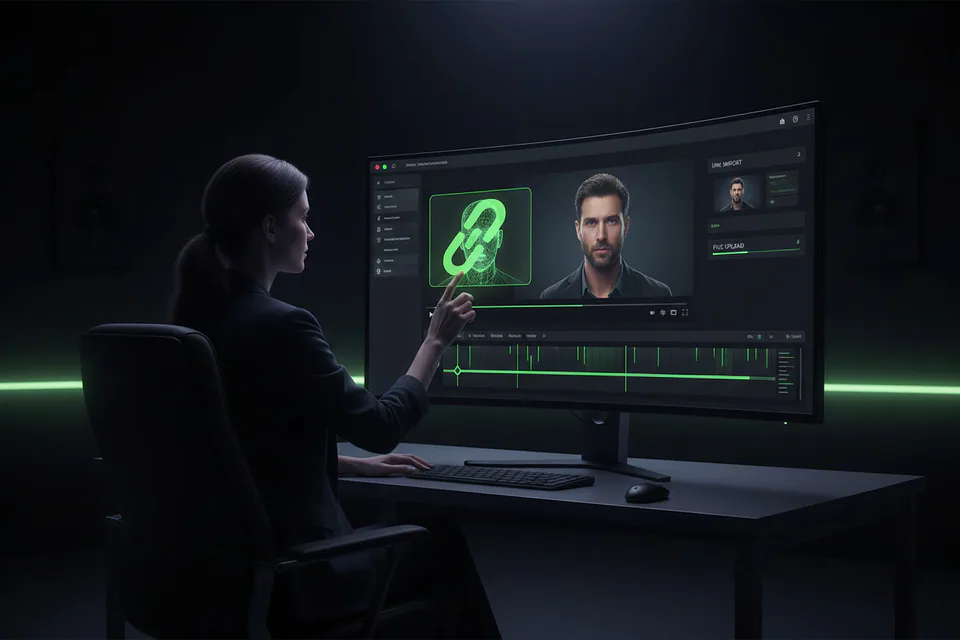
Akool Face Swap also lets you paste video link(s). VidMage video face swap takes the MP4 or MOV you already hold. Open VidMage when the talking take already sits on disk.
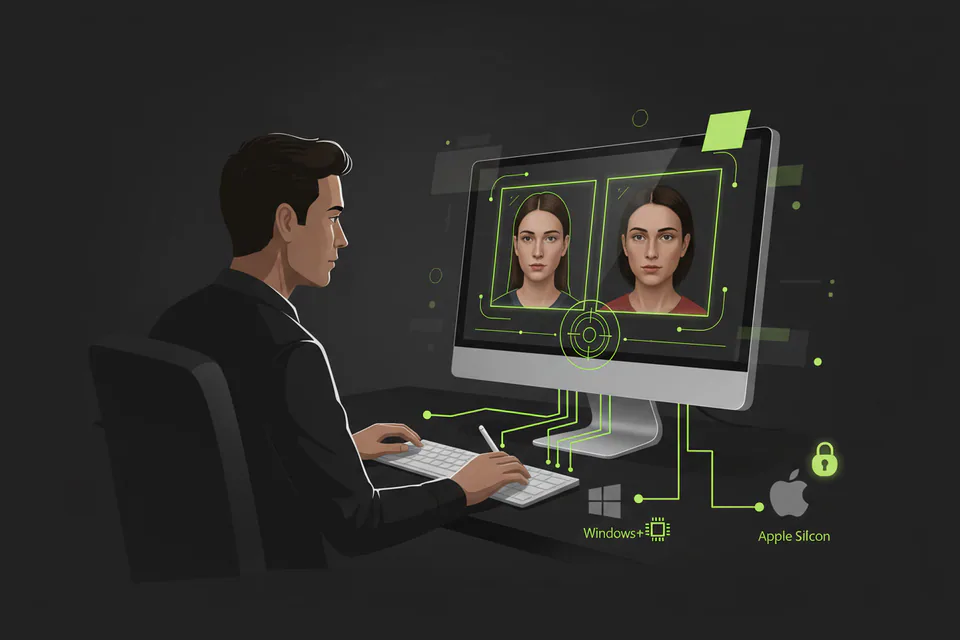
Akool Live Camera runs on Windows plus Intel and M-series Macs. VidMage exclusive live face swap stays on Apple Silicon. Open VidMage for the recorded file, or for that Mac live path.
Akool Face Swap export goes up to 4K depending on the target asset. Paid Face Swap upload rows also list 16K. Paid VidMage video lists 4K on the subscriber lane. Open VidMage when that 4K row is the paid cut.

Last checked 2026-08-28. Official credit math. VidMage lists a monthly yield. Akool lists a PRO seat example, not a monthly credit pool.
VidMage lists 400 photos or 400 video seconds for $14.99. Akool lists a $30 PRO seat example and 4+ credits per Face Swap, not a monthly photo count. Open VidMage when you want that listed yield.
An unmarked daily try, a short Web wipe, and leftover credits.
Akool Free Face Swap stamps the export full screen, whereas VidMage daily photos and 20 video seconds leave clean. Open VidMage when the try must ship unmarked.
Akool keeps Customer Content for 365 days on AWS. VidMage Web files leave after 120 minutes. Open VidMage when a year-long hold is too long.
Akool purchased credits expire at period end and do not roll over. VidMage unused extras stay while you stay subscribed. Open VidMage when leftover seconds should last until you cancel.
Leave Hair and ReAge, then finish the face on VidMage.
Shut Hair, Clothing, and ReAge if the next export is only the face. Keep the raw talking take on disk.
Write the still or MP4 to local storage before you leave the Akool hub. VidMage video face swap reads that saved file.
Start GIF face swap when the loop is the job. Start facial-feature when only eyes, nose, or mouth should move.
Drop the saved clip on VidMage video face swap. Finish Swap Face Now, then keep the source file.
Answers to the questions forums, complaints, and buyers actually raise.
Creators mention VidMage when they need a GIF or a talking-file swap.
"Become a Movie Star with AI"
"realistic AI video face swaps in seconds"
"better content creation with less setup and friction"
"stayed more stable on longer clips"
"It's quick, looks fairly natural, and doesn't require much setup"
"the upload, swap, and generate workflow in three quick steps"
"simple, worked well for a no-code workflow"
"VidMage.ai is one of the most capable and accessible AI face swap platforms available today"
Keep the still or MP4 you already hold. Start on video face swap.
Swap Face Now