Wet Street Walk
A vertical walk with the full body kept in frame.
Person in a linen jacket walks toward camera on a wet night street, 9:16, one clear step, neon reflections, shoe taps and distant traffic. Keep the head and shoes in frame.
Create a short video from a scene description or a focused set of reference images, with sound included.
This is Meta's official Muse Video preview from the July 7, 2026 launch post. Press play. The clip has sound.
Each card is a 10 second prompt you can paste: one action, one camera move, and the sound.
A vertical walk with the full body kept in frame.
Person in a linen jacket walks toward camera on a wet night street, 9:16, one clear step, neon reflections, shoe taps and distant traffic. Keep the head and shoes in frame.
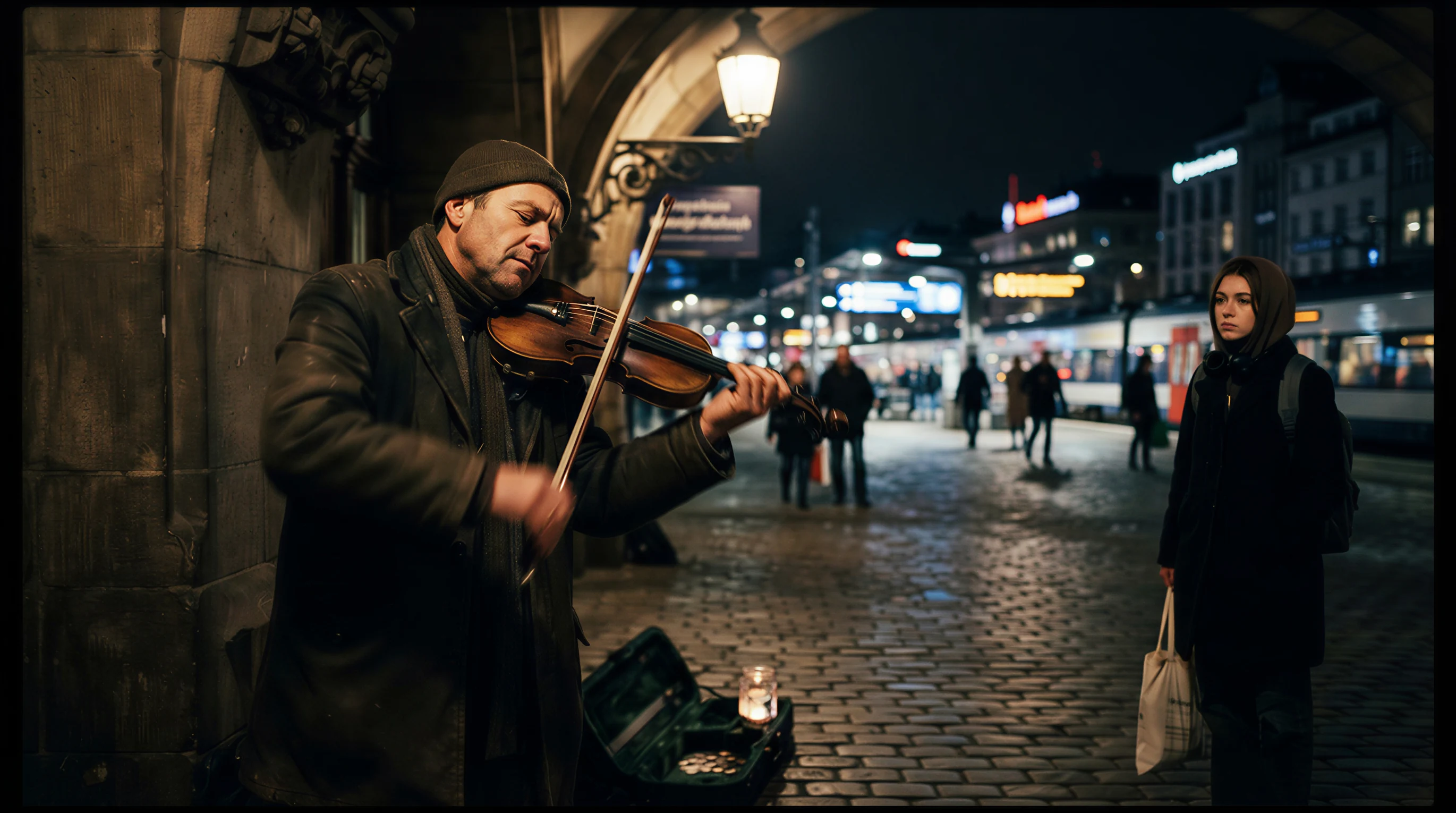
A short performance with one light and a quiet room around it.
Musician under one blue spotlight, microphone raised, slow push in. A soft vocal hum and room tone. Keep the face and jacket the same through the shot.
A product move when you already have the bottle as a reference.
Use the bottle image as the reference. Slow orbit, golden light across the glass, a soft room tone. Do not add a label. Keep the bottle shape recognizable.
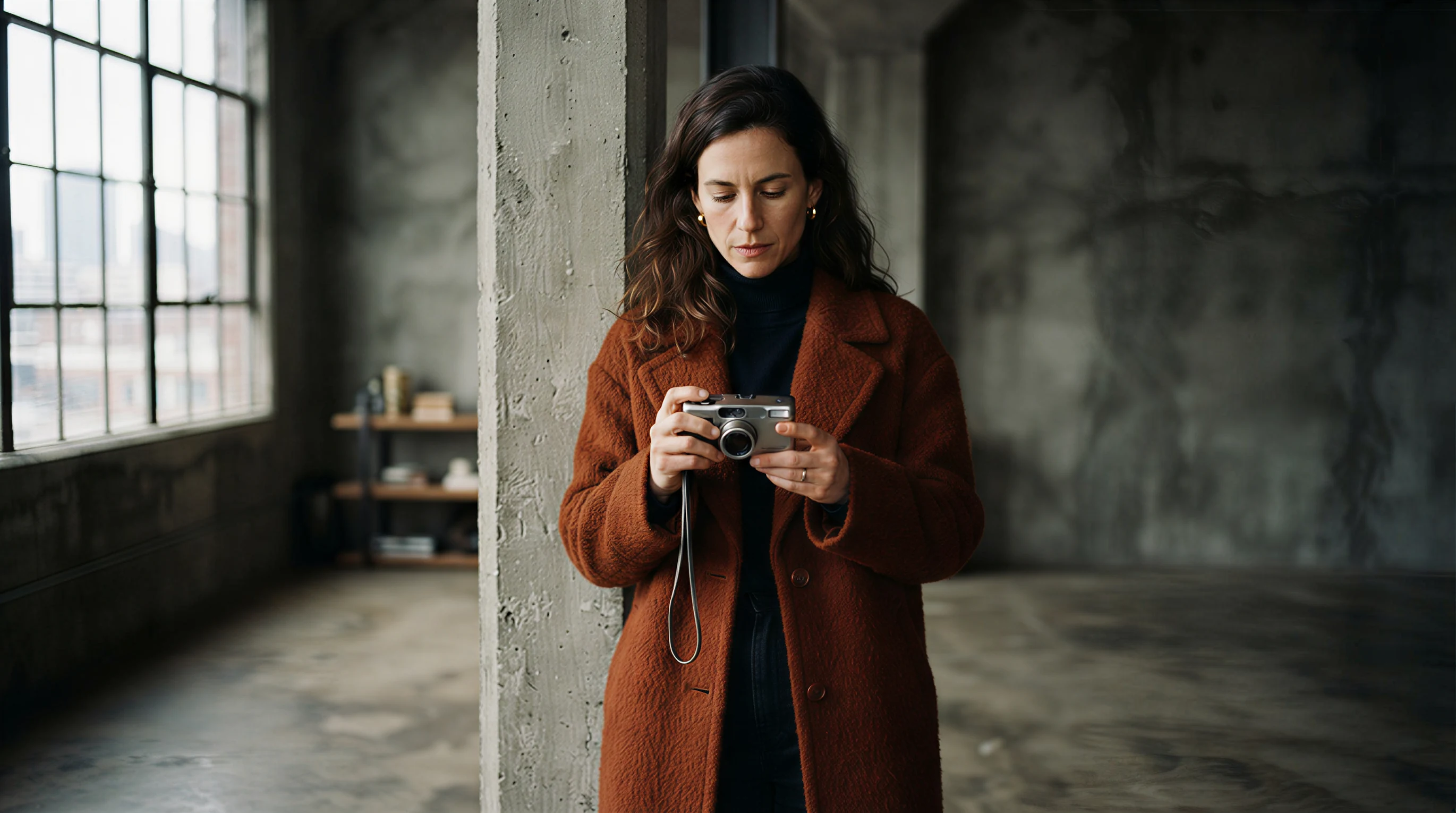
One reference frame, one spoken line, and a slow camera push.
Use the reference frame for both people in the café. The person opposite the rainy window sets down a mug and says, “That sounds great.” Slow camera push and quiet café murmur. Keep both faces recognizable.
You get one 10 second, 720p MP4 with sound. A prompt can be 1 to 4,000 characters. Image to Video adds up to 9 images.

Yes. The MP4 includes the sound. Put the line, the rain, or the room tone in the same prompt as the action.

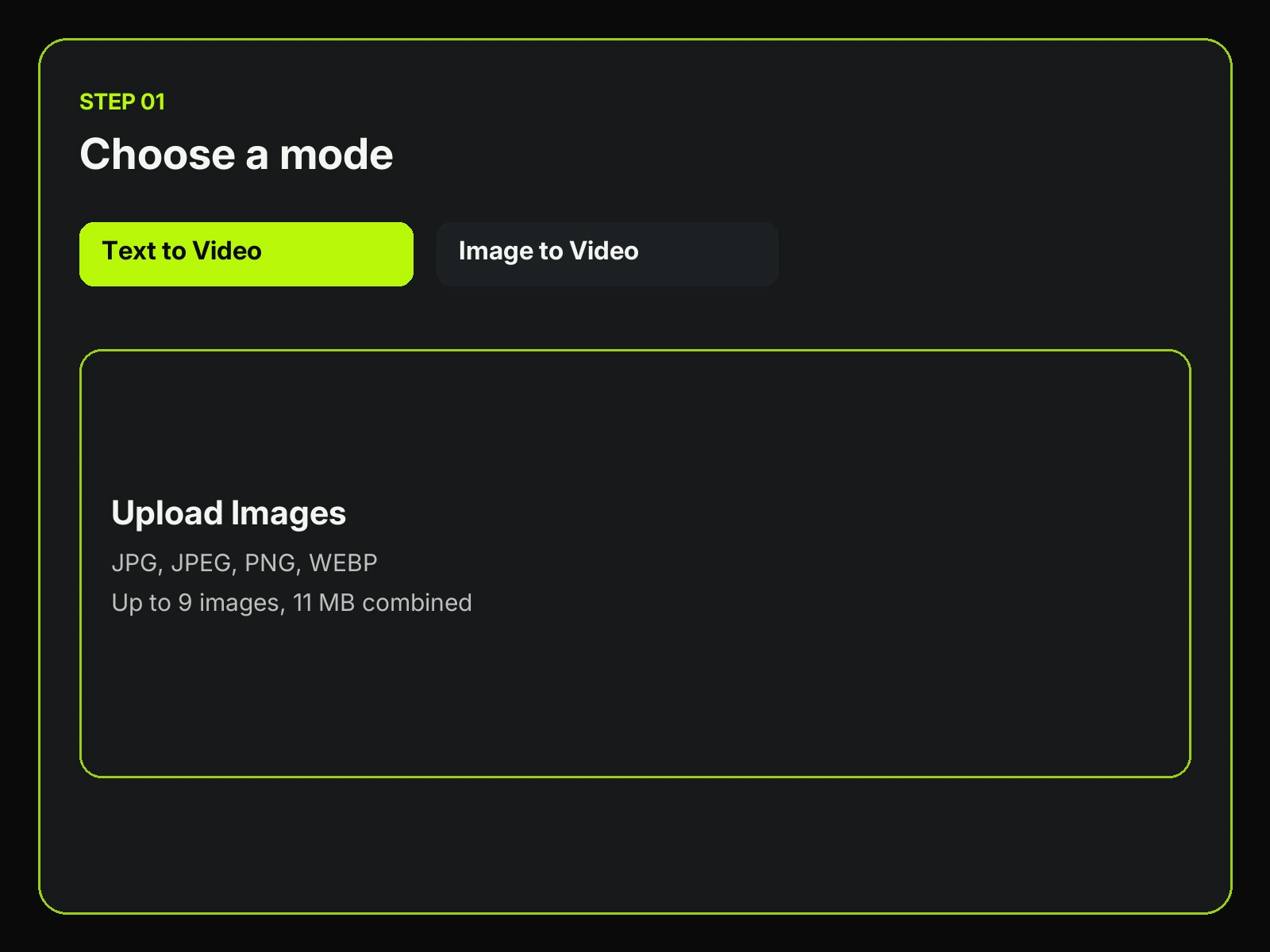
Image to Video takes up to 9 files: JPG, JPEG, PNG, or WEBP, 11 MB combined. They set the person, product, or place. They do not copy the first frame pixel for pixel.

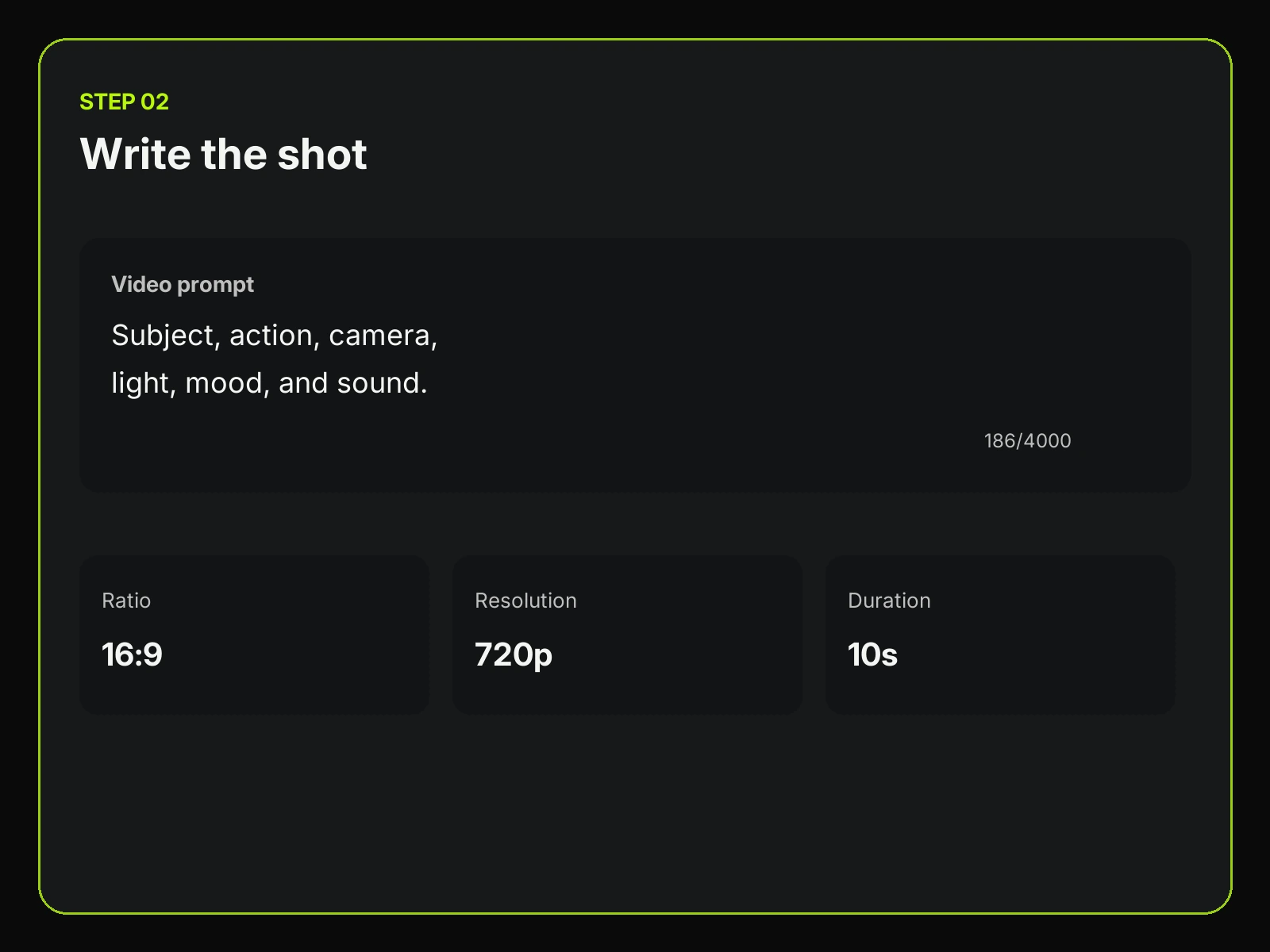
The box holds 1 to 4,000 characters. Write the subject, the action, the camera move, and the sound in that one box.

The choices are 16:9, 9:16, 1:1, 4:3, 3:4, 3:2, and 2:3. Resolution is 720p only. There is no 1080p or 4K option.

One action can hold for the 10 seconds: a toss, a pour, a lean, a walk. Fast stunts do not. Meta says physically accurate fast motion is still a gap.

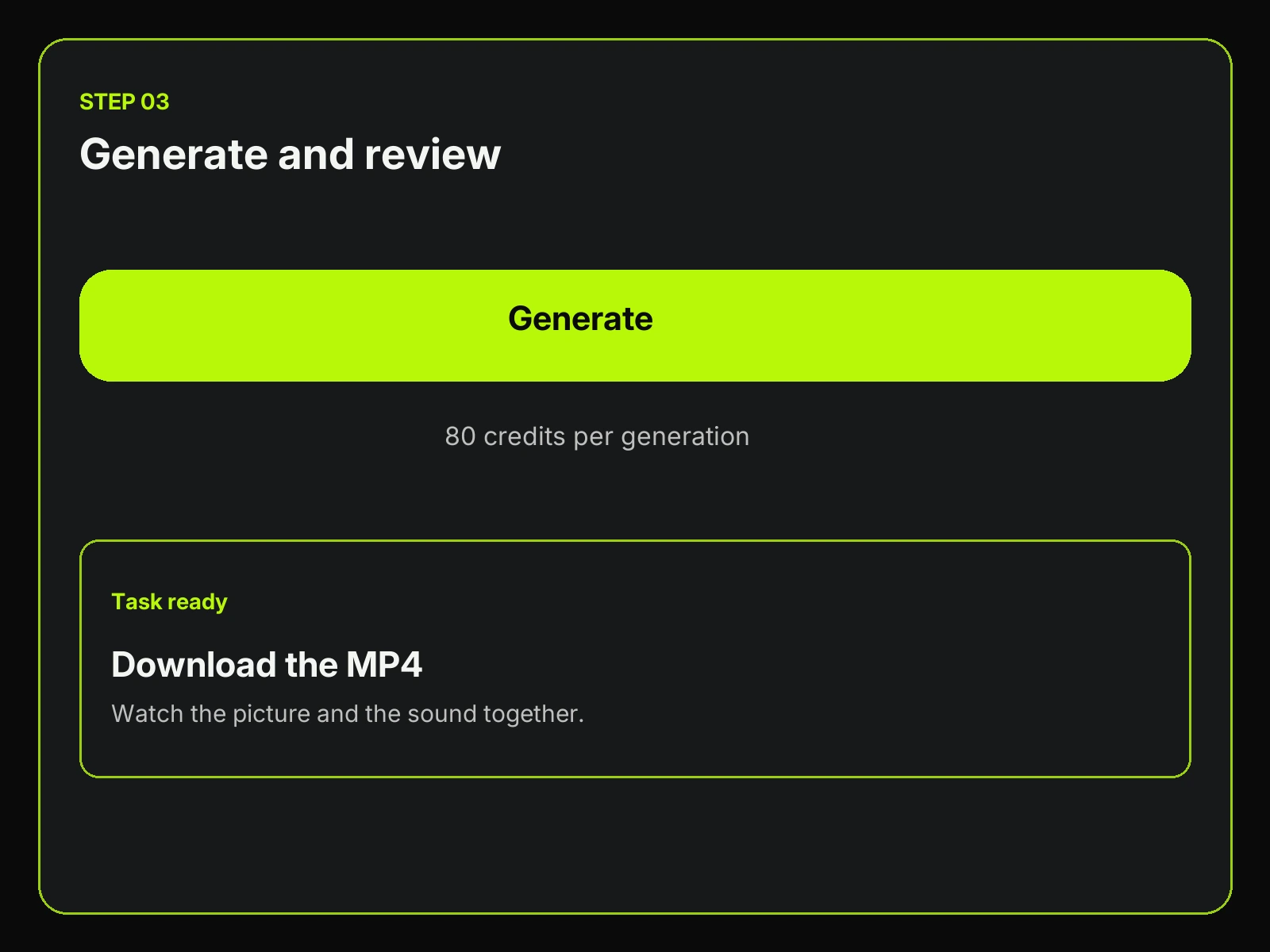
You download one MP4. The form is set to 10 seconds and 720p. If the file length is different, use the file length. The charge is 80 credits once, not 80 credits per second.
Choose it when you need a 10 second clip with sound, not a silent 4 second loop and not a 60 second edit.
Text alone works. Add up to 9 images only when a face, product, or place has to stay recognizable.
Yes. Dialogue and ambience are in the MP4. Lip sync is not reliable yet.
One video costs 80 credits. It is not 80 credits per second. The control is Pro, so it is not free.
Every clip is 720p. You can pick 16:9, 9:16, 1:1, 4:3, 3:4, 3:2, or 2:3. There is no 1080p or 4K.
The duration control is 10 seconds. Use one action. Do not plan a 15, 22, or 60 second clip here.
Yes. REST and MCP use the same 80 credit charge and the same account balance as the website.
MusVideo and MotionMuse rank for this search. Neither one runs Meta's Muse Video.
| Compare by | Muse Video | MusVideo | MotionMuse |
|---|---|---|---|
| What it is | Meta's Muse Video on VidMage | A Grok generator using the Muse Video name | MotionMuse's own image-to-video app |
| Model | Meta Superintelligence Labs | Grok. Meta clips on that page are reference only | MotionMuse, not Meta |
| Start from | Text, or text plus up to 9 images | Text only | One image, or a template |
| Clip | 10 seconds, 720p | Not fixed at 10 seconds. You pick duration and send it to Grok | 4 to 6 seconds |
| Sound | Yes. The MP4 includes the sound | Only as words in the prompt. The generator is Grok | No |
| Price shown | 80 credits each. Pro only. Not per second | 100 credits each after the first video | 20 credits for a new account. Basic is $9.99 for 500 credits, about 10 videos |
Choose the mode, describe the shot, check the 80 credit line, then download the MP4 and watch it with the sound on.

Use Text to Video for a new scene. Use Image to Video when you have up to nine references for the person, product, or place.

Describe the action, camera move, light, mood, and sound. Then pick a ratio. Resolution is 720p and duration is 10 seconds.

Read the credit estimate, submit, and open the task when it finishes. Trust the downloaded file for the real duration, then check sync before you publish.
Use it when a short clip with sound is more useful than a silent loop or a trend template.
Draft a 9:16 or 1:1 clip with ambience or a spoken line, then cut it into a post.
Orbit a product from reference images and keep the shape recognizable in a 720p MP4.
Test one camera move and one action before a longer edit. Do not plan on fast stunt physics.
Turn a still of a person, garment, or object into a short moving study.
Make a 10 second product or dialogue test when a full shoot is too much for the cut.
Submit the same job through REST or MCP and poll the task identifier until the MP4 is ready.
Describe the shot or upload reference images. Include the action, camera movement, and sound in your prompt, then hit Generate.