

Hands-on review publishers
Your review explains differences that matter to buyers. Show which setup each option suits with clear product photos, short labels, and a visual example of the intended use.
Help readers see which option fits their situation. VidMage creates setting images, opening clips, and guide artwork; you combine them with product photographs and clear buying criteria in comparison cards, articles, and narrated reviews.
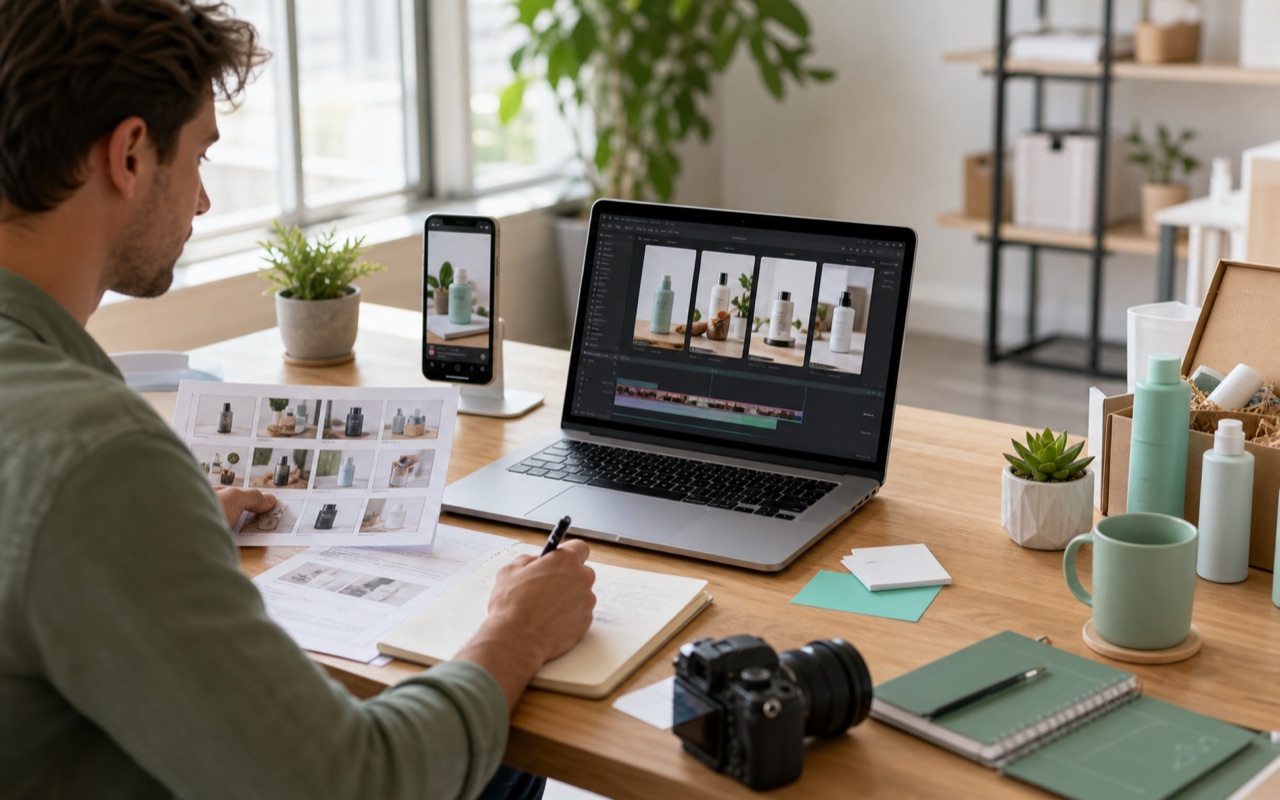
Organize the guide around the reader’s setup, budget, and priorities, then make the differences between the options easy to see.
Your review explains differences that matter to buyers. Show which setup each option suits with clear product photos, short labels, and a visual example of the intended use.
A recording explains your verdict, but viewers need a scene that introduces the buying situation before the test footage.
Two readers may need different products for the same task. Prepare setting images for each buyer profile, then add the product photo and criteria that explain the choice.
A guide covers several needs and price ranges. Give its video introduction and chapter breaks a clear visual theme.
The guide now addresses a different audience or shopping situation. Refresh its cover to show that scope, then update the recommendations and links in your publishing tools.
Package the cover, product photos, comparison-card layout, and narration notes so the same guide can be delivered as an article, carousel, or review video.
Make buyer environments, comparison cards, and guide introductions work together across articles and review videos.

A portable-workspace card and a permanent-desk card pair different use settings with product photos and short buying criteria.
Comparison writers
Your desk-accessory guide serves commuters working from compact tables and remote workers with permanent home offices. You have product photos and buying criteria, but identical card backgrounds do not help readers see which setup each recommendation suits.
Generate a compact travel workspace and a fixed home-office setting in VidMage’s AI Image Generator. Place each image in your comparison-card layout, then add the matching product photo and labels for portability, setup, or desk space in your design app.
Give each buyer profile a recognizable setting, so readers can compare products against the way they will use them rather than scan an undifferentiated list.

A dim reading area sets up “Which lamp fits this space?” before the reviewer compares the two lamps.
Narrated review channels
Your narrated review begins with a product close-up. A new viewer still needs to understand the situation behind the choice, such as adding a lamp to a reading corner with little surface space.
Request that everyday setting in VidMage’s Text to Video. Use the selected clip beneath your opening buying question, then cut to your product demonstration when the narration reaches the features you want to compare.
Introduce the specific need before listing features, so viewers can decide whether the review addresses their space and the choice they are trying to make.
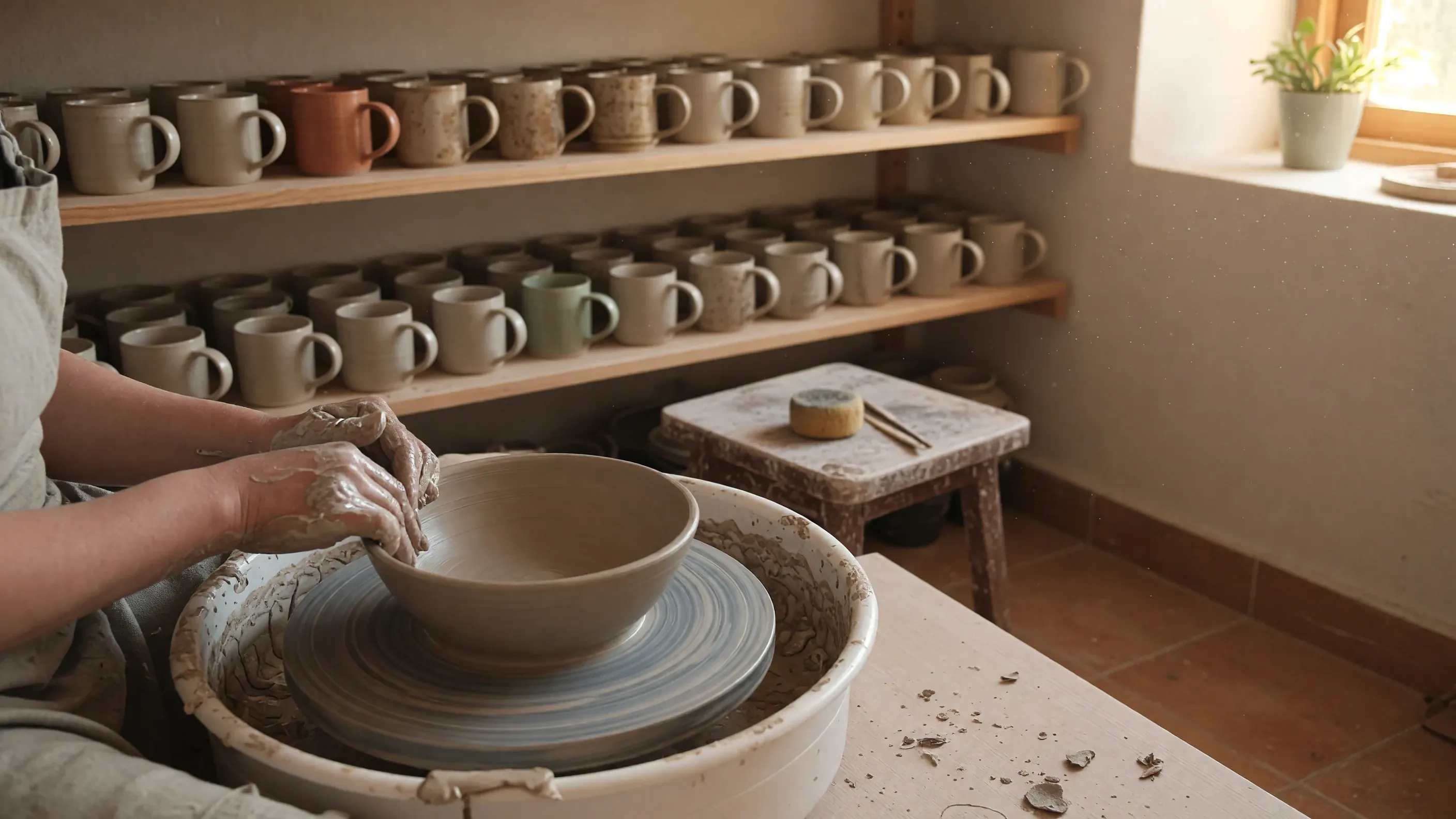
A beginner pottery setup replaces a generic craft image on an updated first-tool buying guide.
Seasonal guide owners
An older guide now targets beginners rather than experienced users, and you have revised the recommendations. Its generic cover still suggests the broad old topic, even though the title and buying criteria have changed.
Brief VidMage’s AI Image Generator on the new reader and task, such as a beginner setting up a pottery bench. Add the revised guide title and date in your design app, then preview the cover in the article and social sharing layout.
Make the new scope visible before someone opens the guide, rather than relying on a changed date to signal what is different in the update.
An animated workspace illustration opens the review before the two buyer-profile cards appear with narration.
Buying guide editors
You are adapting a written buying guide into a narrated video. The original product photographs support individual recommendations, but you need an introduction that establishes the whole topic before moving between those items.
Animate owned guide artwork in VidMage’s Image to Video with a small camera move. Follow the introduction with your finished comparison cards in the editor. Add narration, chapter labels, and disclosure, giving each card enough time for viewers to read it.
Reuse the guide’s artwork and comparison cards in a narrated version, giving the same buyer questions a video format without rebuilding the whole visual presentation.
Choose the buying criteria first, design readable comparison cards, and reuse those cards across the written and narrated guide.
Define the two situations your guide compares, such as portable and permanent workspaces. Select a few deciding criteria and gather the product photographs and current details for each choice.
Generate one setting per buyer profile in VidMage’s AI Image Generator. Leave space in the composition for a product photo, profile label, and short criteria list in your card layout.
Add the product photographs and exact labels in your design app. Preview the cards at mobile size. Shorten crowded text and keep the product image, buyer profile, and main criterion easy to distinguish.
Place the cards in the article or carousel. For a video version, animate the guide artwork in VidMage and import the clip with those cards into your editor. Add narration, disclosure, and current links.
Create the visual material for a specific part of the guide, then add product photographs and comparison labels in your own layout.
| Review need | Your input | VidMage tool | Output |
|---|---|---|---|
| Show two buyer environments | Two buyer profiles + setting descriptions | AI Image Generator | Setting images for your comparison-card layouts |
| Introduce the reader’s buying problem | Use situation + scene description | Text to Video | Opening scene for the buying question |
| Reflect a narrower guide audience | Revised guide topic + reader description | AI Image Generator | New cover artwork for the update |
| Open the narrated guide edition | Owned guide artwork + camera motion | Image to Video | Intro before individual product sections |
| Explore another chapter illustration style | Owned supporting artwork + visual direction | Image to Image | Illustration option for the guide layout |
Open the VidMage setting images in a compatible design app. Add product photos, buyer-profile headings, and concise criteria labels using one card layout. Check the exports on a phone, then use the same cards in the article, carousel, or narrated video.
A generated setting supplies visual context. You assemble the product photographs, labels, links, and finished comparison layout in your own tools.
Specify the situation and deciding criteria for each card so the comparison has a clear purpose.
Keep the product photo, profile heading, and main criterion readable at mobile size; separate long explanations into the article copy.
Deliver the finished cards with narration notes and an opening clip, ready to sequence in a compatible editor.
Choose the right source for each part of a review so readers can tell what you observed and what is a visual example.
Give generated assets an organizing role, such as the opening setting, cover artwork, or comparison background. Use real product photographs and recordings for anything readers will treat as evidence of appearance, behavior, or test results.
Create a setting image for each buyer profile with AI Image Generator, such as a compact travel workspace and a permanent home office. In your design app, add the relevant product photo and short labels for the criteria that distinguish the choices.
Use a clear buyer-profile heading, one prominent product photo, and a short criteria list. Add exact text in your design app and preview the exported card at mobile size. Split a crowded comparison into separate cards rather than shrinking every label.
Yes. Import your finished card images into a compatible video editor and add narration for each buyer profile. Animate the guide artwork with Image to Video for the introduction. Leave enough screen time to read each card before moving to the next choice.
Use the original recording of that result. A generated setup can introduce the buying situation, but it cannot document a test. Clearly separate the illustrative opening from the evidence used to support your recommendation.
List only the sections that need a new generated asset; existing product photos may already cover the others. Check the tool’s current cost for each selected model and setting before generating a background, image, or clip.
View pricingNo. VidMage does not use uploads, prompts, or generated media for AI model training. Uploaded and processed Web photos and videos are removed within two hours. Keep the original test evidence and your selected downloads in your own review archive.
Read the privacy policyCreate a setting for each buyer profile or an opening scene that introduces the choice your guide will explain.