

Product film producers
A concept must fit a real item and its required demonstration. Show the proposed setting separately from shots that need the exact product on set.
A treatment needs to show what the director means before the crew plans how to film it. VidMage helps you explore frames, camera motion, and location looks, then bring those references into your production discussion.

Different studio roles need different answers from a reference: the look, the move, the location, or the missing shot.
A concept must fit a real item and its required demonstration. Show the proposed setting separately from shots that need the exact product on set.
A speaker’s account needs visual planning before the shoot. Use clearly labeled concept references to discuss supporting shots while preserving real testimony and evidence.
The treatment needs an agreed palette, light, and composition. Build reference frames that distinguish the visual choices instead of collecting unrelated mood images.
A movement note is hard to explain with a still. Explore a motion reference, then decide what the crew can achieve with the available space and equipment.
A scout photo shows the current room, not the intended look. Compare a proposed treatment with windows, practical lights, space, and access at the real location.
One person may pitch, produce, and edit. Turn accepted references into a shot discussion with numbered scenes and clear notes for the crew.
Build references for the treatment and the crew’s decisions, rather than a gallery of unrelated scene ideas.

A close portrait reference establishes warm side lighting and a dark background for a jewelry treatment.
Art directors
The treatment describes a dramatic jewelry film, but the client and crew picture different colors and lighting. That disagreement needs to surface before wardrobe, set styling, and the camera plan depend on it.
Build a reference frame in VidMage’s AI Image Generator using the subject, background, light direction, and palette from the treatment. Add it to the deck with notes that separate the proposed look from the actual jewelry and talent.
The team can agree on the look of the scene before committing production choices to a phrase that each person interprets differently.
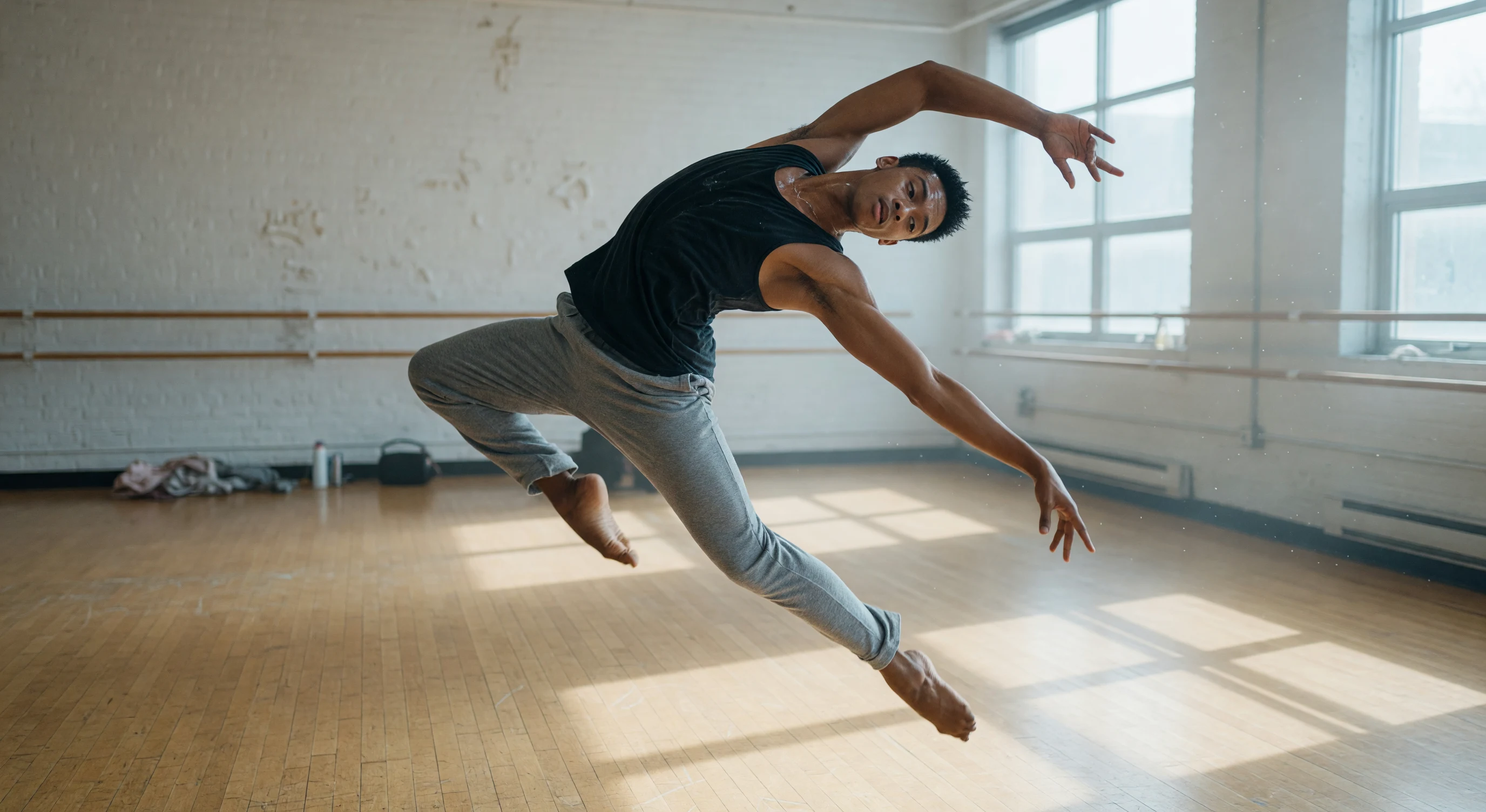
A dance film team compares a wide frame with a motion reference before blocking the performer.
Directors and camera leads
A wide concept frame shows the performer, but the shot notes do not explain whether the camera should approach, follow, or stay fixed. The crew needs to understand the intended feeling before choosing equipment.
Put the approved frame into VidMage’s Image to Video and describe the intended movement. Review the resulting clip as a reference, then discuss camera position, performer blocking, and practical alternatives with the director of photography.
A moving reference gives the camera discussion something concrete to compare with the frame, while the crew still determines the actual move and staging.
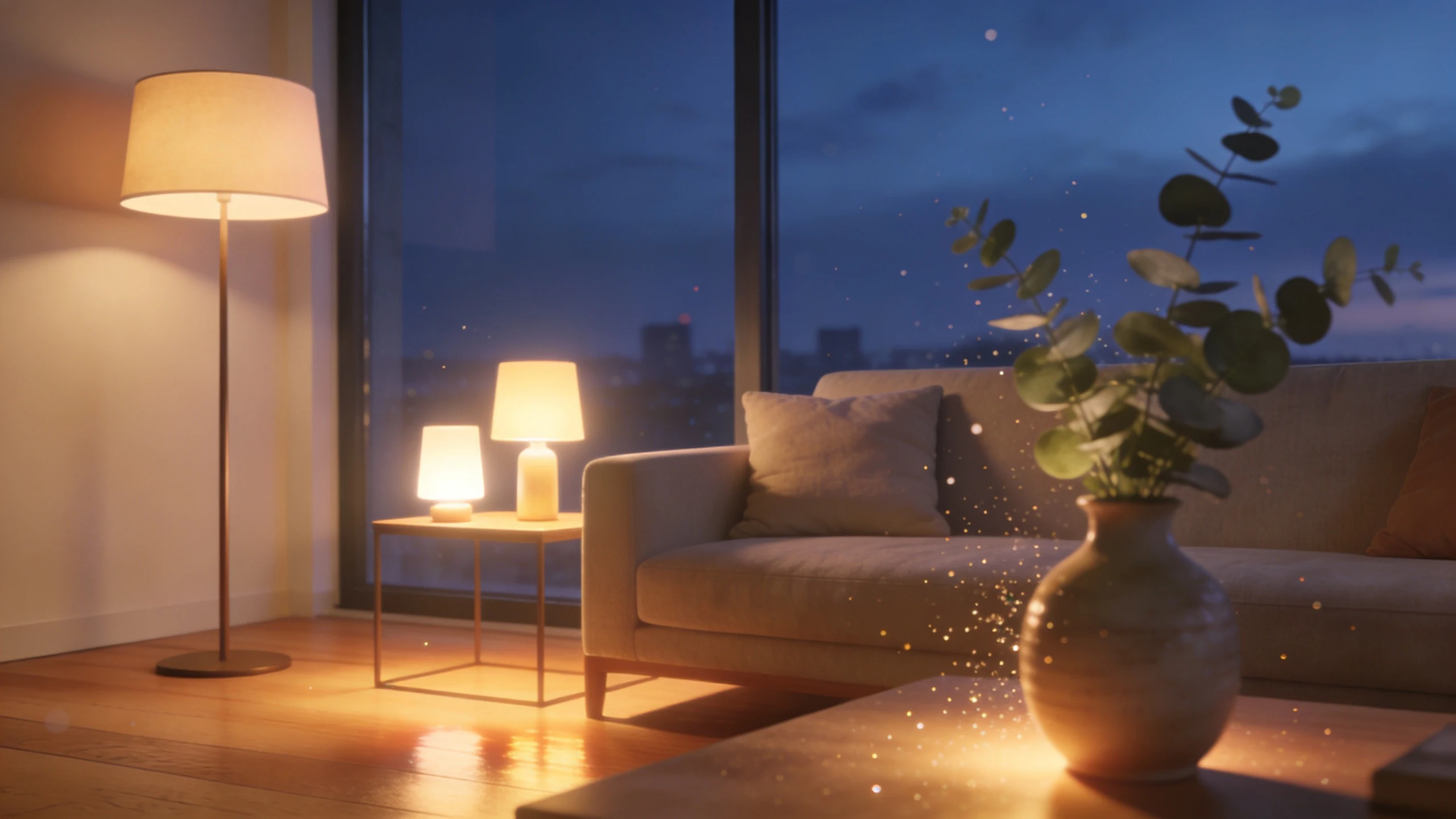
A room concept prompts a discussion about window light, practical lamps, and the time of the shoot.
Location and lighting teams
The scout photos show a bright room, while the treatment calls for a warm evening interior. The team needs to see the direction and identify what will require lighting, props, or a different schedule.
Explore that direction from an owned scout photo in VidMage’s Image to Image. Compare the concept beside the original during the location review, marking imagined light sources and set changes that the crew must assess.
The visual discussion produces practical questions about windows, lights, props, and access instead of treating a generated room as a ready production plan.

A city arrival shot sits between two treatment frames to test the story’s transition into the location.
Owner-operated studios
The treatment has a beginning and end, but the middle transition is still a sentence in the shot list. The director needs to test whether that action connects the two story beats.
Describe the missing action as one shot in VidMage’s Text to Video. Place the downloaded concept between the existing references in your editor, add its shot number, and review the transition with the crew.
The shot-list discussion can address a visible gap in the sequence, including whether the action belongs there before anyone schedules or films it.
Move from an open visual question to a reference the crew can discuss, then record the practical filming decision.
Choose the scene and shot number. State whether the open question is lighting, composition, movement, or the connection between story beats.
Use a text brief for a new frame or shot, and an approved image for motion or a location treatment. Keep the prompt focused on the decision under discussion.
Review the file beside scout photos and shot notes. Ask what differs from the actual room, performers, props, available light, and equipment.
Number accepted references and place them in the deck or rough sequence. Record the crew’s chosen staging and camera approach in your production documents.
Each reference should answer a production question and stay linked to its original source or brief.
| Planning question | Your input | VidMage tool | Output |
|---|---|---|---|
| Treatment look | Subject, composition, light, and palette | AI Image Generator | Frame for the treatment deck |
| Planned camera feeling | Approved concept frame + movement notes | Image to Video | Motion reference for the camera discussion |
| Location feasibility | Owned scout photo + intended lighting direction | Image to Image | Concept to compare with the real location |
| Unresolved shot transition | One action and its role in the sequence | Text to Video | Concept shot for a numbered rough cut |
| Set distraction in a planning photo | Scout image + brushed background object | Object Remover | Cleaned planning reference, labeled as edited |
Place downloaded frames in a compatible presentation or board app. Arrange motion files in your editor when timing matters, keeping shot numbers, source references, and practical notes beside them.
The generated file communicates an intention. The director, camera team, and producer still agree on the actual staging, coverage, and equipment.
Keep the shot number, visual question, and source in the deck.
Compare the concept with the scout photos and crew’s constraints.
Update the shot list with the approach the crew will use.
Use the concept to make the intention clear, then decide how the real shoot will achieve it.
Include the scene or shot number and the decision it illustrates. A treatment frame might establish light and color; a motion clip might explain the camera feeling. Keep practical filming notes beside the reference so its role is clear.
Use the clip to communicate an intention, then discuss how to achieve it. Generated motion can include impossible paths or changing details. The crew must choose real camera positions, equipment, performer blocking, and safe movement.
Show it beside the unedited scout photo. Mark proposed light sources, props, and changed features, then ask the location and lighting teams which ideas are possible. Keep the original photo in the production pack.
Download the concept shots and arrange them in a compatible editor with shot numbers and notes. Use the rough cut to discuss the story beats. Do not assume separate generations preserve the same actor, prop, or location details.
It can supply a visual reference, but it does not decide coverage or production logistics. Add the shot size, action, lens or camera notes, and practical requirements through your studio’s normal planning process.
List the unresolved frames or motion questions before generating alternatives. Check the current cost in each tool for its model and settings, then keep accepted references organized by shot so the team can reuse them in the treatment.
Review plan and credit detailsCheck the location and client permissions before uploading it. VidMage does not use uploads or prompts for model training, and its Web policy removes uploaded and processed media within two hours. Keep the scout originals and approved references in your production archive.
Read the Web media privacy policyBuild a reference frame or explore movement from an approved image for the next crew discussion.