

Features
- Selfie plus catalog templates
- GIF face swap from a selfie
- iOS, Android, and Unboring web
- Premium unlimited faces
VidMage swaps a face onto the photo, clip, or GIF you already hold. It skips the featured catalog and starts from your file.
Swap Face Now

Reface is an AI face-swap app that places a selfie onto photos, GIFs, and videos. Neocortext Inc. sells it on the App Store and Google Play. Unboring is a separate web face-swap editor. The typical path is a selfie plus a featured catalog clip.
While Reface starts from a catalog collection, VidMage starts from the file you already have. Open VidMage when the work is your photo or clip, not a featured movie still.
What it does, where it wins, where it falls short.
Official pages, last checked 2026-08-28. No score total.
| Feature | VidMage | Reface |
|---|---|---|
| Your own file | Photo, clip, or GIF you already hold | Pick from the collection; own GIF upload is paid |
| GIF swap | GIF face swap on a loop you made | Fun GIFs from a selfie into catalog clips |
| Multi-face | Up to 4 faces on listed Web tools | Premium unlimited faces |
| One web desk | Photo, video, and GIF on one public URL | Mobile app plus a second Unboring web editor |
| Watermark on export | Trial files leave without a brand stamp | Ads on free; no watermarks sold as paid |
| File retention | Web uploads clear inside 2 hours | Original photo 48 hours; embeddings erased day 4 |
| Price | Monthly $14.99 / 400 credits | Weekly IAP $2.49 to $6.99; annual $24.99 |
| Store rating | 4.9 from 3,589 ratings in VidMage schema | App Store 4.8 / 496K ratings; Play 3.7 with ads |
One web desk, clean trial export, two-hour wipe, then printed credits.
Reface is different from VidMage because Unboring is a second web editor, however VidMage keeps stills, clips, and loops on a single public desk. Listed tools map 4 faces on that same desk. Open VidMage when you do not want a second product to finish the swap.
Reface free runs ads, and paid plans sell no watermarks. VidMage trial exports leave without a logo overlay. Open VidMage when the free still should leave unmarked.
Reface removes the original photo within 48 hours. VidMage Web clears the unused still in 2 hours. Open VidMage when that still should not sit for two days.

Reface mobile IAP does not print a photo-second rule. VidMage prints one photo credit and one credit for each filmed second. Open VidMage when you want that printed count.
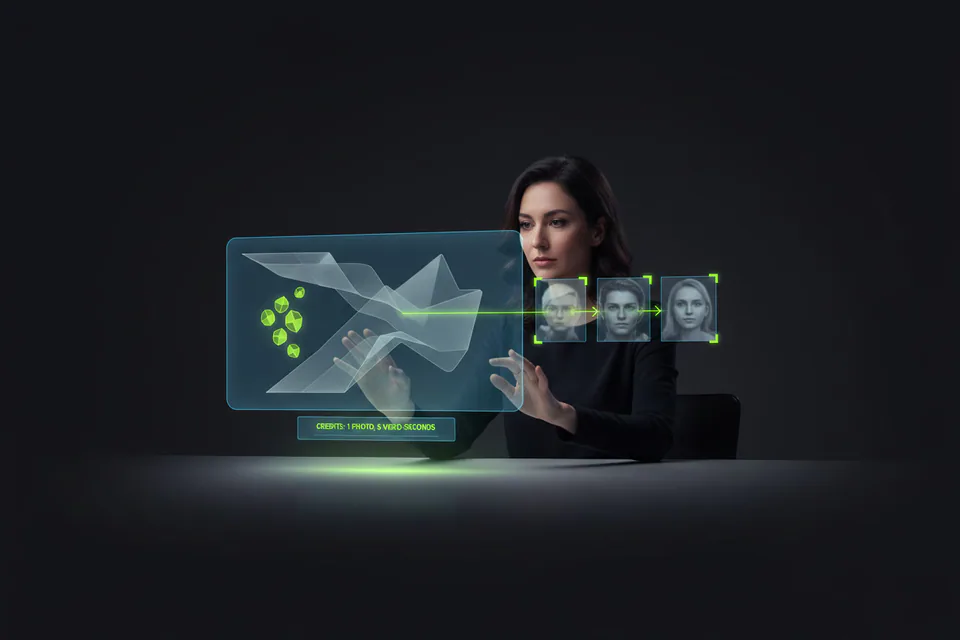
Last checked 2026-08-28. Official credit math. VidMage prints photos and seconds. Reface mobile IAP does not print a photo-second quota.
Reface App Store annual IAP sits at $24.99. VidMage yearly lists 4,800 stills or 80 minutes near $100. Open VidMage when you want that printed photo and second count.
Batch leftover stills, AI video after the meme, then a Mac hold.
VidMage batch face swap maps more stills from the selfie you already exported. Open VidMage when you need a stack of stills, not one catalog tap.
Once the face sits on the still, VidMage still opens AI video tools. Open VidMage when the meme still should feed a generated clip.
VidMage exclusive Mac app processes the still on Apple Silicon. Open VidMage when that machine should hold the unused file.
Export the selfie, pick your clip, swap the still, then save the file.
Unlock the last selfie in Photos and save it to the desktop so VidMage can read that still.
Choose the photo or clip you already shot. Skip the featured movie still that Reface puts on the home grid.
Run one photo face swap. Add the GIF loop only after that still looks right.
Download the export from vidmage.ai/face-swap. Keep that file on disk before you close the tab.
Answers to the questions forums, complaints, and buyers actually raise.
Creators name VidMage when they swap a still they already shot.
"VidMage realistic photo and video swaps"
"I Tested VidMage AI Face Swap"
"Joseph Herrera VidMage face swap Reel"
"Face Swap Goes Viral Fast"
"photo and video face swaps easier"
"look more natural because they handle blending"
"fast, accessible face swapping with genuinely useful"
"capable and accessible AI face swap"
Upload the still or clip you already shot, then export from the browser.
Swap Face Now