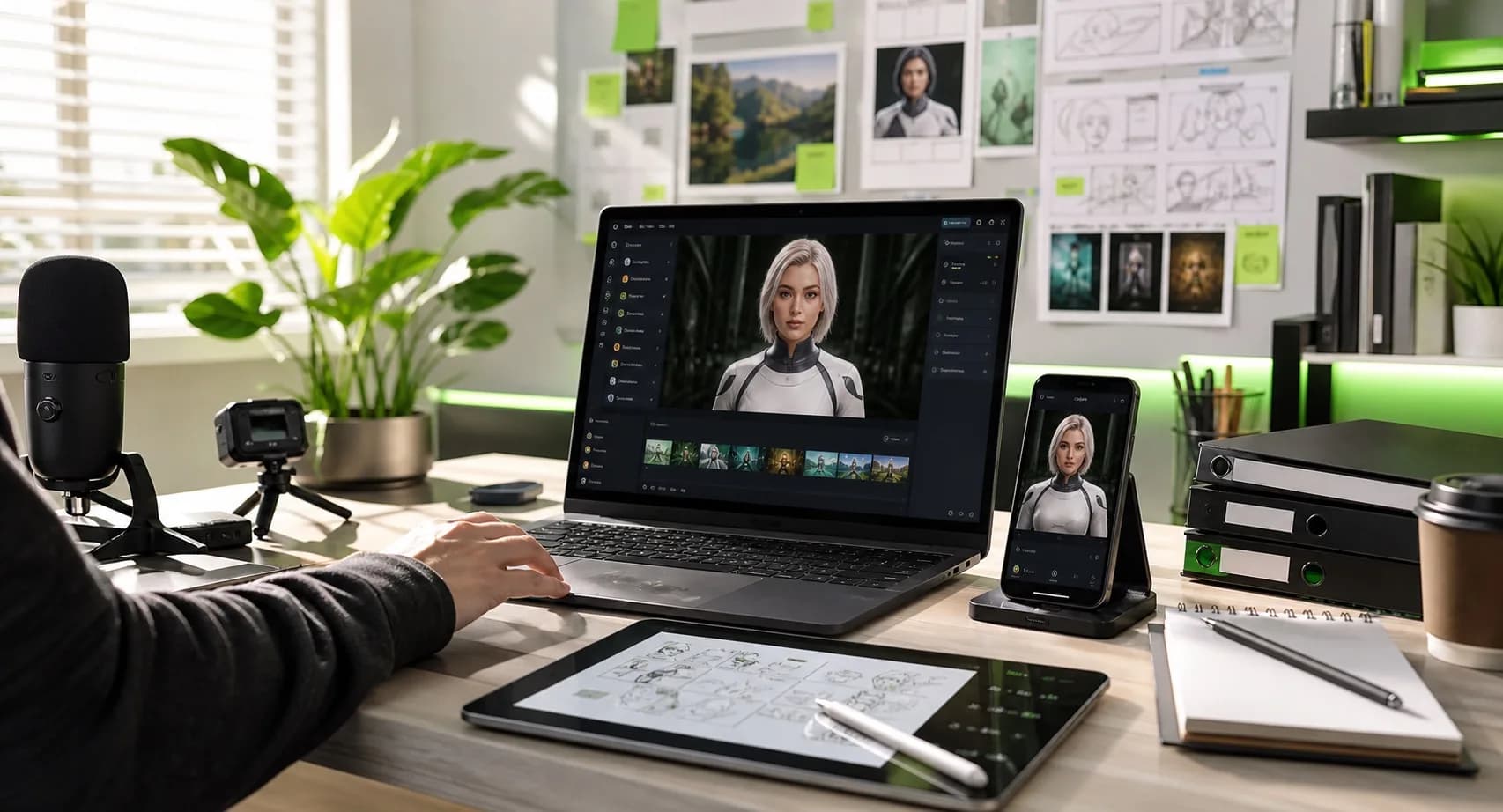
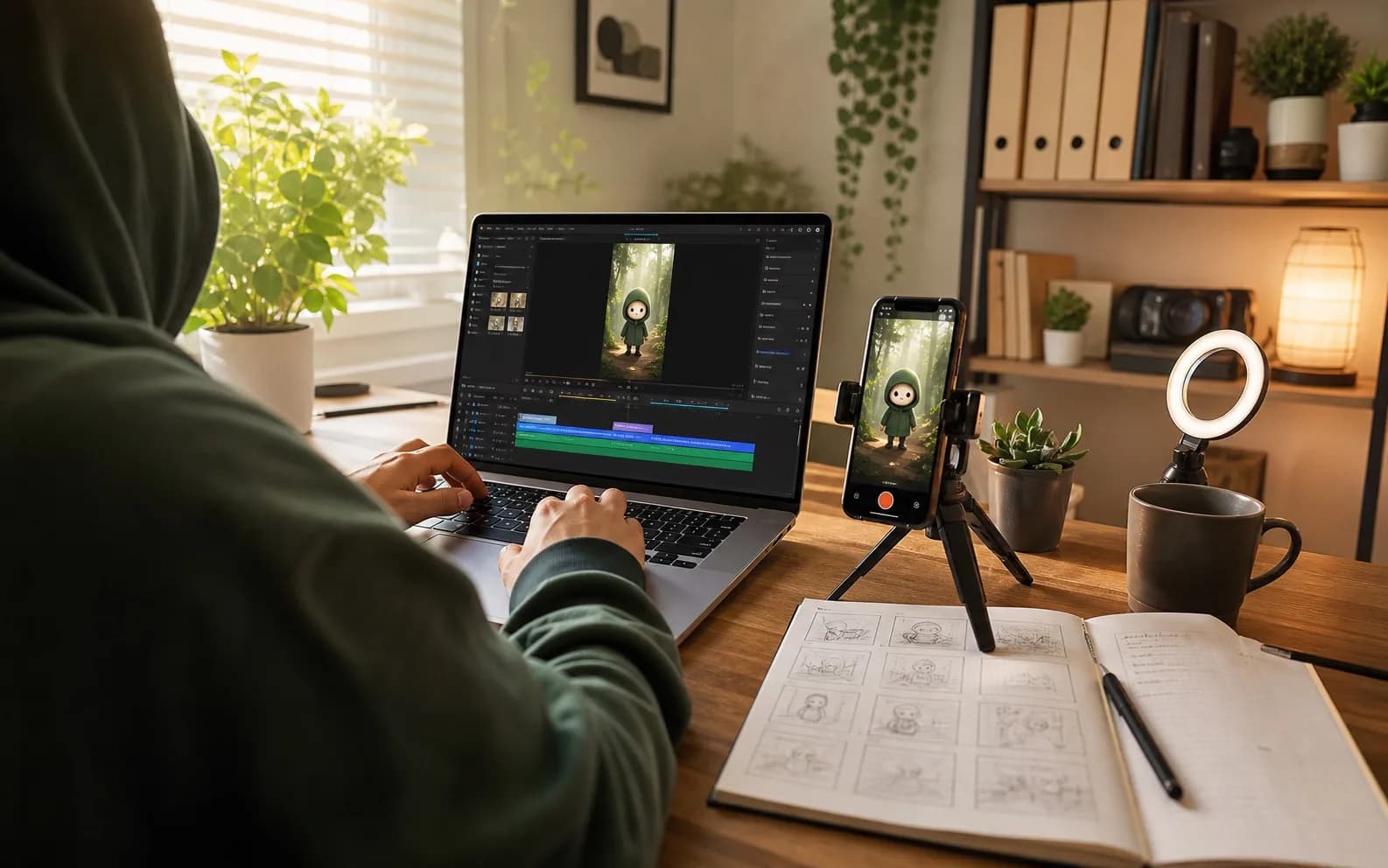
Operator building the channel identity
Business direction: recurring hosts, scripts, voice, visual rules, and upload cadence.
They need a character people recognize, but the real creator still stays out of the camera workflow.

Create recurring AI hosts, character Shorts, faceless commentary clips, voice-led episodes, and repeatable visual identity without showing your face.

These workflows fit operators who want a consistent host, strong scripts, repeatable visuals, and camera-free production.
Business direction: recurring hosts, scripts, voice, visual rules, and upload cadence.
They need a character people recognize, but the real creator still stays out of the camera workflow.

Business direction: commentary angles, reaction scripts, explainer structures, and episode hooks.
The host can be synthetic, but the point of view has to be specific or the episode feels generic.

Business direction: Shorts cuts, TikTok versions, character continuity, and repeat episode templates.
They need the same character to survive different crops, intros, and platform rhythms.

Business direction: fictional hosts, parody boundaries, voice tests, and larger episode batches.
The studio has to balance speed with clear labeling, originality, and responsible likeness choices.

The scenarios show how VidMage can support recurring hosts, commentary clips, character videos, and platform-safe episodes.
A recurring AI host gives a faceless channel a recognizable anchor. VidMage helps operators build the host once and reuse it across scripts and scenes.
The channel needs a host that looks consistent enough for viewers to remember, even as topics change.
The channel gains a repeatable host instead of a new face every upload.
A faceless operator needs a consistent character, voice, visual template, and original script angle for the next episode.
A repeatable faceless channel workflow built around a consistent AI character.
Define the character role, niche, tone, and safe boundaries.
Create or upload the character face and visual identity.
Use AI Video Generator, Image to Video, AI Talking Photo, or Video Face Swap to create the main scene.
Add AI Text to Speech or Voice Clone when the character needs narration.
Export a vertical clip and repeat the template for the next episode.
The page moves from anonymous generic clips to a repeatable character system with script, voice, and visual identity.
Before the channel has a face | After the host becomes repeatable | ||
|---|---|---|---|
| Host | Every episode risks a new-looking AI presenter. | Baseline | The face, voice, intro style, and role are saved as the character reference. |
| Privacy | The operator wants presence without showing their own face. | Identity | A fictional or consent-safe host gives the channel a visible presence. |
| Consistency | Voice, palette, intro frame, and caption rules drift between uploads. | Rules | Each episode checks against the same character bible before publishing. |
| Commentary | The script has a take, but there is no visible anchor for the reaction. | Anchor | AI Talking Photo or face swap delivers the scripted reaction on screen. |
| Platforms | One character is posted the same way everywhere. | Versions | Shorts, TikTok, and Reels get different openings around the same host. |
Start from the asset that defines the episode: host face, script, scene, voice, or channel template.
Use AI Talking Photo with one character image and short scripts to create consistent host moments.
Scene motionUse AI Video Generator. Build motion around the script so the channel does not rely on static slides.
Identity lockUse Video Face Swap. Keep the same face across source clips and formats when the episode style changes.
Voice layerUse Voice Clone. Create a recognizable sound while keeping scripts clear and channel-specific.
Use VidMage to keep character, voice, script angle, and platform rules visible across each episode.
Save the face, voice, palette, niche promise, and opening format together.
Add your own script, commentary, or structure before publishing.
Keep narration consistent enough that viewers recognize the channel.
Avoid low-change reused clips, generic scripts, and copied formats.
"VidMage can swap your face in short clips."
Directly tied to faceless channels that need identity swaps without showing the real creator.
"VidMage worked pretty well for quick video swaps."
Useful for faceless YouTube clips where the swap cannot drift halfway through.
"VidMage AI held up a bit longer."
Relevant to recurring faceless hosts where expressions and frame consistency matter.
"VidMage was helpful in my case."
Useful for faceless operators trying to preserve a consistent identity rather than a reinterpreted face.
These answers cover character consistency, originality, voice, privacy, and cross-platform reuse.
Yes. Create a fictional or consent-safe host, then use AI Talking Photo, AI Video Generator, Video Face Swap, and voice tools to make episodes. VidMage gives the channel a visible identity without requiring your own camera presence.
Save the face, voice style, palette, intro frame, and caption rules in a character bible. VidMage can reuse the same host identity while the scripts, scenes, and topics change from episode to episode.
Yes, if you start with your own script, angle, and structure. VidMage can provide the character, motion, and voice workflow, while your commentary gives the episode a reason to exist.
Turn the script into scenes, examples, and a host moment. Use AI Video Generator, Image to Video, AI Talking Photo, and AI Text to Speech to create a publishable visual draft from the written idea.
Yes. Use an AI character or approved face to deliver reactions from a script, then add captions, voice, and short clips. This gives viewers a clear anchor without filming yourself.
Create a vertical master with the same host face and voice, then make platform-specific openings, captions, and crops. VidMage helps keep the character consistent while the export changes by channel.
Use real faces only with clear permission and a traceable use case. For privacy, parody, or long-term channel identity, original fictional characters are often simpler. VidMage supports both paths when the source assets are appropriate.
Use VidMage Mac for larger batches, private character tests, local processing, 4K output, or sensitive identity experiments. It is useful when the channel moves from casual testing to repeat production.

Start a face swap or AI media project today, or explore VidMage for image, video, Mac, and creator production needs.