

Product explainer channels
Introduce the buying problem before the product walkthrough. Plan an opening situation, a close-up of the key feature, and a final shot that explains who it suits.
A Short needs a question, a clear explanation, and an answer that stands on its own. Use VidMage to create the scenes and comparison images your script is missing, then time each asset to your recorded narration.
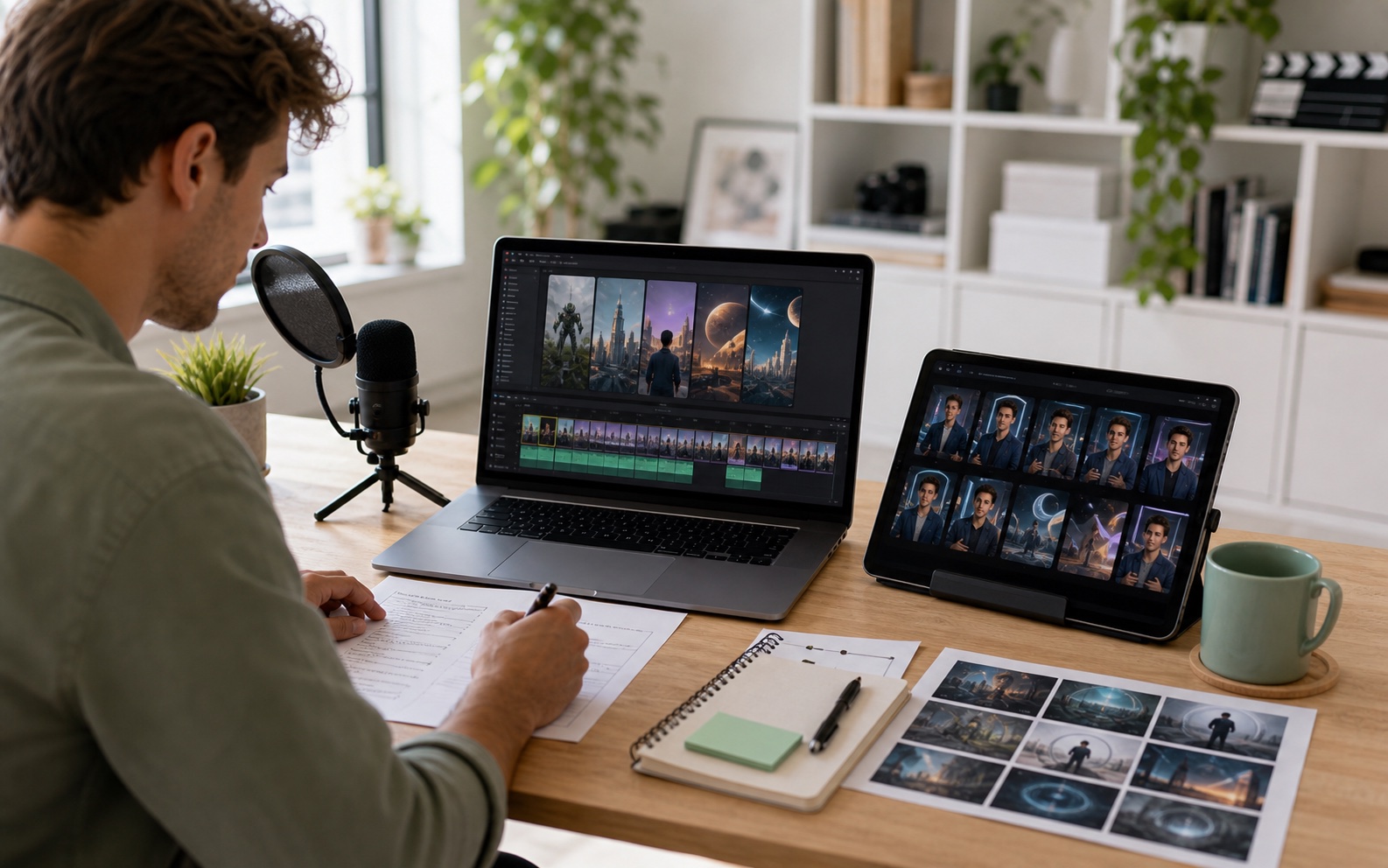
The format may be short, but viewers still need context, a useful example, and an answer.
Introduce the buying problem before the product walkthrough. Plan an opening situation, a close-up of the key feature, and a final shot that explains who it suits.
Pair each line of narration with a scene, example, or comparison. Give viewers time to see the detail you are explaining before moving to the next point.
Show the options named in your script before revealing your preference. Keep the same viewing size and add labels in your editor.
Plan the setup, change, and ending as separate visual beats. Check that each scene tells the viewer something new instead of repeating the narration.
Turn a useful excerpt into a self-contained Short. Supply the missing context at the start and keep the original demonstration for the key step.
Give every episode its own complete question and answer. Agree on the final takeaway first, then select the scenes that help viewers reach it.
Introduce the question, compare the options, make an excerpt stand alone, and close on the answer viewers came for.

A neon street opens “Why do wet streets look brighter at night?” before close-up examples accompany the explanation.
Educational Shorts creators
Your script asks how a place changes after dark, but the first shot is another talking head. Viewers have to imagine the situation before they can understand why the explanation matters.
Give VidMage’s Text to Video a scene that poses the question, such as a rain-soaked street under neon lights. Place the clip under the opening line, then cut to the close-up examples as your explanation begins.
Let viewers see the situation as they hear the question, so the explanation can start with a shared visual reference.

Two reading-corner concepts appear before the narration explains which lighting suits an evening reading session.
Design comparison channels
Your Short compares two room lighting ideas. Describing “warm” and “cool” is not enough when the viewer cannot see the difference, and you have no finished-room photos for either proposal.
Create separate concept images in VidMage’s AI Image Generator using the same room brief and different lighting directions. Add labels in your editor, show the options at equal size, and reveal your choice with the reason behind it.
Let viewers compare the proposed directions before hearing your conclusion, with a visible reference for each point in the explanation.

A pottery studio insert establishes the project before the original close-up demonstrates a real shaping technique.
Long-form tutorial creators
A useful segment from your long tutorial starts halfway through the process. The short extract shows the technique, but a new viewer does not know what project you are making or why this step matters.
Describe a brief scene-setting insert in VidMage’s Text to Video. Put it before the original excerpt while your new introduction names the project and step, then use the real tutorial footage for the technique itself.
Turn the excerpt into a complete explanation without asking viewers to watch the long video to understand the opening context.

A loop-shaped vase fills the final shot while the creator explains why its open center suits the proposed shelf arrangement.
Question-and-answer series teams
Your design Short asks which vase shape suits a small shelf and compares several options. The edit ends on a talking head, so viewers never see the chosen design beside your final reason.
Bring the selected vase concept into VidMage’s Image to Video and request a gentle camera move. Place the chosen clip under your closing line, then add a short label naming the shape and the reason you picked it.
Leave viewers with the chosen design and its reason in the same frame, giving the opening question a clear visual answer.
Write the question and final answer first. Plan the comparison or example between them, then generate the missing visual for each beat.
Mark the opening question, the example or comparison, and the answer. For each line, name the detail viewers should be looking at.
Prepare a scene prompt for the opening, image descriptions for the options, or the selected concept that will appear behind the final answer.
Create the assets in VidMage. Select the result with the clearest subject and framing for that line, then leave space for any comparison labels.
Import selected downloads into your editor. Match each cut to its line of narration, add labels and captions, and watch the Short without relying on another episode.
Match the asset to the line of narration. Use a scene for context, separate images for a comparison, and the selected concept for the final reveal.
| Script beat | Your input | VidMage tool | Output |
|---|---|---|---|
| Make an opening question visible | Question + illustrative scene description | Text to Video | Scene that sets up the explanation |
| Compare two proposed visual directions | Shared brief + a prompt for each option | AI Image Generator | Separate concepts for a labeled comparison |
| Introduce a tutorial excerpt | Missing context + scene-setting prompt | Text to Video | Insert before the original demonstration |
| Show the design named in the final answer | Selected concept image + gentle camera motion | Image to Video | Closing shot under the choice and its reason |
| Review a soft source excerpt | Original tutorial clip | Video Enhancer | Processed version to compare with the recording |
Import VidMage assets beside your narration and source footage. At each cut, check whether the next image introduces a new detail, demonstrates the comparison, or resolves the question. Remove an attractive scene if it delays the answer without adding information.
Use supported file formats in your editor. Keep titles, labels, and subtitles editable so a factual correction does not require another generation.
Open with enough visual context for someone who has never seen the channel before.
Time the options, example, or actual demonstration to the line that explains it.
Play the last section and confirm that the answer resolves the question from the opening.
Generated scenes can clarify a concept. The basis for a factual conclusion should stay visible and checkable.
Start with the script beats that lack a useful visual. A question, one example, and an answer may need only one new insert. Keep a scene when it adds context or a comparison, not simply because another clip is available.
Name the project and the step before the excerpt begins. Add missing context with a short introduction or illustrative insert, then keep the real demonstration. End with the result or takeaway the viewer can understand without the full tutorial.
Use generated scenes to illustrate a question or proposed situation. Support factual claims with checked sources, accurate diagrams, or original recordings. Review the visuals as well as the script when physical behavior or measurements matter.
Keep the brief and viewing size comparable, then label each option in your editor. Explain the difference you want viewers to judge. Generated concepts may differ in unintended details, so select examples that make the comparison clear.
Answer the question from the opening with one sentence. Show the selected option, completed step, or result while that sentence plays. For a design concept, animate the chosen image in VidMage, then add the reason as a short label in your editor.
Add exact wording in your video or design editor after downloading the visual. Check spelling, timing, and placement against the narration, and keep enough space for the subject to remain readable in the final vertical crop.
Keep scripts, recordings, and approved downloads in the team’s own storage. Web photos and videos uploaded to or processed by VidMage are deleted within two hours. Your uploads, prompts, and generated media are not used for AI model training.
Read the media privacy policyStart with the opening situation or animate the concept your ending recommends. Place the result beside your narration and check that the answer resolves the question.