

Open the login window
Go to VidMage and select LOGIN in the top navigation. The same login window is used to get started and to return to an existing account.
You can continue with an email address or choose Continue with Google.
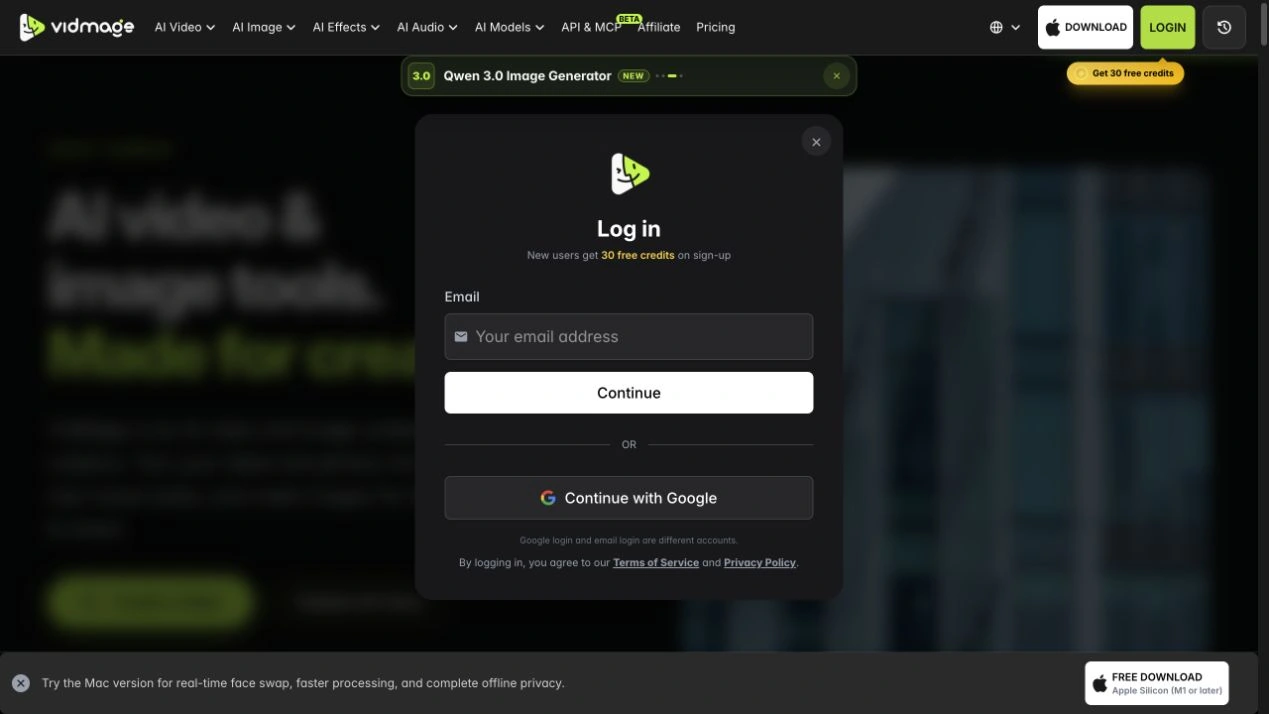
Choose your login method
With Google: select Continue with Google and follow the Google sign-in prompts.
With email: enter your email address, select Continue, and follow the next instructions shown by VidMage.
Check your account
After signing in, select your profile avatar to open your account page. Check the account details and credit balance before subscribing or purchasing credits.
If you already have a subscription but cannot find it, first return to the login method you used when you paid.
Keep access to your account
Keep access to the email address or Google account you use for VidMage. On a shared device, use Log out on your account page when you finish.
If you cannot get back in, read the sign-in troubleshooting steps below.
Troubleshoot sign-in
If you cannot find your account, credits, or subscription, check that you used the same login method as before. Email login and Google login are different VidMage accounts, even when the email address is the same.
Check the Google account you selected
If you use Continue with Google, make sure you choose the Google account you used before. A different Google account can lead to a different VidMage account.
If the problem is access to Google itself, follow Google's account recovery process, then return to VidMage.
Follow the email login prompts
If you originally used email, enter that address in the Email field and select Continue. Follow the instructions that appear. Check the spelling of the address before continuing.
Use the login screen's current instructions for any verification or recovery step.
Ask for account help
If the correct method still does not restore access, contact [email protected]. Explain which method you used and what happened.
For a missing purchase, include the purchase date and receipt reference if available. Never send a password, sign-in verification code, or full payment card number.